


If you plan to earn commission from Pins, the first questions are whether Pinterest allows it and what it expects from you. This guide answers them using Pinterest’s own policy pages and the FTC’s disclosure guidance. It sits inside our wider map of ways to earn money on Pinterest (opens in a new tab), and the order of work for a beginner is in the beginner guide to affiliate marketing (opens in a new tab).
Are affiliate links allowed on Pinterest?
Yes. Pinterest’s creator page says you can tag Pins using affiliate links to earn commission when people click through and shop. It also says you first need to join an affiliate program, that Pinterest is not part of the affiliate agreements, and that Pinterest does not facilitate payment for affiliate links.
Where the rules sit matters. Pinterest’s Community Guidelines, the general rulebook, do not use the word affiliate. Their spam section covers content made to make money, so it applies. The word appears in the separate Commercial and Branded Content Guidelines, which have an affiliate section. That page was last updated in April 2025, while the Community Guidelines were last updated in May 2026, with a new version effective on 12 November 2026. Read both.
What do Pinterest’s affiliate guidelines ask for?
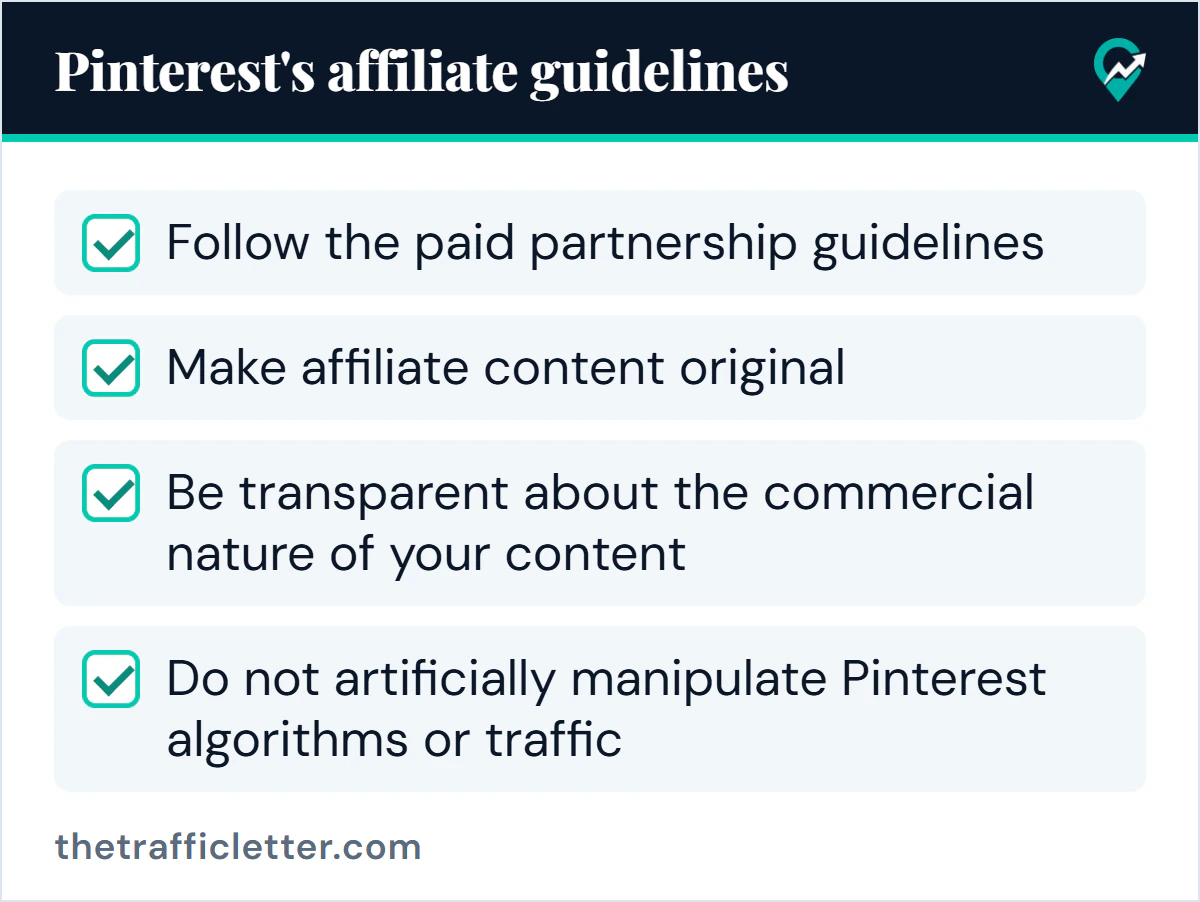
Pinterest says affiliate links help creators measure the impact of their work and get paid, and that affiliate programs can be targeted by spammers. Its guidelines for affiliates are:
- Follow the paid partnership guidelines.
- In general, operate only one Pinterest account, which should be your authentic presence.
- Make affiliate content original, adding unique value for Pinners.
- Be transparent about the commercial nature of your content and about your links and their behavior.
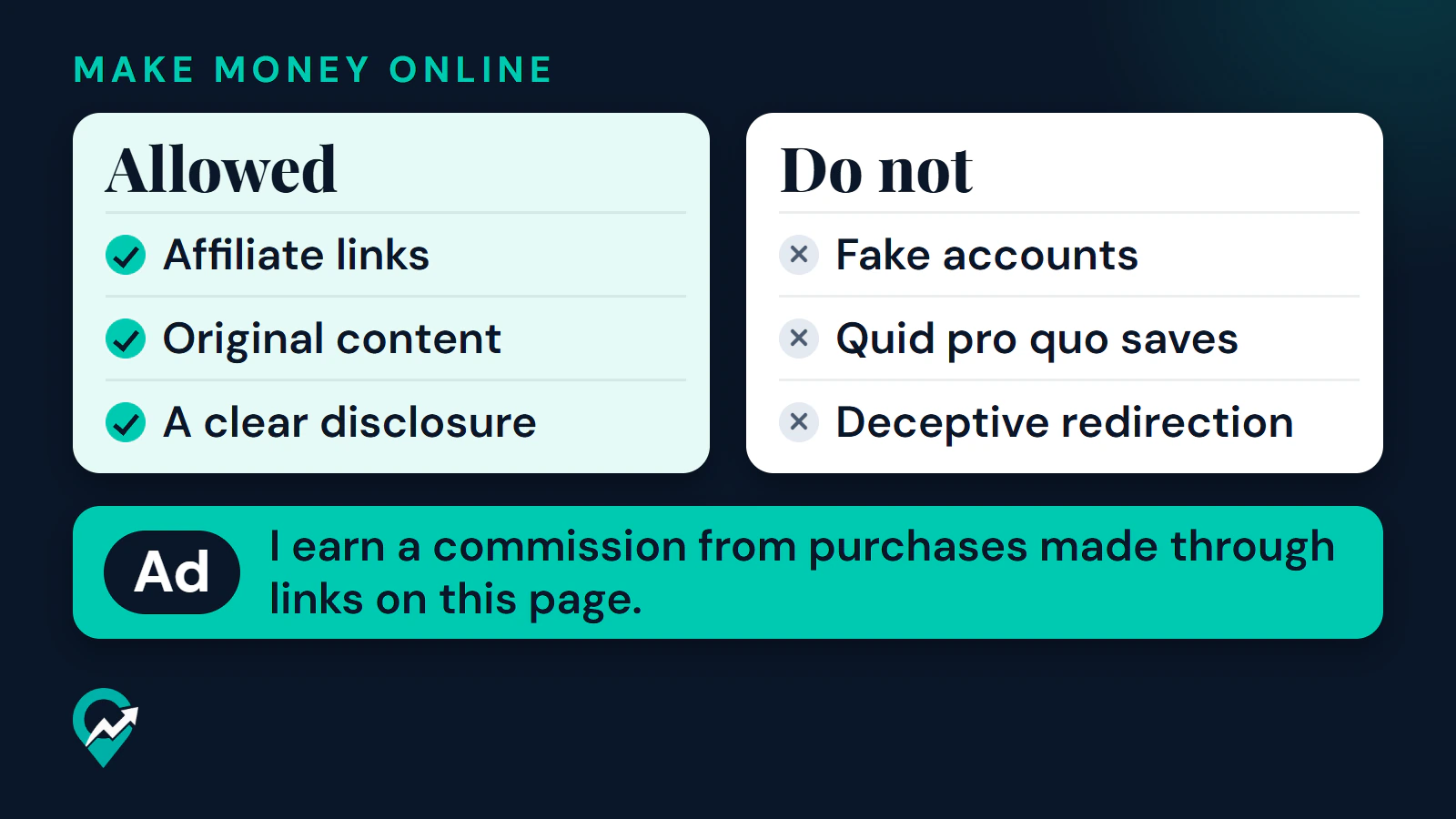
- Do not artificially manipulate Pinterest algorithms or traffic. Pinterest’s examples are fake accounts, quid pro quo saves, asking others to create Pins that use your affiliate identifier, and creating affiliate Pins repetitively or in large volumes.
Pinterest also tells marketers to follow its spam policy and use affiliate links in moderation.
Can you tag Pins with affiliate links, and where is it available?
Pinterest’s creator page describes tagging Pins with affiliate links. A Pinterest newsroom post dated 11 May 2023 said product tagging with affiliate links was available for the US and the UK. That post is old, and the current help page on tagging products, read for this guide, covers tagging your own or other merchants’ products without mentioning affiliate links or listing countries.
So the position is this: availability has varied by country, so check your account. No path to an affiliate tag is given here because none was confirmed on a current official page. If your account offers the feature, follow the steps Pinterest shows there. If it does not, the link field on your Pin is the documented alternative, covered below.
Should a Pin link to your page or straight to a merchant?
Pinterest documents that a Pin can carry a link to your website. The creator page says the field is on the Finishing touches editing page and that outbound clicks on the link appear in your Pin stats.
What Pinterest documents about affiliate destinations is general, not specific to either choice:
- Affiliate content should be original and add unique value.
- Websites linked from Pins should have original content that adds unique value, and people should have a reasonable expectation of where a link leads.
- Excessive or deceptive redirection may be blocked, and some shortener services are not supported. If a Pin’s link is blocked, you can edit it.
The pages read do not say whether linking a Pin directly to a merchant’s affiliate link is accepted or discouraged, so no rule is stated here. What follows is this guide’s advice, not Pinterest guidance. Sending the Pin to your own page gives you a place to add real content and a clear disclosure beside the link, which matches what the guidelines ask for. A Pin that goes straight to a merchant has only the Pin itself to carry the disclosure and the value. Whichever you choose, use links that go where they say, and open each one to see where it lands.
How do you disclose an affiliate relationship?
Pinterest’s paid partnership guidelines ask for a clear disclosure of the commercial nature of your content, such as #ad, or the label applied with Pinterest’s paid partnership tool. Pinterest’s affiliate guidelines tell you to follow them. In the Pinterest app, the tool is under Advanced settings when you create a Pin, as Add paid partnership label. Pinterest’s help page says a label cannot be added after a Pin is published, and that if a brand partner is not on Pinterest you can still use the label.
The Pinterest pages read for this guide do not say that the label is the right choice for every affiliate Pin, so the hashtag or plain wording in the description is the part you can control.
The FTC’s guidance adds how a disclosure should look. Its influencer brochure says to disclose any material connection, which includes a financial relationship, and to place the disclosure with the endorsement where it is hard to miss. It names simple terms such as “ad” and “sponsored” and says not to rely on a platform’s own tool alone. The brochure does not use the word affiliate, but the FTC’s separate question and answer page does. It says you should disclose an affiliate relationship clearly and conspicuously, with an example such as “I get commissions for purchases made through links in this post”, and that the closer the disclosure is to the recommendation, the better.
This is general information, not legal advice. Read the FTC pages listed in the sources for the full wording.
Where does the disclosure go?
- In the Pin description. Put it in the opening words, in plain language, so it does not depend on someone expanding the text. The FTC says disclosures are likely to be missed at the end of posts or where a click is needed to see them. For how Pin text is written, see writing Pin text for search (opens in a new tab).
- On the destination page. Put it next to the recommendation or the link, not only in a footer or an about page. The FTC says a single disclosure can be adequate when the reader sees both the review with the disclosure and the link at the same time.
- Not in a hashtag pile. The FTC advises against mixing a disclosure into a group of hashtags or links.
Example wording, not a legal template: “Ad: I earn a commission from purchases made through links on this page.”
Your affiliate program may ask for its own wording as well. Our overview of affiliate program terms (opens in a new tab) quotes the sentence Amazon Associates asks for.
A disclosure should not push out the keywords the description needs to be found. Pinterest SEO and keyword placement (opens in a new tab) covers where those words go.