How to Make Money With Pinterest: The Real Options
An honest map of how to make money with Pinterest: affiliate links, paid partnerships, your own products and blog traffic, with what Pinterest documents and what it does not.
A step-by-step system for bloggers: set up the account, claim your site, name your boards, design Pins, publish steadily and read your analytics.
An honest map of how to make money with Pinterest: affiliate links, paid partnerships, your own products and blog traffic, with what Pinterest documents and what it does not.
A practical workflow for bloggers who want to make Pins faster with AI: what to generate, what to keep human, the 2:3 format, a reusable template and Pinterest's own rules on AI content.
How Pinterest search works according to Pinterest's own pages, where to place keywords, how to find them, and which advice is documented versus common practice.
How followers join a private Pinterest profile: the unique invite link Pinterest describes, its limits, the steps on a computer and in the app, and how to check who joined.
How to remove followers on Pinterest from the Followers list on a computer or in the app, and when to block someone or make your profile private instead.
How to see your followers on Pinterest on a computer or in the app, what the follower count includes, and where to see the people and boards you follow.
New practical guides on Pinterest marketing, SEO and AI tools.
Free, no spam.
Blog post ideas for bloggers: find them in your Search Console queries, Pinterest Trends, Google Trends and your own posts, then pick the ones your readers search for.
How many blog posts do you need to get traffic? The Google pages read give no number of posts. Here is what they say about new content, crawling time and how to plan your first posts.
Pinterest Pin size for bloggers: the 2:3 ratio and 1000 x 1500 pixels Pinterest recommends, the other ratios it accepts, file types and sizes, and how to set the ratio when you create a Pin.
Does blogging make money? How display ads, affiliate links, sponsored posts and your own products pay a blog, and the traffic and content rules each program sets first.
How to start a blog that can make money: a niche, a platform you control, the pages programs look for, helpful posts, readers, then affiliate links, AdSense and ad networks.
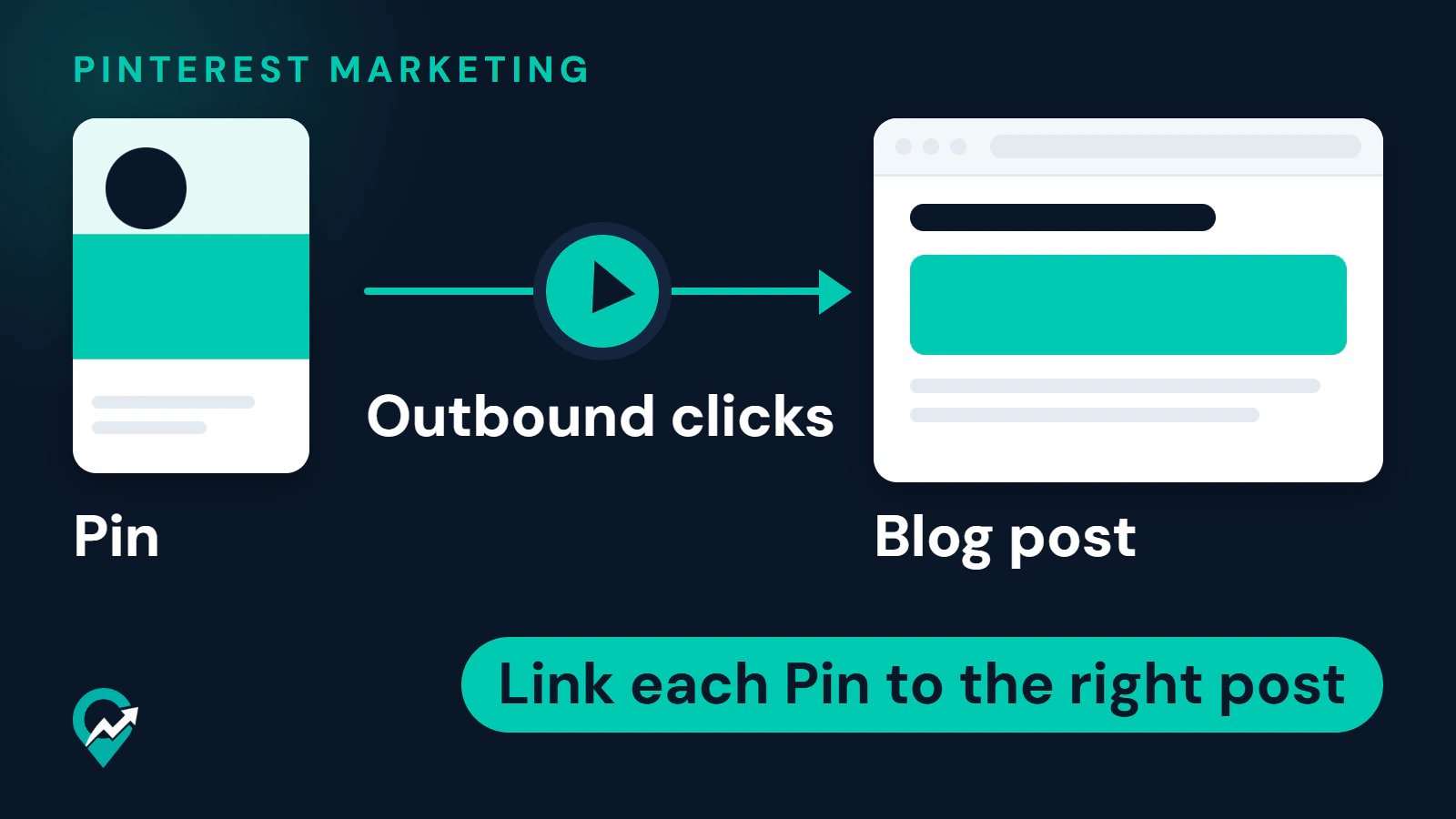
How to use Pinterest for a small business: a business account, a claimed website, Pins that link to your site, Pins published from your feed and the analytics to read.
Pinterest video Pins for bloggers: the size and length Pinterest recommends, the upload steps on desktop and in the app, and the tips Pinterest gives for the hook, cover and text.
Affiliate marketing for bloggers: how an affiliate link earns a commission, where to join, how to disclose it, how to mark the link and how to write affiliate posts that add value.
Affiliate marketing for food bloggers: where affiliate links fit in a recipe post, which programs suit kitchen tools and ingredients, and the disclosure, price and review rules to follow.
Affiliate marketing programs for bloggers compared: Amazon Associates, the Etsy Affiliates Program, the Shopify Affiliate Program and the networks Awin, CJ, Rakuten Advertising and impact.com.
The Pinterest banner is the profile cover of a business account: the size Pinterest asks for, what to put on it as a blogger and the steps to add it on desktop and in the app.
How Pinterest group boards work: invite collaborators, choose what they can do, request to join someone else's board and leave or remove people, with the steps from Pinterest's help pages.
What Pinterest rich Pins are, the three types, an article rich Pin example for a blog post, and how to enable rich Pins with Open Graph or Schema.org tags, from Pinterest's pages.
Pinterest for SEO, from Google's and Pinterest's own pages: what Pins do for your blog, what Google says about promotion and links, and the work that serves both searches.
An SEO content strategy for a blog, built from Google's own guides: pick the audience, list reader searches, plan one post per question, then link, measure and update.
SEO for a travel blog from Google's own guides: first-hand experience, your own photos with good alt text, honest destination reviews, labelled affiliate links and posts kept up to date.
An AI prompt for human writing gives the assistant your reader, your purpose, samples of your own writing and the style you want, then leaves the facts and the final edit to you.
ChatGPT for bloggers: the blog tasks an AI assistant can help with, the prompts to start from, and what Google's guidance asks you to check, disclose and add yourself.
How to make your Pinterest profile public or private on a computer or in the app, with the Profile visibility setting, the search privacy switch and the cases where you cannot change it.
How to share your Pinterest profile: send it on Pinterest, copy the profile link for your blog or newsletter, invite people to a private profile and download a Pincode.
Pinterest Pin ideas for a blog: the four formats Pinterest suggests for a first Pin, image, video and collage Pins, and how to turn one post into several ideas.
Seeing "this profile is not available" on Pinterest? The situations Pinterest's help pages describe where a profile cannot be seen, and what to check for yours.
Change your Pinterest profile picture on a computer or in the app, for a personal or a business account, with the steps from Pinterest's help page and tips for a blog.
Delete a Pinterest board on a computer or in the app, restore it within seven days, or archive or merge it instead, with the steps from Pinterest's help pages.
Share a Pinterest board with people on Pinterest, by link, on a social network, as a board video or with collaborators, with the steps from Pinterest's help pages.
What a Pinterest board is and how to create one on a computer, in the app, while saving a Pin or on a business account, with the options on the form and what to set right after.
Make a secret board on Pinterest when you create it, or make an existing board private later: the steps on a computer and in the app, and what a private board hides.
Remove a Pin from a Pinterest board by deleting it or moving it to another board, one at a time or in bulk, with the steps from Pinterest's help pages.
Delete your Pinterest account for good or deactivate it for a pause: the steps on desktop and in the app, the 7 days to change your mind, and what a blogger should check first.
How to generate income from a blog with display ads, affiliate links, sponsored posts and your own products, with the entry rules of AdSense, Mediavine, Ezoic and Amazon Associates.
Pinterest profile ideas for bloggers, field by field: profile picture, name, username, About text, website, profile cover and boards, with the rules Pinterest's help pages give.
Why Pinterest search can stop working and what to try, in order: the general troubleshooting steps from Pinterest's help center and the limits of each search feature.
Search Pinterest content without logging in: Google's site: operator, URL prefixes for one profile, profile web addresses, and what stays out of these results.
How to clear your recent search history on Pinterest on desktop and in the app, and the related settings for recommendations, personalization and search privacy.
How to reverse image search on Pinterest with Lens on desktop and in the app, how to search inside a Pin with visual search, and how to look for where an image appears.
What the Pinterest Trends tool shows, how to open it from a business account, how to compare keywords and read the graph, and how to plan blog posts and Pins with it.
How do you search on Pinterest? Where the search bar is on desktop and in the app, how guides and content type filters narrow results, and how to search with a Pin, Lens or your voice.
How to get traffic to your blog from Google Search, Google Discover and Pinterest, in seven steps taken from Google's and Pinterest's own pages, with how long it takes and how to measure it.
How to search for someone on Pinterest by name or username, on desktop and in the app, how to open a profile from its web address, and why some people do not show up.
You can report an AI Pin on Pinterest when it breaks the Community Guidelines. For AI Pins that only clutter your feed, the see fewer option and your settings fit better.
Pinterest has two AI assistants: Pinterest Assistant for shopping and ideas, in beta on iPhone in the US, and Business Assistant for advertisers in Ads Manager.
Why is there so much AI on Pinterest? What Pinterest's own pages say about AI content, the categories most affected, the labels and the controls you can use.
Does Pinterest use AI? Yes: Pinterest's help pages describe AI in recommendations, moderation, ads and support tools, the AI modified label and the controls viewers have.
How long should a blog post be for SEO? Google says length alone does not matter for ranking. Here is how to size a post by the question it answers, and when to cut.
How to turn off AI on Pinterest: the Show AI content toggle in Refine your recommendations, the see fewer option on a Pin and the Less AI button in search, step by step.
Blog commenting SEO from Google's own pages: why optimized comment links count as link spam, how to comment usefully, and how to set up comments on your own blog.
Does a blog help SEO? What Google's pages say about how blog posts get found, linked and ranked, the warning signs Google lists, and how to check that yours does.
Guest blog SEO from Google's own pages: when a guest post is fine, which guest post links count as link spam, how to mark a paid placement, and how to vet guest posts on your blog.
Blog writing for SEO from Google's own guides: plan one post per search, then write the title, headings, links, alt text and meta description for readers first.
Does Pinterest affiliate marketing work? What Pinterest's own pages allow, what they ask of affiliate Pins, where the method breaks and how to test it on your account.
What makes a blog template SEO friendly, from Google Search Central: what the theme must output on every post, a post outline to copy and how to test a theme.
Affiliate programs for Pinterest compared from their own pages: Amazon Associates, Etsy and networks such as Awin, with the terms to check before your first affiliate Pin.
How to use Pinterest for Amazon affiliate marketing within Amazon's own rules: the Sites Amazon accepts, the disclosure it requires and a Pin to post route.
How the Etsy affiliate program works for a blogger who gets traffic from Pinterest: Affiliates or Creator Collective, cookie periods, payment through Rakuten and Pin rules.
How to choose a niche for Pinterest affiliate marketing: the topics Pinterest's own pages feature, the ones its rules restrict, and how to test a niche in Pinterest Trends.
Pinterest affiliate marketing examples built on the four Pin formats Pinterest Create describes, with sample titles and descriptions and how to create each affiliate Pin.
How to do Pinterest affiliate marketing without a blog: what Pinterest's pages say about links, product tags and disclosure, and how to make the Pin carry the value.
The Pinterest keyword tools a blogger can use today, from Pinterest search to Pinterest Trends, plus two Google tools for the post, with what each one shows.
What the AI modified label on a Pin means, the three ways a Pin gets it, how to mark your own Pins, how to appeal a label and how viewers can see fewer AI Pins.
What Pinterest's pages say about hashtags, how they differ from topic tags, the #ad disclosure example, and how to write a description that gets found.
What Pinterest's copyright pages and terms say about reusing images found on Pinterest, the safe ways to show images and Pins on your site, and what to do if someone copies yours.
The ways to earn with Pinterest without showing your face, who pays you on each route, and the Pinterest rules that still apply to a faceless account.
Whether you can have more than one Pinterest account, the different-email rule, how to add and switch accounts, and the spam rule that decides when a second account is a problem.
What Pinterest means by a suspended account, the reasons it lists, the appeal paths it documents, what it does not promise, and what to avoid while you wait.
The Pinterest marketing tools a blogger needs, sorted by job: Pinterest's own free tools first, then multi-network schedulers, AI assistants and site analytics, with the rules on approved automation.
What a Pinterest virtual assistant or Pinterest manager does, the Pinterest features the work runs on, and how a client gives you access without sharing a password.
No network publishes a RPM that counts as good. Learn what page RPM and session RPM mean from official pages, how to calculate yours and what moves it: traffic origin, season, ad layout and speed.
What you can and cannot see about who views your Pinterest profile or Pins, what Pinterest Analytics and Audience insights show instead, and the privacy context from Pinterest's policy.
Ezoic requirements from Ezoic's own pages: the monthly active users rule, the 19 February 2026 date, the Incubator program, how to check your numbers and what to do below the level.
Where Pinterest Analytics lives, what each report answers, which metrics matter for blog traffic, a monthly review routine and how to check outbound clicks against Google Analytics sessions.
What Pinterest says an impression is, how impressions differ from outbound clicks and audience, why they rise and fall according to Pinterest, and what to check when they drop.
What Pinterest says about monthly views, where it appears, why it is not traffic to your blog, and how to turn views into outbound clicks.
Raptive's eligibility from its Help Center: pageviews, traffic share by country and domain age, how to check each in Google Analytics, how the application works and what to do if you are not eligible.
Compare the entry requirements of Mediavine, Journey, Ezoic, Google AdSense and Monumetric from their own pages, with the date of each, and learn what to fix before you apply.
Pinterest publishes no best day or hour to post. This guide covers what it does say about timing and shows how to test your own schedule in Pinterest Analytics.
Pinterest advises fresh content every week and gives no number of Pins per day. Learn what counts as a fresh Pin and how to set a rhythm you can keep and check.
What followers do and do not change on Pinterest, and how to earn them with a clear profile, focused boards, fresh Pins and replies, without the shortcuts Pinterest bans.
Grow on Pinterest in the order Pinterest's own guidance suggests: search-ready profile, keywords, boards, fresh Pins, saves, then analytics. Each step links to a deeper guide.
Schedule Pins with Pinterest's own scheduler, a CSV upload or an RSS feed, using the limits Pinterest publishes, and see when a third-party scheduler is worth adding.
What Journey by Mediavine is, its official requirements as of October 2026, how it differs from the main Mediavine program, how to apply and how a site moves up later.
Mediavine's current requirements, what each one means, how to check your own numbers in Google Analytics, how the application works and what to do if you are not there yet.
Write the About text of your Pinterest profile within the 500 character limit: what it does for search and for visitors, a simple formula, examples and prompts.
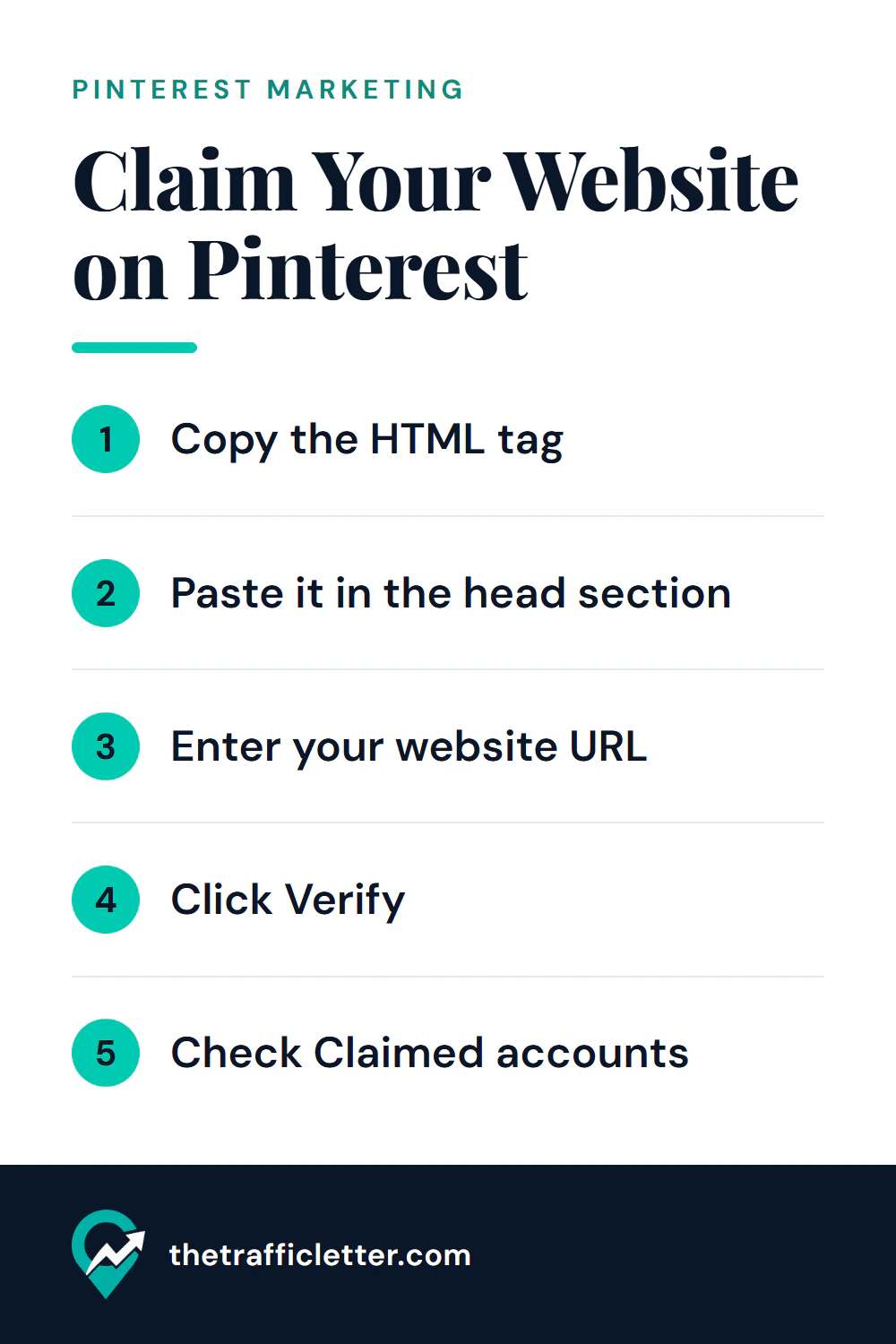
Claim your website on Pinterest with an HTML tag, an HTML file, a TXT record or Google Merchant Center, see where the tag goes on WordPress, Shopify, Wix or Squarespace, and fix a failed claim.
Yes, a Pinterest business account is free. What it adds over a personal account according to Pinterest, what stays the same when you switch, and a checklist to decide.
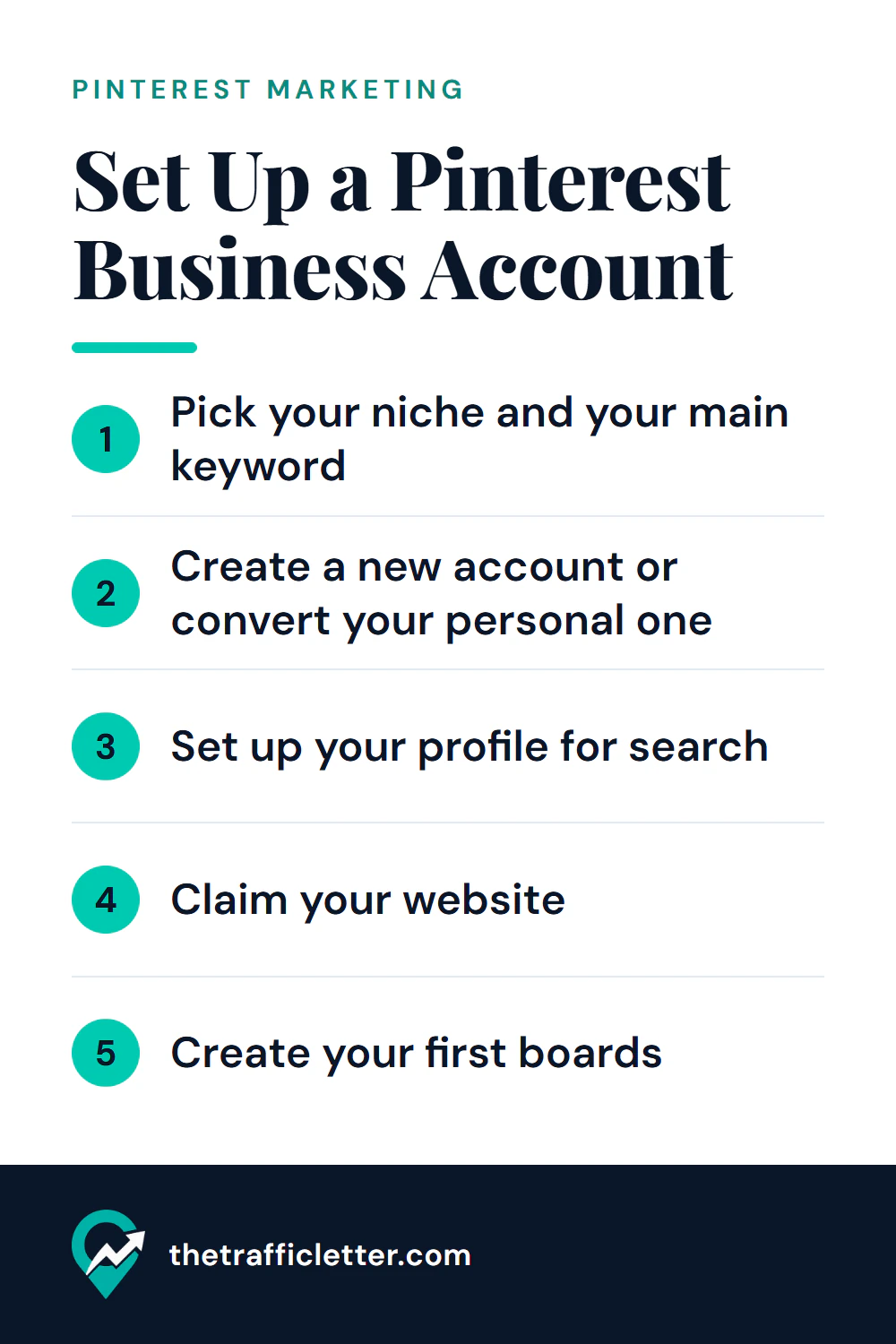
Create or convert a free Pinterest business account with Pinterest's own steps, then write the name, username, About text and first boards so people find you in search.
What Pinterest says about affiliate links, product tagging, linking to your own page versus a merchant, and how and where to disclose an affiliate relationship.
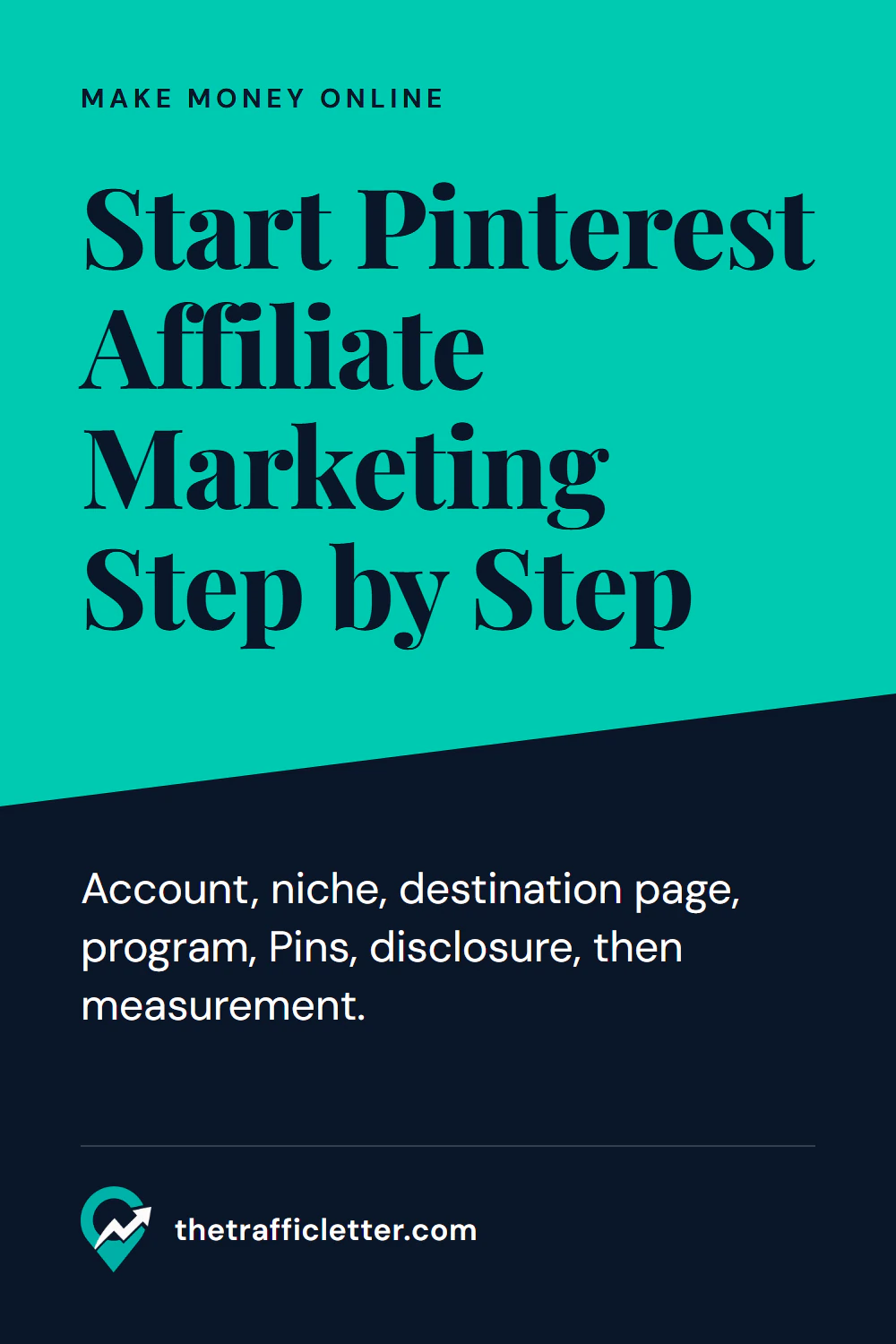
The order of steps for Pinterest affiliate marketing as a beginner: account, niche, destination page, program, Pins, disclosure and measurement, plus mistakes to avoid.
Where AI helps a Pinterest workflow, where it does not, and what Pinterest documents about AI content, labels and its own AI tools, with facts and opinion kept apart.
Copy-ready ChatGPT prompts for Pin titles, Pin descriptions, board names and board descriptions, with what to feed in and how to check and edit the output.
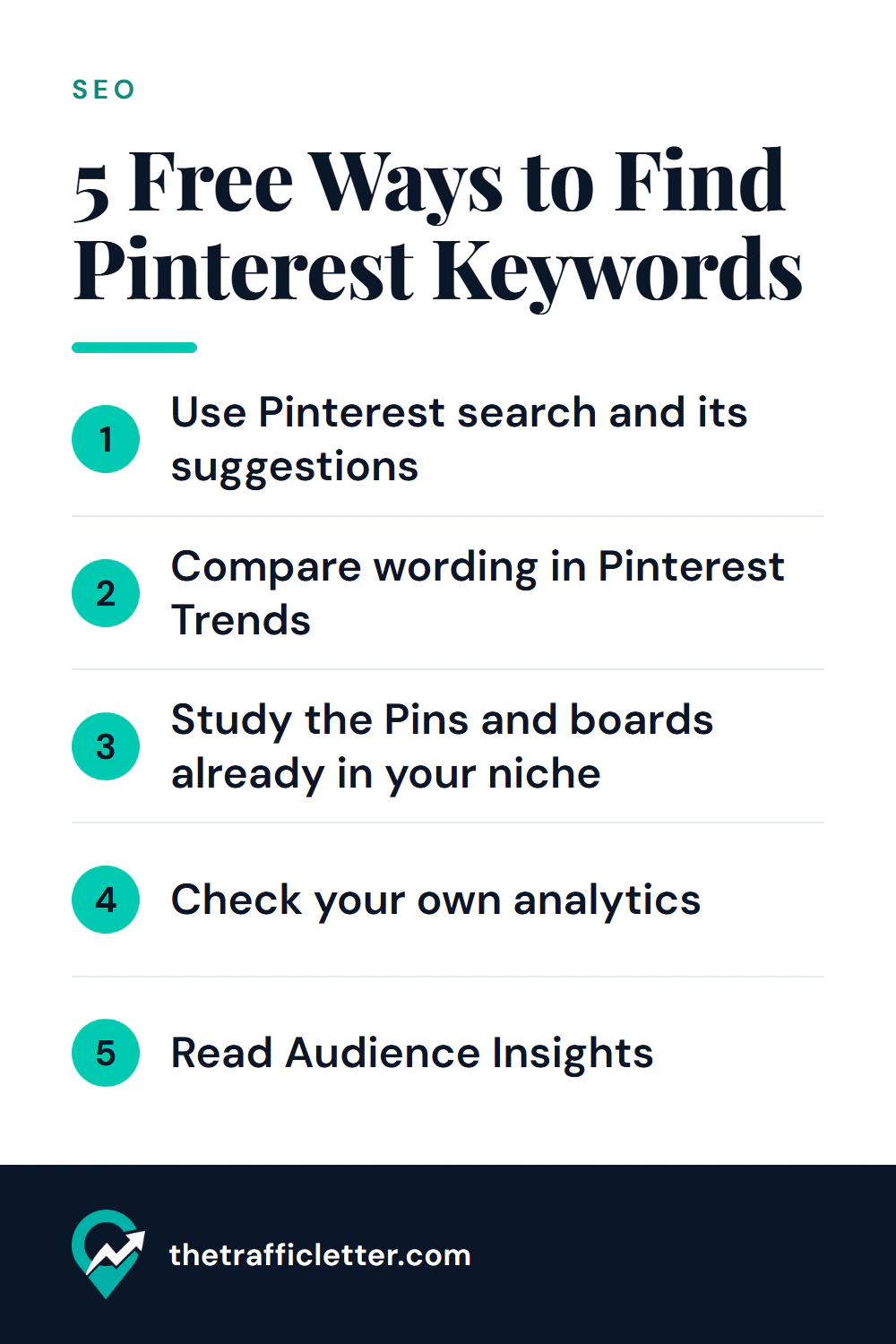
Five free methods that use only Pinterest's own features to find keywords, plus a simple way to organize them and decide where each one goes.
What a Pin title and description do, a simple writing formula, weak versus strong examples across six niches and the mistakes to avoid.
A step-by-step board structure for bloggers: main boards, sections, ordering, and what to do with old or off-topic boards.
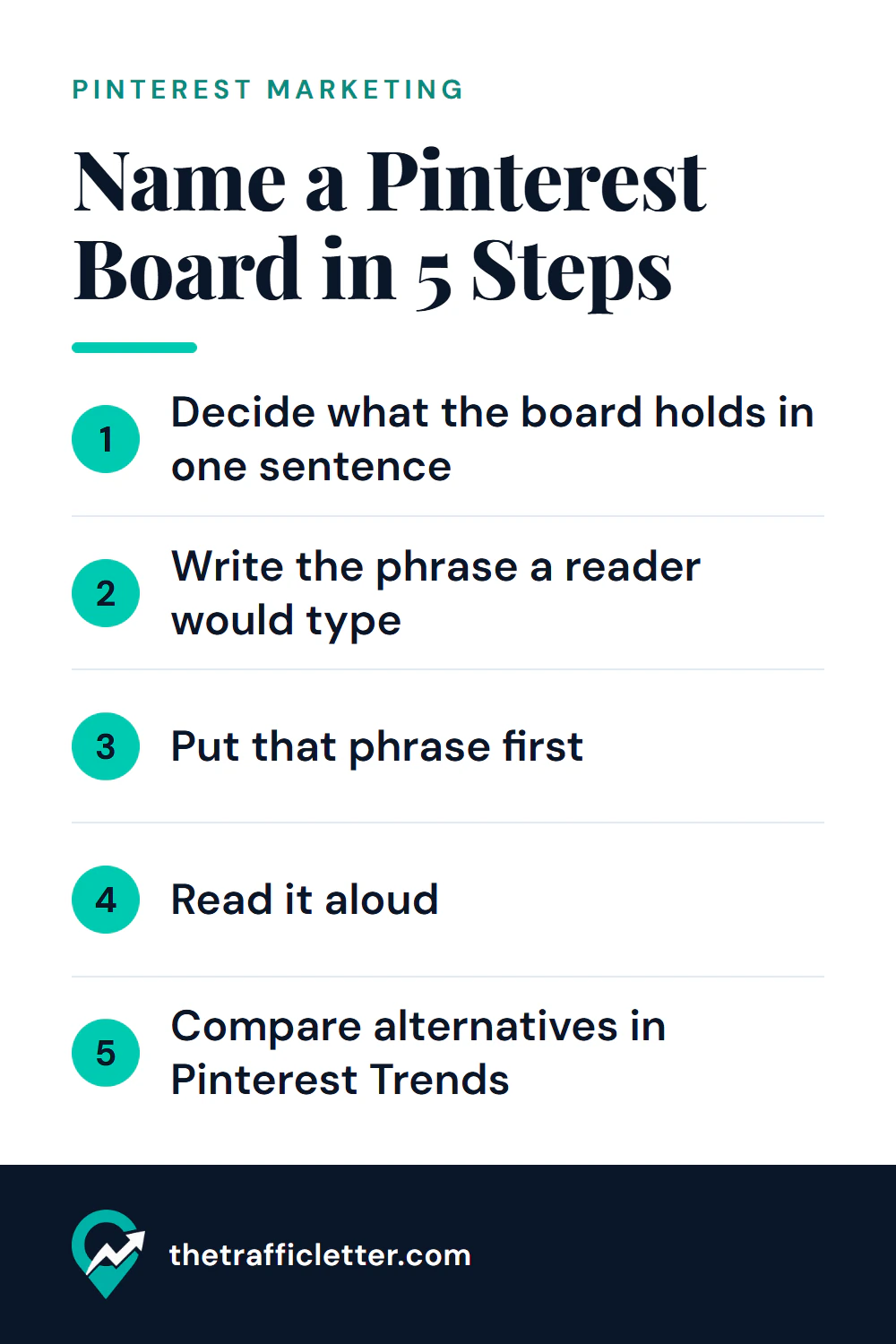
How to name Pinterest boards so people can find them: a simple method, weak versus strong examples for six niches and a board description formula.