

Prompts save time on the part of Pinterest work that is mostly wording: titles, descriptions and board text. They only help if the assistant gets good input and a person reviews what comes back. This page gives copy-ready prompts, says what to feed in, and shows how to check each result. It is one part of our wider workflow for making Pinterest Pins with AI (opens in a new tab), which also covers images and layout.
What should you feed into a prompt?
These inputs make the difference.
- A short summary of your post, in your own words, covering what it explains and who it is for.
- One target phrase, the words a reader would search. Choose it first, using free Pinterest keyword research (opens in a new tab).
- The rules: length, tone and what to avoid.
Pinterest says to always include a Pin title and description that use relevant keywords to give your content context, so the target phrase is the anchor of every prompt below. Replace the words in square brackets with your own.
Prompt for Pin titles
You are helping me write Pinterest Pin titles for a blog post.

Post summary: [two or three sentences about what the post covers]
Target search phrase: [your phrase]
Audience: [who the post is for]

Write 8 title options.
Rules:
- Put the target phrase in the first 40 characters.
- Describe only what the post actually covers.
- Use plain words. No clickbait, no all caps, no exclamation marks, no emojis.
- Do not use em dashes or stock phrases.
How to check it: delete any title that promises more than the post delivers, and keep one. Pinterest’s ad specifications say the first 40 characters of a title are most likely to show, which is why the prompt asks for the phrase early. Its creator guidance also says Pinterest is not a place for clickbait.
Prompt for Pin descriptions
Write a Pinterest Pin description for this blog post.

Post summary: [two or three sentences]
Target search phrase: [your phrase]
What the reader gets: [a checklist, a plan, a recipe, a comparison]

Write 3 versions, each one or two plain sentences.
Rules:
- Use the target phrase once, in a natural sentence.
- Say what the Pin shows and what the reader gets from the post.
- Do not add facts, numbers or results that are not in the summary.
- No hashtags and no keyword lists.
How to check it: compare every claim with the article. If the description says the post covers something it does not, change it. The formula and weak versus strong examples are in our guide to Pinterest pin descriptions (opens in a new tab).
Prompt for board names
Suggest names for a Pinterest board.

What the board will hold: [a plain description of the Pins]
Main search phrase: [your phrase]

Give me 8 names.
Rules:
- Each name reads like a phrase a person would search.
- Be specific and descriptive. No cute wordplay.
- Keep each name short.
- Do not repeat the same words in every name.
How to check it: pick the name that matches what the board really holds. Pinterest advises giving boards clear and descriptive titles, and gives “Easy no-bake dinners” as an example. For the full method, see how to name Pinterest boards (opens in a new tab).
Prompt for board descriptions
Write a Pinterest board description.

Board name: [the name]
What the board holds: [a plain description]
Who it helps: [the audience]

Write 2 versions of two or three plain sentences.
Rules:
- Say what the board holds and who it helps.
- Use the board name's key phrase once.
- Make no promises about results.
- Do not use em dashes or stock phrases.
How to check it: Pinterest says every board should have a proper title and description because people can find boards in search too. Read the description as a visitor would and delete any sentence that does not describe the board.
Weak prompts versus strong prompts
| Weak prompt | Why it fails | Stronger version |
|---|---|---|
| Write a Pinterest title about dinner | No post, no phrase, no audience | Include the summary, the target phrase and who it is for |
| Write a catchy description | “Catchy” invites hype | Ask for plain sentences that say what the reader gets |
| Give me 50 keywords for my Pin | Invites stuffing | Give one phrase and ask for one title |
| Make it SEO optimized | Vague, so the output is generic | State the exact rules for phrase use and length |
How do you avoid generic output?
Generic output usually means generic input. Add something specific from the post, such as the one thing it explains that others skip. Ask for options instead of one answer, then combine the best parts. Run a second pass with a short follow-up such as this one.
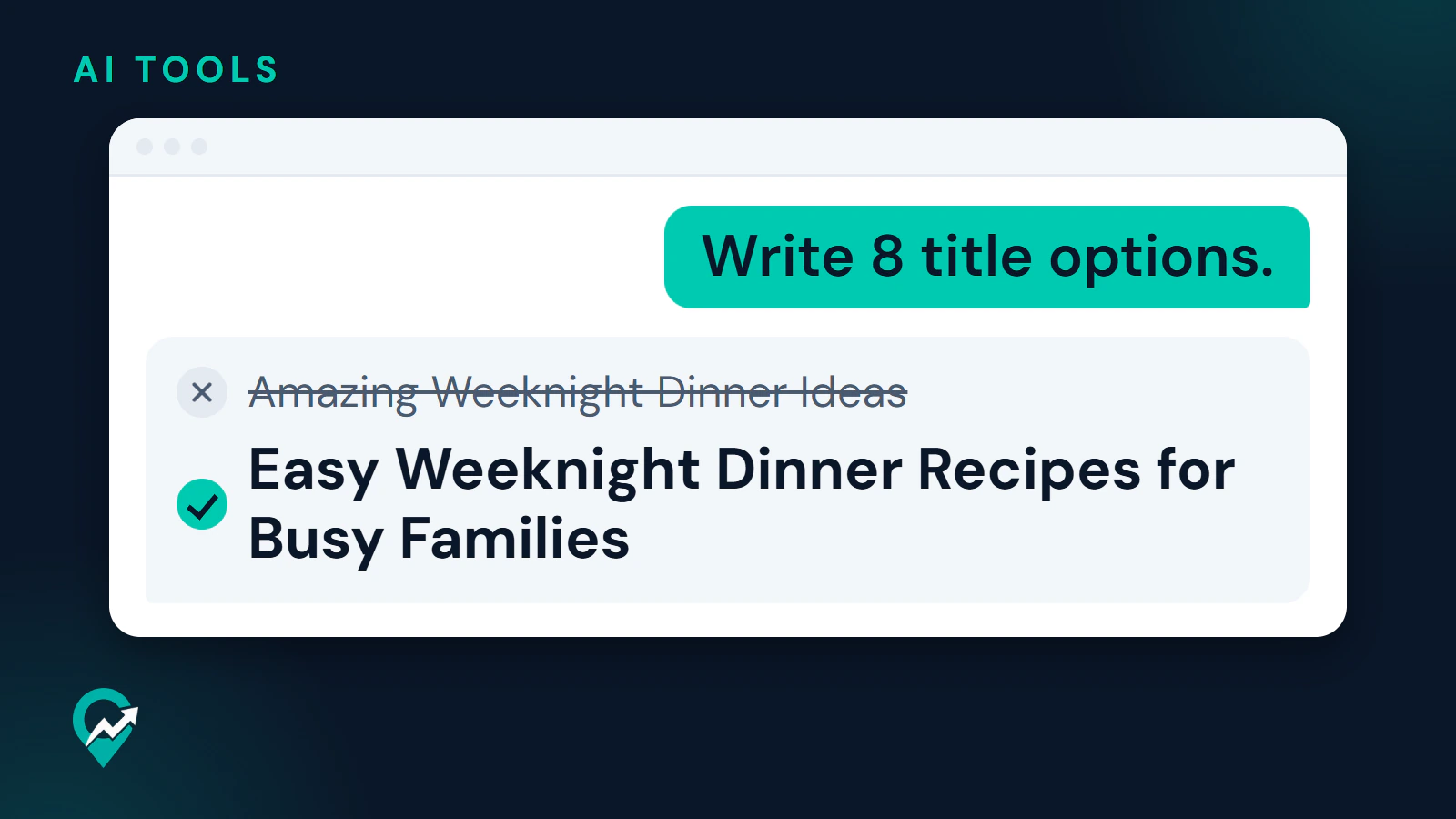
Rewrite option 3 in plainer words. Remove any phrase that could appear on any Pinterest Pin. Keep the target phrase in the first sentence.Then read the result aloud. Text that sounds like a stock phrase to you will sound that way to readers too. In practice, text from an assistant often carries habits such as em dashes, groups of three and phrases like “take your dinners to the next level”. Edit them out. An illustration of the edit: a draft title such as “Amazing Weeknight Dinner Ideas You Need to Try” becomes “Easy Weeknight Dinner Recipes for Busy Families” once you cut the hype and put the topic first. That is a model edit, not a measured result.
What must you check before you publish?
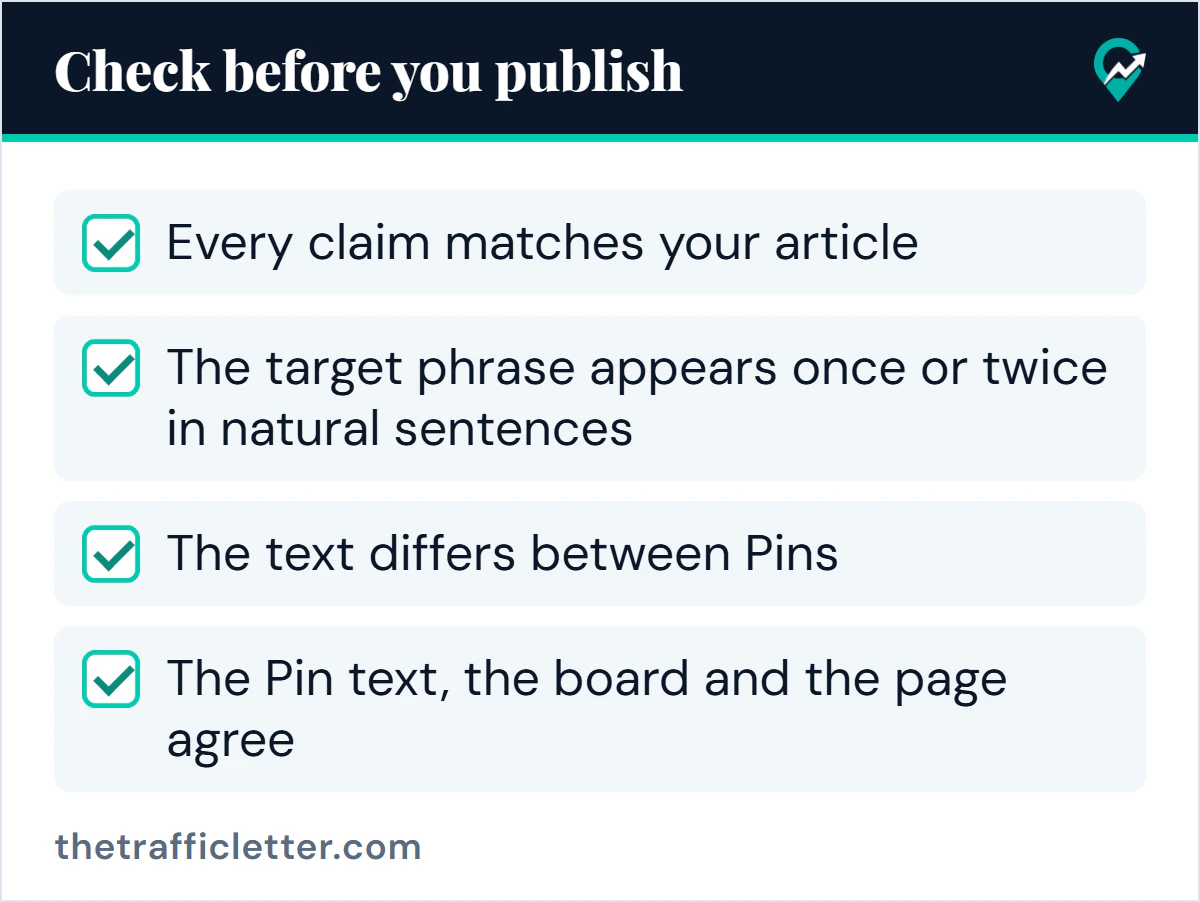
- Every claim matches your article. The assistant does not read your post unless you paste it, and it can state things that are false with confidence. For the limits of AI across the whole workflow, see what AI can and cannot do on Pinterest (opens in a new tab).
- The target phrase appears once or twice in natural sentences, not as a list. Pinterest’s community guidelines name stuffing irrelevant keywords as a tactic that improperly influences distribution.
- The text differs between Pins. The guidelines ask users not to create or save repetitive content to make money.
- The Pin text, the board and the page agree, as our guide to Pinterest search (opens in a new tab) explains.
On AI itself, Pinterest’s AI help page says its Community Guidelines apply to all content, whatever tools created it. The labels described in its help center are for image Pins. The pages read for this guide say nothing about a label or penalty for text written with an assistant, so follow the same quality rules as for any text.
What to do next
Pick one post, write the summary and the target phrase, and run the title prompt and the description prompt once. Edit the best result by hand, check it against the article, and publish the Pin.