

AI is part of how Pinterest itself works, and assistants can draft Pinterest text in seconds. That makes it easy to expect too much from it. This guide separates what AI does well in a Pinterest workflow from what it does badly, and it separates facts Pinterest has documented from opinion. For the hands-on process of building a Pin, see our guide to building a Pin with AI (opens in a new tab). If you are still setting up the basics, the guide to Pinterest traffic basics for blogs (opens in a new tab) comes first.
How does Pinterest itself use AI?
This part is documented. Pinterest’s AI help page says it has long used AI to recommend relevant Pins and ads, to improve content moderation and to increase inclusive representation across its feeds. It says it uses machine learning to recommend ideas across the home feed, search and related feeds.
Pinterest also describes tools that use generative AI. Its help pages list AI support tools, a chatbot and generated answers in help search, and a GenAI transparency tool that checks whether an image was generated or modified using Pinterest’s own GenAI tools. Pinterest notes that the transparency tool may not detect every image made with third-party tools. Restyle, an AI-powered tool in Pinterest Lens, is limited to select accounts on iPhone in the US and Canada and works only for home decor, according to its help page. A Pinterest Business post dated June 29, 2026 describes Business Assistant for advertisers, in closed testing in the US at that time. Availability changes, so check the current help pages before you plan around any of these.
Where does AI help a Pinterest workflow?
This section is practical opinion. It follows one rule: AI produces options, and a person checks them.
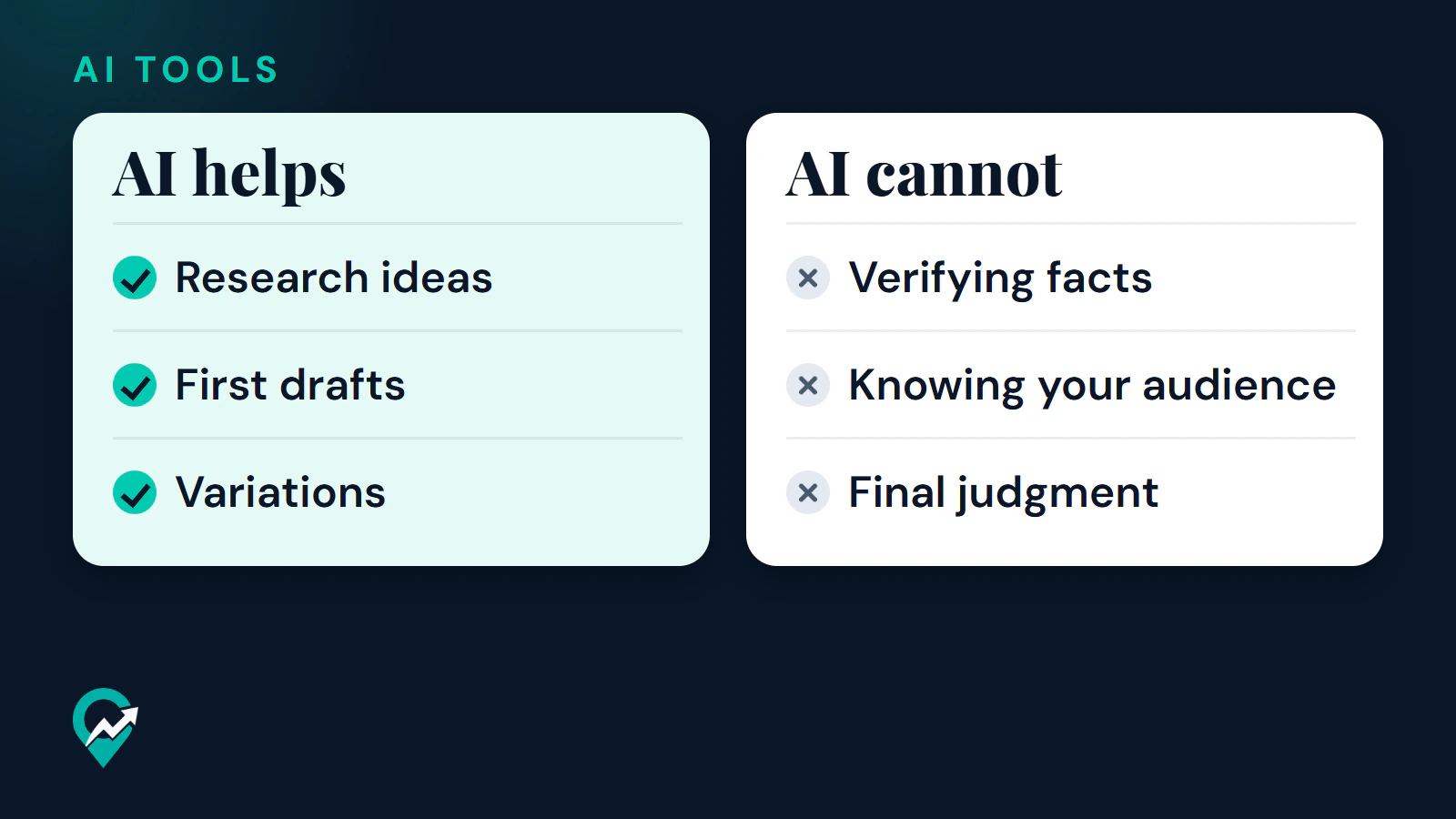
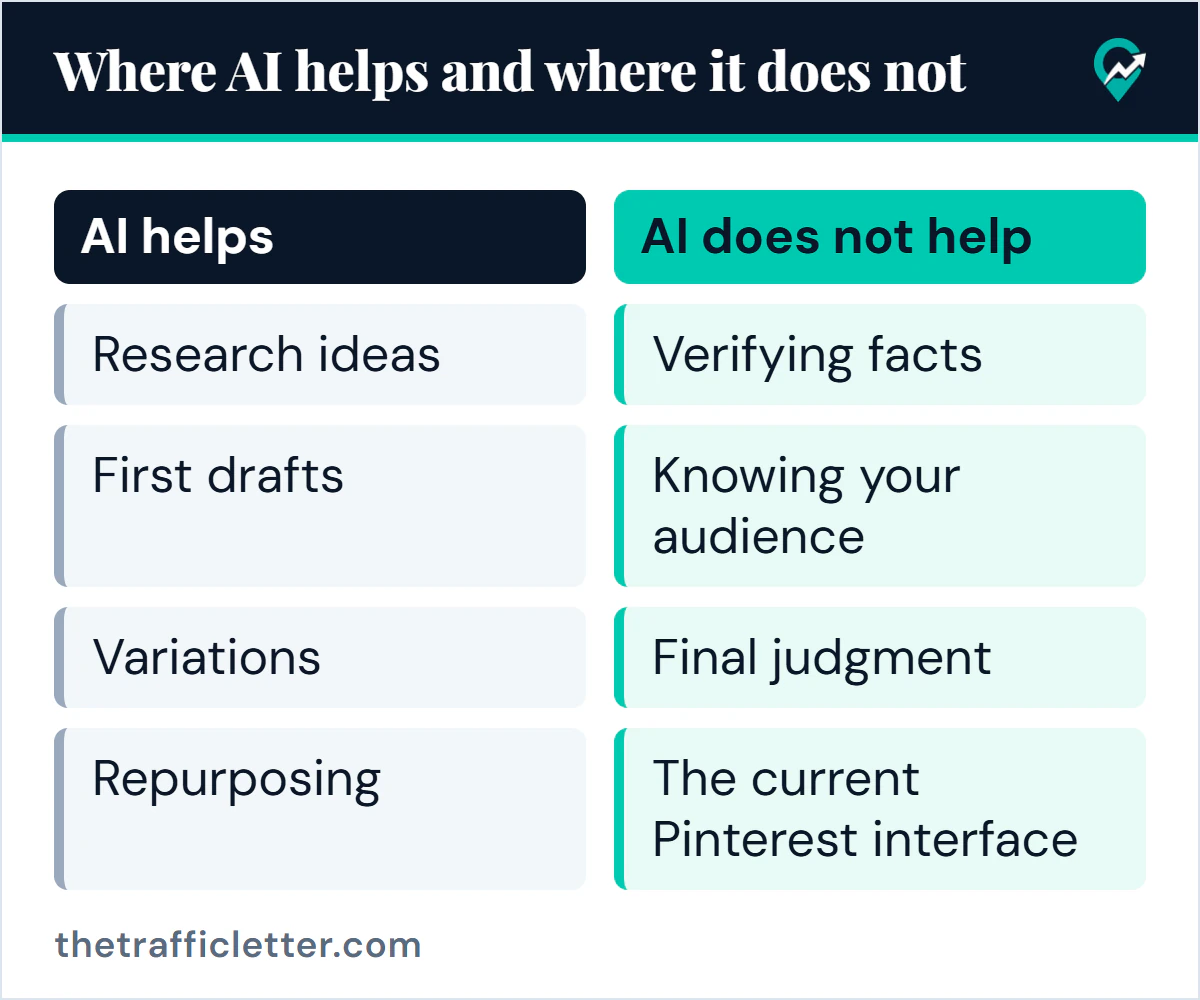
- Research ideas. An assistant can suggest related phrases and angles for a topic. Treat them as hypotheses and test them against real data. Pinterest Trends shows a historic view of search, save and shopping trends, up to two years, across regions, and an assistant does not have that data unless you give it. Our guide to finding Pinterest keywords (opens in a new tab) shows how to check phrases.
- First drafts. Titles and descriptions are short and structured, which suits drafting. The Pinterest pin descriptions guide (opens in a new tab) gives a formula to hold a draft to, and the ChatGPT prompts for Pinterest (opens in a new tab) give copy-ready wording.
- Variations. One post can be shown from several angles, such as a checklist, a mistake to avoid or a comparison. AI can list the angles quickly, and you decide which are real.
- Repurposing. An assistant can summarize a long post into a short brief that you then use to write Pin text or a board description.
Pinterest’s own advice fits this role. It says to fill in every Pin field, including a title and description with relevant keywords, and that quality and relevance matter more than frequency. AI helps you finish those fields faster, but it does not change that standard.
Where does AI not help?
Some of these limits are documented, and the rest are practical.
- Verifying facts. An assistant can state a wrong detail with confidence. Every claim in a Pin or a post needs a check against a real source, and this is your job.
- Knowing your audience. Pinterest Analytics shows what published content resonates most for your account. An assistant cannot see it unless you paste it in, and even then it does not know your readers beyond what you tell it.
- Final judgment. Whether a Pin is accurate and worth publishing is a decision for a person. Pinterest’s guidelines ask users not to create or save repetitive, deceptive or irrelevant content to make money, and they apply to everyone.
- The current Pinterest interface. Pinterest says its AI-powered support tools aim to be helpful but may not always deliver perfect results. Menu names and paths also change over time. Confirm every step on the official help pages, not from an assistant’s memory.
What does Pinterest document about AI content and labels?
These facts come from Pinterest’s own pages, read on October 22, 2026. The full AI Pin workflow (opens in a new tab) in our pillar guide covers them in more detail.
- Pinterest adds an AI modified label, visible in close-up at the bottom left of an image Pin, when its systems detect AI generation or modification in a Pin that is not promoted. It uses metadata and classifiers, and a Pin may also be labelled when the content owner indicated AI use.
- Pinterest offers an appeals route through its support team for labels you believe are wrong, and says its detection is not perfect. Our guide to what the AI modified label means (opens in a new tab) covers the label, the appeal and the viewer controls in detail.
- People can choose to see fewer AI-generated or modified Pins in certain categories. Pinterest’s newsroom listed categories such as art, beauty, fashion, home decor and food and drink.
- The AI help page says the Community Guidelines apply to all content, regardless of how it was created.
- The pages read describe labels for image Pins. They do not mention labels or penalties for text written with an assistant, and they do not say how a label affects reach.
Documented facts and opinion at a glance
| Statement | Type |
|---|---|
| Pinterest labels some AI-generated or AI-modified image Pins | Documented |
| Community Guidelines apply to AI content like any other | Documented |
| Viewers can ask to see fewer AI Pins in some categories | Documented |
| AI support tools may not always deliver perfect results | Documented |
| AI is good at drafting titles and descriptions | Practical opinion |
| AI should not be trusted to verify facts or interface steps | Practical opinion |
| A person should make the final decision on every Pin | Practical opinion |
A simple rule for using AI on Pinterest
Draft with AI, verify against real sources, then decide yourself. If a step cannot be verified, such as an interface path, write less or leave it out. For where to start, the guide to Pin text and search (opens in a new tab) shows which text on a Pin matters most, and that is where a careful AI draft saves the most time.
What to do next
Pick one task you repeat, such as writing Pin descriptions, and use AI only for the first draft. Check each result against the post, publish it, and look at Pinterest Analytics after a few weeks to see whether the Pin earned saves or clicks. For the tools that cover the rest of the workflow, read our list of Pinterest tools sorted by job for bloggers (opens in a new tab).