

Good Pinterest SEO starts with the phrase people actually type. You can find it without paying for anything, using features Pinterest already provides. This guide shows five free methods, then how to organize what you find. If you want the bigger picture first, our Pinterest SEO guide (opens in a new tab) explains where keywords go once you have them.
What does Pinterest say about keyword research?
Pinterest’s own creator guide says you can do keyword research on Pinterest itself by typing ideas into the search tab, and it points creators to the Pinterest Trends tool to see what is popular. Its audience guide adds that people often search for a general idea or phrase and then use suggested results to narrow down. That is the logic behind the methods below: Pinterest search itself shows how people word an idea.
The creator guide is from 2022 and was updated in March 2025. It also mentions a trending topics area in a creator hub on mobile, which this article leaves out because no current help page confirms where to find it.
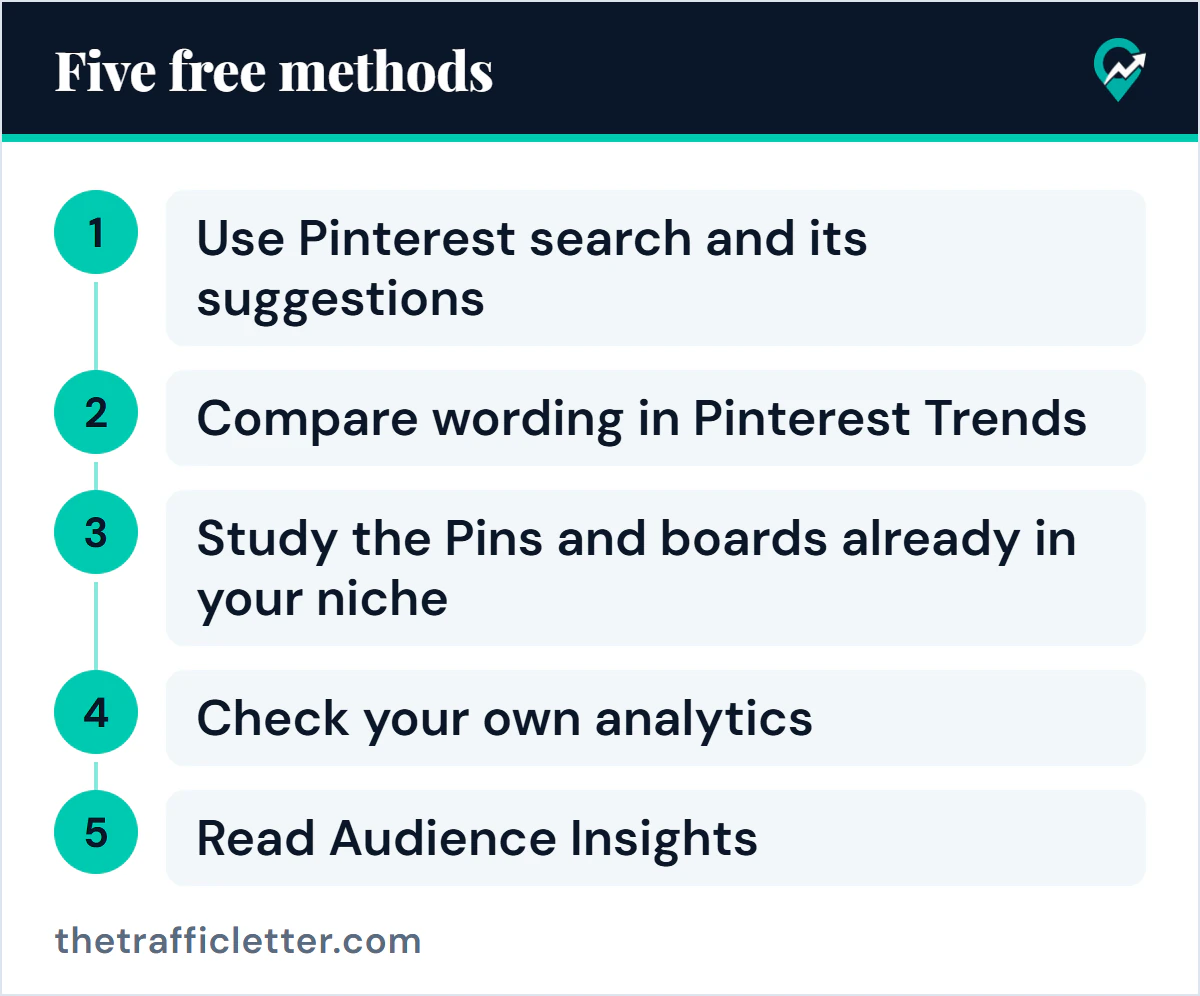
Method 1: Use Pinterest search and its suggestions
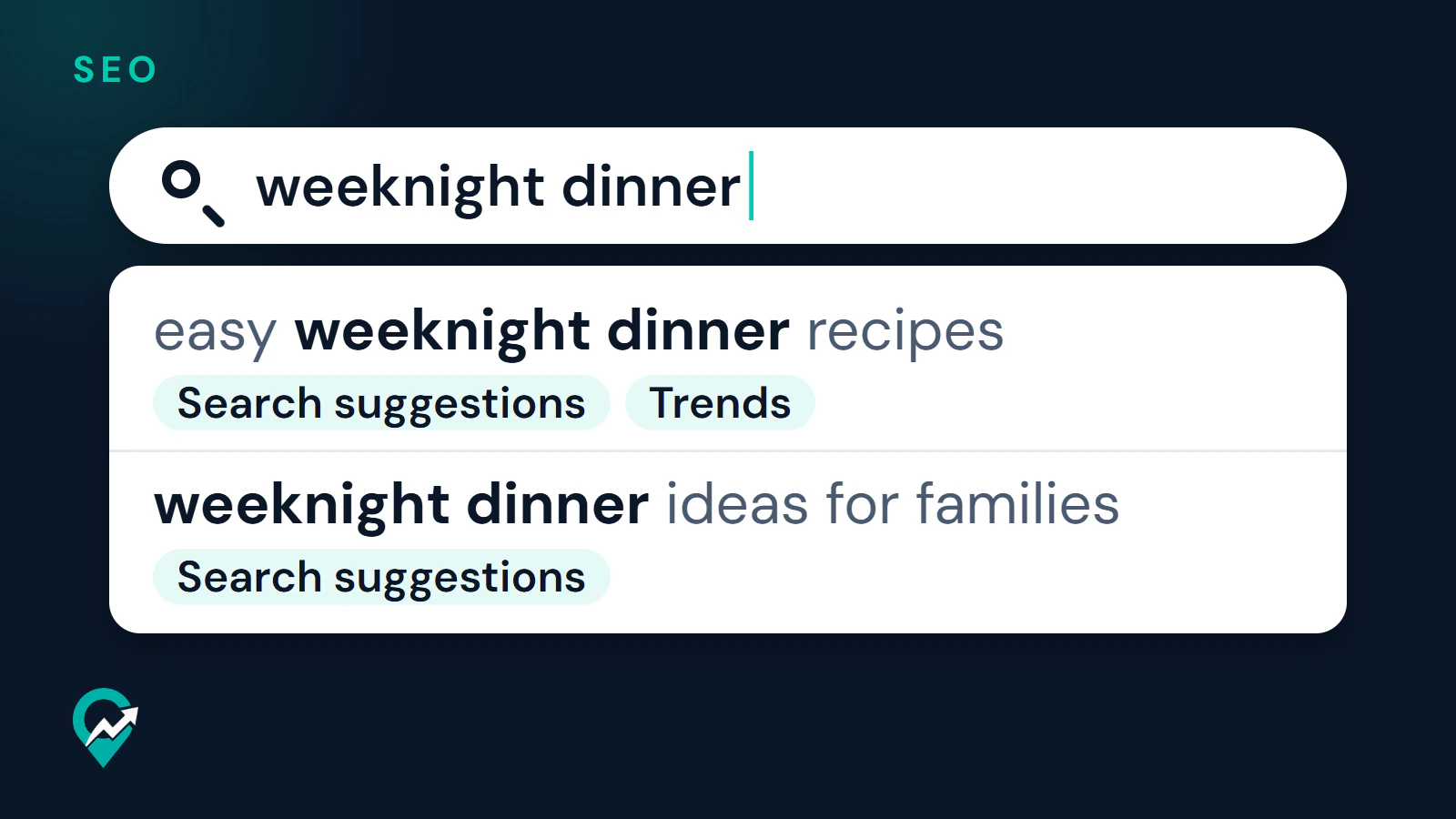
Type each of your main topics into Pinterest search and watch what Pinterest offers as you type and after you search. Write down the phrases that appear, especially longer ones that name an audience, a method or a season. Those qualifiers are what turn a broad topic into a phrase you can win.
The pages read for this guide do not explain how suggestions are generated, so treat them as a view of wording and not as a ranking of demand. Repeat the search for each topic your blog covers.
Method 2: Compare wording in Pinterest Trends
Pinterest Trends needs a business account. Pinterest says a business account is free, and it gives you access to the Pinterest Business Hub and Pinterest Analytics.
On the web, Pinterest’s help page gives this route:
- Log in to your Pinterest business account.
- Click the hamburger icon at the top-left of the page.
- Under Analyze performance, select Pinterest Trends.
- Choose a Region at the top-right.
- Select Search trends, then enter a keyword in the search bar at the top of the page.
On the graph you can pick a Date range, add up to four keywords to compare and open Related trends to add more terms. Demographics below the graph shows age and gender for each keyword, and Popular Pins shows top Pins for the keywords you searched. Pinterest also describes Moments, which show how interest in a seasonal or cultural event builds, peaks and cools, a useful guide for when to publish.
For a side by side view of what Trends and the other free tools measure, see our guide to free Pinterest keyword tools (opens in a new tab). The other sections of Trends, such as Moments and audience trends, are covered in our walkthrough of the Pinterest Trends tool (opens in a new tab).
Read the numbers correctly. Pinterest says it compares the share of searches for each trend against all searches in the same period, and indexes the highest point of each term to 100. The graph tells you which of two wordings is stronger and when interest rises. It does not give a search count. Pinterest also says some features are in testing and available only in certain regions.
Method 3: Study the Pins and boards already in your niche
Search for your phrase and look at what comes up. Note the wording in Pin titles, board names and descriptions across the first results. Pinterest says people can discover boards in search results, so board names are part of the picture. In Trends, clicking a Pin under Popular Pins opens the actual Pinterest search results for the keywords, which gives a quick way to see what people find.
Pinterest does not say that top results are a model to copy, so use them only as a source of wording ideas. Pinterest’s guidelines ask for original content that adds unique value, so write your own titles and descriptions and do not copy someone else’s.
Method 4: Check your own analytics
Your account already holds evidence. On the web, open the hamburger icon at the top-left and select Overview under Analytics. Overview shows Top boards and Top Pins for the last 30 days, sorted by impressions to start. Use the chevron below Top Pins to switch the sort to engagements, Pin clicks, outbound clicks or saves.
Look at the wording of the Pins that earn saves and outbound clicks, and reuse the topic in new Pins. The Analytics help page does not describe a report of search terms, so top Pins are a proxy and not a keyword list.
Method 5: Read Audience Insights
Audience Insights is built from actions people take on Pinterest, such as searches and saves. On the web, open the hamburger icon at the top-left and click Audience insights under Analytics. Its Affinities tables list top categories and interests for your audience compared with all of Pinterest. These show topics your readers care about, which you can turn into keyword ideas.
How do you organize the keywords you find?
A small table keeps the research usable. List each candidate phrase, where you found it and what it should be used for. The examples below are model entries, not research results.
| Phrase | Found in | Use it for |
|---|---|---|
| easy weeknight dinner recipes | Search suggestions, Trends | Board name, Pin title |
| weeknight dinner ideas for families | Search suggestions | Pin description variation |
| meal planning for beginners | Top Pins in Analytics | New post and its Pins |
Group close variations together and pick one main phrase for each post. Then match each phrase to a board. A phrase that fits many posts is a board name, and a phrase that fits one post is a Pin title.
Where should each keyword go?
Place the main phrase where your audience and Pinterest will read it: the board name, the Pin title, the Pin description and the title and first paragraph of the post. The full system is in our guide to driving blog traffic from Pinterest (opens in a new tab). Our guide to board names built on keywords (opens in a new tab) covers boards, and writing Pin titles and descriptions (opens in a new tab) covers the Pin text. Use the phrase once in natural wording and add related words only where they fit, since the community guidelines list stuffing irrelevant keywords as spam.
What to do next
Pick one post. Run its topic through Pinterest search, compare two wordings in Trends and write down the winner in your table. Then apply it to the board, the Pin and the page, and review the result in Analytics after a few weeks. When you write the post itself, our guide to blog writing for search engines (opens in a new tab) covers the title, headings and links.