

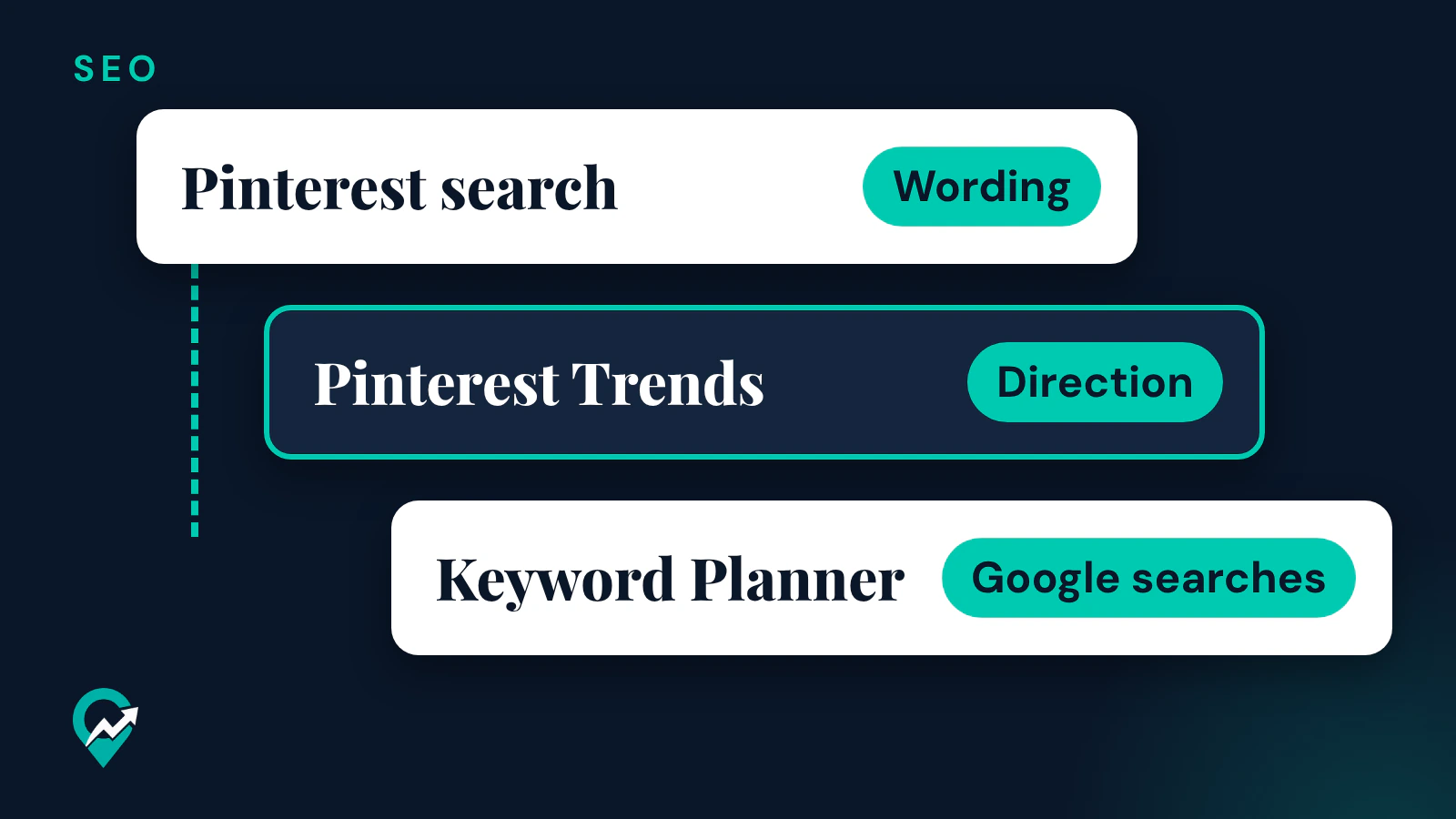

A keyword tool for Pinterest does one job: it tells you how people word the idea your post answers. Pinterest gives you four tools for that job, three of them inside a business account its help page calls free, and Google adds two more tools for the blog side. This page compares what each one shows, so you know which tool answers which question. It sits under our guide to how Pins rank in search (opens in a new tab), which explains where the keywords go once you have them.
What a keyword tool can and cannot tell you
Before you open any tool, decide what you need to know. There are three different questions, and each tool answers part of them.
- Wording: which phrase do people type for this idea?
- Direction: is interest in the phrase rising, falling or seasonal?
- Size: how many searches does the phrase get?
Pinterest’s own tools are strong on wording and direction. On size, Pinterest is careful: its Trends help page says the graph is normalized and indexed from 0 to 100, so it compares terms without giving a count. The pages read for this guide do not describe a Pinterest tool that shows an exact number of searches. Treat any tool that prints a precise Pinterest figure with care, and check its source.
Pinterest’s own creator guide to SEO lists the options in one line: Google Trends, third-party keyword tools or Pinterest Trends, and it adds that you can prompt AI for keyword inspiration. This guide covers the tools Pinterest and Google document on their own pages, with their real limits. Of these, Pinterest’s help page calls the business account free; the Google tools carry the conditions given in their section.
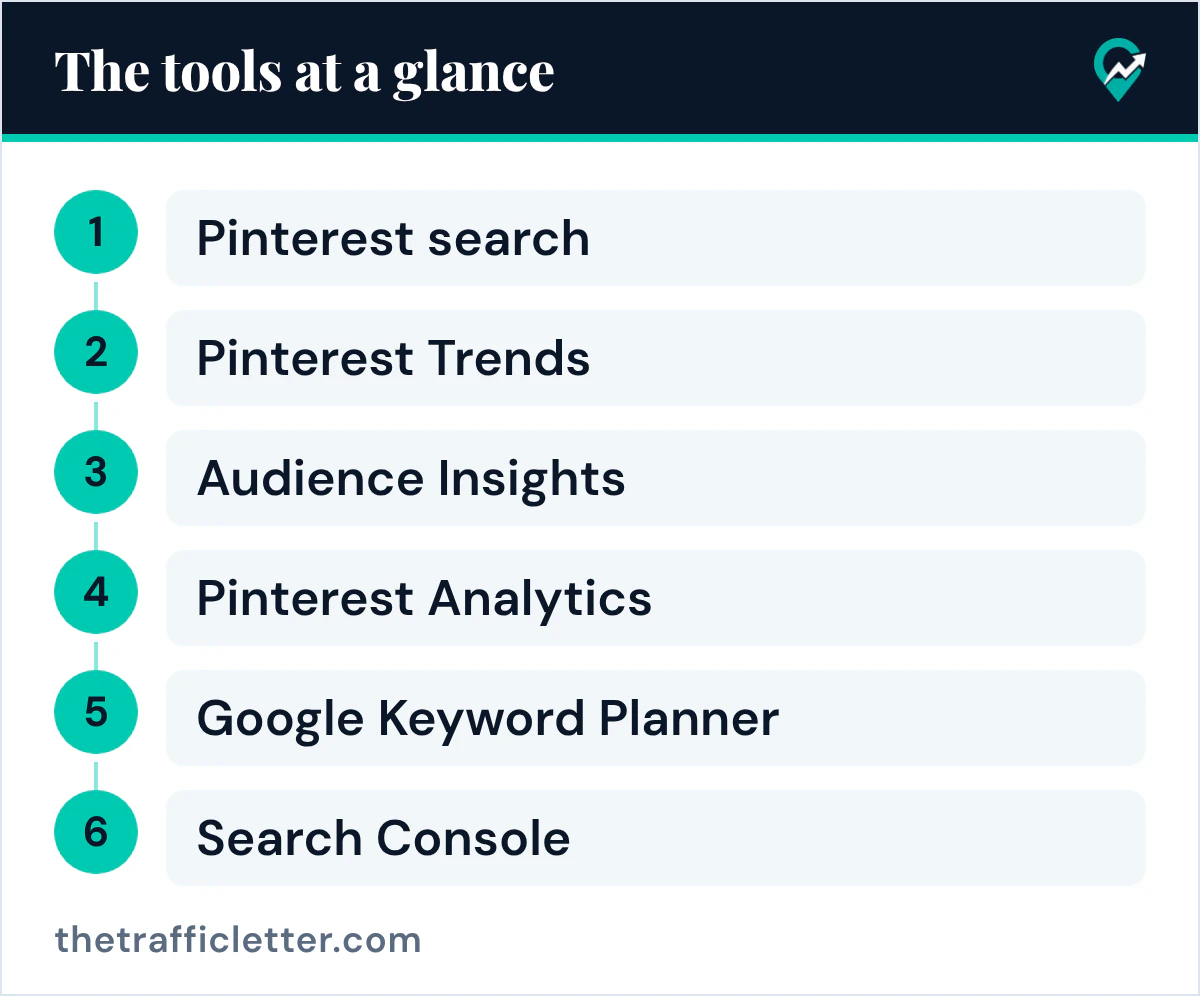
The tools at a glance
| Tool | Where | What it shows | Account needed |
|---|---|---|---|
| Pinterest search | Search bar on Pinterest | Suggested topics, and topics relevant to your interests or already searched by others | Logged in to Pinterest (help page steps) |
| Pinterest Trends | Business account menu | Search interest over time, indexed from 0 to 100, up to four terms compared | Business account (Pinterest calls it free) |
| Audience Insights | Business account menu, under Analytics | Interests of your audience, built from searches and saves | Business account (Pinterest calls it free) |
| Pinterest Analytics | Business account menu, under Analytics | Your Top Pins and Top boards of the last 30 days | Business account (Pinterest calls it free) |
| Google Keyword Planner | Tools menu of Google Ads | Estimates of monthly searches on Google | Google Ads account with billing information entered |
| Search Console | Performance report | Google queries that bring traffic to your site | Your site as a Search Console property |
Pinterest search: the wording tool
Pinterest’s help page on search says that when you click the search bar you can enter your own terms, click a recent search or click a suggested term to explore new ideas. In the app, the search tab also shows popular searches, personalized searches and handpicked search topics.
Use it like this. Type the broad topic of your post, then read the suggested terms before and after you search. Write down the longer phrases that add an audience, a method or a season, because those are the phrases a single post can answer. Our step by step method for researching Pinterest keywords (opens in a new tab) shows the full routine and a table to keep the results.
Two limits matter. Pinterest’s page on discovering ideas says suggested topics are based on your interests and what’s trending on Pinterest, and its search page calls guides Pinterest’s most popular search terms, but neither page gives a number of searches. So a suggestion shows wording and a sign of interest, not how many people search for it. And the same page on discovering ideas says the search bar helps you find topics relevant to your interests or topics that others are already searching for, so part of what you see is personal and can differ from your reader’s list.
Pinterest Trends: the direction tool
Of the Pinterest tools covered here, Pinterest Trends is the one whose help page describes search trends over time. That page says it shows a historic view of up to the last two years of top search, save and shopping trends, by region.
On the web, the help page gives this route:
- Log in to your Pinterest business account.
- Click the hamburger icon at the top-left of the page.
- Under Analyze performance, select Pinterest Trends.
- Click Region at the top-right to choose the region.
- Click Search trends at the left side of your screen, then enter a keyword in the search bar at the top of the page.
What you get, according to the same page:
- A graph for each keyword, with a Date range you choose.
- Up to four keywords compared on the graph at one time, plus Related trends you can add.
- Demographics with the age and gender distribution for each keyword, and Popular Pins with top Pins for those keywords.
- In the list of search trends, whether a trend is seasonal, and its weekly change, monthly change and yearly change.
- With a business account, Growing trends your audience loves, built from your engaged users and followers over the past 90 days. Pinterest says this part does not show when your audience is not large enough yet.
How to read the graph: Pinterest says it compares the share of searches for each trend against all searches in the same period, then indexes the highest point of each term to 100 and the lowest to 0. So the graph tells you which of two wordings is stronger and when interest rises. The help page describes an index, and gives no count of how many people searched. Pinterest also says some Trends features are in testing and only available in certain regions. Our step by step guide to Pinterest Trends (opens in a new tab) covers its other sections, such as Moments and shopping trends.
Pinterest Create’s article on trends gives the practical use: check rising keywords and topics, and consider adding them to your titles and descriptions. Plan seasonal content weeks or even months in advance, so it is live when searches start.
Audience Insights and Analytics: the proof tools
These two tools show what already works for you, which makes them a direct check on your keyword choices.
Audience Insights. Pinterest says these insights are powered by the actions people take on Pinterest, like searches and saves. On the web, click the hamburger icon at the top-left, then under Analytics click Audience insights. In the app, tap your profile picture, the chart bar icon, Analytics, then Audience. You can view your engaged audience, your total audience or all of Pinterest, and compare two audiences side by side. Pinterest says these insights reveal what your existing and potential customers are interested in. Turn the interests that match your blog into keyword ideas.
Pinterest Analytics. On the web, click the hamburger icon, then under Analytics select Overview. Pinterest says the Overview shows Overall performance, Performance over time, Top boards and Top Pins from the last 30 days. Look at the wording of your Top Pins: when one phrase keeps appearing in the Pins that earn clicks, write more Pins around it. The Analytics help page lists metrics such as engagements and engagement rate. It does not describe a report of search terms, so top Pins are a proxy for keywords, not a list of them.
Both tools need a business account. Pinterest’s business account page calls it a free Pinterest business account that gives access to analytics on your Pins and the ability to run ads.
Google Keyword Planner and Search Console: the blog side
A Pin sends the reader to a blog post, and that post can also rank on Google. Two Google tools help with the post.
Google Keyword Planner. Google’s help page says it helps you discover new keywords and view estimates of the searches they receive and the cost to target them. It lives in the Tools menu of Google Ads, and the help page says you must enter your billing information and complete your account setup to access basic features like keyword suggestions. Go to Keyword planner, then select Discover new keywords for ideas, or Get search volume and forecasts for a list you already have. These estimates are Google searches. A phrase can be strong on Google and weak on Pinterest, or the other way round, so check it in Pinterest Trends before you build Pins around it.
Search Console. The Performance report shows the search queries that bring traffic to your site from Google, with clicks, impressions, click-through rate and average position. Google’s help page says the default view covers the past three months. When a post already gets Google clicks for a phrase, that phrase is a good candidate for the post’s Pin titles too.
A keyword routine for one post
This routine uses only the tools above, and the Google step is optional.
- Type the topic of the post into Pinterest search and write down three to five suggested phrases.
- Compare the two strongest phrases in Pinterest Trends, in your main region, over the last year.
- Keep the phrase that is stronger or rising, and note any seasonal peak.
- Check the same phrase in Keyword Planner or in Search Console if the post already exists.
- Use the phrase in the Pin title, the Pin description, the board and the first paragraph of the post.
- Review your Top Pins in Analytics after a few weeks and keep what works.
For step 5, use our simple formula for Pin text (opens in a new tab). Use the phrase in natural wording: Pinterest’s Community Guidelines list stuffing irrelevant keywords as spam. If you are tempted to add a row of hashtags instead, read what Pinterest says about hashtags (opens in a new tab) first.
Get more ideas with an AI assistant
Pinterest’s SEO guide for creators suggests prompting AI for keyword inspiration by describing your content and asking for common search terms in your category. This prompt works in ChatGPT, Claude, Gemini or any AI assistant. Replace the text in square brackets.
I write a blog about [your niche] for [your audience]. My next post is about [topic of the post].

List 15 phrases a person might type into Pinterest search to find a post like this. Mix short phrases (2 to 3 words) and longer ones (4 to 7 words) that add an audience, a method or a season.

Rules:
- Plain search phrases only, in lowercase, no hashtags, no brand names.
- Do not give search volumes or any numbers. I will check each phrase myself in Pinterest search and Pinterest Trends.

Output: one phrase per line, grouped under "Short" and "Long".
The prompt gives the assistant no Pinterest data, so treat the list as ideas. Keep only the phrases that Pinterest search suggests too, or that show up in Trends.
Right after
- Run the routine above for your next post, and keep the results in the table from our keyword research method and its table (opens in a new tab).
- Put the winning phrase into a new Pin title and description with the Pin description formula (opens in a new tab).
- Name or rename the board that holds the Pin, using our guide to keyword-based board names (opens in a new tab).