

The text on a Pin does two jobs. It helps Pinterest understand the Pin, and it helps a person decide whether the Pin is worth a save or a click. This guide gives a simple way to write both, with examples. It builds on the keyword placement covered in our Pinterest keyword placement guide (opens in a new tab), so read that first if you want the full picture of where words matter.
What are a Pin title and a Pin description for?
A Pin title is the short headline attached to a Pin. A description is the longer text that explains it. Pinterest says you should always include both, using relevant keywords to help contextualize your content, and to fill in every Pin field because some fields are not shown to people but still power its recommendation engines.
Pinterest also says the text you write affects how your content appears, because descriptions and names give the system more relevant context. It does not publish how much weight each field carries, so the goal is accuracy and clarity, not a formula built on guessed numbers.
For limits, Pinterest’s ad specifications give up to 100 characters for a Pin title, with the first 40 most likely to show, and up to 800 characters for a description. Those figures are written for ads. Treat them as a sensible guide for organic Pins, not a confirmed rule.
A simple formula for Pin titles
- Start with the phrase a reader would search. Find it with the methods in five free keyword research methods (opens in a new tab).
- Add a qualifier that narrows the topic or states the benefit.
- Keep it short enough that the main phrase sits at the start.
Examples of the pattern: “Easy Weeknight Dinner Recipes for Busy Families” or “Budgeting for Beginners: A Simple Monthly Plan”. Each begins with the topic and then adds a qualifier.
A simple formula for Pin descriptions
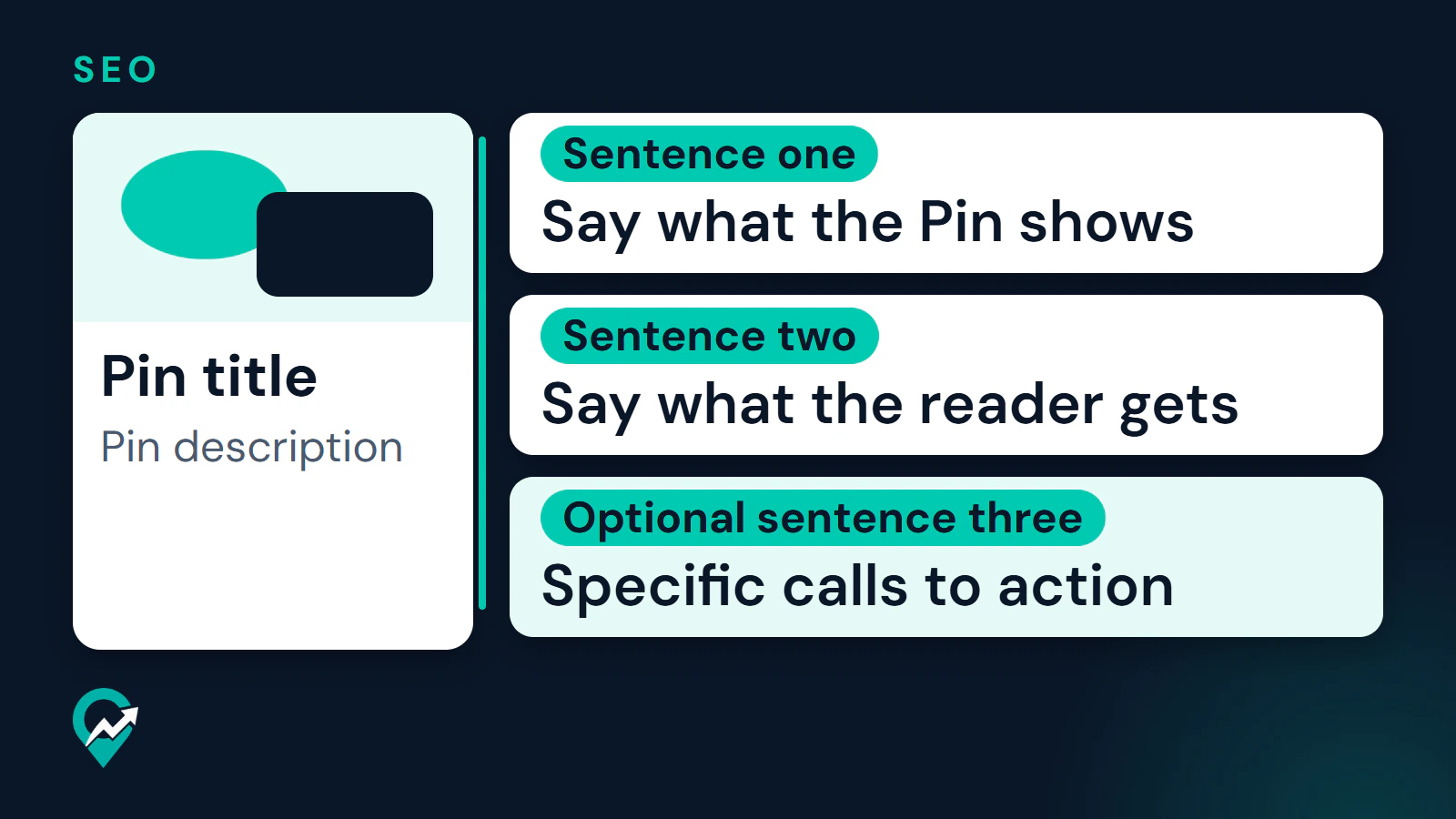
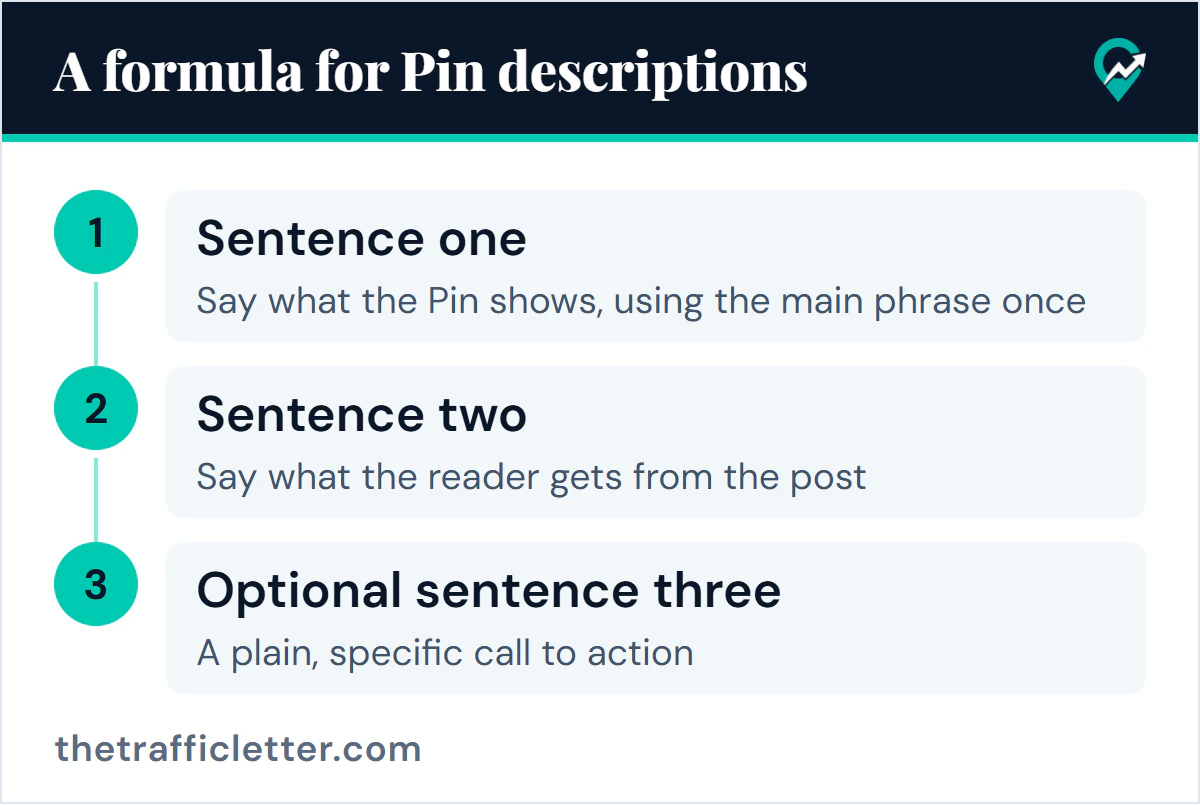
- Sentence one: say what the Pin shows, using the main phrase once.
- Sentence two: say what the reader gets from the post, such as a checklist, a recipe or a plan.
- Optional sentence three: a plain, specific call to action.
Pinterest’s creator guidance says to encourage saves with clear language and specific calls to action, so a closing line such as “Save this Pin to plan next week’s dinners” is in line with it. Keep it honest and short.
If the Pin leads to a page with affiliate links, the description is also a natural place for a disclosure. Where it goes and how the FTC describes it is covered in our guide to Pinterest affiliate links and disclosure (opens in a new tab).
If you want an assistant to draft options first, the prompts in our guide to copy-ready ChatGPT prompts for Pin text (opens in a new tab) follow this same formula. Check every draft against the formula and against your post before you use it.
Weak versus strong examples
The strong examples are model wording, not tested results. Replace them with the phrases from your own research.
| Niche | Weak title | Stronger title | Stronger description |
|---|---|---|---|
| Blogging | My blog tips | Blogging Tips for Beginners | Blogging tips for beginners who want to start a blog. This guide covers choosing a topic and writing your first posts. |
| Food | Yum dinner | Easy Weeknight Dinner Recipes | Easy weeknight dinner recipes for busy families. Each recipe uses a short ingredient list and takes little prep. |
| Home | Cozy vibes | Small Living Room Decor Ideas | Small living room decor ideas for renters and anyone short on space. See layout and furniture ideas you can try this weekend. |
| Fashion | Fall fit | Casual Fall Outfits for Work | Casual fall outfits for work that mix easily. Get outfit combinations built around a few basic pieces. |
| Personal finance | Money talk | Budgeting for Beginners | Budgeting for beginners. Learn how to track spending, set limits and plan your month in a simple routine. |
| Travel | Wanderlust | Weekend Trip Ideas in Europe | Weekend trip ideas in Europe for short breaks. Find destinations and a simple way to plan two days away. |
Each weak title tells a searcher nothing. Each stronger one names the topic first and a qualifier second, and the description says what the post offers without promising results it cannot show.
What should you avoid in Pin text?
- A list of keywords in place of sentences. Pinterest’s community guidelines name stuffing irrelevant keywords among the tactics that improperly influence distribution. The same goes for a long row of hashtags: our guide to hashtags and topic tags on Pinterest (opens in a new tab) explains what Pinterest documents instead.
- Titles that promise something the page does not deliver. The guidelines also ask for a no surprises approach so people can anticipate where a link takes them, and Pinterest’s beginner guide says the platform is not a place for clickbait.
- The same wording on every Pin. Different images deserve different descriptions.
- Copying the first lines of your blog post word for word. The Pin and the post should agree, but a copy adds nothing for a reader who sees both.
- Claims you cannot support, such as promised results or numbers you cannot show.
How should Pin text fit with the board and the page?
A Pin is read in context. The board it is saved to has its own name and description, and Pinterest says people can discover boards in search too. A Pin about “Easy Weeknight Dinner Recipes” belongs on a board with a matching name, as described in our guide to naming Pinterest boards (opens in a new tab).
The page matters as well. Pinterest’s scheduling help names the title, board, description and link as the details you can still update after you schedule a Pin, which shows how the pieces belong together. Make the link point to the exact post, as our Pinterest traffic playbook for blog posts (opens in a new tab) explains, and let the post title and first paragraph use the same phrase as the Pin. If you turn on article rich Pins, Pinterest pulls the headline, description and author from the post itself and updates them when you edit the post, so the page text counts there as well.
How do you improve descriptions over time?
Use Pinterest Analytics to see which Pins earn saves and outbound clicks, then look at the wording of the top ones. If a Pin gets impressions but few clicks, the title or image may not match what people expected. Change one thing at a time so you can tell what worked. The routine is covered in our guide to Pinterest SEO (opens in a new tab).
What to do next
Take the post you want to promote and write one title and one description with the formulas above. Check that the main phrase is the same on the Pin, the board and the page, then publish and review it in a few weeks.