

A blogger needs a short set of tools that covers research, publishing, your site and measurement, with nothing doing the same job twice. This guide sorts the tools by job and starts with what Pinterest gives you for free. It belongs to our guide to making Pins with AI tools (opens in a new tab), and it does not review Pinterest-only automation apps.
Start with the tools inside a Pinterest business account
Pinterest’s help page calls the business account free and says it gives access to analytics on your Pins and the ability to run ads, and to the Pinterest Business Hub and Pinterest Analytics. Every tool in the table below is part of that account or connects to it.
| Job | Pinterest tool | What Pinterest says |
|---|---|---|
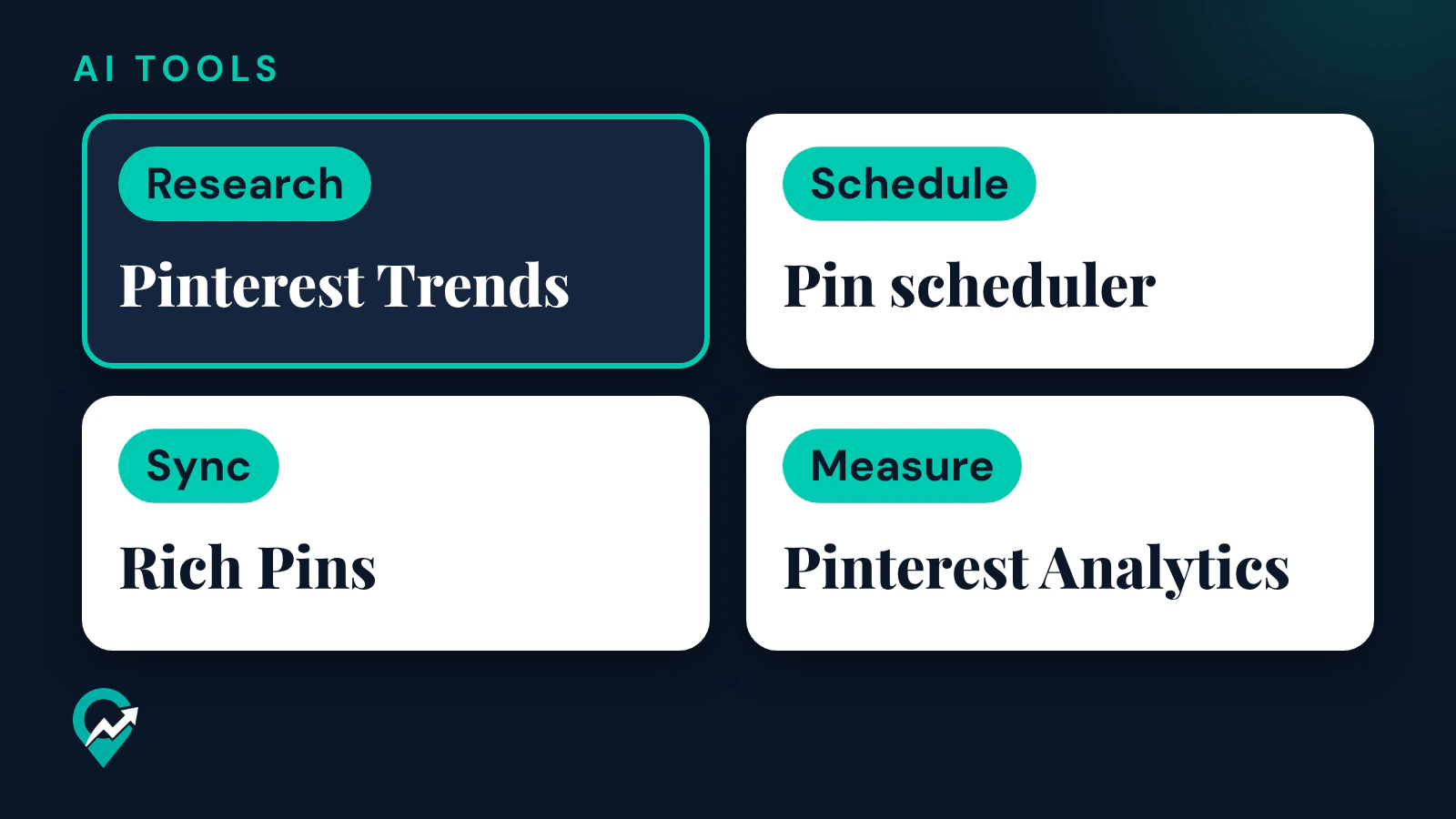
| Research keywords and seasons | Pinterest Trends | A historic view, up to the last two years, of top search, save and shopping trends across regions and countries |
| Schedule single Pins | Pin scheduler | Schedule a Pin up to 30 days in advance, with up to 10 Pins scheduled |
| Publish many Pins at once | CSV upload | Create multiple image and video Pins at once from a .csv file, up to 200 images or videos at the same time, on desktop |
| Turn blog posts into Pins | RSS auto-publish | Pins are created from your RSS feed with a limit of up to 200 Pins per day, and only with a claimed website |
| Sync post details to Pins | Rich Pins | Article rich Pins add the headline or title, the description and the author of the post from your site |
| Measure results | Pinterest Analytics | Overall performance, Performance over time, Top boards and Top Pins from the last 30 days |
| Measure ads on your site | Pinterest tag | Code on your website that measures the actions people take after seeing or engaging with your Pinterest ad |
Research: Pinterest Trends
Pinterest Trends shows when people start searching for keywords, what people are saving and which shopping trends are growing. The help page says you log in to your business account, click the hamburger icon at the top-left and select Pinterest Trends under Analyze performance, then click Region to pick a region. It also says some features are in testing and only available in certain regions. How to turn trends into keywords for titles and boards is covered in our guide to finding Pinterest keywords with free tools (opens in a new tab).
Publishing: the scheduler, CSV upload and RSS auto-publish
Pinterest offers three ways to publish on a schedule without any outside app:
- The Pin scheduler, inside the Pin creation tool, for single Pins up to 30 days ahead.
- CSV upload, for many Pins at once. Pinterest’s Create page says the spreadsheet holds the title, description, link and board of each Pin, and that you can set a schedule-publish date.
- RSS auto-publish, which creates Pins from new posts on your blog. It needs a business account and a claimed website, and each feed can publish to a different board.
The timing of RSS Pins is described in two ways. The help page says content is added to your boards as Pins within 24 hours, and Pinterest’s Create page says within 24 to 48 hours. Expect a delay of a day or two. Our step by step guide to scheduling Pins with Pinterest’s free scheduler (opens in a new tab) covers the scheduler screens, and the RSS route needs your website claimed on Pinterest first (opens in a new tab).
Your site: rich Pins
Rich Pins sync information from your site to the Pin. For a blog, article rich Pins add the headline or title, the description and the author, and they update automatically when you edit the post. They need rich meta tags on your pages, and Pinterest says it may take up to 24 hours for the content to sync. Pinterest’s page does not say which site builders or plugins add these tags, so check your own platform’s documentation.
Measurement: Pinterest Analytics and the Pinterest tag
Pinterest Analytics needs a business account. The Overview page shows Overall performance, Performance over time, Top boards and Top Pins from the last 30 days, and Pinterest notes that these real-time metrics are estimates and subject to change. Our walkthrough of each report in Pinterest Analytics (opens in a new tab) explains the metrics.
The Pinterest tag matters only if you run ads. Pinterest says that before you add it you need a business account and an advertiser account, and that it lets you track conversions, measure campaign performance and build audiences.
Outside schedulers and the approved automation rule
Pinterest’s Community Guidelines tell users not to use automation that has not been explicitly approved by Pinterest, including unauthorized services that automatically perform actions on your behalf. They point to approved partner tools on Pinterest’s Partners website. That site says all Pinterest Business Partners have been vetted for their technical expertise and Pinterest knowledge, and its Content specialty covers tools like Pin schedulers and engagement dashboards. Check a tool there before you connect your account to it.
An outside scheduler earns its place when you post to several social networks and want one calendar. Three multi-network schedulers describe their Pinterest features on their own pages:
| Tool | What its Pinterest page says | Pricing signal on that page |
|---|---|---|
| Buffer | Schedule photo and video Pins, choose the board, title, description and link, crosspost to other networks and measure each post with simple analytics | A “Get started for free” button |
| Hootsuite | Create, schedule and publish Pins to several accounts or boards at once, see Pins in a calendar view with other social posts and set up approval workflows | A free trial offer |
| Later | Plan and schedule Pinterest content to post automatically in advance, and create, edit and schedule Pins | A “Start free trial” button |
None of these pages gives a price for Pinterest alone, and plans change, so read the current pricing page of a tool before you sign up. If you only publish on Pinterest, its own scheduler, CSV upload and RSS auto-publish may be all you need.
Developers have one more option. Pinterest’s developer site says you register an app from a business account, that Pinterest reviews each request and that an approved app starts with Trial access. That route is for building your own integration, not for everyday scheduling.
AI assistants for Pin text and ideas
General AI assistants such as ChatGPT, Claude and Gemini are useful for the writing side of Pinterest: Pin titles, Pin descriptions, board names and ideas for new Pins from a blog post. When you paste their text into Pinterest yourself, you do the publishing, so the approved automation rule is not the issue. Accuracy is. Give the assistant your keywords and the facts of the post, and check every line before it goes on a Pin. Our collection of ChatGPT prompts for Pin titles and descriptions (opens in a new tab) has prompts ready to copy, and our summary of what Pinterest says about AI content (opens in a new tab) covers its policies.
If you use AI to make the images too, Pinterest’s help page on Gen AI labels says it adds an AI modified label when its systems detect that AI was used to generate or modify a Pin, from the metadata or from classifiers it developed.
Analytics on your own site
Pinterest Analytics counts what happens on Pinterest. What readers do after they click is measured on your site. Google Analytics is one option, and its help page defines a session as a period of time during which a user interacts with your website or app, ending by default after 30 minutes of inactivity. Compare outbound clicks in Pinterest with sessions from Pinterest in your site analytics, and expect the two numbers to differ, because they count different things.
How to choose your tool set
Use these rules in order, and stop as soon as a job is covered:
- List the jobs you do every week: research, writing, design, publishing, measuring.
- Cover each job with a Pinterest tool first.
- Add an outside tool only for a job that is still open, such as posting to several networks or approval steps with a client.
- For any tool that posts for you, check Pinterest’s partner list first.
- Review the set after a few weeks and remove anything you no longer open.
An AI assistant can turn your weekly routine into that list. This prompt works in ChatGPT, Claude, Gemini or any AI assistant:
Here is my weekly Pinterest routine as a blogger: [describe what you do each week, in your own words].

Sort my tasks into these jobs: research, writing, design, publishing, measuring. For each job, tell me which of these Pinterest features covers it: Pinterest Trends, the Pin scheduler, CSV upload, RSS auto-publish, rich Pins, Pinterest Analytics. List the tasks that none of them covers. Do not recommend any product by name and do not invent features.
If you manage Pinterest for clients, the tool set also has to handle access. Our guide to becoming a Pinterest manager for clients (opens in a new tab) explains Business Manager and Publisher access.
Right after: your next actions
- Open a free business account if you do not have one, and claim your website.
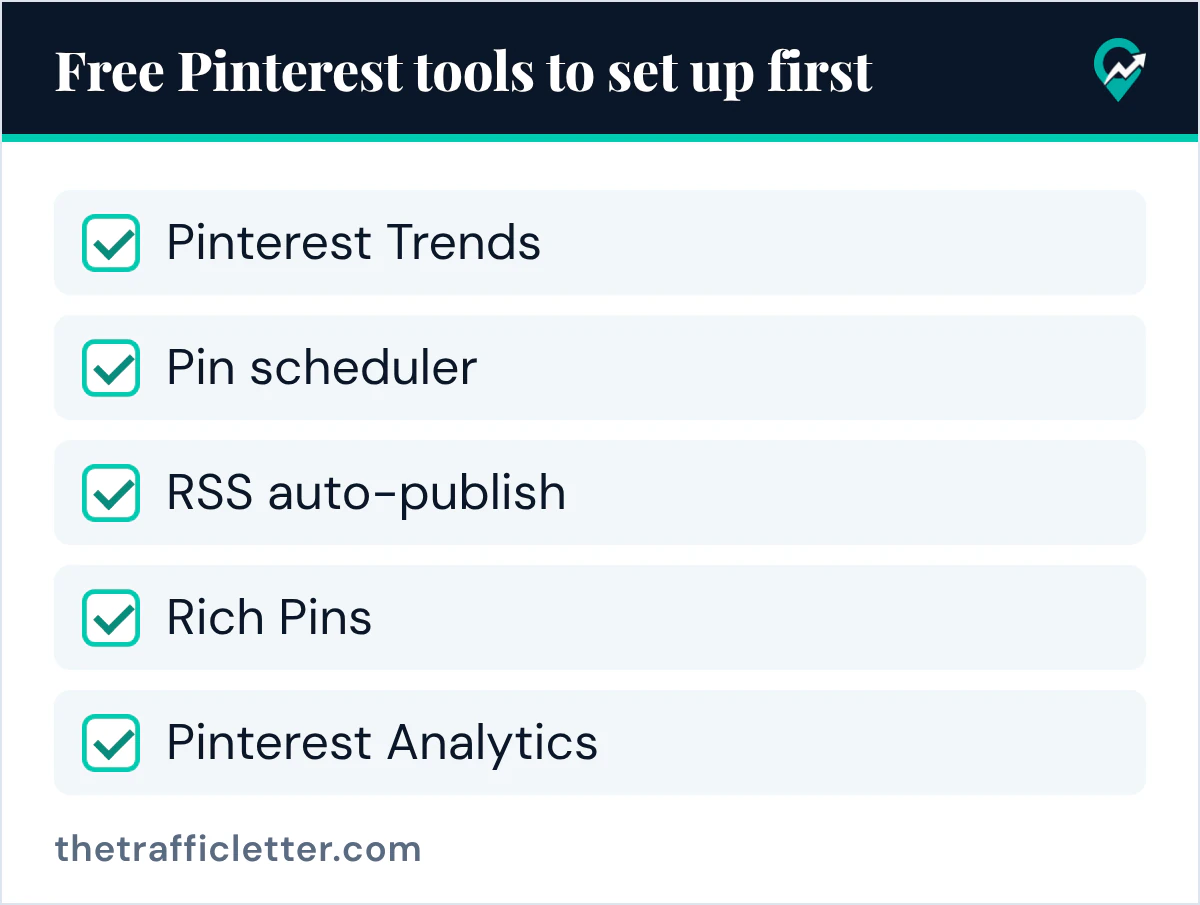
- Set up the five free tools in the checklist above, starting with Pinterest Trends and the Pin scheduler.
- Make your next Pins with the method in our guide to AI Pin creation step by step (opens in a new tab).