

Running Pinterest for other people is one of the ways to earn with Pinterest that does not depend on your own audience. This guide covers what the job involves, the Pinterest features the work runs on, and the one setup step that matters most: getting access to a client’s account the way Pinterest documents it. It belongs to our overview of ways to make money with Pinterest (opens in a new tab), and it gives no rates or earnings, because no Pinterest page read for it publishes any.
What is a Pinterest virtual assistant?
A Pinterest virtual assistant (VA) is a freelancer who does Pinterest work for a blogger, a creator or a business. The same person is also called a Pinterest manager, and this guide uses both titles for the same job.
Pinterest does describe the relationship on its side. Its Business Manager has a role called Partner, which it defines as “external businesses, such as agencies or clients”, with their own business accounts. A freelancer who manages a client’s Pinterest is in that position: an outside business that the account owner lets in.
If you are not sure whether to work for clients or build income on an account of your own, our guide to faceless income routes on Pinterest (opens in a new tab) compares the options that do not need you on camera, and running Pinterest for clients is one of them.
What does a Pinterest manager do?
Each task a client usually asks for maps to a feature that Pinterest documents. The table lists the common ones and what Pinterest’s help pages say about each.
| Task | Pinterest feature | What Pinterest says |
|---|---|---|
| Create and edit Pins | Pin creation tool | Publisher access covers static Pins, video Pins, carousel Pins and collections Pins, and editing or deleting them |
| Organize boards | Boards | Publisher access covers creating, editing and viewing public and secret boards, deleting boards, and archiving and merging them |
| Schedule Pins | Pin scheduler | With a business account you can schedule a Pin up to 30 days in advance and have up to 10 Pins scheduled |
| Research keywords and trends | Pinterest Trends | The tool shows a historic view, up to the last two years, of top search, save and shopping trends |
| Report on results | Pinterest Analytics | You need a business account, and the Overview page shows Overall performance, Performance over time, Top boards and Top Pins from the last 30 days |
| Publish blog posts as Pins | RSS auto-publish | Needs a claimed website, and Pins are created with a limit of up to 200 Pins per day |
Our guides cover each feature in depth: Pin scheduling from Pinterest’s own tool (opens in a new tab), the reports inside Pinterest Analytics (opens in a new tab) and keyword research with Pinterest Trends (opens in a new tab). A client will expect you to know them before you touch their account.
How a client gives you access without sharing a password
This is the part to get right first, for the client’s sake and yours.
Pinterest’s Terms of Service say to keep your password secure and do not disclose it to any other person or entity. A client who sends you their login is going against that sentence, and you would be working in an account where every action looks like the owner’s.
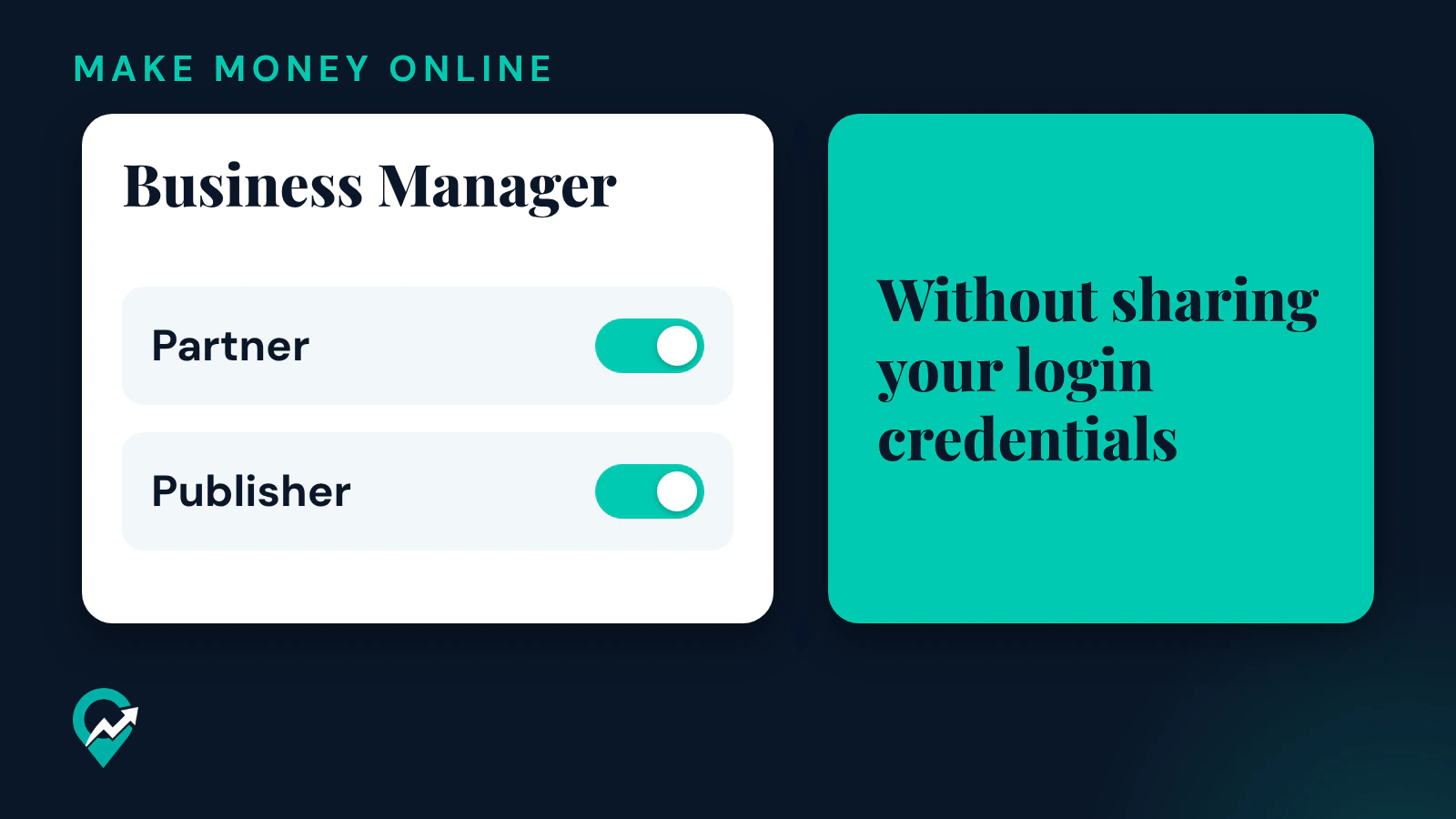
Business Manager is the documented alternative. Pinterest’s help page says profile permissions allow businesses to give employees and partners Publisher access, so they can work on the profile, boards and Pins without sharing your login credentials. Before that can happen, you need your own business account: the same page says that to give an employee or partner access, they also need a Pinterest business account. Pinterest’s page on business accounts adds that if you are an agency partner creating a business account to access a client’s ad account, it recommends using your professional email and your own name rather than the name of your business, so the owner can identify who has access.
Steps for the client: invite a partner
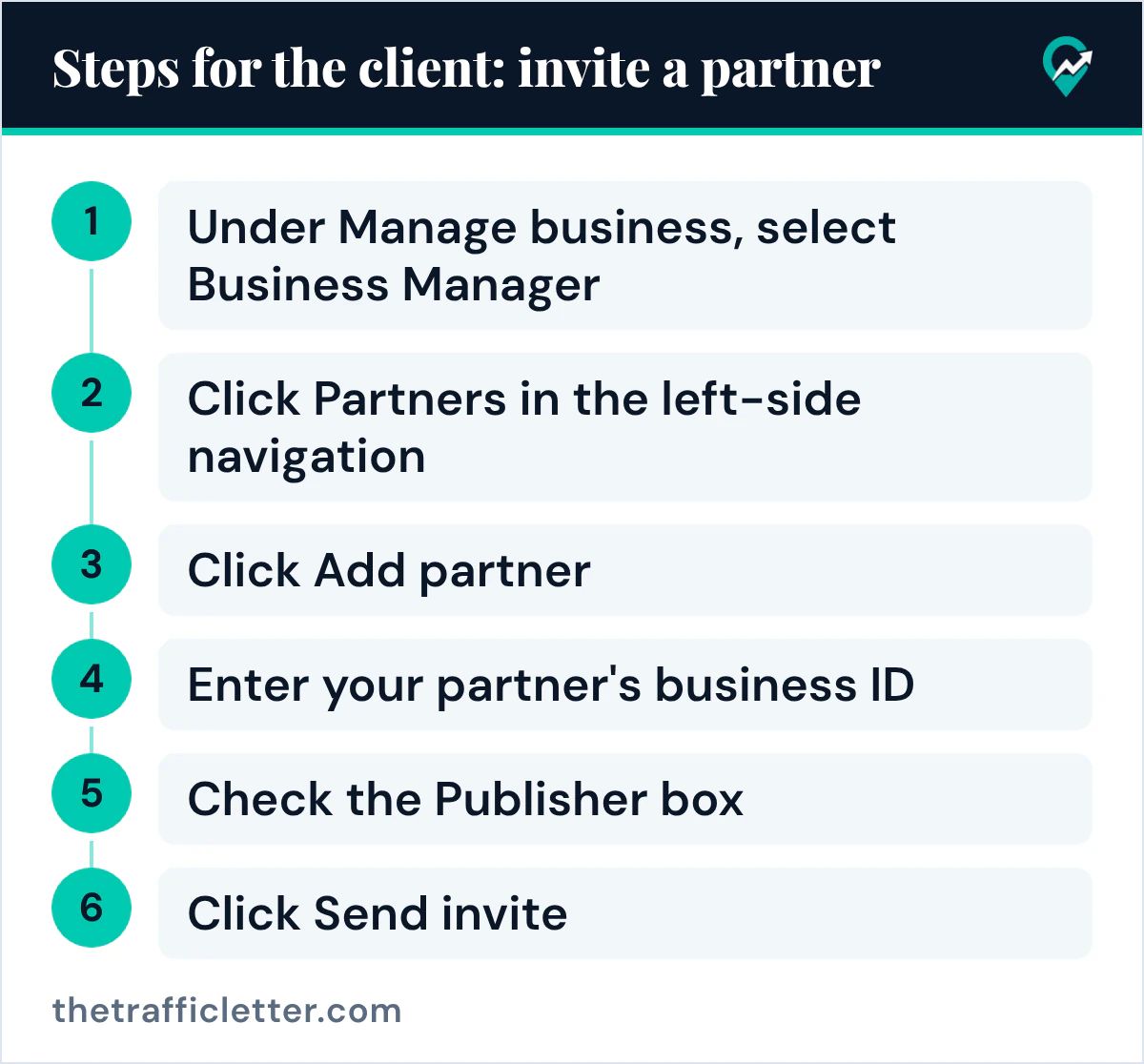
Pinterest’s help page on roles and permissions gives these steps for the account owner:
- Log in to the Pinterest business account and click the menu icon in the top-left corner.
- Under Manage business, select Business Manager.
- Click Partners in the left-side navigation.
- Click Add partner, then choose the role to assign.
- Enter your partner’s business ID.
- Select Invite a partner to access your assets, then click Show assets.
- Under the profile tab, check the Publisher box next to the profile to share, then click Next.
- Check the invite summary and click Send invite.
The partner receives an email to accept the invite. Once it is accepted, the owner sees the relationship in the Partners section of Business Manager and receives an email with the subject Invite accepted.
Steps for you: request access or accept an invite
You can also start from your side. Pinterest’s partner access page says you first ask the business for its business ID, then in your own Business Manager you click Partners, click Add partner, enter the business ID, select Request access to this partner’s ad accounts and tools, and click Add partner. On the Request profile access page you click Request. On the Request ad accounts page, Pinterest offers Skip if you want to do it later, which fits a client who does not run ads.
When a client invites you instead, Pinterest says the invite arrives by email with the subject line “You have a new partner request!”, with a View Invite button. You can also accept from the Business Manager dashboard with Accept invite.
Pinterest’s partner access page describes where the business ID is in two ways: in one paragraph it is in the URL of the Business Manager page, and in another it is in the left panel of the Business Manager navigation under the account name. If the client cannot find it, ask them to check both places.
What Publisher access lets you do
Pinterest lists what a partner with Publisher permission can do on the client’s profile: edit the profile cover photo, create and manage boards (including secret boards and board collaboration), create, edit and delete all Pin formats, reply to or delete comments on the account’s Pins, schedule Pins to publish in the future and view individual Pin stats. The page says these permissions are not customizable.
It also says that once assigned the Publisher role, employees and partners can create, edit and organize Pins and boards without a business’s approval. That is convenient, and it is the reason to agree in writing what you may publish and delete before you start.
Ad accounts are separate. Pinterest lists seven ad account permission levels (Admin, Analyst, Audience, Finance (edit), Finance (read), Campaigns and Catalogs), and the client only needs to share an ad account if you will work on ads or ad reporting. When the work ends, the owner can remove the partnership from the Partners tab.
Skills to build before your first client
The skills that matter are the ones the table above names. You should be able to create a Pin with a clear title, description and link, organize boards around topics people search for, schedule Pins, read the Analytics overview, and find keywords and seasonal trends. A client who blogs will also ask about the settings that connect a site to Pinterest, such as the steps to claim a website on Pinterest (opens in a new tab), because RSS auto-publish only works with a claimed website.
Know the rules as well as the features, because you will act inside someone else’s account. Pinterest’s Community Guidelines tell users not to use automation that has not been explicitly approved by Pinterest, not to create or save content that is repetitive, deceptive or irrelevant in an attempt to make money, and not to operate multiple accounts or coordinate with other people to manipulate the platform. They also name stuffing irrelevant keywords as a tactic to avoid. Our notes on Pinterest’s rules for running several accounts (opens in a new tab) explain how they apply when you manage more than one client.
If a client’s Pins are sponsored or branded, the Terms of Service say that content is subject to Pinterest’s Commercial and Branded Content Guidelines. Read them before you publish anything a brand paid for.
How to set up your offer
Decide three things before you look for clients, because each one changes what you can promise:
- Your services: Pin creation only, or Pin creation plus scheduling, boards, keyword research and a monthly report.
- Your niche: clients in one topic area share keywords and seasons, so your research carries over from one account to the next.
- Your working rules: the access you need (Publisher on the profile, an ad account only if relevant), whether the client approves Pins before you publish, what the report contains and when you send it.
The Pinterest pages read for this guide give no rates, contracts or templates for this work, and this guide does not invent any. A written agreement that covers access, approvals, reporting and how the work ends protects both sides. This is general information, not legal advice.
An AI assistant can draft the service description and the onboarding checklist from your own decisions. These prompts work in ChatGPT, Claude, Gemini or any AI assistant. Replace the square brackets and check every line before you use it.
Write a short service description for my work as a Pinterest virtual assistant. Use only the facts below and do not add results, numbers, testimonials or promises.

Niche I work in: [your niche]
Services: [for example Pin creation, board organization, scheduling, keyword research, monthly report]
Access I need: Publisher access to the client's Pinterest profile through Business Manager. I never ask for a password.
How I work: [for example the client approves Pins before they are published]

Write 80 to 120 words in plain English, followed by a list of the services.Create an onboarding checklist for a new Pinterest client. The checklist must include: the client's business ID for Business Manager, the Publisher invite to my business account, whether an ad account is needed, the claimed website, the boards to keep or change, the keywords the client already targets, the approval rule for new Pins and the date of the first report. Write each item as one short line with a checkbox. Do not add anything about prices or results.How to find your first clients
Pinterest’s Business Partners page lists partners that businesses can pick from, such as experts in “Pinterest media strategy, media buying and campaign management” or “an approved Pinterest design expert”, and it says “All Partners have been vetted for their technical expertise and Pinterest knowledge”. For your own visibility, Pinterest’s advice to creators who want brand partnerships applies: Pinterest’s creator page says “Your profile is your resume” and suggests a good portfolio of Pins, well-organized boards, a clear bio and up-to-date contact information. For a Pinterest manager, your own business profile is the first thing a client will look at, so keep it in the state you would leave a client’s account in. Our guide to writing a Pinterest bio that explains your work (opens in a new tab) helps with the profile text.
Right after: your next actions
- Create your own business account with your professional email and your own name, as in our guide to creating a Pinterest business account step by step (opens in a new tab).
- Practise every task in the table on your own account, including a scheduled Pin and a read of your Analytics overview.
- Write your offer and onboarding checklist, then compare this route with the others in our guide to earning on Pinterest without showing your face (opens in a new tab).