

A blogger can easily end up with two Pinterest accounts: a personal one from years ago and a business one for the blog, or one account per site. Pinterest allows some of this and forbids some of it, and the line is written in its Community Guidelines. This guide gives the rules as Pinterest states them, the exact steps to add and switch accounts, and what to do with an account you no longer want. It is part of our guide to what happens when a Pinterest account is suspended (opens in a new tab), which covers the case where an account was disabled.
Can you have more than one Pinterest account?
Yes, and Pinterest says how. Its help page on getting an account says that if you have used Pinterest before and want an additional account that is separate from your existing personal account and uses a different email, you can create a second account. Once it exists you can connect your accounts to switch between them.
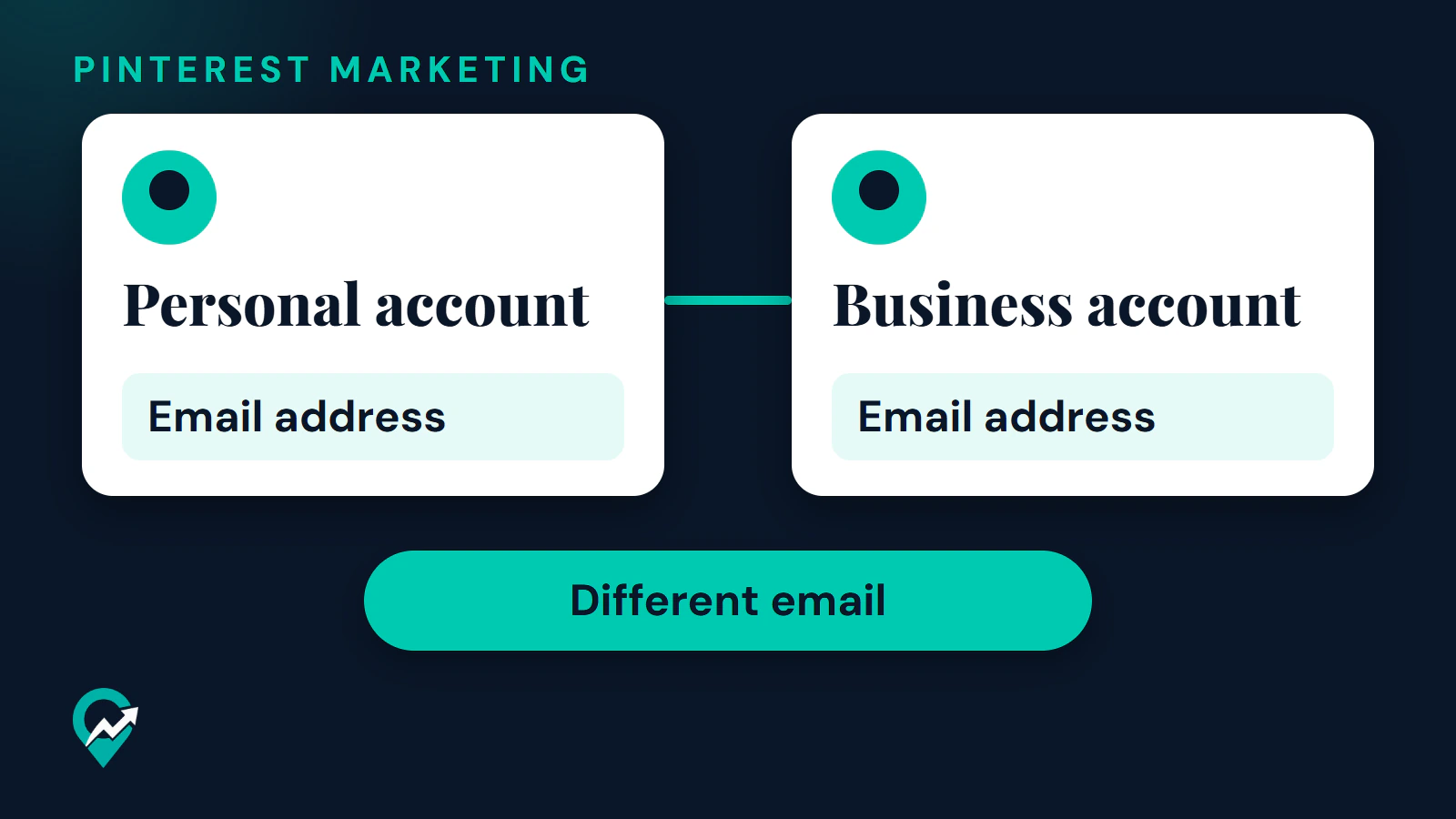
The rule that matters in practice is on Pinterest’s page about merging accounts: each email address can only be connected to one Pinterest account at a time. Temporarily deactivating an account does not free its email for another account. To free it, you permanently close the account or change the email address in its settings.
The pages read publish no maximum number of accounts. This guide therefore quotes none.
What the rules say about running more than one
Pinterest’s current Community Guidelines on spam include two sentences that apply here. They say not to operate multiple accounts or coordinate with other people for the purpose of manipulating the Pinterest platform, and not to create or operate accounts that are not authentic, create accounts en masse, or create new accounts for the purpose of violating the guidelines. Pinterest does not define “manipulating” on the page, so read the two sentences by their purpose: a second account for a different blog is not the same thing as several accounts built to boost each other.
The Terms of Service add a separate rule for suspended accounts. If Pinterest previously disabled your account for violating its terms, any of its policies or for legal reasons, you will not create a new account without its express written permission, given at its sole discretion. A new account is therefore not a way around a suspension, and our guide to appealing a Pinterest suspension (opens in a new tab) shows the routes Pinterest documents.
An update to the Community Guidelines takes effect on 12 November 2026. In the preview, the multiple-account sentence is kept as written, under a new heading called Coordinated or scaled activity, and the sentence about authentic accounts sits under Inauthentic account activity. Check the page again after that date.
Personal and business accounts side by side
A personal account and a business account are separate accounts, so each needs its own email. Pinterest’s help page on business accounts says that to create a new business account, the email you use to sign up must not already be in use on an existing Pinterest account. You can only create a new business account from a desktop device at this time. If you would rather keep one profile, you can convert a personal account instead, and Pinterest says your Pins and followers stay the same. Our guide on business versus personal account (opens in a new tab) explains what changes, and our steps to create a business account (opens in a new tab) cover the setup.
Two older features are gone. Pinterest says linked business accounts are no longer supported: if no action was taken to convert a linked business account, it was permanently deactivated and cannot be reactivated. It also says it is no longer possible to link a personal account to a business account, and that a personal account linked to another account must be unlinked before it can be converted.
How to add a second account
Pinterest’s page on connecting accounts gives these labels. Use the help page when the interface changes.
- Log in to your personal or business Pinterest account.
- Click the chevron-down icon at the top-right corner.
- Select Add Pinterest account.
- To make a new personal account, go to the section titled Create a new personal account and click Create, then enter an email, a password and your age. To connect an account that already exists, go to Existing account, click Connect account and log in to the other account.
Your accounts are connected right away. In the app, Pinterest’s help pages use the items Add account and Connect existing account, reached from your profile picture and the settings icon at the top-right. A business account reaches the settings through the ellipsis icon. The labels differ slightly between the two page versions, so follow the screen you see.
How to switch between connected accounts
On desktop, click the same chevron-down icon and choose the account you want under Your accounts. In the app, open the settings from your profile and tap Switch account, then the account you want.
Pinterest sets a limit on this. You can switch between accounts only as long as you stay in the same browser session. If you clear your cache and cookies, or you switch to a different device, you cannot switch and you log in to each account again. To log out of a connected account, follow the normal log out steps, and Pinterest takes you to one of your other connected accounts.
When a second account helps and when it does not
Pinterest does not say when a second account is a good idea, so this section is our reasoning from its rules.
A separate account makes sense when the second account has its own purpose: a different blog with a different audience, a client or business you do not own, or a personal account you want to keep private. It adds work and no benefit when it holds the same Pins as the first. Pinterest says that repeatedly saving the same Pins or uploading content that already exists can get you flagged as spam and temporarily blocked from creating Pins, so posting identical content from two accounts to the same page is a risk. Sort topics with boards before you add an account, as in our guide to organizing Pinterest boards (opens in a new tab).
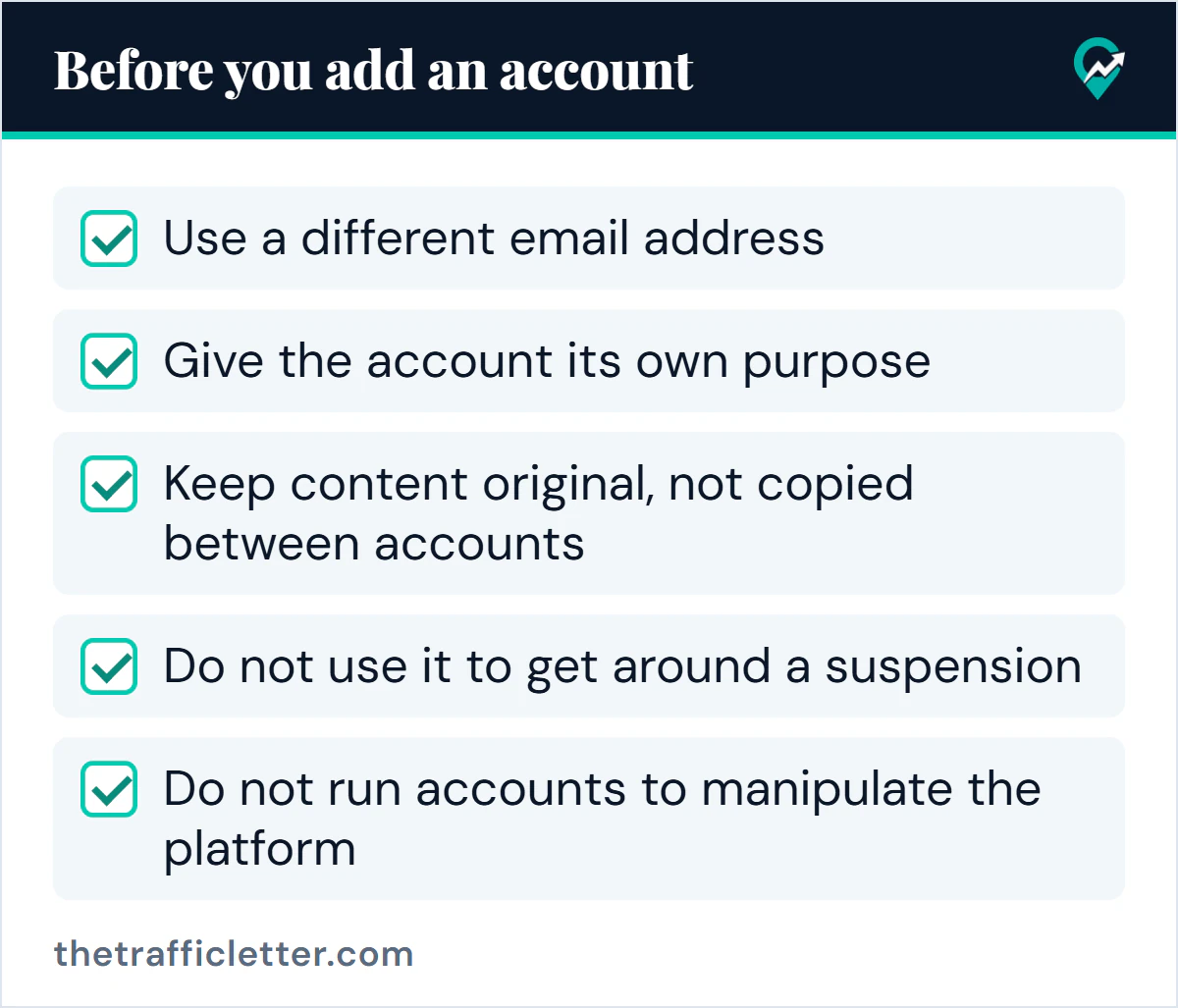
Check each item before you add an account:
- Use a different email address
- Give the account its own purpose
- Keep content original, not copied between accounts
- Do not use it to get around a suspension
- Do not run accounts to manipulate the platform
For a client’s account, Pinterest’s page on business accounts says that if a client owns their own account and assets, their account should remain independent of your parent and child account structure, and that businesses should only add child accounts that they own.
Business Manager hierarchies for several businesses
If you own several businesses, Pinterest describes a structure in Business Manager with a parent account and child businesses. The help page gives this path on desktop: click the menu icon in the top-left corner, select Business Manager under Manage business, click Business settings in the left menu and click the Create business hierarchy button. To add a child business, use the Business hierarchy tab, click Add business, enter Business IDs and click Invite. You can add up to 20 businesses at one time, and each invited business must approve the request. Pinterest says each parent account needs at least one Organization Manager.
This is for owners of several businesses. A blogger with one site does not need it, and the pages read do not suggest it as a way to run several personal profiles.
What to do with an account you no longer want
Pinterest says you cannot merge accounts. If you have more than one account you can keep both separately and switch between them, or choose one to keep and deactivate or close the rest. Only the account connected to the email you deactivate or close is affected.
There is no way to transfer or move multiple Pins between accounts. If you want a Pin on another account, you save each Pin from the original account to the new one. If you created a second account by mistake, which Pinterest says is common after getting a new phone, log out and search for your original account by email, name or username, then reset the password if needed. If you cannot reach the email on the original account, Pinterest says it cannot verify you as the owner and the best step is a new account, which you can fill by saving the same Pins and following the same people.
Prompt: decide between one account and two
This prompt works in ChatGPT, Claude, Gemini or any AI assistant. It analyses a plan you describe. It does not know Pinterest’s rules beyond the two lines you give it, so check any answer against the official pages above.
I am deciding whether to use one Pinterest account or two. Here are my facts:
- Sites or topics I publish about: [list]
- Who owns each site: [me or someone else]
- Current accounts: [personal, business, none]
- The email I would use for a second account: [yes, a different one, or not yet]

Rules I must respect: each email can be connected to only one Pinterest account at a time, and Pinterest's Community Guidelines forbid operating multiple accounts to manipulate the platform. Do not invent other rules or limits.

Compare "one account with separate boards" and "two accounts" in a short table: audience fit, workload, and risk of duplicate Pins. Then recommend one option in two sentences, and tell me what extra information would change your answer.
Right after: your next actions
- List your accounts and the email each one uses, and decide which accounts have a clear purpose of their own.
- If you add one, claim the site it should send traffic to, as in the steps for claiming the blog domain first (opens in a new tab).
- Before you use images on any account, read Pinterest’s rules on using Pinterest images (opens in a new tab).