Pillar guide
How to Get Traffic From Pinterest to Your Blog
A step-by-step system for bloggers: set up the account, claim your site, name your boards, design Pins, publish steadily and read your analytics.
Sep 28, 2026 · 10 min read
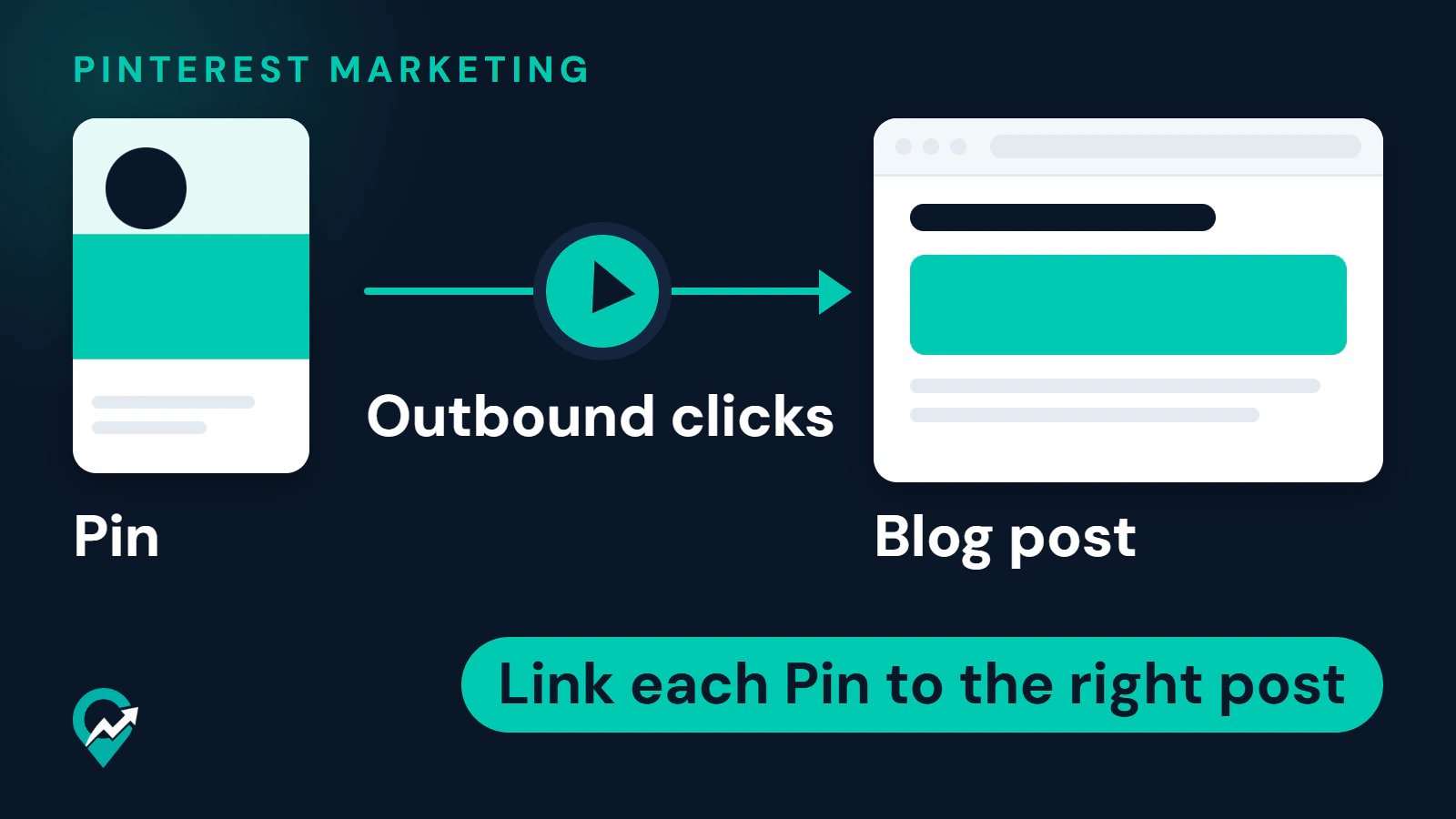
Pin strategy, board structure and how to send Pinterest visitors to your blog.
Showing 20 articles in Pinterest Marketing
View all articlesStart with the pillar guide
A step-by-step system for bloggers: set up the account, claim your site, name your boards, design Pins, publish steadily and read your analytics.
Pinterest profile ideas for bloggers, field by field: profile picture, name, username, About text, website, profile cover and boards, with the rules Pinterest's help pages give.
What Pinterest's copyright pages and terms say about reusing images found on Pinterest, the safe ways to show images and Pins on your site, and what to do if someone copies yours.
Whether you can have more than one Pinterest account, the different-email rule, how to add and switch accounts, and the spam rule that decides when a second account is a problem.
What Pinterest means by a suspended account, the reasons it lists, the appeal paths it documents, what it does not promise, and what to avoid while you wait.
What you can and cannot see about who views your Pinterest profile or Pins, what Pinterest Analytics and Audience insights show instead, and the privacy context from Pinterest's policy.
Where Pinterest Analytics lives, what each report answers, which metrics matter for blog traffic, a monthly review routine and how to check outbound clicks against Google Analytics sessions.
What Pinterest says an impression is, how impressions differ from outbound clicks and audience, why they rise and fall according to Pinterest, and what to check when they drop.
What Pinterest says about monthly views, where it appears, why it is not traffic to your blog, and how to turn views into outbound clicks.
Pinterest publishes no best day or hour to post. This guide covers what it does say about timing and shows how to test your own schedule in Pinterest Analytics.
Pinterest advises fresh content every week and gives no number of Pins per day. Learn what counts as a fresh Pin and how to set a rhythm you can keep and check.
What followers do and do not change on Pinterest, and how to earn them with a clear profile, focused boards, fresh Pins and replies, without the shortcuts Pinterest bans.
Grow on Pinterest in the order Pinterest's own guidance suggests: search-ready profile, keywords, boards, fresh Pins, saves, then analytics. Each step links to a deeper guide.
Schedule Pins with Pinterest's own scheduler, a CSV upload or an RSS feed, using the limits Pinterest publishes, and see when a third-party scheduler is worth adding.
Write the About text of your Pinterest profile within the 500 character limit: what it does for search and for visitors, a simple formula, examples and prompts.
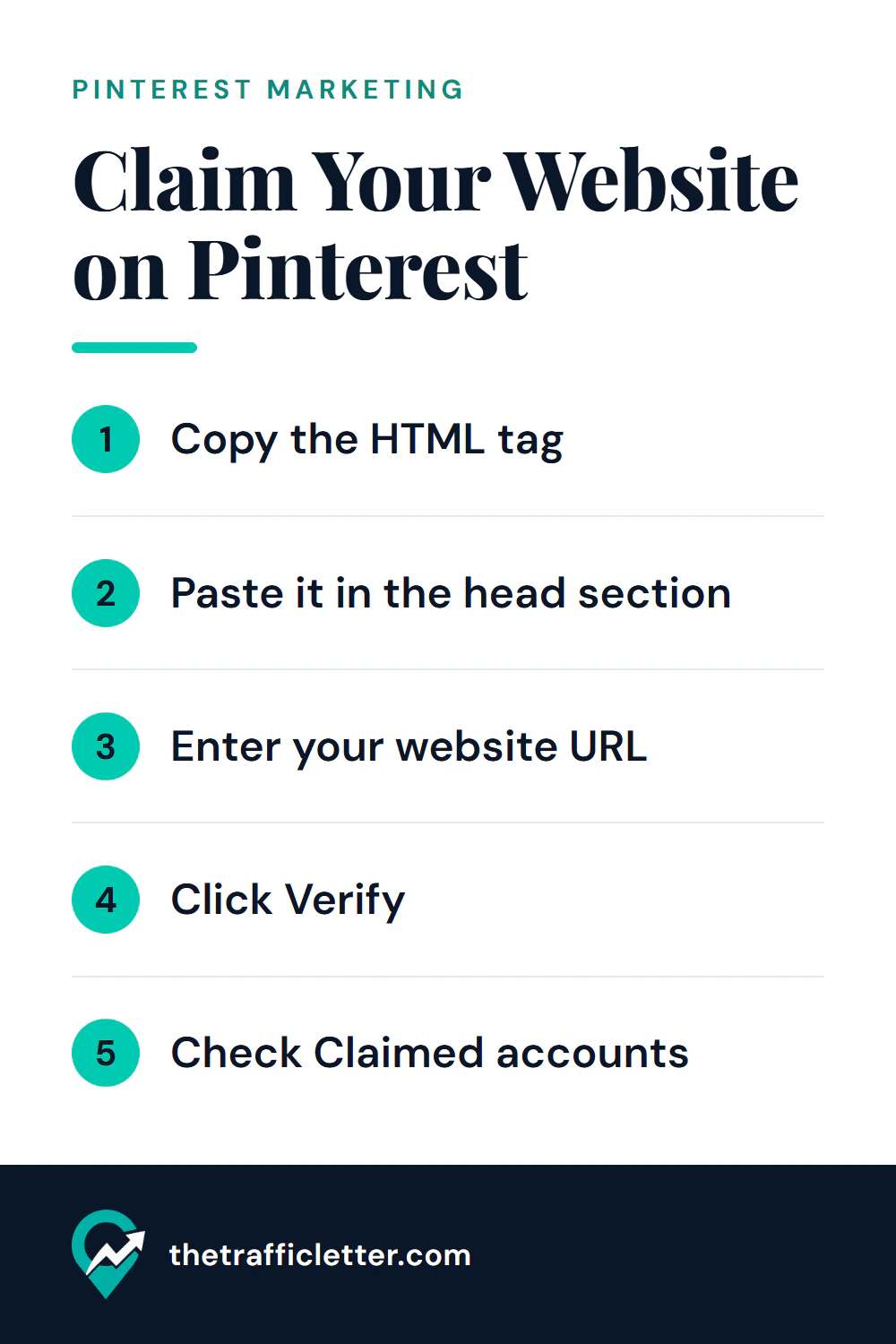
Claim your website on Pinterest with an HTML tag, an HTML file, a TXT record or Google Merchant Center, see where the tag goes on WordPress, Shopify, Wix or Squarespace, and fix a failed claim.
Yes, a Pinterest business account is free. What it adds over a personal account according to Pinterest, what stays the same when you switch, and a checklist to decide.
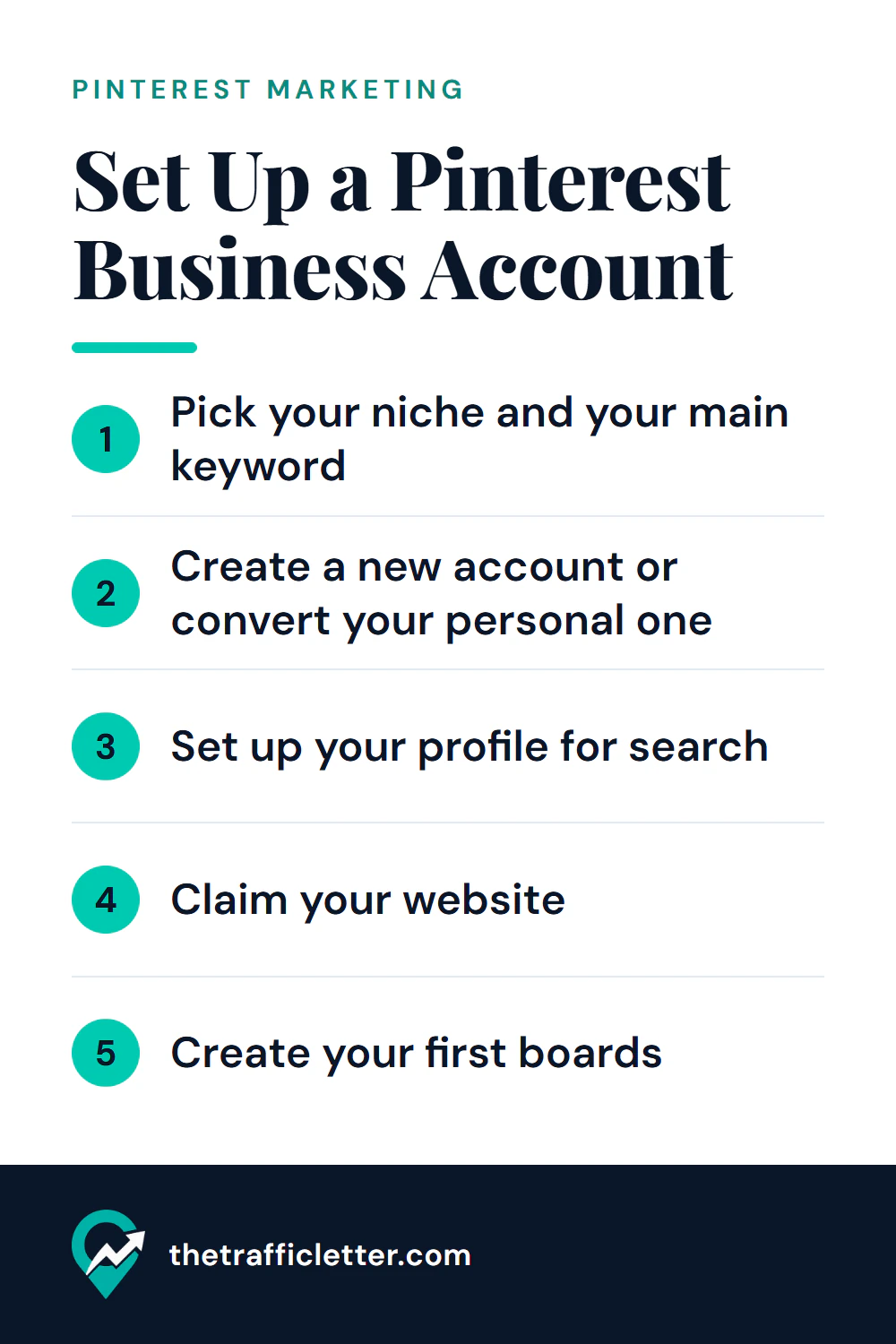
Create or convert a free Pinterest business account with Pinterest's own steps, then write the name, username, About text and first boards so people find you in search.
A step-by-step board structure for bloggers: main boards, sections, ordering, and what to do with old or off-topic boards.
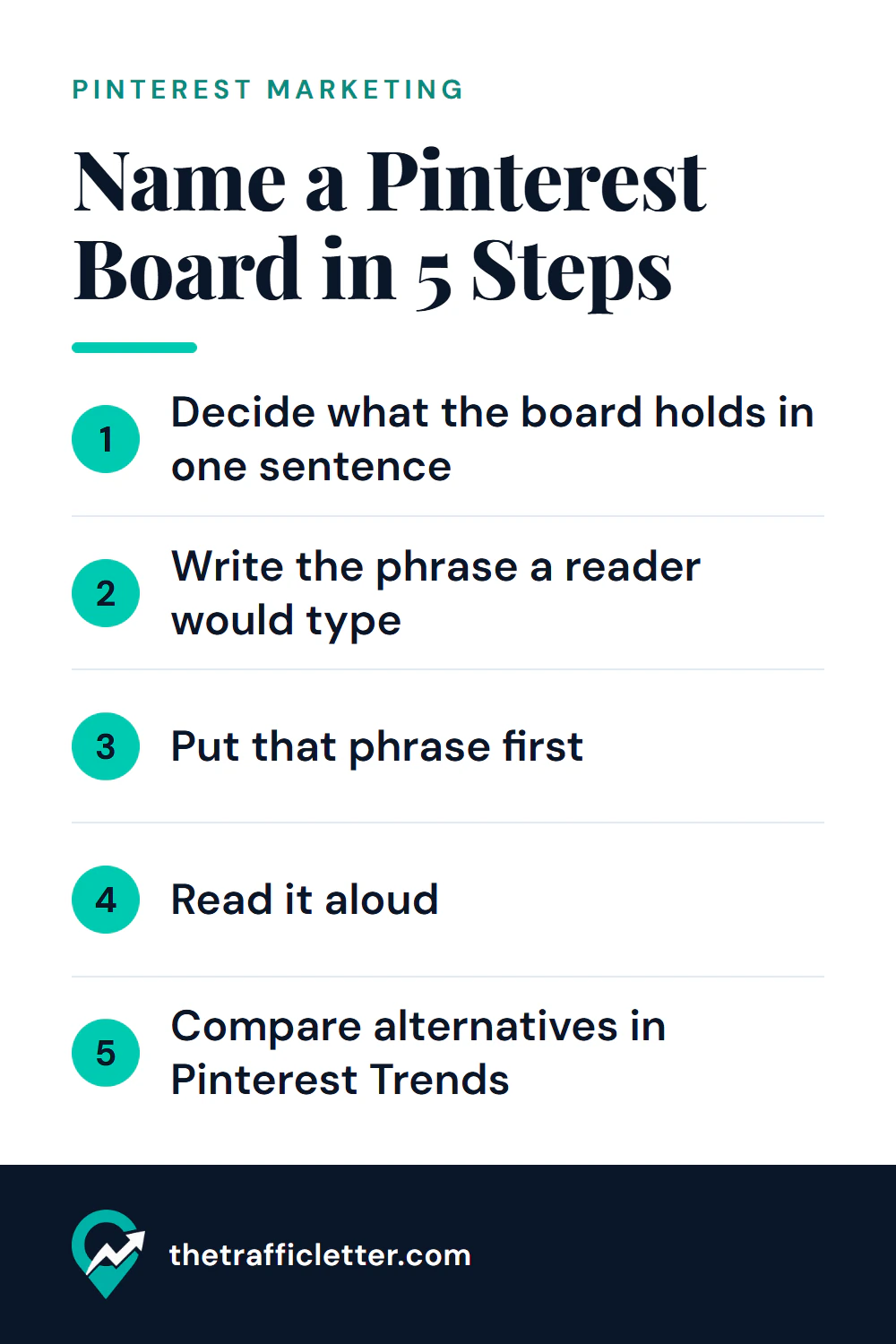
How to name Pinterest boards so people can find them: a simple method, weak versus strong examples for six niches and a board description formula.
New practical guides on Pinterest marketing, SEO and AI tools, sent to your inbox.
Subscribe on Substack