

Search results for how often to pin are full of counts per day, tied to account age and niche. The Pinterest pages read for this guide give none of them. This guide sticks to what Pinterest itself says about frequency and fresh Pins, then helps you turn that into a weekly rhythm and a way to check it. It is one chapter of our place of frequency in Pinterest growth (opens in a new tab), so the profile, keywords and boards come first.
What Pinterest says about how often to pin
Several official pages speak to frequency, and they agree on the weekly rhythm and on one omission.
- Pinterest Create’s creator FAQ says to publish content regularly, ideally on a weekly basis, and adds that you can use the scheduling tool to plan ahead or get into a routine.
- A Pinterest Create article from January 2026 says sharing content consistently, with weekly being ideal, can help your content reach more people looking for ideas like yours. Another from the same month lists posting frequently and consistently among the ways to grow your reach.
- Pinterest’s business blog, in a post dated 31 July 2025, says fresh Pins keep your audience engaged and help you reach new people regularly, and that it is best to add content every week. It then says to focus on the content itself rather than anchoring to a specific number of Pins per week.
- Pinterest’s beginner guide for creators, from October 2022 and so the oldest source here, says quality and relevance matter more than frequency on Pinterest and that posting weekly is a good rule of thumb.
The omission is a maximum. None of these pages gives a number of Pins per day, a number per week or a ceiling above which Pinterest penalizes you. The business blog goes as far as telling you not to anchor on a number.
Why daily Pin counts are not quoted here
Many articles recommend a count per day for new accounts, established accounts and online shops. This guide quotes none of them, because the Pinterest pages read give no such figure and nothing in them can be used to check one. If you see a number elsewhere, ask where it comes from before you plan around it. What Pinterest does provide is a way to test your own rhythm, which is covered below.
What counts as a fresh Pin
Pinterest does not define a fresh Pin in the pages read for this guide. The closest wording is in Pinterest Create’s discoverability article, dated 30 June 2025: people respond best to fresh ideas, and the algorithm highlights original ideas and imagery that are new to the platform, which increases their visibility. The business blog says you can repurpose existing assets to save time and scale faster. Pinterest Create’s fundamentals page describes refreshing existing content by resizing, reformatting or renewing it with design touches.
Pinterest’s pages do not say whether a refreshed version of an old image counts as fresh. One technical detail is documented in the Pin stats help page: Pin stats are calculated by aggregating the data of all Pins that share an image and, if applicable, a URL. A Pin with a new image is therefore measured separately from one that reuses the old image, which gives you a clean way to see what a new picture does.
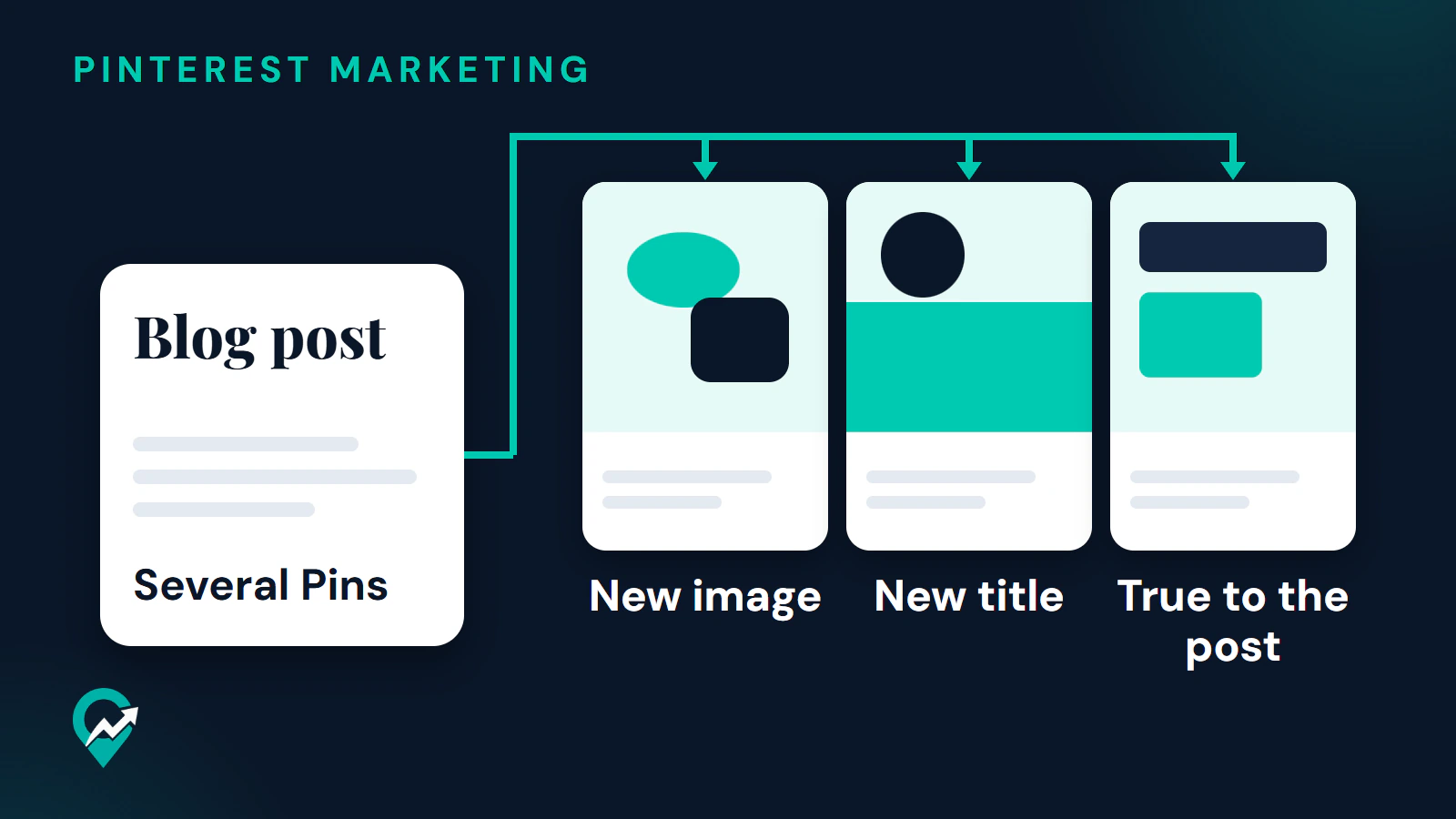
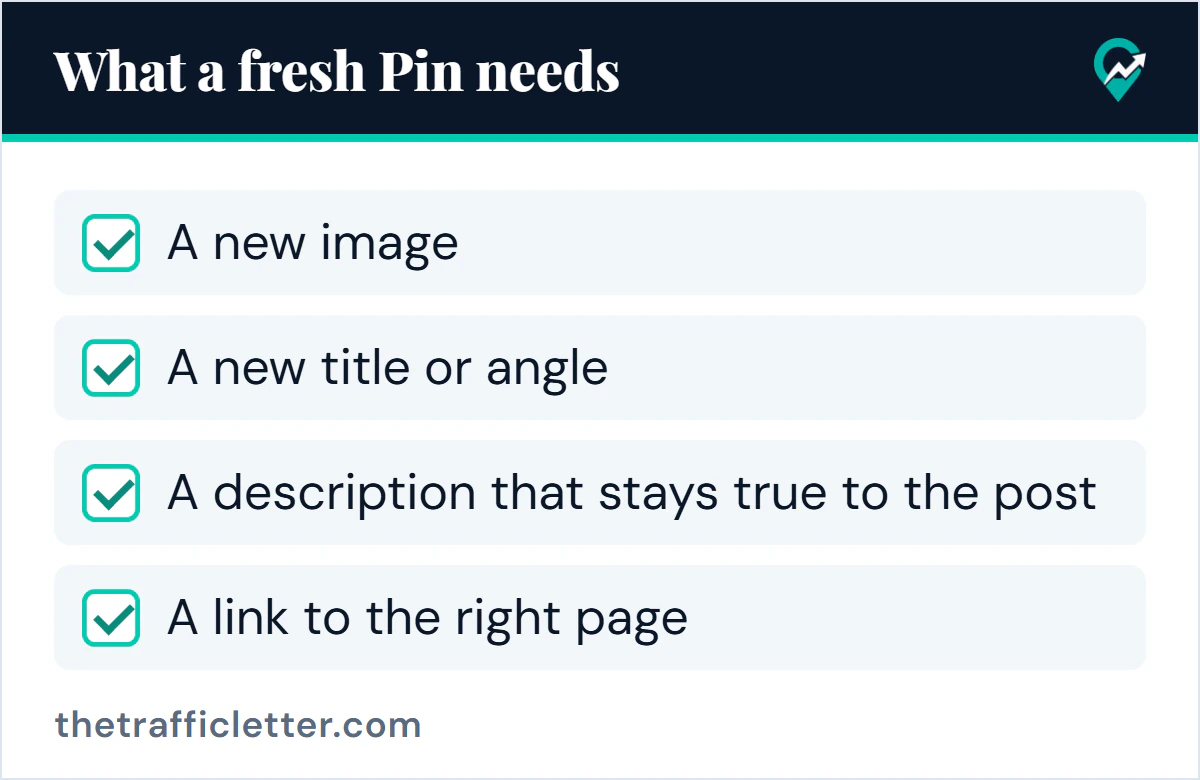
Until Pinterest says more, use a working test of your own. A Pin is fresh for your purposes when it has all of these:
- A new image
- A new title or angle
- A description that stays true to the post
- A link to the right page
If a Pin fails the first two items it is a copy, not a fresh Pin.
Quality over volume
Volume has a limit that Pinterest does spell out. Its Community Guidelines tell you not to create or save content that is repetitive, deceptive or irrelevant in an attempt to make money. They also say to avoid automation that Pinterest has not explicitly approved. The guidelines page says it was last updated in May 2026 and announces changes effective 12 November 2026, so read the Spam section again after that date. Our notes on how Pinterest deactivates accounts for spam (opens in a new tab) show what Pinterest says about the outcome of repeated violations.
Pinterest’s creative advice points the same way. Its fundamentals page asks for a title and description with relevant keywords, strong visuals, a clear thumbnail and a relevant board. Its creator guidance recommends a vertical 2:3 image, such as 1000 by 1500 pixels. A Pin that meets those points and covers a new angle is a better use of your time than three near-identical ones. For the text of each Pin, our guide to writing Pin descriptions that match search (opens in a new tab) gives a formula.
Set a weekly rhythm you can keep
Pinterest’s advice is to be regular, so the rhythm that wins is the one you hold for months. Build it in four moves.
- Count what you can make well. Decide how many distinct Pins you can produce in one sitting without copying yourself. If you have to repeat an image or a sentence to hit a number, the number is too high.
- Set a weekly count from that. Pinterest gives no figure, so the figure is yours. A smaller count that you keep beats a larger one that you drop.
- Batch the work. Pinterest Create says that setting aside one day a week, or a few days a month, to plan and schedule content frees up time. The scheduler holds up to 10 Pins at once, each up to 30 days ahead, as our guide to the limits of Pinterest’s Pin scheduler (opens in a new tab) explains.
- Mix the types. Pinterest’s fundamentals page suggests a balanced mix of evergreen, trending and seasonal ideas, planned 45 to 60 days ahead. The timing guide for seasonal Pins (opens in a new tab) shows how to place the seasonal ones.
Give each new post several Pins, one per angle, as our Pinterest traffic playbook for bloggers (opens in a new tab) recommends. A blog with a small archive can also make fresh Pins for older posts, which is the same idea in a different order.
Turn one post into several fresh Pins with AI
Generating distinct angles is a task an AI assistant does well. This prompt works in ChatGPT, Claude, Gemini or any AI assistant. Replace the text in square brackets first.
I want to promote one blog post on Pinterest with several distinct Pins. The post is titled [post title] and covers [two sentences about the post]. My main keyword is [your main keyword] and related phrases are [phrase 1] and [phrase 2].

Suggest [number of Pins you can publish this week] Pin concepts. Each concept must differ from the others in image idea, angle and title.

Rules:
- Name the image idea in one sentence, such as a checklist, a step by step, a before and after or a single tip. Plan for a vertical 2:3 image, for example 1000 by 1500 pixels.
- Write the title as a plain phrase a person would type into Pinterest search, with the main keyword near the start, and a description of 1 to 2 sentences that uses the keyword once. No hashtags and no clickbait.
- Do not reuse the same sentence in two descriptions.
- Everything must be true to the post. Do not invent numbers, results or claims.
- Mark the concepts you would publish first.

Output: a table with the columns "Angle", "Image idea", "Title" and "Description".
Read each line against the post before you use it, and drop any concept that promises something the post does not deliver.
Check your rhythm in Pinterest Analytics
Pinterest Analytics needs a business account. On desktop, click the hamburger icon at the top-left of the page and, under Analytics, select Overview. In the app, tap your profile picture at the bottom-right, tap the chart bar icon at the top-left corner and select Analytics. The Overview page shows Overall performance, Performance over time, Top boards and Top Pins from the last 30 days, and Pinterest says real-time metrics are estimates that might decrease.
A monthly check is enough.
- Write down how many Pins you published in the last 30 days.
- Open Top Pins and note which ones are on top. Pinterest Create says Top Pins covers both fresh and older content, so you will see whether new Pins or old ones earn the attention.
- Compare impressions, saves, Pin clicks and outbound clicks. Pinterest’s analytics help lists all four, and Pinterest Create names outbound clicks as the one to watch for traffic. Our guide to what impressions count on Pinterest (opens in a new tab) explains how to read them next to clicks.
- For a single Pin, open its stats: click your profile picture at the top-right, click Created, select the Pin and click See more stats.
- Change one thing at a time. Pinterest’s A/B testing steps say to prepare two Pins that differ only in the element you are testing and to publish both around the same time on the same or similar boards.
Reading the numbers is a judgment, not a rule. If impressions rise but outbound clicks stay flat, the Pins are being seen but not persuading, which points to the image, title or link rather than the count. If Top Pins are mostly old, your fresh Pins may not have had time yet, so wait a full cycle before you change the rhythm.
Right after: your next actions
- Pick a weekly count you can keep and write it where you will see it. Make that many distinct Pins with the prompt above.
- Queue them by following how to queue a weekly batch (opens in a new tab).
- Set a date 30 days from now to read the Overview page, then adjust one thing at a time. The wider plan is in our guide to growing on Pinterest (opens in a new tab).