

Impressions is the first number most people see in Pinterest Analytics, and it is easy to misread. This guide gives Pinterest’s own definition, shows how impressions differ from outbound clicks and audience, and lists the reasons Pinterest documents for impressions moving up and down. It belongs to our reference guide to Pinterest Analytics (opens in a new tab), which explains where each report lives.
What Pinterest says an impression is
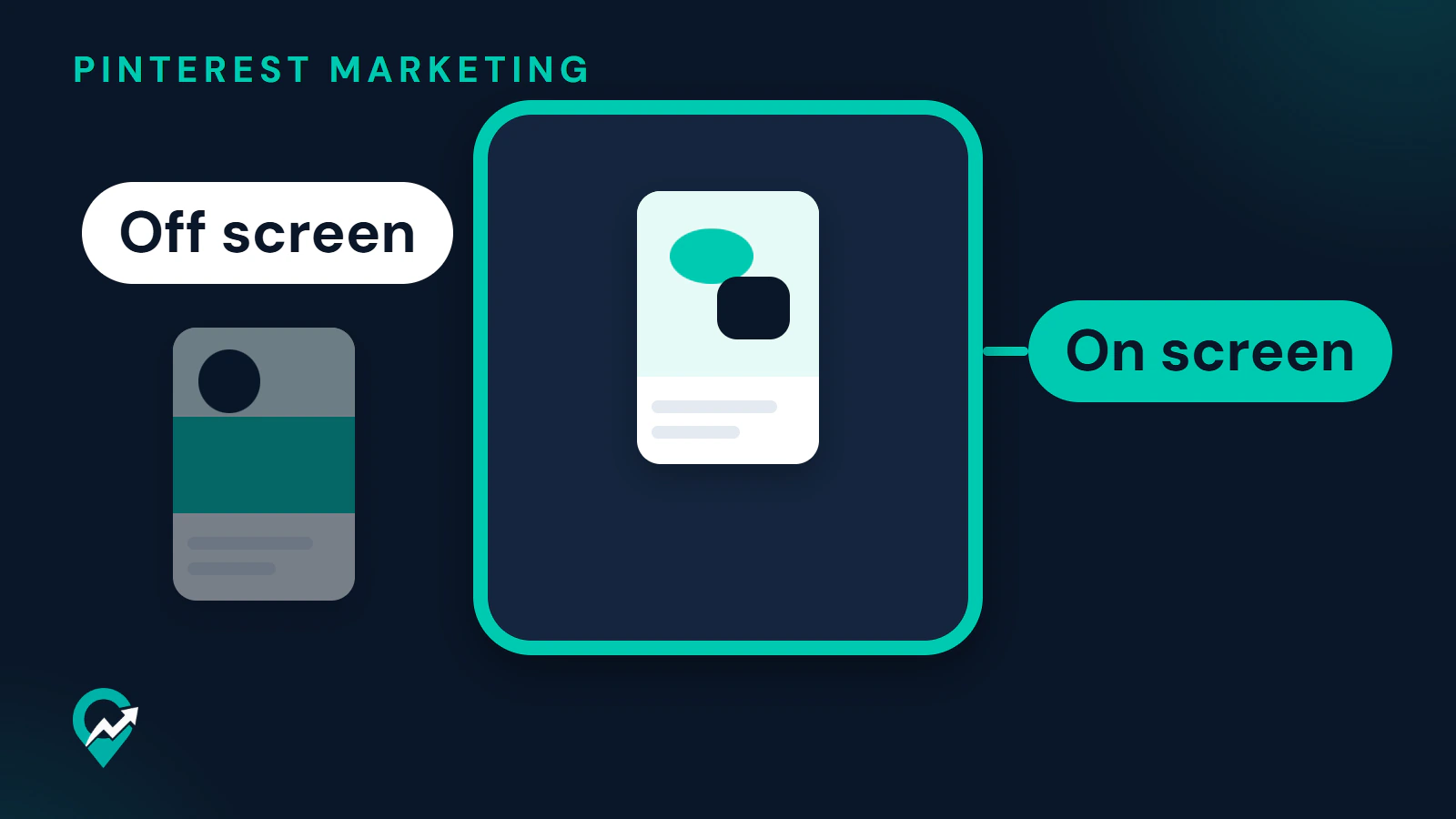
Pinterest’s Analytics page defines impressions as the number of times your Pins or ads were on screen. The Pin stats page uses the same words. A Pin that is on screen counts as one impression, and by that definition a Pin that is off screen does not count.
Two details are worth knowing. First, impressions are a count of times, while Pinterest counts people separately under total audience and engaged audience. Second, the pages read give no minimum time on screen and no minimum share of the Pin that must be visible, so an impression shows that a Pin was shown, not that it was read.
Impressions also sit under most of the rates Pinterest defines. The engagement rate is the total engagements with your Pins divided by the total number of times your Pins were seen. The save rate is total saves divided by the total number of times your Pins were on screen, and the outbound click rate is the total clicks to the destination URL associated with your Pin divided by the total number of times your Pins were on screen.
Where to see impressions
On desktop, click the hamburger icon at the top-left of the page and open the Overview page: Pinterest words the item as Analytics overview under Analyze performance in some pages and as Overview under Analytics in its help page. Impressions is one of the Overall performance numbers. The graph under Performance over time starts on Impressions, and Top boards and Top Pins are sorted by most impressions to start. Pinterest says you can change the sort to engagements, Pin clicks, outbound clicks or saves.
For one Pin, Pin stats always shows Impressions among its core metrics, together with Saves, Pin clicks and Outbound clicks. Our notes on where each Analytics report lives (opens in a new tab) have the click path for Pin stats and the filters.
Pinterest says the real-time numbers are estimates and subject to change, so they might decrease. Real-time analytics are not available when you use the Content type, Age or Gender filters or when you split the data.
Impressions versus outbound clicks and audience
The metrics beside impressions count different things. The table uses Pinterest’s definitions in plain words.
| Metric | What Pinterest says it counts | Counts people | Closest to visits to your blog |
|---|---|---|---|
| Impressions | The number of times your Pins or ads were on screen | No, times | No |
| Pin clicks | The total number of clicks on your Pin or ad so it opens in closeup | No, clicks | No |
| Outbound clicks | The number of times people perform actions that lead them to a destination off Pinterest | No, actions | Yes, but a click is not a visit |
| Total audience | The total number of people who have seen or engaged with your Pins | Yes | No |
Impressions tell you how often Pinterest showed your Pins. Outbound clicks tell you how often a Pin sent someone away from Pinterest, and Pinterest Create lists outbound clicks first for the goal of driving traffic. A Pin can earn many impressions and few outbound clicks, which means it is shown but does not lead anywhere. To see the same visits from your blog’s side, follow the check in the Google Analytics section of our Analytics guide (opens in a new tab).
Pinterest publishes no level of impressions, or of any rate built on them, that counts as good. Its business page says the most important metrics depend on your goals. Compare your own months instead.
Why impressions go up and down
Pinterest’s help page on Pin performance gives the reasons it documents.
- Distribution follows engagement. As people search, save and engage with a Pin, Pinterest uses that information to decide what is most relevant to share with others, and it says engagement is driven by what people want to see, which can change over time.
- There is no set engagement window. A Pin can gain engagement hours, days, months or even years after it is published. A new Pin can succeed right away, and an older Pin can suddenly increase.
- Engagement can be affected by language, location, seasons, holidays, formats and trending topics.
- Interest in seasonal and cultural moments builds, peaks and cools over time, according to the Pinterest Trends help page. Pinterest Create advises sharing content around a theme or event 4 to 6 weeks before it peaks. Our notes on planning seasonal Pins 4 to 6 weeks ahead (opens in a new tab) show how to plan that.
Pinterest also documents measurement reasons that change what you see. The Overview page shows published Pins data by default, so Pins you saved from other sites appear only when you tick Include saved Pins. Without a claimed website, Pinterest says what you save counts as saved content and is not highlighted on the Overview page. A different Date range or Content type changes the totals as well.
What Pinterest does not publish is a full list of factors or a number for how much impressions should change. Anything beyond the points above is a guess, and this guide does not make one.
What to do when impressions drop
Start with the page, not the Pins. Use the same Date range and Content type as last time, and compare with the same period a year earlier if the Date range reaches it, since Pinterest says it goes back a year and a half. Then work through Pinterest’s own list for performance that trends down.
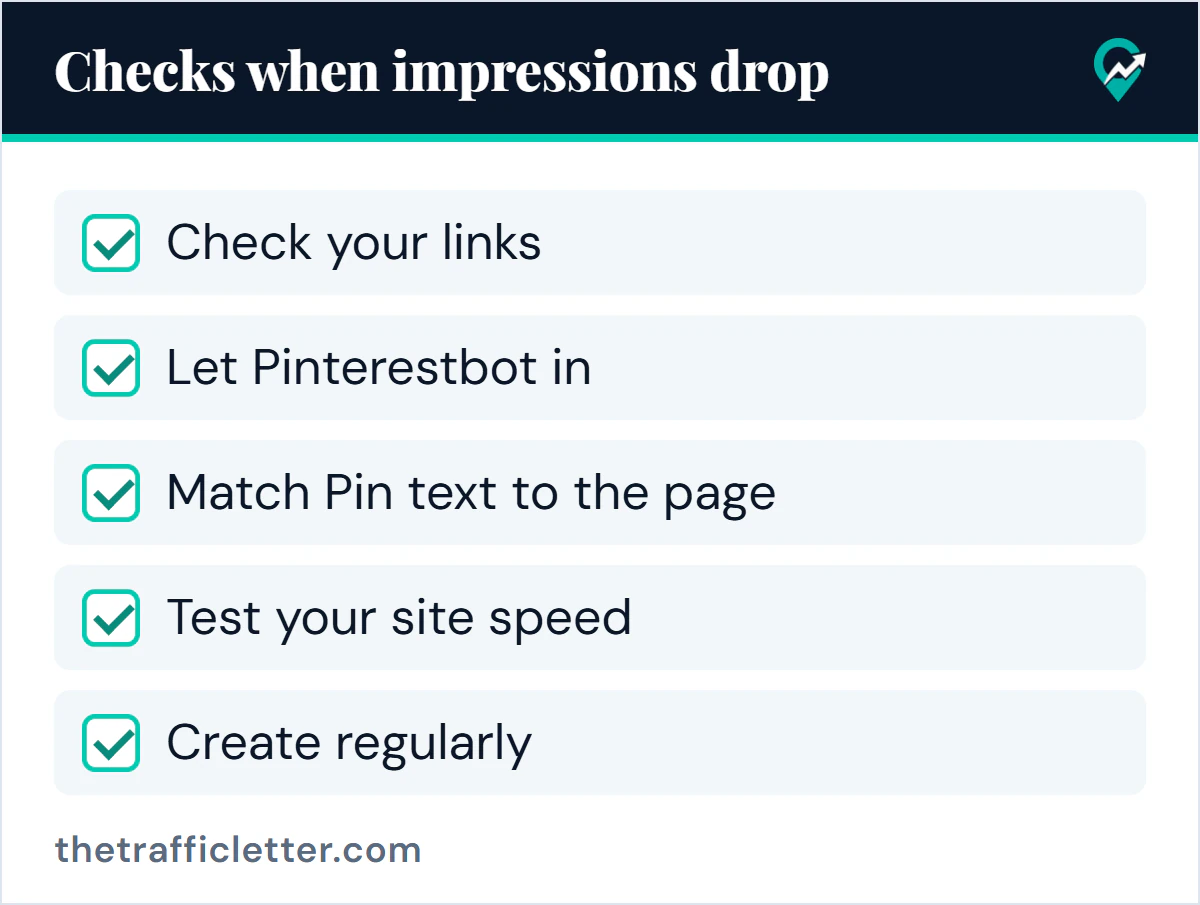
- Check your links. Pinterest says to avoid broken links, to confirm that each one sends people to the correct website and to link to a landing page that is clearly related to the Pin.
- Let Pinterestbot in. Confirm that your domain or hosting company is not blocking Pinterestbot from retrieving data from your site.
- Match Pin text to the page. Pinterest says the images, text and keywords in your Pin should match the details on the landing page. Our format for Pin text that matches the page (opens in a new tab) helps with the wording.
- Test your site speed. Pinterest says to use a website speed test tool to check that your domain loads in under 4 seconds.
- Create regularly. Pinterest says to aim for original content weekly and to avoid duplicate Pins, because repeating the same Pins can get you flagged as spam and temporarily blocked from creating Pins. For the rhythm, read about setting a weekly Pin rhythm (opens in a new tab).
Pinterest’s list also includes claiming your website and keeping a safe domain that follows its guidelines. If your site is not claimed yet, our steps for claiming your site (opens in a new tab) come first.
Read impressions and outbound clicks together
The table is a reading guide of ours, not a Pinterest rule. It turns the two numbers into a next step.
| Impressions | Outbound clicks | What to check |
|---|---|---|
| Up | Up | Note the top Pins and repeat their angle |
| Up | Flat | The Pins are shown but do not lead away: look at the image, the title and the link |
| Down | Up or flat | Fewer showings with the same result: keep the formula and check the season |
| Down | Down | Work through the five checks above |
Prompt: turn two periods of numbers into a next step
This prompt works in ChatGPT, Claude, Gemini or any AI assistant. Replace the text in square brackets with numbers from your Overview page, using the same filters for both periods.
I run a blog and use Pinterest to send readers to it. Here are my numbers from Pinterest Analytics, Content type Organic.

Period A ([dates]): impressions [number], outbound clicks [number], saves [number].
Period B ([dates]): impressions [number], outbound clicks [number], saves [number].
My top Pins in period B by outbound clicks: [Pin titles].

Compare the two periods in plain sentences. Say which numbers rose, fell or stayed flat. Do not invent causes, benchmarks or a "good" level. Then list at most three things to check, chosen from this list: working links, Pinterestbot access, Pin text matching the page, site speed, posting rhythm, season. Label each as something to check, not a diagnosis.
Read the answer against your numbers before you act on it.
Right after: your next actions
- Open the Overview page with Content type set to Organic, and write down impressions and outbound clicks side by side.
- Read how monthly views differ from impressions (opens in a new tab) so you do not confuse the two.
- If outbound clicks lag behind impressions, go back to the step on linking each Pin to the right post in our Pinterest traffic plan for bloggers (opens in a new tab).