

If you are looking for a table of days and hours, there is none here, and that is deliberate. Pinterest has not published a best time to post, and the official pages read for this guide give timing advice of another kind: how regularly to publish, how early to start seasonal Pins and how to read your own results. This guide belongs to our guide to growing a Pinterest account (opens in a new tab), and it ends with a method for finding the posting times that work for your own account.
What Pinterest says about timing
Pinterest’s timing advice comes in three parts.
The first is regularity. Pinterest Create’s creator FAQ says to publish content regularly, ideally on a weekly basis, and a Pinterest Create article from January 2026 says that sharing content consistently, weekly being ideal, helps your content reach more people looking for ideas like yours. Pinterest’s business blog (31 July 2025) adds that it is best to add content every week and to focus on the content itself rather than on a specific number of Pins per week.
The second is lead time for seasonal content. Pinterest Create’s fundamentals page says to build a content calendar that balances evergreen, trending and seasonal ideas, and to plan it 45 to 60 days in advance for maximum relevance. A Pinterest Create article from August 2025 says searches for big events start months ahead and advises launching content four to six weeks before those moments.
The third is your own data. The fundamentals page advises reviewing audience insights and past Pin performance before creating anything new, to see which themes, formats and keywords resonate.
None of these pages gives a day of the week or an hour of the day. Pinterest’s bulk creation page says content management platforms let you schedule content to publish at optimal times for your audience, but it does not say what those times are. Pinterest Content Academy lists a lesson on identifying the optimal time to post your content, but it is a video, and only its description could be read for this guide, so this article does not cover what the video says.
Why no single best hour is documented
Pinterest’s beginner guide for creators, dated 21 October 2022 and so older than the other sources here, says that content is displayed based on engagement signals and topics rather than ranked chronologically, and that your content keeps appearing for relevant audiences over time, long after the day you post it. Pinterest Create’s January 2026 growth article repeats the idea in other words: content does not rely primarily on followers to be discovered, and the topics you cover, your keywords and your imagery influence when it shows up in feeds.
The reasonable reading is that a Pin is not a live post whose fate is settled in its first hour, so the hour carries less weight than the topic, the keywords and the picture. That is a reading, not a Pinterest statement. Pinterest does not say that timing has no effect. It simply gives no figures, and this is why you will not find a posting-time chart in this guide.
Plan seasonal Pins by lead time
For seasonal topics, timing does matter, and Pinterest gives you two tools to work it out.
The Pinterest Trends tool shows a history of up to the last two years of top search, save and shopping trends, and Pinterest’s help page says you can use it to learn when people start searching for various keywords. To open it on desktop, click the hamburger icon at the top-left of the page, and under Analyze performance select Pinterest Trends. Select Search trends, search for a keyword and use Date range at the top of the graph to choose the window of time. The help page says you can enter up to four keywords at once to compare them, and that search trends show whether a trend is seasonal.
The help page also describes Moments: seasonal and cultural events that show how interest builds, peaks and cools over time, with guidance for each phase, such as an approaching phase. That makes a Moment a ready-made lead-time guide for events like holidays.
From the graph, work out two dates for each season in your niche.
- The date to plan: 45 to 60 days before the moment, when the calendar is written.
- The date to publish: four to six weeks before the moment, when the Pins go live.
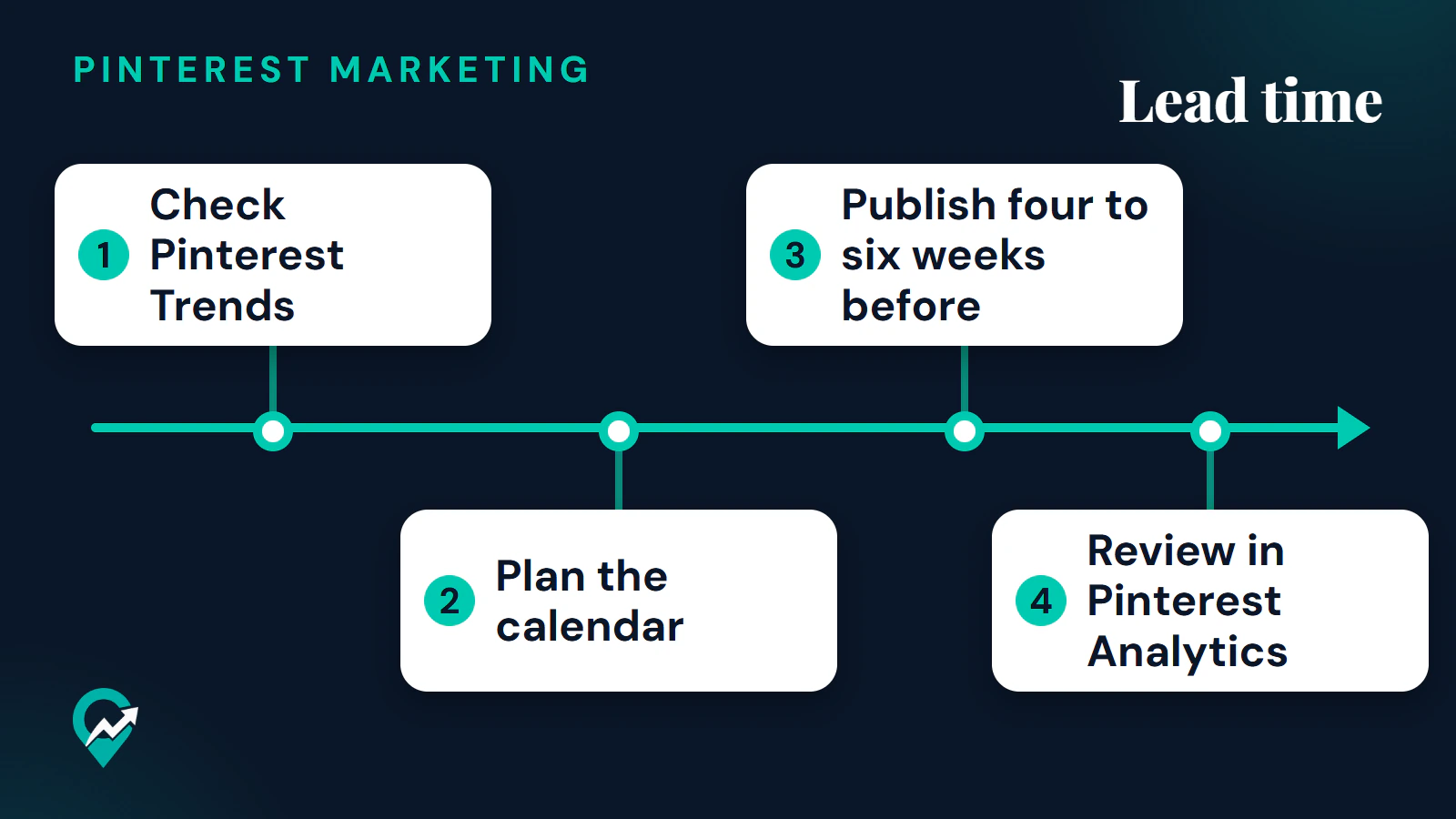
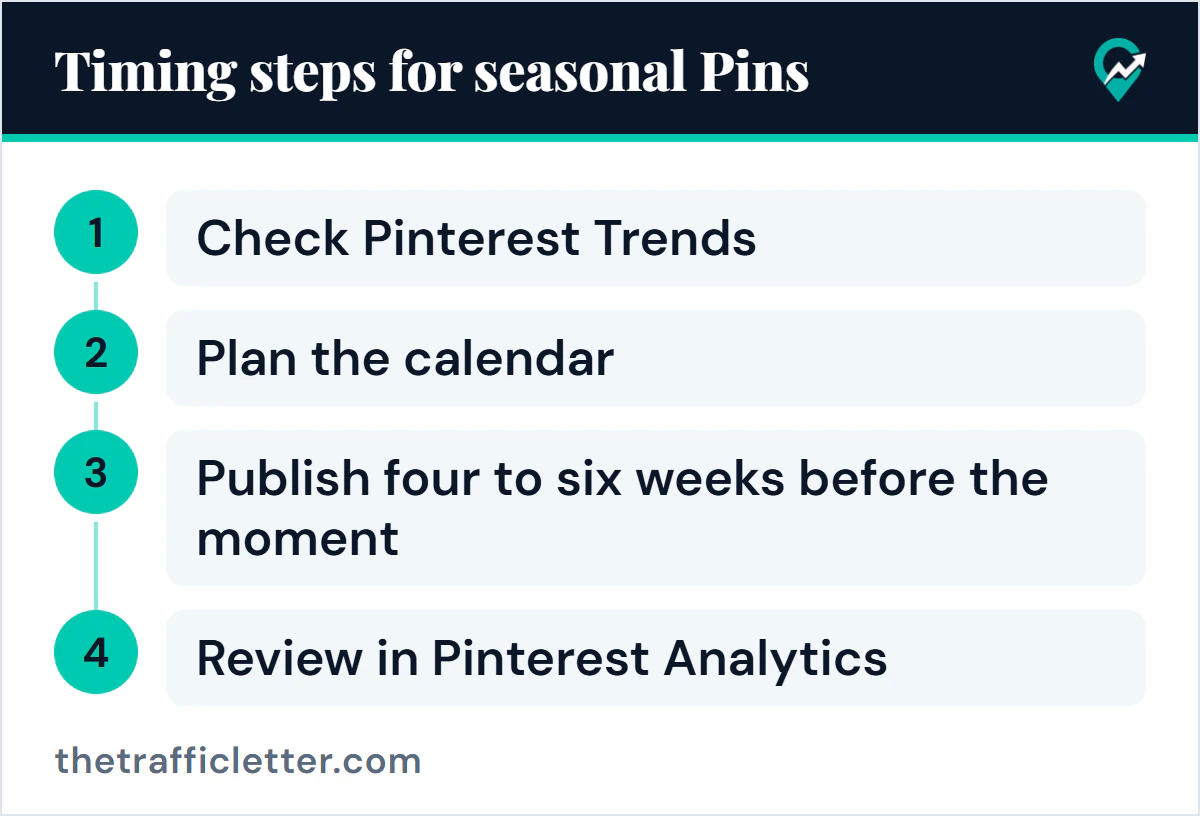
In order, the routine is to check Pinterest Trends, plan the calendar, publish four to six weeks before the moment and review in Pinterest Analytics.
Pinterest’s seasonal article suggests adding trending keywords to Pin titles, descriptions and board names. Start from a keyword list you have already built: our guide to researching Pinterest keywords before you publish (opens in a new tab) shows how. Pinterest Create also publishes a 2026 content planning calendar (opens in a new tab) that lists seasonal moments by month.
| What to time | What Pinterest says | Where it comes from |
|---|---|---|
| Regular publishing | Ideally weekly | Pinterest Create creator FAQ |
| Calendar planning | 45 to 60 days in advance | Pinterest Create fundamentals |
| Seasonal launch | Four to six weeks before big moments | Pinterest Create seasonal article |
| Interest over a season | Builds, peaks and cools | Pinterest Trends help page |
Plan a 60-day seasonal calendar with AI
A calendar is mostly list-making, so an AI assistant can draft it. This prompt works in ChatGPT, Claude, Gemini or any AI assistant. Replace the text in square brackets first. It asks for a 60-day plan because that is the far end of the 45 to 60 day window Pinterest gives.
I publish Pins for a blog about [your niche] for [your audience]. My next season or event is [upcoming season or event], and it takes place on [event date].

Plan a 60-day content calendar that ends on the event date.

Rules:
- Work backward from [event date]. Pinterest advises planning 45 to 60 days ahead and launching seasonal content four to six weeks before the moment, so mark a planning date and a publish-by date.
- Mix seasonal, trending and evergreen Pins, and label each row with one of those three types.
- Give each row one search phrase a person would type into Pinterest, built from [your main keyword] and the season. Do not invent search volumes, statistics or dates.
- For each Pin, name the page from my site it should link to, using only these pages: [list of your post titles and URLs].
- Leave the exact publish day and hour blank. I will choose them from my own Pinterest Analytics.

Output: a table with the columns "Week", "Pin idea", "Search phrase", "Type" and "Page to link".
Check each search phrase in Pinterest search and in Pinterest Trends before you use it, and remove any row that does not match a page you really have.
Find your own best time in Pinterest Analytics
The Pinterest Analytics pages read for this guide describe a Date range filter, the Overview page and per-Pin stats. They do not describe a report by hour or by weekday. So the test below is a method of ours built from those official tools, not a Pinterest feature. Pinterest Analytics needs a business account.
- Check who you are posting for. On desktop, click the hamburger icon at the top-left of the page and, under Analytics, click Audience insights. Pinterest says it shows demographics by age, gender, location and device. Location tells you which time zone to think in.
- Schedule similar Pins at different times. Use the scheduler, which is covered in our guide to queueing Pins with Pinterest’s scheduler (opens in a new tab), and write each Pin’s day and time in a simple sheet next to its title and board. Vary one thing at a time: the time, not the topic.
- Wait before you judge. Pinterest says real-time metrics in Pin stats are estimates and subject to change, and that they might decrease. Compare Pins after the same number of days.
- Read each Pin’s stats. Log in to your business account, click your profile picture at the top-right, click Created below your profile name, select a Pin and click See more stats. Use the Date range filter and click a metric above the graph to see it over time.
- Judge by the metric that matches your goal. Pinterest Create says saves, impressions, Pin clicks and outbound clicks are the main metrics, and that outbound clicks are the one to watch when you want traffic. Outbound clicks are the number of times people take actions that lead to a destination off Pinterest. If your profile shows monthly views, treat it as a reach number rather than a visit count, as explained in monthly views and reach on Pinterest (opens in a new tab).
- Keep the pattern only if it repeats. A single Pin that does well at one hour proves little. The pages read give no minimum number of Pins for a fair test, so treat a small difference as a tie.
The app path differs. Pinterest’s help page says to tap your profile picture at the bottom-right, tap the chart bar icon at the top-left corner and select Analytics. One Pinterest Create article names the desktop menu item Analytics overview under Analyse performance instead, so if a label does not match your screen, look for the Analytics section of the menu.
What to ignore in posting-time charts
Many articles publish best hours by niche or by weekday. Pinterest publishes none, and the pages read give no way to trace those figures to Pinterest. If you want to use one as a starting guess, schedule a few Pins at that time and see what your own Pin stats say. Do not take it as a rule.
Right after: your next actions
- Pick the next seasonal moment in your niche, find its line in Pinterest Trends and write down its two dates: plan and publish.
- Draft the calendar with the prompt above, then queue the first batch with the steps for scheduling a batch of Pins (opens in a new tab).
- Decide how many Pins you can make well each week by reading how often to pin on Pinterest (opens in a new tab), then review results once a month, as in the monthly routine of our traffic playbook for bloggers (opens in a new tab).