

Monthly views is a number many Pinterest accounts see on their profile, and Pinterest says very little about it. This guide sticks to what Pinterest has published, explains why the number is not traffic to your blog and shows how to move from views to outbound clicks. It is part of our full overview of Pinterest Analytics (opens in a new tab), and it has a sibling on how Pinterest counts impressions (opens in a new tab).
What Pinterest says monthly views means
Two Pinterest Create articles mention it. The first, on Pinterest Analytics, was published on 17 March 2025 and its page was modified on 3 June 2026. It lists a metric called Impressions for the last 30 days and says monthly views are a quick way to gauge your reach and see how many visitors are seeing your profile. It adds that for further insight you should look at your impressions over time as a guiding metric.
The second, published on 27 May 2026, says that with a business account you can turn your profile into a more professional space: add a branded profile cover, claim your website and show stats such as monthly views and followers.
That is all Pinterest says in the pages read. The help pages for Pinterest Analytics, Pin stats and Audience insights do not list monthly views among their metrics. None of the pages read says how it is counted, which exact days it covers, how often it updates or whether one person is counted once or several times. This guide therefore gives no counting rule, and you should treat any article that does with care.
Where monthly views shows
According to Pinterest Create, it is a stat a business account can show on its profile next to followers. The pages read give no menu path and no setting to show or hide it, so this guide gives none either.
If you do not see it, you can look at the closest documented measure. On desktop, click the hamburger icon at the top-left of the page and open the Overview page: Pinterest words the item as Analytics overview under Analyze performance in some pages and as Overview under Analytics in its help page. Pinterest says the Overview page shows Overall performance and Performance over time from the last 30 days, and Impressions is one of the Overall performance numbers. Pinterest does not say that this number equals monthly views, so treat it as a related measure, not a copy. Our guide to reading Pinterest Analytics (opens in a new tab) lists the filters and the click paths.
Why monthly views is not traffic to your site
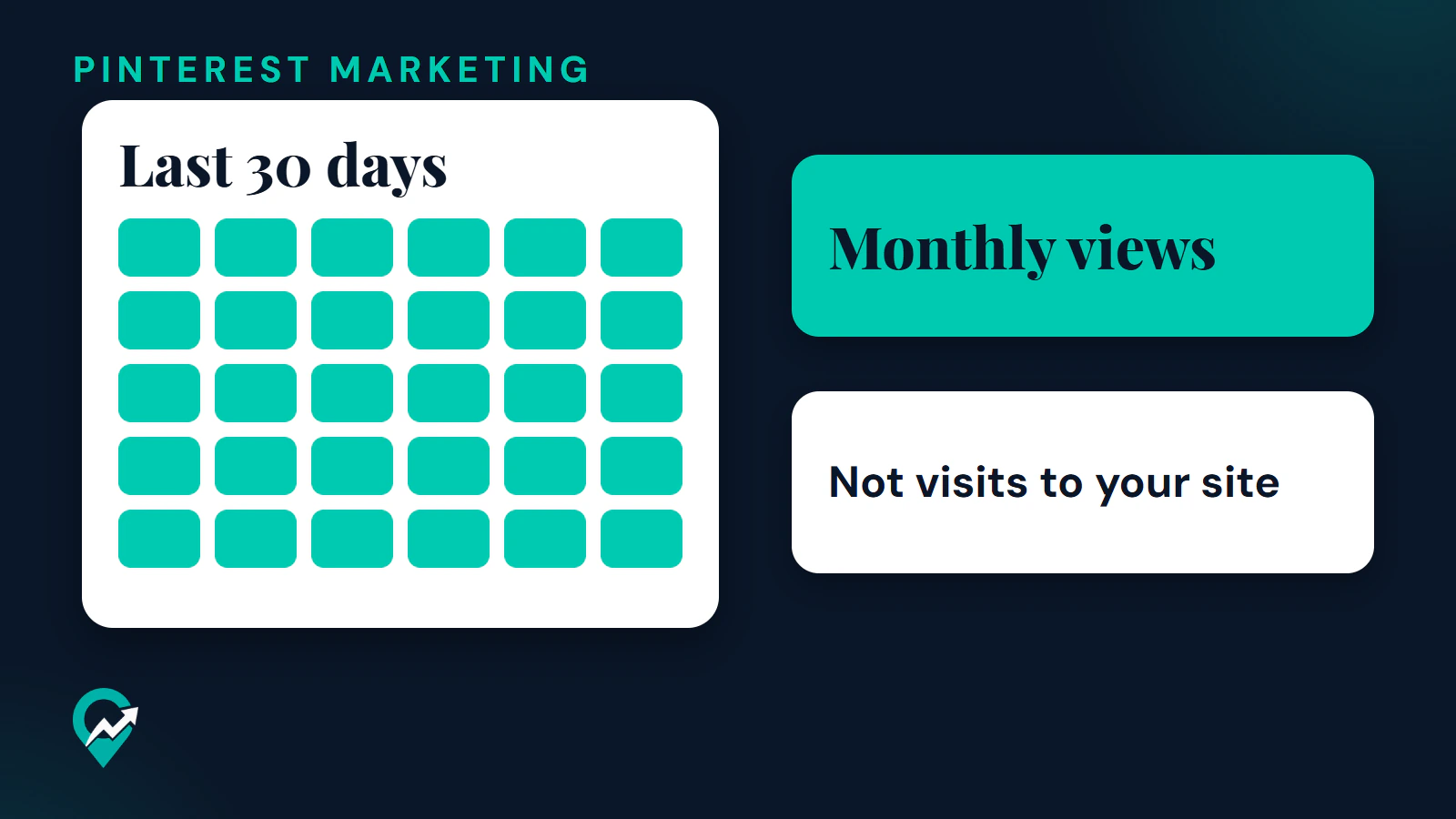
Monthly views are not visits to your site. A view is about being seen on Pinterest. Traffic is a person leaving Pinterest for your blog, and each step of that path has its own number.
Pinterest Create splits its metrics by goal. For building your audience and brand awareness it lists impressions, total audience, engaged audience and saves. For driving traffic it lists outbound clicks, saves, total audience and engaged audience. The pages read do not put monthly views in either list.
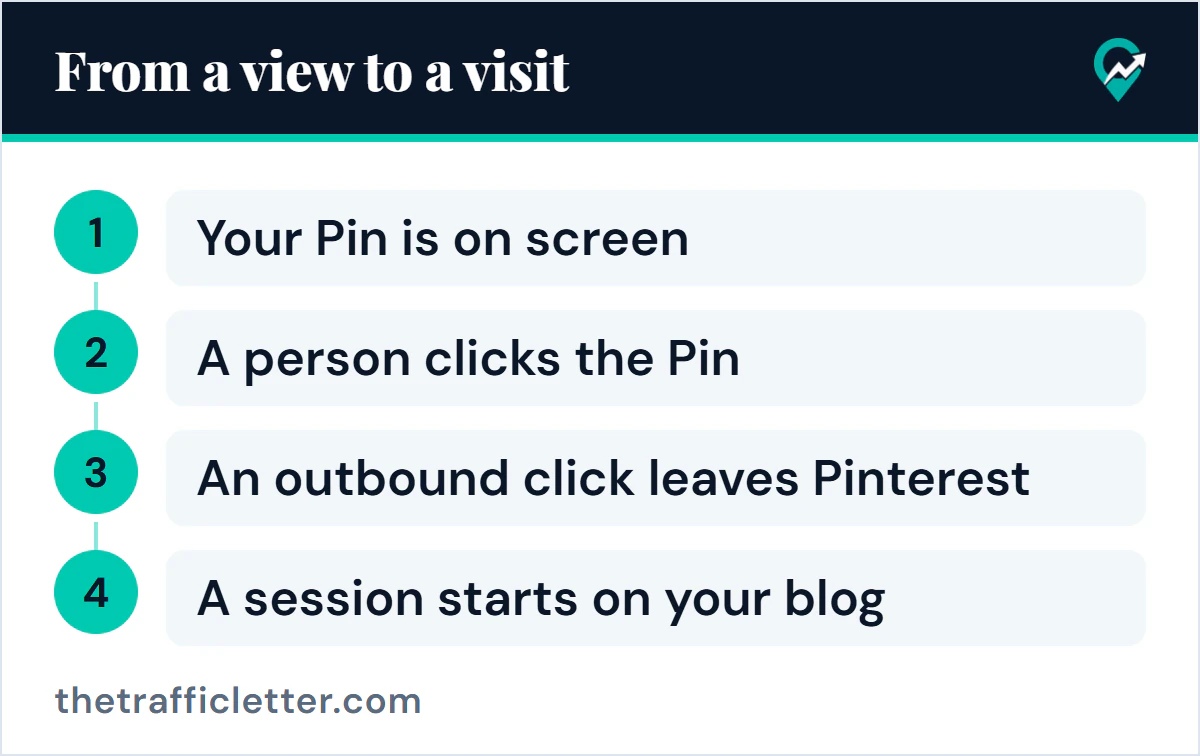
The path has four steps and four counters:
- Your Pin is on screen. Pinterest counts an impression, the number of times your Pins or ads were on screen.
- A person clicks the Pin. Pinterest counts a Pin click.
- An outbound click leaves Pinterest. Pinterest defines outbound clicks as the number of times people perform actions that lead them to a destination off Pinterest.
- A session starts on your blog. Google Analytics counts a session when a person views a page and no session is currently active.
| Number | What it tells you | Where it appears | Visit to your blog |
|---|---|---|---|
| Monthly views | A quick gauge of reach | Business profile, per Pinterest Create | Not visits to your site |
| Impressions | Times Pins or ads were on screen | Pinterest Analytics, Pin stats | No |
| Outbound clicks | Actions that lead off Pinterest | Pinterest Analytics, Pin stats | Closest, but a click is not a visit |
| Sessions | Sessions that began on your site | Google Analytics | Yes |
How to turn views into outbound clicks
Pinterest does not publish a method for raising monthly views, but its help page on Pin performance lists practices that apply to every reach number. These are the ones that bear on clicks.
- Link each Pin to the post it shows. Pinterest says to link to a landing page that provides additional content clearly related to your Pin, and to avoid broken links. Our step by step Pinterest traffic plan (opens in a new tab) covers the link step.
- Match the Pin text to the page. Pinterest says the images, text and keywords in a Pin should match the landing page, and that adding a description, a title or a link and saving to a relevant board helps more people discover it. Our notes on how to write Pin descriptions for search (opens in a new tab) give a format.
- Use a vertical image. Pinterest recommends a 2:3 aspect ratio for images and videos, and says most of its audience is on mobile devices.
- Publish regularly. Pinterest says to create original content weekly. The rhythm questions have their own guides: Pinterest’s guidance on pinning frequency (opens in a new tab), when to publish seasonal Pins (opens in a new tab) and how to queue Pins ahead (opens in a new tab).
- Keep your site fast. Pinterest says to use a website speed test tool to check that your domain loads in under 4 seconds.
- Invite saves. Pinterest says a call to action to save and follow, and replying to comments, make people more invested in your content. For the follower side, see how to get followers on Pinterest (opens in a new tab). The overall order of work is in our guide on growing an account on Pinterest (opens in a new tab).
A simple monthly log
Once a month, write the same four numbers in one row, using the same Date range and the Content type set to Organic in Pinterest Analytics.
| Month | Monthly views, if your profile shows it | Impressions | Outbound clicks | Sessions from Pinterest in Google Analytics |
|---|---|---|---|---|
| Month one | ||||
| Month two |
Pinterest gives no level of monthly views that counts as good, so the row is only useful for comparing a month with your earlier months. If monthly views rise while outbound clicks stay flat, the Pins are seen but not clicked, which points back to the steps above.
Right after: your next actions
- Write down this month’s row in the log above.
- Check one thing in the steps above that you can fix this week, starting with the link and the text of your most seen Pin.
- Read what impressions mean on Pinterest (opens in a new tab) to see why the numbers around monthly views move.