

Most guides to getting followers promise a fast count. The better question is what a follower does for a blog, and Pinterest’s own pages answer part of it. This article shows what followers change and what they do not, then lists the ways to earn them that fit Pinterest’s guidance. It is a support article for our order of actions for growing on Pinterest (opens in a new tab), which covers the rest of the plan.
What followers do and do not change on Pinterest
Pinterest’s help page defines the follower count as the number of people who follow you or your boards. If a person follows one or more boards you created, it counts as one follow. You can remove followers and, if you want to stop someone interacting with you, block them.
On reach, the pages read for this guide say something specific. Pinterest Create says that high-quality Pins are matched with people beyond just your followers who are looking for that content. Its beginner page for creators says content is displayed based on engagement signals and topics rather than ranked chronologically, and that saves are the strongest metric of how an idea is resonating. None of those pages names follower count as a factor in that matching.
That does not make followers useless. They are a metric Pinterest Analytics reports, and Pinterest’s business blog says to signal your appreciation for followers and people who engage with your Pins. Treat a growing follower count as a result of clear, useful content, not as the goal that decides whether your Pins are shown.
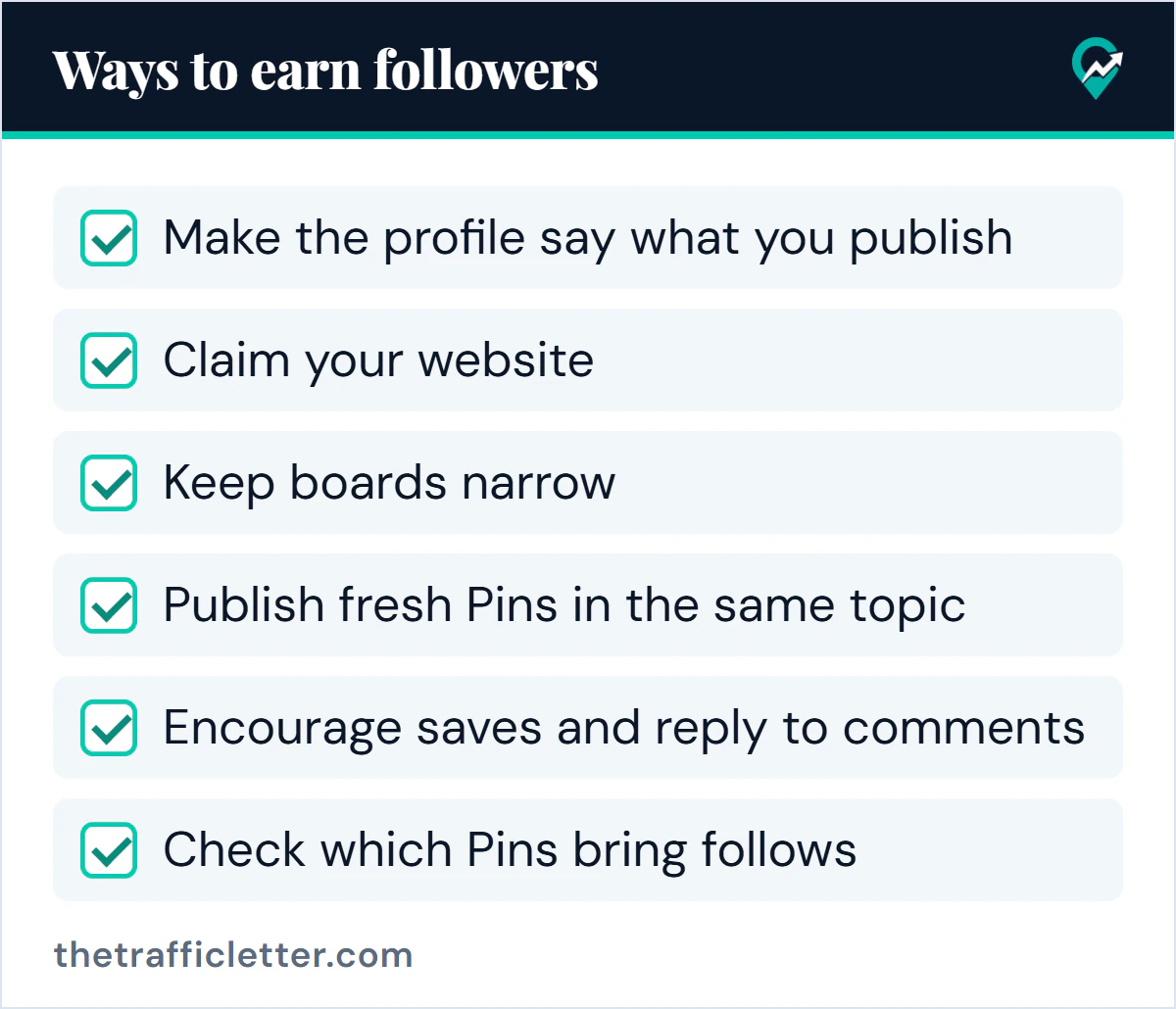
How to earn followers
1. Make the profile say what you publish
A visitor who lands on your profile from a Pin decides whether to follow in a few seconds. Pinterest Create says a clear, relevant username is easier to find, a concise bio can help new people find your profile when it includes keywords, and a recognisable profile image builds credibility. Our guide to setting up the profile of a business account (opens in a new tab) covers each field, and the article on writing a Pinterest bio (opens in a new tab) covers the About text. How people look a profile up by name or username is in our steps for searching for someone on Pinterest (opens in a new tab).
2. Claim your website
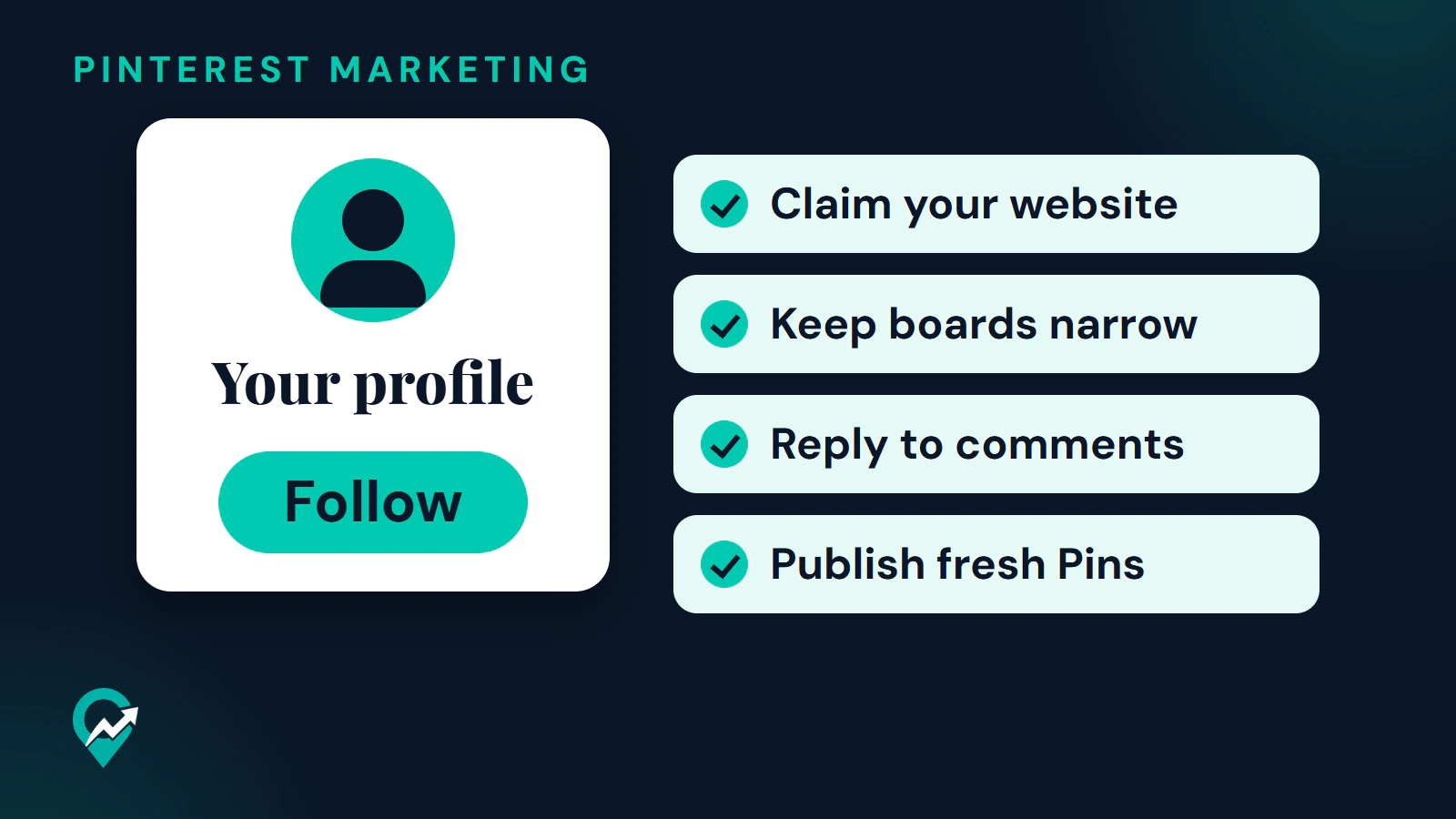
Pinterest Create says that when you claim your website, your profile info (name or brand name, profile link and photo) appears next to Pins with saved content from your site, along with a Follow button for your Pinterest account. For a blogger, that puts a follow option beside every Pin someone saves from your posts. The methods are in our website claiming walkthrough (opens in a new tab).
3. Keep boards narrow
Pinterest Create’s fundamentals page advises a board theme that is niche and specific. A person who follows you for sourdough bread should find boards about sourdough bread, not a mix of unrelated hobbies. Following a board counts as a follow, so focused boards give people a clear reason to follow them. See how to organize boards for a blog (opens in a new tab) for the structure.
4. Publish fresh Pins in the same topic
Pinterest’s business blog says fresh Pins keep your audience engaged and reach new people, and advises adding content every week without anchoring to a set number of Pins. A weekly rhythm in a consistent topic gives visitors something to follow for. The wording and keywords for those Pins are covered in our guide to Pin titles and descriptions (opens in a new tab).
5. Encourage saves and reply to comments
The business blog advises watching Pin comments and responding to people who need help, and Pinterest Create says that adding a reply or highlighting a comment helps people feel more engaged. A person whose question you answered has a reason to come back. Clear calls to action, such as asking people to save a Pin for later, are how Pinterest says to encourage saves.
6. Send people to your profile from your blog
Pinterest Create’s content promotion article suggests claiming or connecting your website and social profiles so your content and analytics are linked, and sharing your best work on other platforms. On your blog, link to your Pinterest profile and add your site under Website in Edit profile, so the connection runs both ways.
7. Check which Pins bring follows
Pinterest’s help page lists Follows among the core metrics of every Pin, next to impressions, saves, Pin clicks and outbound clicks. On a desktop, click the hamburger icon at the top-left and, under Analytics, select Overview; in the app, tap your profile picture, then the chart bar icon at the top-left, then Analytics. A Pin that brings follows tells you which topic and style to repeat.
Where to see your followers
On a desktop, click your profile picture at the top-right corner of the screen to go to your profile, then click Followers under your name. In the app, tap your profile picture at the bottom-right corner, then tap Followers under your name. To remove a follower, click or tap the ellipsis icon next to them, select Remove and confirm.
If your profile is private, people can only follow you after you invite them. Pinterest’s help page says you can share a unique profile link, and that each link expires after three days or after it is used by five people.
Let AI help with the writing (2 prompts)
Two jobs here involve text: checking whether your profile gives a visitor a reason to follow, and answering comments. These prompts work in ChatGPT, Claude, Gemini or any AI assistant. Replace the text in square brackets first.
Prompt 1, a profile check:
Act as a first-time visitor to a Pinterest profile and tell me whether you would follow it.

Profile name: [your display name]
Bio: [paste your bio]
Board names: [board 1], [board 2], [board 3], [board 4]
My niche and main keyword: [your niche], [your main keyword]

Rules:
- Say in one sentence what you think the profile is about, based only on the text above.
- List what is unclear or off-topic, board by board.
- Suggest changes to the bio and board names that use the main keyword naturally. No keyword lists, no emojis, no claims or numbers I did not give you.

Output: three headings: "What a visitor understands", "What is unclear" and "Suggested changes".
Prompt 2, replies to comments:
Write replies to comments on my Pinterest Pin about [pin topic]. The blog post it links to is about [post topic].

Comments:
1. [comment 1]
2. [comment 2]
3. [comment 3]

Rules:
- Each reply is 1 to 2 friendly sentences that answer the question or thank the person for the specific thing they said.
- Do not repeat the same sentence in two replies. No links, no promotion, no hashtags, no emojis.
- If a comment asks something the post does not cover, say I will look into it. Do not invent an answer.

Output: a numbered list, one reply per comment.
Edit every reply before you post it. Repetitive or irrelevant comments are on Pinterest’s spam list, so each reply should be written for that person.
What not to do
Pinterest’s Community Guidelines on spam ban several tactics that promise quick followers. They include automation that Pinterest has not explicitly approved, creating accounts that are not authentic or creating them in bulk, buying or selling engagement, operating multiple accounts or coordinating with other people to manipulate the platform, sending repeated unsolicited messages and making repetitive or irrelevant comments. The page was last updated in May 2026 and announces updated guidelines effective November 12, 2026, so re-read the Spam section after that date.
Right after: your next actions
- Read your profile as a stranger would, using the first prompt above, and fix the first unclear point.
- Claim your site if you have not, and link to your Pinterest profile from your blog.
- Plan the next month of Pins with the full growth plan (opens in a new tab), and check what gets traffic to your blog (opens in a new tab) once your Pins have impressions.