

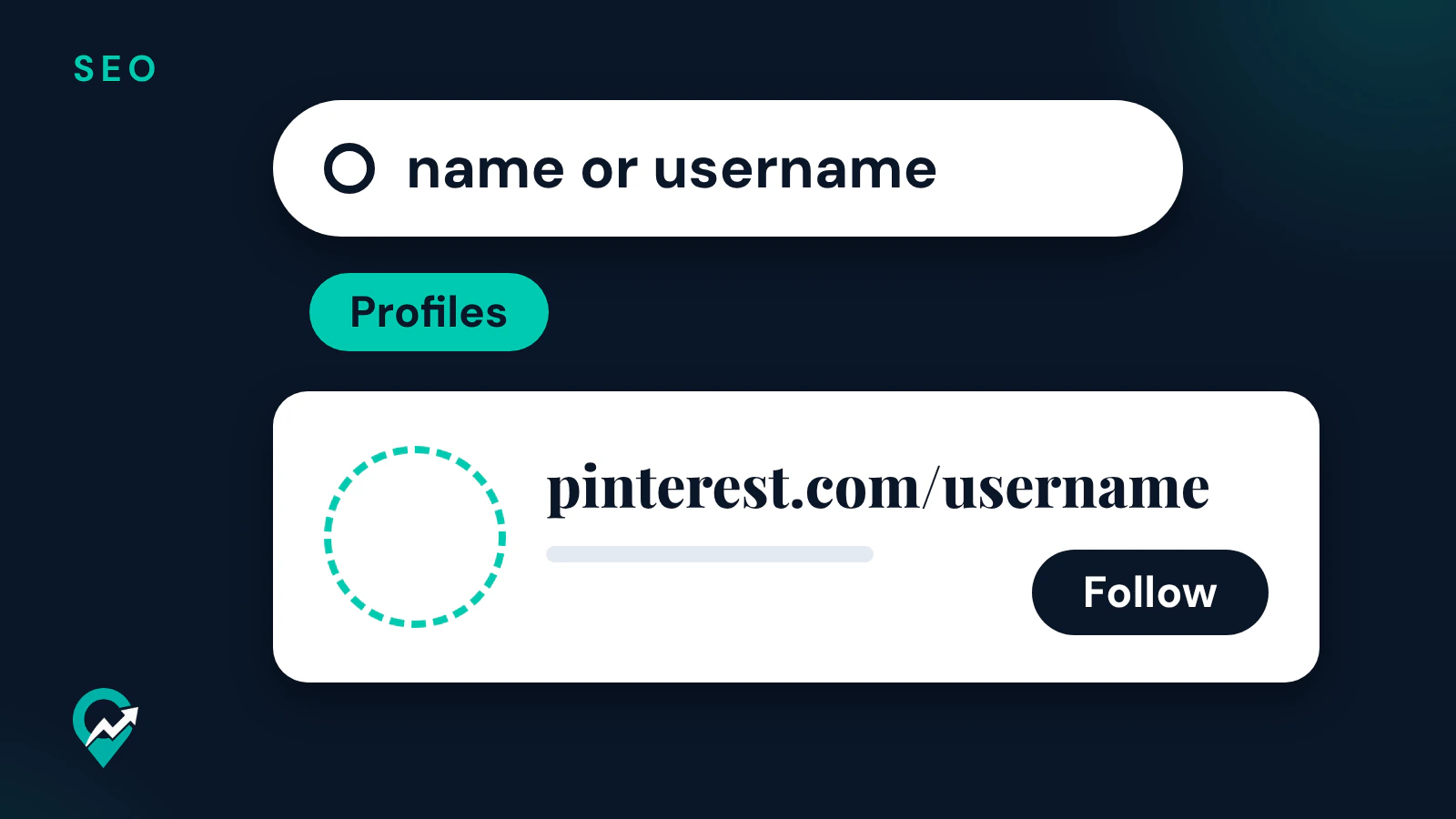

You may want to find a friend, a creator in your niche or a brand to follow. Pinterest’s help pages say you can search for people as well as ideas, using a Profiles filter on the results. This guide gives the steps from Pinterest’s help pages, on desktop and in the app. The rest of the search bar, from guides to Lens, is in our complete guide to searching on Pinterest (opens in a new tab), and how Pins and profiles get found is in our explainer on how Pinterest search ranks content (opens in a new tab).
How to search for someone on Pinterest on desktop
Pinterest’s “Find and follow people” help page gives these steps for the website:
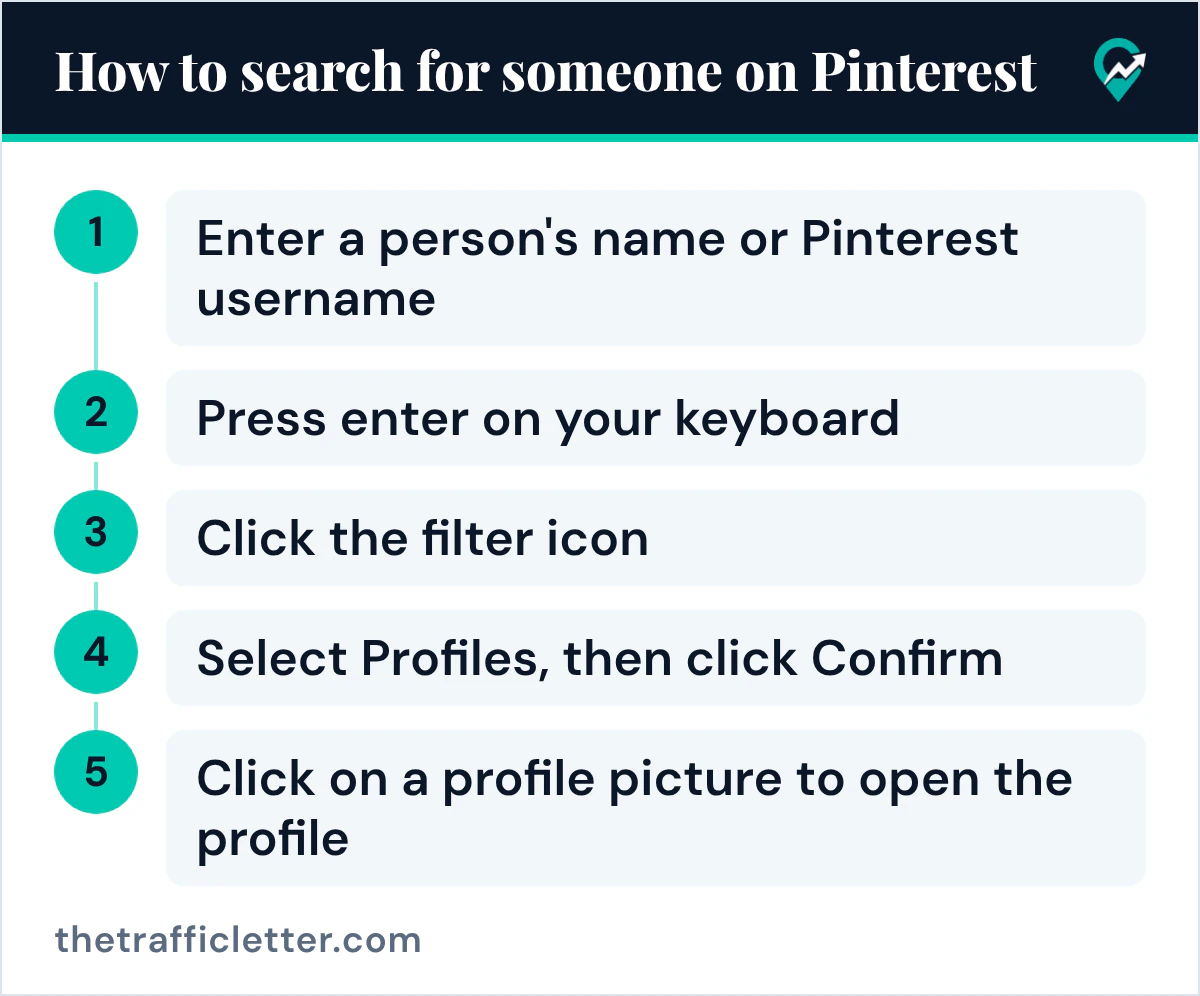
- Enter a person’s name or Pinterest username in the search bar.
- Press enter on your keyboard.
- Click the filter icon at the top-left of the search results.
- Select Profiles, then click Confirm.
- Click on a profile picture to open the profile.
To follow the person, click Follow at the bottom of their profile description.
How to search for someone in the Pinterest app
The help page gives the same steps for Android and iOS:
- Open the Pinterest app and log into your Pinterest account.
- Tap the search icon at the bottom of your screen.
- Enter a person’s name or Pinterest username in the search bar, then tap the search icon on the keypad.
- Tap the filter icon at the top-left of the search results.
- Select Profiles, then tap View results.
- Tap Follow, or tap the photo to look at the profile.
The help page also carries the notice “It looks like Profiles tab is not available in your area”, so this option may depend on where you use Pinterest.
Search by name, username or topic
What you type changes what you find.
- A name is what most people know. If the results are long, add a word you know from their profile, or switch to the username.
- A username gives the profile its own web address, according to Pinterest’s profile help page, which says it appears next to the profile picture, under the profile name.
- A topic works too. Pinterest’s “Discover ideas on Pinterest” page says the Profiles option helps you discover creators, people and brands based on your search. Search your niche, such as “meal prep”, and filter by Profiles to see who publishes on it.
Open a profile from its web address
When you already know the username, you can skip search. Pinterest’s profile help page says a username lets Pinterest create a unique web address for a profile, and gives the example of the username “Pinterest”, found at www.pinterest.com/Pinterest (opens in a new tab). Type pinterest.com/username in your browser, with the person’s username in place of the last part. Without an account, a Google site: search with that address as a prefix is another route, as explained in our guide to looking through Pinterest without an account (opens in a new tab).
The same page lists the username rules, which help you spot a typo:
- made up of just letters, or a combination of letters, numbers and the _ character;
- between three and 30 characters;
- no spaces or punctuation marks, and not made up of just numbers.
Why someone does not show up in Pinterest search
If a search for a name you know returns nothing, the help pages read for this guide point to a few reasons.
The profile is private
Pinterest’s people search page says you won’t be able to search for people with private Pinterest profiles. Its page on profile visibility says private profiles won’t appear in search results on Pinterest or in search engines, and that the owner can invite people they know to follow them. If you know the person, ask them to send you their profile or an invite.
The account belongs to a teen
The same page says profiles for teens from 13 to 16 years old are private by default and cannot be made public. As private profiles, they do not appear in Pinterest search results.
The name is spelled differently
A display name can differ from the username. Try the username, a shorter version of the name, or the name of their blog or business, since Pinterest’s profile page says a business account enters its business name as its name.
Search privacy is about search engines
Search privacy is a separate setting from a private profile. Pinterest’s search privacy page says that when it is on, a tag is added to the person’s pages to let search engines know to exclude the profile and boards from their results. It names Google, Bing and Yahoo. The page does not say the setting hides a profile from search inside Pinterest.
Send a profile to someone
Once you find a profile, you can share it. On desktop, Pinterest’s sharing help page says to open the profile, click the share icon at the top of the page, search your contacts by name or email or pick suggested people on Pinterest, then select your recipients and click Send. In the Android app, the share icon is below the profile name.
To remove a name you searched from your recent searches, Pinterest’s help page says to click into the search bar and click the clear icon next to Recent searches (in the app, the clear icon next to any recent search). Our guide on deleting your Pinterest search history (opens in a new tab) covers the related settings.
Make your own profile easy to find
If you blog, the same search works in reverse when a reader looks up your name or blog name. A few settings help that search land on your profile.
- A clear name and username. Use your blog or brand name as your profile name, and a username close to it. Our guide to creating a business account and its profile (opens in a new tab) covers each profile field.
- A bio with your topic. Say what you publish, in the words your readers search, using our guide to writing a Pinterest bio (opens in a new tab).
- A claimed website. Pinterest’s help page says that when an image from your claimed website is saved, your profile picture appears alongside the Pin, the Pin links to your Pinterest profile and people see the option to follow you. The steps are in our walkthrough for claiming your website on Pinterest (opens in a new tab).
- A public business profile. Pinterest’s visibility page says business profiles are always public, and that a business account must be changed to a personal account to make the profile private.
What turns a profile visit into a follow is covered in our guide to growing your Pinterest followers (opens in a new tab).
Right after
- Search your own blog name on Pinterest, filter by Profiles and check that your profile appears with a clear name and photo.
- Search your niche and filter by Profiles to find creators to follow and learn from.
- Read how guides and content type filters work for ideas in our guide to the Pinterest search bar (opens in a new tab).