

The short answer is no. The Pinterest help pages read for this guide describe counts and audience groups, and none of them describes a list of the people who viewed your profile or your Pins. This guide shows what Pinterest does report, how to read it and what Pinterest’s policy pages say about the data behind it. It belongs to our guide to Pinterest Analytics for bloggers (opens in a new tab), and the sibling page on what monthly views mean (opens in a new tab) covers the number shown on a profile.
What Pinterest says you can see about viewers
Pin stats reports how people interacted with one Pin. Its core metrics are Impressions, Saves, Pin clicks and Outbound clicks, and it adds a few more that concern people. Profile visits is defined as the number of people who visited your profile after viewing your Pin. Follows is the number of followers gained from a particular Pin. Reactions is the number of times people reacted to your Pin, and Comments is the number of comments received.
Each of these is a number. Pinterest gives you the number of people who visited your profile after viewing your Pin, but not a list of who they were. Pin stats also has a section called Saved to these boards, and Pinterest says that if a Pin was saved to a private board you will not see the board details there. Comments are the one place where individuals appear, because Pin stats lets you view and respond to conversations about your Pin.
Pinterest Analytics works the same way. Its Total audience metric is the total number of people who have seen or engaged with your Pins, and Engaged audience is the number of people who engaged. Both are counts. You can read more about them in our guide to Pinterest Analytics metrics (opens in a new tab).
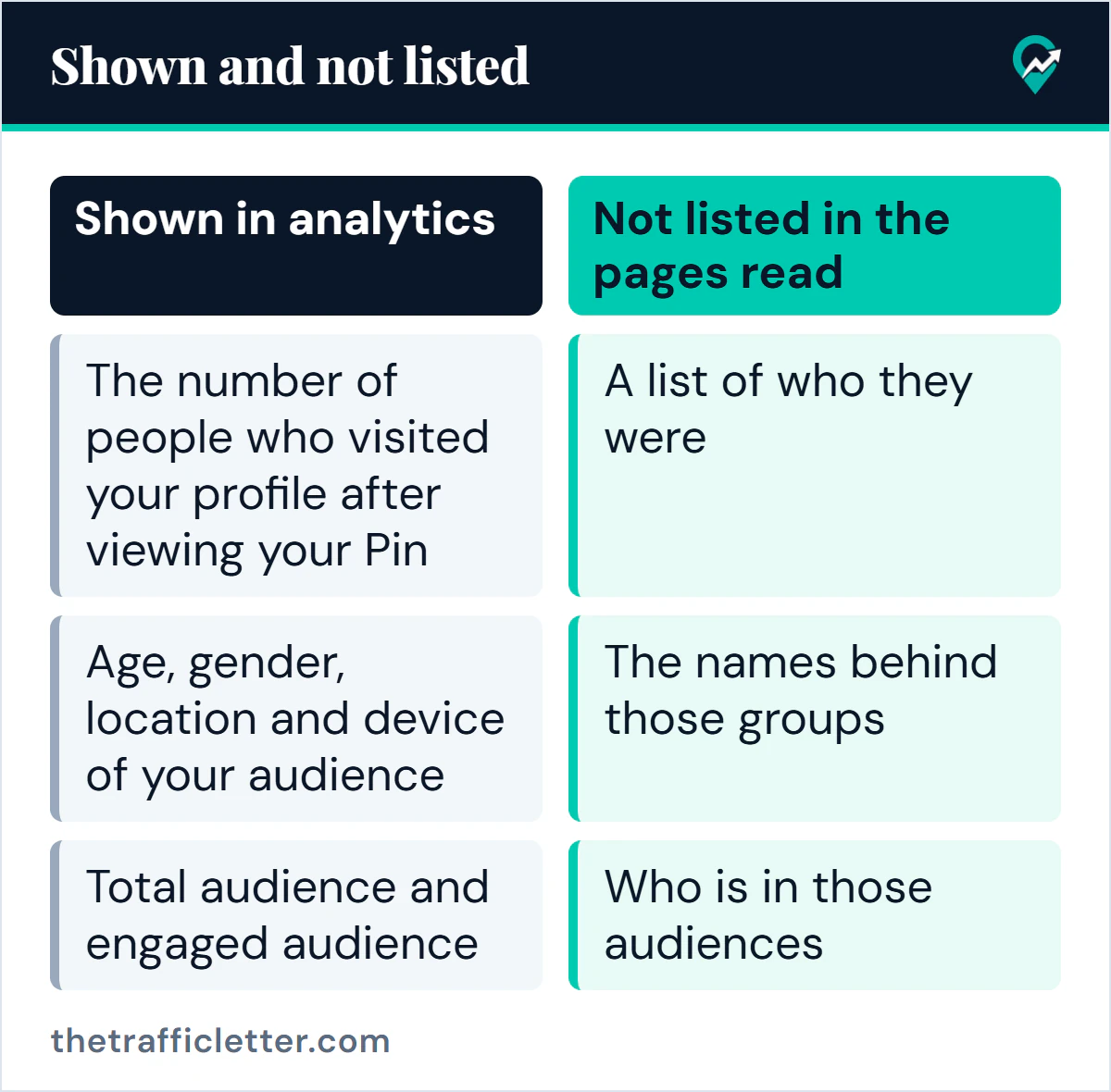
| Shown in analytics | Not listed in the pages read |
|---|---|
| The number of people who visited your profile after viewing your Pin | A list of who they were |
| Age, gender, location and device of your audience | The names behind those groups |
| Total audience and engaged audience | Who is in those audiences |
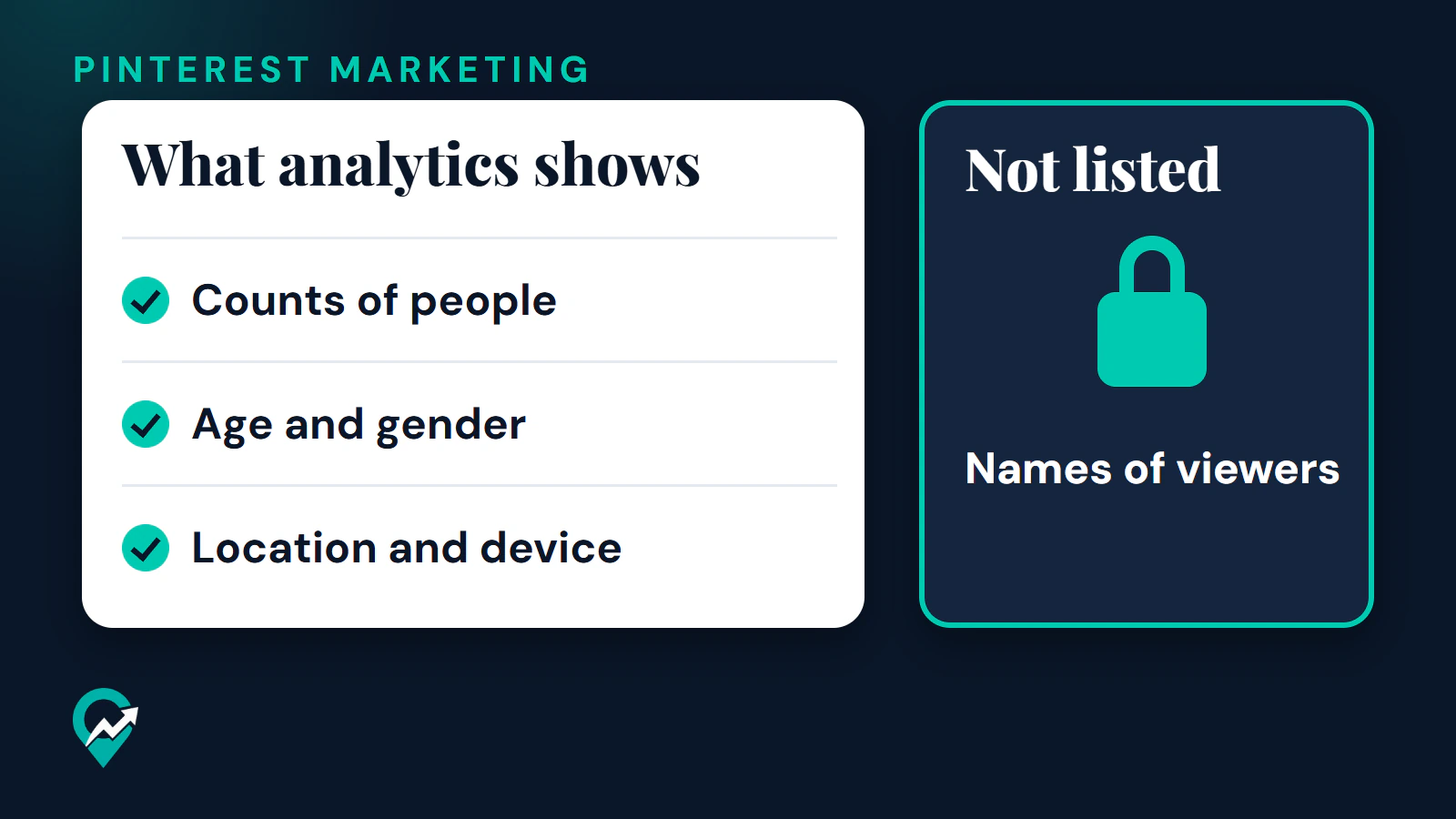
In short, what analytics shows is counts of people, age and gender, and location and device. Names of viewers are not listed in the pages read, and this guide does not claim more than the pages say.
What Audience insights shows instead
Pinterest says Audience insights reveals what your existing and potential audience is interested in, based on actions people take on Pinterest, such as searches and saves. It may show temporary differences across platforms.
To open it on desktop, click the hamburger icon at the top-left of the page and select Audience insights. Pinterest’s help page words this as Under Analytics, click Audience insights, and other Pinterest pages put it under Analyze performance, so look for either label.
Then choose the audience you want to look at. Pinterest lists four: your engaged audience, your total audience, Pinterest’s total audience and Pinterest’s engaged audience. The tabs show data for the last 30 days. The page then gives you these parts:
- Categories and interests, which Pinterest’s help page calls Affinities: the top categories and interests of the audience you picked, compared with Pinterest’s total audience.
- Demographics: a breakdown by age, gender, location and device.
- A Compare tab, next to All Pinterest users, to put two audiences side by side. Pinterest says this is desktop only.
- Export CSV, also desktop only, to save the data.
Pinterest says Pinterest Trends can show trends specific to your audience, and that if the feature is not showing up it is because your audience is not large enough yet. A small account should expect some empty areas.
How to use audience data without names
Groups are enough for most decisions.
- Check Location before you think about timing. Our notes on timing posts by audience location (opens in a new tab) explain why location tells you which time zone to think in.
- Check Device. Pinterest says that if most of your impressions are on mobile, you can optimize your website for mobile.
- Read Categories and interests, and keep Pins and boards on topics your audience already engages with.
- Watch outbound clicks in the Overview page. They tell you how many people left Pinterest for your link, which is closer to your goal than any viewer list.
- Use Comments for individual contact. They are the part of Pin stats where a person can speak to you and you can reply.
Privacy context from Pinterest’s policy
Pinterest’s help page says business profiles are always public, and that to make a profile private you must change a business account to a personal account. Its profile help page says that if a profile is public, anyone can see the information you share on it. The Privacy Policy adds that anyone can see the public content you post, such as boards, Pins and public profile information.
The Privacy Policy also explains the analytics side in general terms. Pinterest says it conducts analytics and research on who is using its services and what they are doing, and that it creates aggregated or de-identified information that cannot reasonably be used to identify you. It describes giving advertisers aggregated information about how their ads perform. It also says it is in Pinterest’s interest to enable business accounts and advertisers to view and understand how their ads or content performed and the audience that viewed or interacted with them.
That is a statement of purpose, not a list of fields. The policy does not say which fields appear in your analytics, so use the Pinterest help pages for that. The Privacy Policy page has an effective date of 30 April 2025 and announces an update effective 12 November 2026. Read it again after that date.
Right after: your next actions
- Open Audience insights, pick Your total audience and note the top location and device.
- If you are still on a personal account, read our guide on business and personal accounts on Pinterest (opens in a new tab), since analytics needs a business account.
- Set up the account properly with our steps to create a Pinterest business account (opens in a new tab).
- To act on the audience data, see how to earn followers on Pinterest (opens in a new tab).