

Your Pinterest profile is where your Pins point back to: Pinterest’s “Claim your website” page says a Pin saved from a claimed site will link to your Pinterest profile. For a blogger it works like a shop window: in a few seconds a visitor should see what the blog is about and where to read more. This guide goes through each part of the profile with ideas for a blog and the rules from Pinterest’s help pages, read on 9 November 2026. Where the profile fits in a full traffic plan is in our step-by-step plan for Pinterest blog traffic (opens in a new tab).
What a Pinterest profile shows
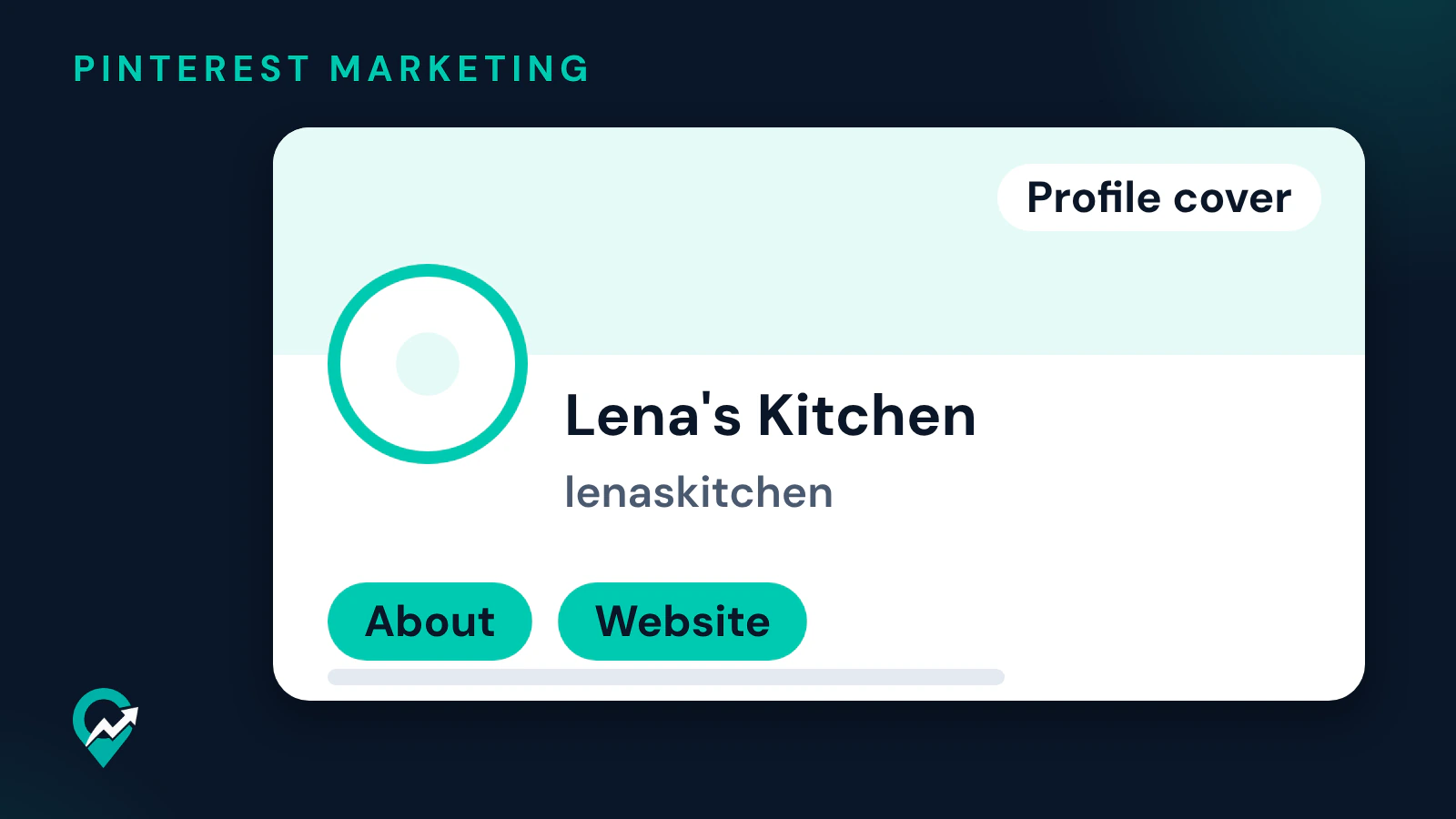
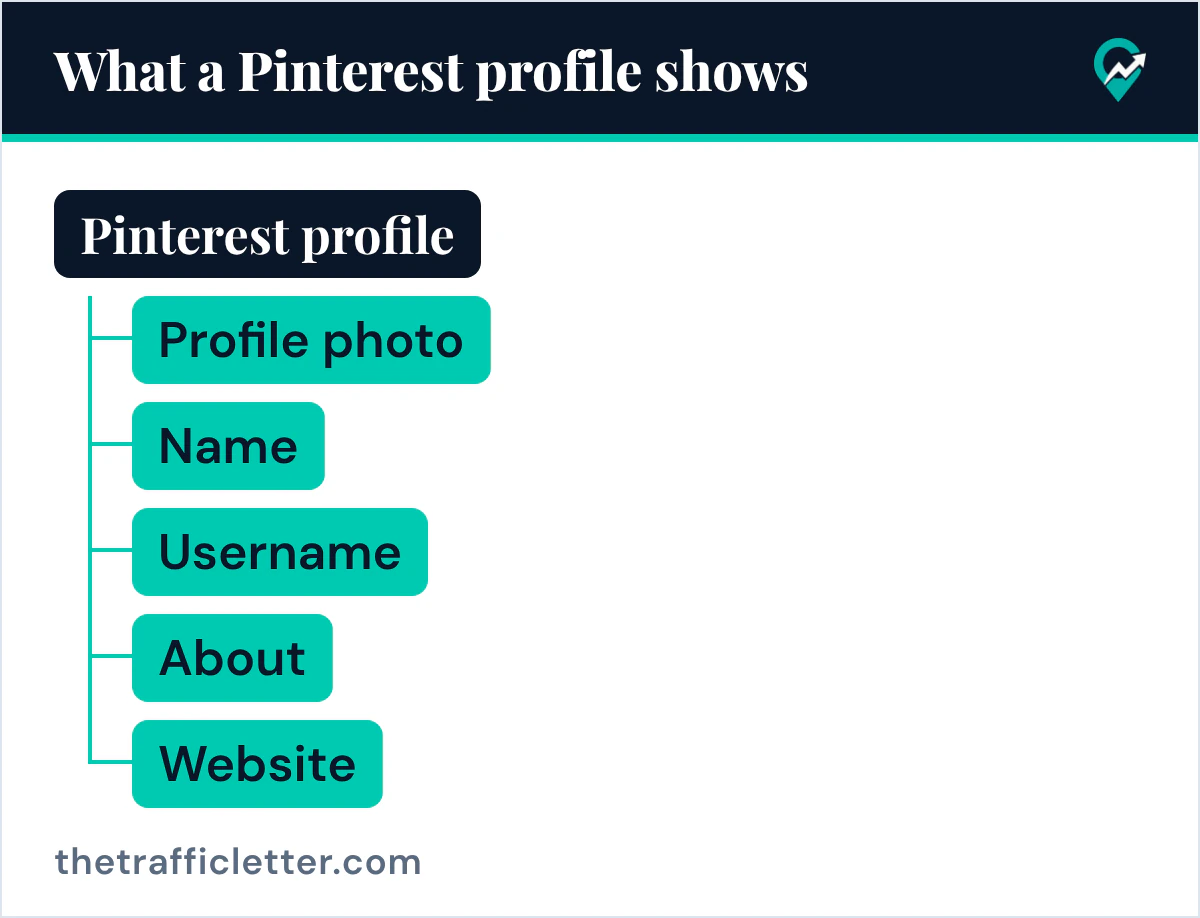
Pinterest’s “Find your profile” page says your profile is where you find all the Pins you save, boards you create and Pins you try, and that it displays your profile photo, name, bio and, optionally, location. The “Edit your profile” page adds your pronouns, your website and your username. A business account can also show a business email address, a phone number, an address and a profile cover.
The page also says that if your profile is public, anyone will be able to see the information you share on it. Decide each field with a stranger in mind: someone who just saw one of your Pins and wants to know if the rest is worth following.
Before you write anything, settle two things: your niche, as narrow as you can state it (easy weeknight dinners rather than food), and the main keyword your readers type. Our method for researching Pinterest keywords for free (opens in a new tab) gives you that list.
| Profile part | Idea for a blog |
|---|---|
| Profile photo | Your logo or a clear photo of you |
| Name | Your blog name and your niche |
| Username | Close to your blog name |
| About | Who the profile is for and what they will find |
| Website | The home page of your blog |
Pinterest profile picture ideas
The Pinterest help pages read for this guide give the steps to change the photo but no rule on what it shows. On the website: the more-options-refresh icon at the bottom left, Settings, Edit profile, then Change next to your profile photo and Choose photo. Your photo is updated right away, the page says. The app steps differ by version and account type, and the page lists each one.
Ideas that suit a blog:
- Your logo or brand mark, on a plain background, when the blog is a brand rather than a person.
- A clear photo of you, face visible, when readers follow you as a person.
- A simple symbol of your niche, such as a whisk for a baking blog, when you have no logo yet.
- The same image everywhere: on your blog, your newsletter and your Pinterest profile, so readers recognize it.
The picture shows up beyond the profile. Pinterest’s “Claim your website” page says that whenever an image from your claimed website is saved, your profile picture will appear alongside the Pin and the Pin will link to your Pinterest profile. Our guide to claiming your blog on Pinterest (opens in a new tab) has the steps. The Pinterest help pages read for this guide give no size for the profile picture, so start from a square image that still reads when it is small.
Pinterest profile name ideas
The name is what people on Pinterest see when they visit your profile. Pinterest’s “Edit your profile” page says a personal account needs a first name (a last name is optional), and a business account enters its business name under Name.
For a blog, pair the brand with the niche, so the name answers “what is this?” on its own:
- Blog name plus niche: “Lena’s Kitchen, Easy Weeknight Dinners”.
- Niche first for a new blog: “Small Balcony Garden Ideas by Tom”.
- A person plus a promise: “Ana, Budget Travel Plans”.
Keep the main keyword you chose earlier in the name, in natural words, and do not stack a list of terms.
Pinterest username ideas
Pinterest’s help page says your username appears next to your profile picture under your profile name, and that it creates a unique web address for your profile, such as www.pinterest.com/Pinterest (opens in a new tab). The page gives three rules. Your username:
- Needs to be made up of just letters, or a combination of letters, numbers and the _ character.
- Needs to be between three and 30 characters.
- Cannot have spaces, punctuation marks or be made up of just numbers.
The simplest idea is your blog’s domain without the extension, so lenaskitchen.com becomes lenaskitchen. If that is taken, add your niche (lenaskitchen_dinners) rather than a string of numbers. The web address matters beyond Pinterest: it is the link you put in your email signature and on your blog, and the address people use to look up a profile on Pinterest (opens in a new tab).
Pinterest bio ideas (the About text)
The “Edit your profile” page says your bio lets others on Pinterest learn more about you, that people who visit your profile will see it, and that you enter it under About, up to 500 characters. A simple order works for a blog: who the profile is for, what they will find, and how often or where. For example: “Easy weeknight dinners for busy families: quick recipes, meal plans and pantry swaps. New recipes on the blog every week.”
Our Pinterest bio examples and formula (opens in a new tab) has more examples. To draft options with ChatGPT, Claude, Gemini or any AI assistant, give it your niche and keyword:
Write 3 Pinterest profile bios for a blog about [your niche], for [your audience].
Each bio must be under 500 characters, start with [your main keyword] in natural words,
say what readers will find on the profile, and end with what the blog offers.
Plain sentences, no hashtags, no emojis, no list of keywords.
Your website link
Pinterest’s “Add your website to your profile” page says adding your website lets people know where they can find more of your ideas, and the “Edit your profile” page says people who visit your profile will see it. You enter it under Website in Edit profile. The “Add your website to your profile” page also says that to see your website’s analytics, add a featured logo to your Pins and more, you’ll need to claim your website.
Link to the home page of your blog, or to a start-here page if you have one, rather than to a single post.
Profile cover ideas (business accounts)
Pinterest’s “Add a profile cover” page says a business account can upload an image as its profile cover. It must be at least 800 pixels wide by 450 pixels tall, and Pinterest recommends a horizontal image with a 16:9 aspect ratio. The page also reminds you that anyone on Pinterest can view your profile.
Ideas for the cover:
- A wide photo from your best-performing post, cropped so the main subject sits in the middle.
- A banner with your blog name and niche on a plain background, in your blog’s colours.
- A flat-lay of what your niche is about: ingredients, tools, fabrics, plants.
On the website, the page gives these steps: click your profile picture at the top-right of the screen, click the plus icon at the top-right of your profile, drag and drop an image or click Browse, crop it and click Done. In the app, the option is Add cover image under the ellipsis icon.
A profile cover is a business account feature, and Pinterest’s business help page says the business account is free, with analytics on your Pins and the ability to run ads. Our guide on opening a Pinterest business account (opens in a new tab) covers the setup.
Boards: the rest of your profile
Pinterest says the boards you create live on your profile too, so they are part of the first impression. Give each board a clear, searchable name tied to one topic of your blog: our list of board name ideas by niche (opens in a new tab) helps with that.
Public or private?
Pinterest’s “Make your profile private or public” page says private profiles won’t appear in search results on Pinterest or in search engines, and that a business account must be changed to a personal account to be made private. A blog that wants traffic keeps its profile public.
Right after
- Fill the five fields in Edit profile in one sitting: photo, name, username, About and Website.
- Claim your website so your profile picture appears alongside Pins saved from your site.
- Rename your boards so the profile reads like a table of contents of your blog.