

Faceless income with Pinterest means earning from Pins, boards and links without showing your face or building a personal brand around yourself. Pinterest’s creator page says people come seeking content to shop for, and a Pin can carry a link to your website, so the work happens on Pins and links rather than on camera. This guide sits under our guide to working as a Pinterest virtual assistant (opens in a new tab), which is one of the routes below, and under the complete guide to Pinterest income options (opens in a new tab). It quotes no earnings, because none of the pages read for it gives any.
Does Pinterest require you to show your face?
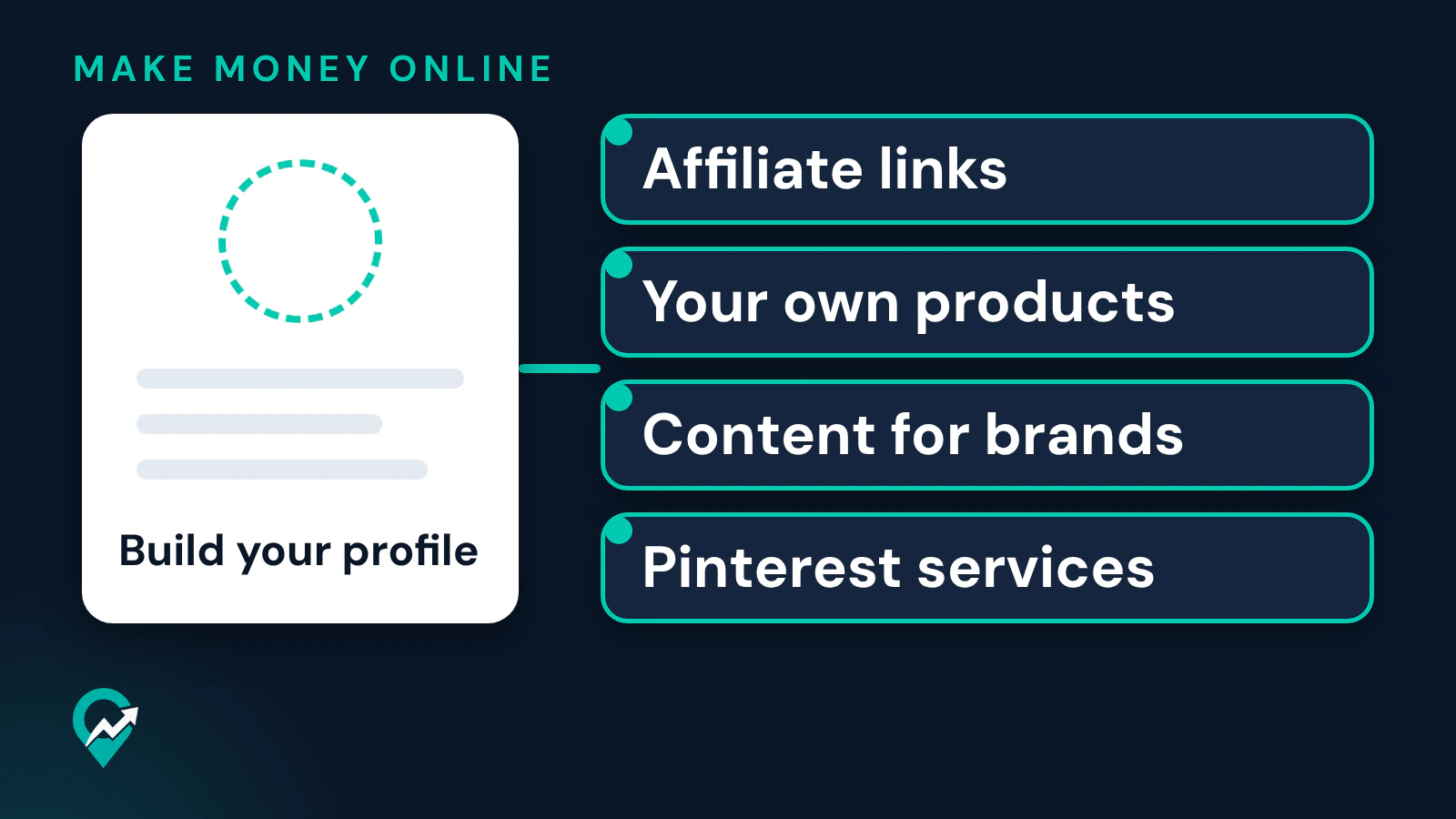
None of the Pinterest pages read for this guide asks for a photo of you. Pinterest’s help page on editing your profile explains how to change a profile photo and does not say it must be a photo of a person. Creating a business account asks you to fill out the fields to Build your profile and Describe your business, and Pinterest says business accounts are public on Pinterest.
Two rules shape a faceless account anyway. The Terms of Service say that if you use Pinterest for commercial purposes, you must create a business account and agree to the Business Terms of Service. And the Community Guidelines tell users not to create or operate accounts that are not authentic, not to create accounts en masse and not to create new accounts for the purpose of violating the guidelines. A faceless account is fine. A network of anonymous accounts is not.
The faceless routes and who pays you on each
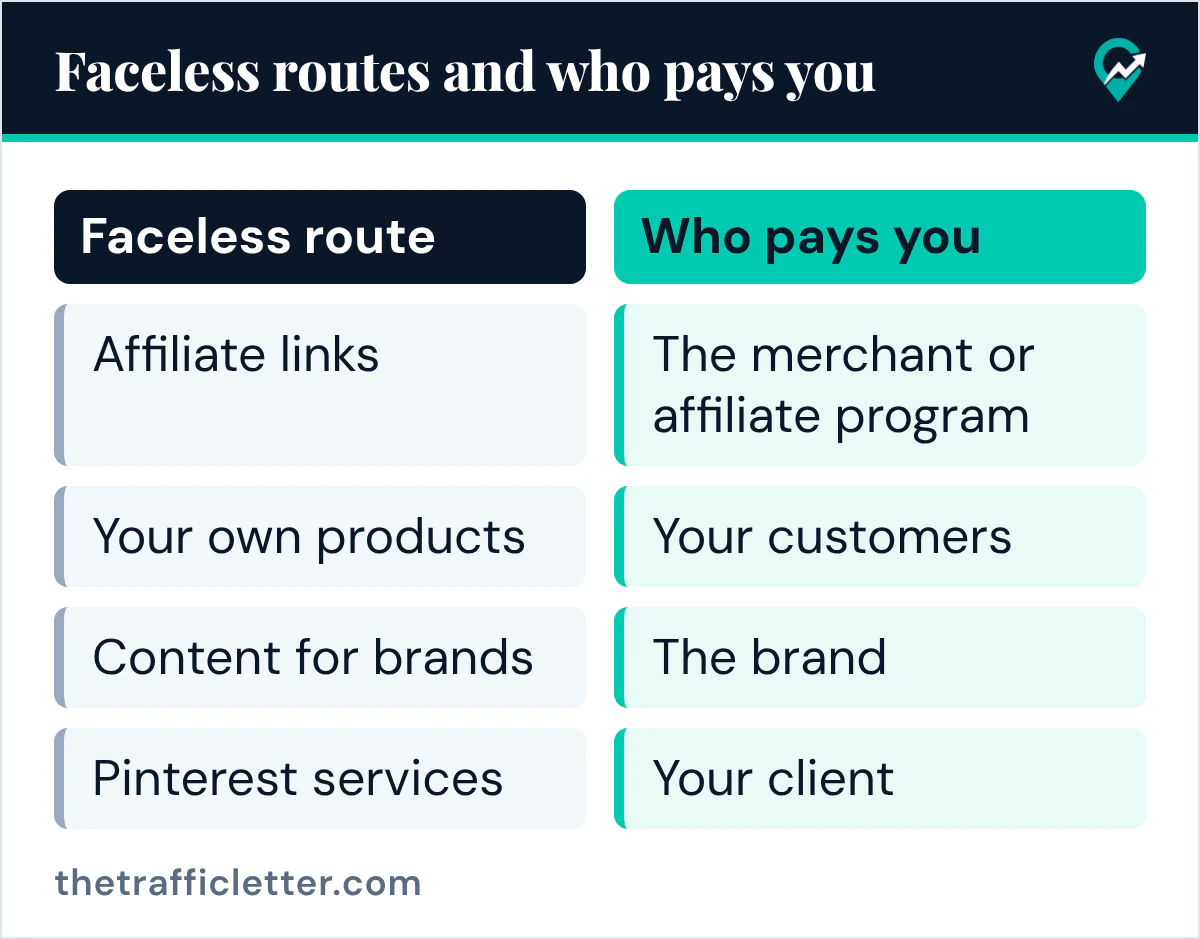
Pinterest’s creator page on growing an audience and making money describes several routes. None of them needs your face. The table shows who pays you on each one.
| Faceless route | What Pinterest says | Who pays you |
|---|---|---|
| Affiliate links | You can tag Pins using affiliate links to earn commission when people click through and shop, after joining an affiliate program | The merchant or affiliate program |
| Traffic to your own site | A Pin can link to your website | Whoever pays your site, such as ad networks, sponsors or your own customers |
| Your own products | Use product tagging, shopping recommendations or a shop to make content shoppable | Your customers |
| Content for brands | User-generated content means a creator is given product or monetary compensation for content used only on a brand’s channels | The brand |
| Pinterest services | Business Manager lets an account owner give an outside partner access to its profile | Your client |
Pinterest says it is not part of the affiliate agreements, so your commission depends on the terms you set up with the merchants or programs. For paid partnerships it says you work directly with brands on payment terms and that Pinterest will not be directly involved in payment.
Affiliate links
Affiliate Pins work well without a face because the Pin shows the product or the idea, not the person. Pinterest’s affiliate guidelines set the conditions: affiliate content should be original and add unique value for Pinners, you should be transparent about the commercial nature of your content and about your links, and you should not create affiliate Pins repetitively or in large volumes. Our guide to the rules for affiliate links on Pins (opens in a new tab) covers disclosure and formatting in detail.
Traffic to your own site
A blog is the classic faceless route: Pins send readers to posts, and the site earns from what it carries. Pinterest’s creator page covers the first half: a Pin can link to your website. How the site earns is set by your own partners, and our guide to entry requirements of ad networks for bloggers (opens in a new tab) compares what the main ad networks ask.
Your own products
Digital products, printables and physical goods can be sold without a face. Pinterest’s creator page points to product tagging, shopping recommendations and setting up a shop. The pages read for this guide do not describe how the payment is taken, so plan the checkout on your own site or shop platform.
Content for brands
Pinterest lists user-generated content among the main ways to work with a brand: a creator is given product and/or monetary compensation in exchange for content to be used only on a brand’s channels. Product photos, flat lays and short videos of hands at work can be faceless. Pinterest’s advice for any brand work is to prepare your profile with a good portfolio of Pins and well-organized boards, because your profile is what the brand checks.
Pinterest services for other businesses
Running Pinterest for a blogger or a small business needs no audience and no face. The client gives you access through Business Manager, and Pinterest’s help page says Publisher access lets partners work on a profile, boards and Pins without sharing login credentials. The full setup is in our Pinterest virtual assistant setup guide (opens in a new tab).
Faceless does not mean hidden from the rules
A faceless account follows the same rules as any other. Three passages of Pinterest’s policies matter most for this kind of side hustle:
- Transparency. The affiliate guidelines ask you to be transparent about the commercial nature of your content and about your links and their behavior.
- Spam. The Community Guidelines tell users not to create or save content that is repetitive, deceptive or irrelevant in an attempt to make money, and not to attempt to make money from Pinners or Pinner web traffic in ways that are misleading, detract from the Pinner experience or do not add value.
- Destinations. They also tell users not to link to websites that are unsafe, deceptive, untrustworthy or unoriginal, and say websites should have original content that adds unique value for Pinners.
A plan built on many accounts, the same Pin posted again and again or thin pages made only to carry links runs straight into these sentences. If you plan to run more than one account, read our notes on what Pinterest allows with several accounts (opens in a new tab) first.
AI images and the AI modified label
Faceless accounts often use generated images, since there is no photo of a person to take. Pinterest’s help page on Gen AI labels says that when its system detects through a Pin’s metadata, or through classifiers it developed, that AI was used to generate or modify a Pin that is not promoted, you will see an AI modified label in close-up at the bottom left after you click on the Pin. Some Pins carry the label because the content owner indicated that AI was used. If you think a label on your Pin is wrong, the page says to contact Pinterest’s support team.
The help page describes a label shown on the Pin, and it does not say the label changes distribution. It does tell people how the image was made, so make sure the Pin still leads to a page that is worth the click. Our guide to making Pins with AI tools (opens in a new tab) covers the design side.
How to choose your Pinterest side hustle
Pick a route by what you already have, not by what someone else says they earned. A few questions help:
- Do you have a site, or are you willing to build one? Then traffic to your own site and affiliate links fit together.
- Do you have a product, or a skill to package as one? Then your own products are the most direct route.
- Do you prefer working for others and getting paid for time? Then Pinterest services for other businesses need no audience of your own.
- Do you take good product photos or videos? Then content for brands is worth testing once your profile shows that work.
Whatever you choose, pick one niche you can cover honestly for months. An AI assistant can help you list Pin ideas that need no face, as long as you check each idea against what you can actually make. This prompt works in ChatGPT, Claude, Gemini or any AI assistant:
I want to start a faceless Pinterest account in the niche [your niche]. My route is [affiliate links / my own site / my own product / content for brands].

List 15 Pin ideas that show objects, places, steps or text, never a person's face. For each idea give a short Pin title and one line on the page it should link to. Do not include income claims, numbers I did not give you or promises of results.
Right after: your next actions
- Choose one route from the table and write down who would pay you on it.
- If you picked affiliate links, read Pinterest affiliate marketing step by step (opens in a new tab) before you join a program.
- If you picked your own site, plan the traffic with our guide to getting blog visitors from Pinterest (opens in a new tab).