

Affiliate marketing is one of several routes described in our map of routes for earning with Pinterest (opens in a new tab). This guide gives the order of work and the mistakes that cause trouble. The details of the links themselves are in how Pinterest treats affiliate links (opens in a new tab).
What is affiliate marketing on Pinterest?
Affiliate marketing means you recommend a product, and a merchant pays you a commission when someone buys through your link. On Pinterest, the Pin is the shop window. Its job is to get a person to a page where the recommendation makes sense.
Pinterest’s creator page says you can tag Pins using affiliate links to earn commission when people click through and shop. It also says you must first join an affiliate program, that Pinterest is not part of the affiliate agreements, and that Pinterest does not facilitate payment. Your commission depends on the terms you set up with the merchant or program. If you first want to know whether Pinterest affiliate marketing works (opens in a new tab), that guide answers it from Pinterest’s own pages. If you would rather be paid for Pinterest work you do for other people than for commissions, our guide to the Pinterest virtual assistant route (opens in a new tab) explains that option.
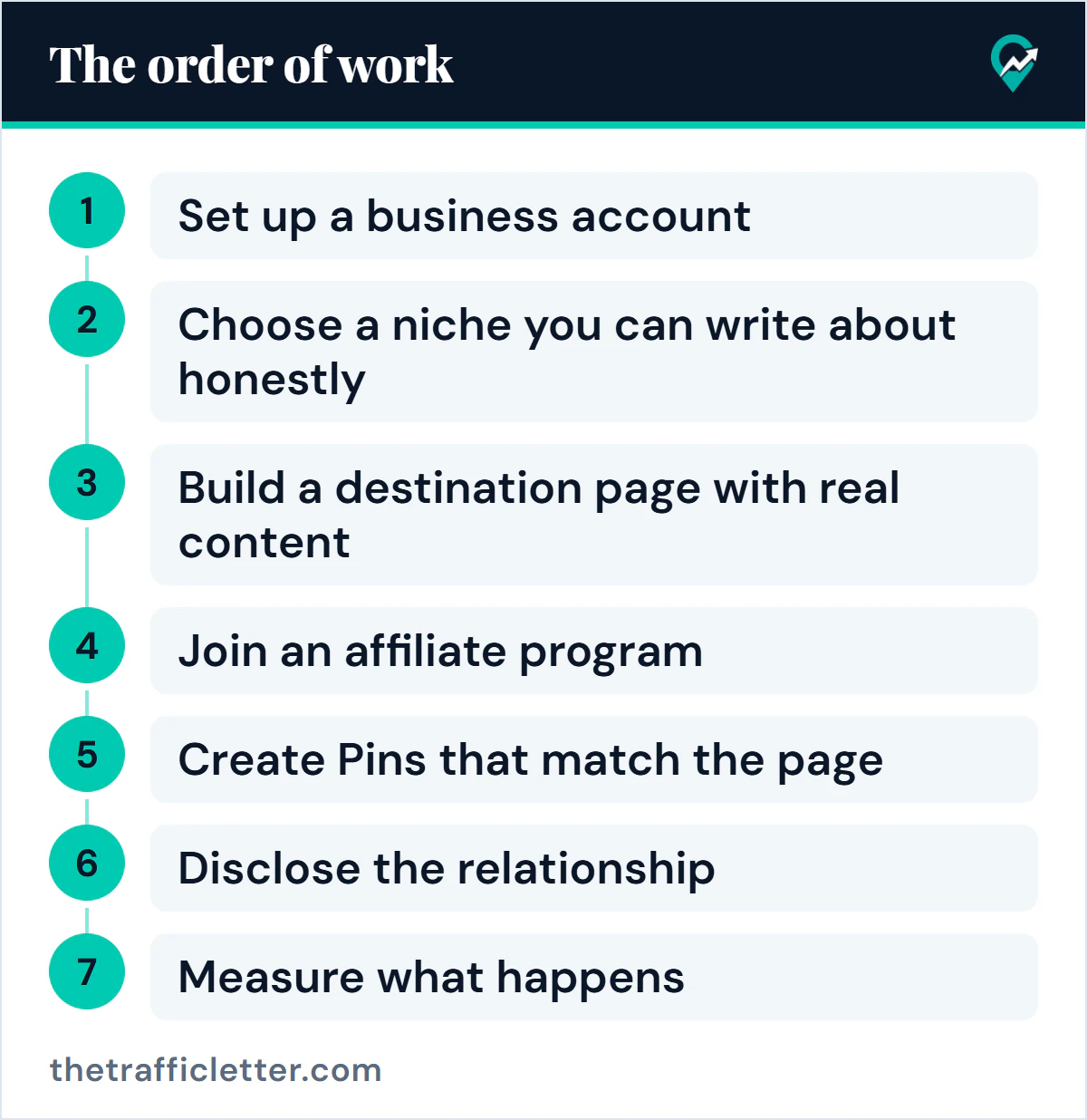
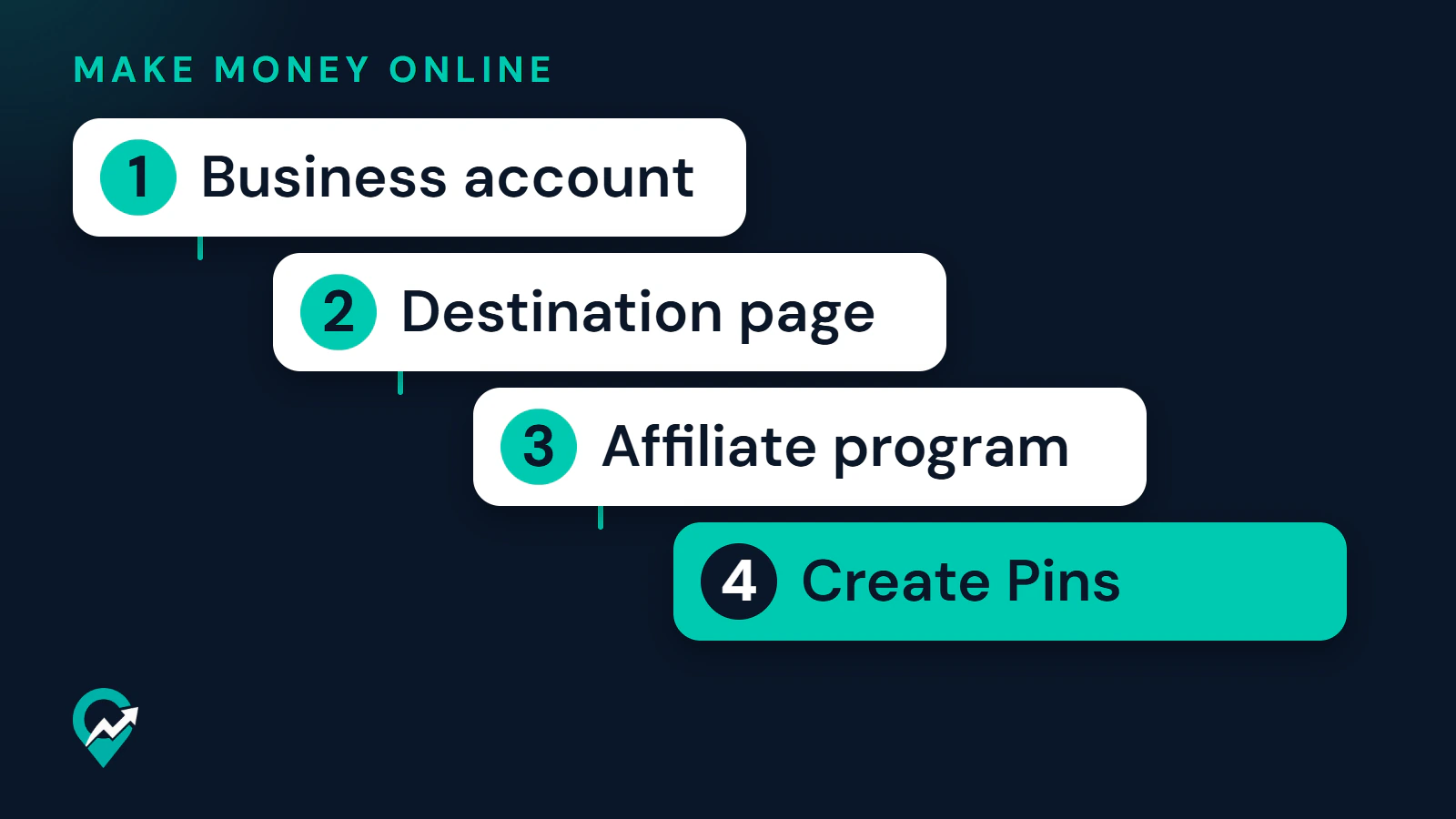
Step 1: Set up a business account
Pinterest describes a business account as free, and as the way to get analytics on your Pins. You can create a new one or convert a personal account. A personal account set to private has to be switched to public first, because business accounts are public. Pin stats, which you will need in the last step, also require a business account.
Step 2: Choose a niche you can write about honestly
This step is advice from this guide. Pick a topic where you can say something accurate and useful, and where products are bought. A niche you cannot discuss in detail leads to thin pages, and Pinterest’s guidelines ask for content that adds value. Use Pinterest keyword research (opens in a new tab) to check that people search for the topic. Our guide to picking a niche for affiliate Pins (opens in a new tab) adds the niches Pinterest’s rules restrict and a Pinterest Trends test.
Step 3: Build a destination page with real content
Pinterest’s affiliate guidelines say affiliate content should be original and add unique value for Pinners. Its Community Guidelines also say not to link to unsafe, deceptive, untrustworthy or unoriginal websites, and that websites should have original content that adds unique value.
In practice, that means a page that does real work for the reader: a review, a comparison, a how-to or a list with your own reasoning. A page that only repeats a merchant’s product description gives a Pinner no reason to click. If the same page will later carry display ads, the ad network sets its own conditions, and how ad network requirements differ (opens in a new tab) shows what to expect. Whether to send Pins to your own page or straight to a merchant is covered in the guide to Pinterest affiliate links, and the case with no site at all is in affiliate marketing on Pinterest without a blog (opens in a new tab).
Step 4: Join an affiliate program
Pinterest says to join the program before you use affiliate links. Read each program’s terms before you promote anything, because Pinterest’s creator page says your commission depends on them. Those terms are agreed between you and the merchant or program, and Pinterest takes no part in them. The right program depends on your niche. Our guide to choosing an affiliate program for Pinterest (opens in a new tab) compares programs from their own pages, with detailed guides to Amazon Associates links and Pinterest (opens in a new tab) and the Etsy Affiliates program (opens in a new tab).
Step 5: Create Pins that match the page
Write a title and description that say what the page offers, using the phrase people search. The Pin description formulas (opens in a new tab) apply here. Link the Pin to the page, keep the image honest, and save it to a board with a matching name. Sample wording for four Pin formats is in our affiliate Pin examples by format (opens in a new tab).
The Pin, the board and the page should agree. Pinterest asks for a no surprises approach to links, so a person should be able to anticipate where a link takes them.
Step 6: Disclose the relationship
Pinterest’s affiliate guidelines tell you to follow its paid partnership guidelines and to be transparent about the commercial nature of your content and your links. Those guidelines ask for a clear disclosure, such as #ad or the paid partnership label. The US Federal Trade Commission says to place a disclosure with the endorsement, where it is hard to miss, in clear words. It also answers questions about affiliate links directly. Where the disclosure goes on a Pin and a page is explained in our guide to disclosing affiliate links on Pins (opens in a new tab). This is general information, not legal advice.
Step 7: Measure what happens
Pin stats show Impressions, Saves, Pin clicks and Outbound clicks on a business account. Pinterest’s Pin stats page counts Outbound clicks as clicks to the destination URL, so they show how often people left Pinterest for your page. The Pinterest pages read for this guide do not describe sales or commission reporting, so check what happened after the click in your affiliate program’s reports.
Change one thing at a time, such as the title or the image, and compare Pins that have been live for a similar period. Traffic habits that help any destination are in the general guide to Pinterest traffic (opens in a new tab).
What mistakes should a beginner avoid?
Pinterest’s affiliate guidelines list behavior it treats as artificially manipulating the platform: using fake accounts to create or save your affiliate links, asking other users to save your affiliate Pins in a quid pro quo, asking others to create Pins with links that include your affiliate identifier, and creating affiliate Pins repetitively or in large volumes. The guidelines also say you should generally operate only one account. Pinterest says it may remove, limit or block content or accounts that violate them.
This guide’s own advice adds four more mistakes to avoid:
- Sending every Pin to a page that has nothing but links.
- Promising results a product cannot deliver.
- Joining several programs at once without reading their terms.
- Judging the strategy after a handful of Pins.
Start with one program, one destination page and a small set of Pins you can stand behind, then look at the stats and decide what to do next.