

Before you spend weeks on affiliate Pins, it helps to know whether the method is allowed, what Pinterest expects from it and where it tends to break. This guide answers those questions from Pinterest’s own pages, without income promises. It belongs to our map of every income route Pinterest describes (opens in a new tab), and once you decide to go ahead, the seven steps to start with affiliate Pins (opens in a new tab) give the order of work.
The short answer: yes, with conditions
Can you do affiliate marketing on Pinterest? Pinterest’s creator page says you can tag Pins using affiliate links so you can earn commission when people click through and shop. It also sets the first condition: you need to join an affiliate program before using the tags.
So the method is documented by Pinterest itself. Does it work? It can, when your Pins add original value and follow Pinterest’s affiliate guidelines. Those guidelines open with a reason affiliate links exist on Pinterest: they help content creators measure the impact of their contributions and get paid for the work they do. The same paragraph warns that affiliate programs can be targeted by spammers, which is why the rest of the guidelines read as a list of conditions.
Why Pinterest suits product recommendations
Pinterest’s business home page says Pinterest is where people discover new ideas, plan and shop, and it ranks finding new products and brands as the top reason people use Pinterest. Its audience page says 96% of top searches are unbranded, which Pinterest reads as Pinners being open to new ideas. The creator page makes the same point in plainer words: people come seeking content to shop for, so your content should be shoppable when relevant.
For an affiliate marketer, an unbranded search is the opening. A person who searches for a type of product, not a brand name, is still choosing, and a useful Pin that compares or shows products in use meets them at that moment. These figures describe Pinterest’s audience as Pinterest reports it. They say nothing about what one account will earn.
What Pinterest leaves to you and the program
Pinterest is clear about its role in the money side. Its creator page says Pinterest isn’t part of the affiliate agreements, so your commission will depend on the terms you’ve set up with external merchants or programs. In its questions section it adds that Pinterest does not facilitate payment for monetization programs like affiliate links, and that you organize payment terms directly with your partners.
Your commission depends on the program’s terms: Pinterest says it is not part of the affiliate agreements. That has two consequences. The commission and the payment terms are set with the merchant or program, so read its terms before you create a single Pin. Our guide on how to compare affiliate programs for Pinterest (opens in a new tab) lists what to look for in them. A program’s terms may also set rules on where its links can appear, so check that part with the program.
What makes it work: Pinterest’s affiliate guidelines
The affiliate guidelines sit inside Pinterest’s Commercial and Branded Content Guidelines. In short, they ask you to:
- Follow the paid partnership guidelines, which ask for a clear disclosure such as #ad.
- In general, operate one Pinterest account, your authentic presence on Pinterest.
- Make affiliate content original, adding unique value for Pinners.
- Be transparent about the commercial nature of your content and about your links and their behavior.
The paid partnership part of the same page adds advice that applies to affiliate Pins too: post relevant content to relevant boards, keep the content high quality and avoid spammy behavior. The Community Guidelines then cover the destination. They say not to link to websites that are unsafe, deceptive, untrustworthy or unoriginal, and that websites should have original content that adds unique value for Pinners.
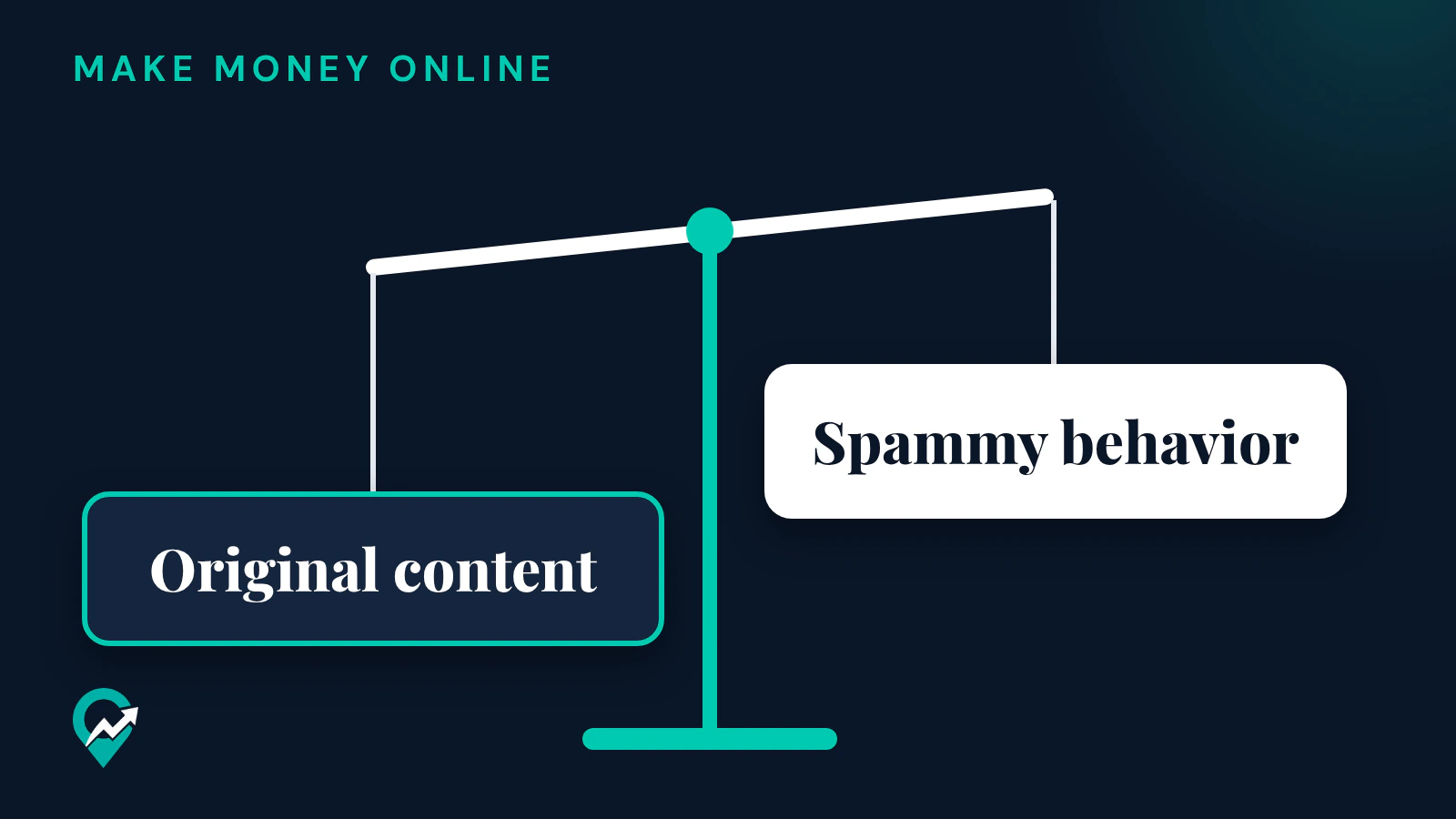
In practice, original content is the side that weighs most. A Pin that shows a product in use and links to a page with a real review, comparison or how-to gives the reader a reason to click. Where to place the disclosure itself is covered in our guide on where the affiliate disclosure goes on a Pin (opens in a new tab).
Why it fails for some accounts
The guidelines list examples of prohibited behavior that tries to artificially manipulate Pinterest algorithms or Pinner traffic:
- Using fake accounts to create or save your affiliate links.
- Asking other users to save your affiliate Pins in a quid pro quo.
- Asking other users to create Pins with links that include your affiliate identifier.
- Creating affiliate Pins repetitively or in large volumes. Pinterest says marketers should follow its spam policy and use affiliate links in moderation.
Pinterest says it may remove, limit or block the distribution of content or accounts that violate these guidelines. For redirection, the Community Guidelines add a “no surprises” principle: Pinners should be able to reasonably anticipate where your link will take them. A link that redirects a Pin about one product to an unrelated page breaks that principle.
This guide’s own reading of these rules is that the method breaks when it is treated as volume work: many near-identical Pins, thin pages and links that surprise the reader. Large volumes and spammy behavior are both named on Pinterest’s guidelines page as things to avoid.
Is Pinterest affiliate marketing worth it for you?
The Pinterest pages read for this guide give no earnings figures for affiliate Pins, and any number you see elsewhere describes someone else’s account. Whether it is worth it depends on your niche, your pages and your program. Run these five checks before you commit:
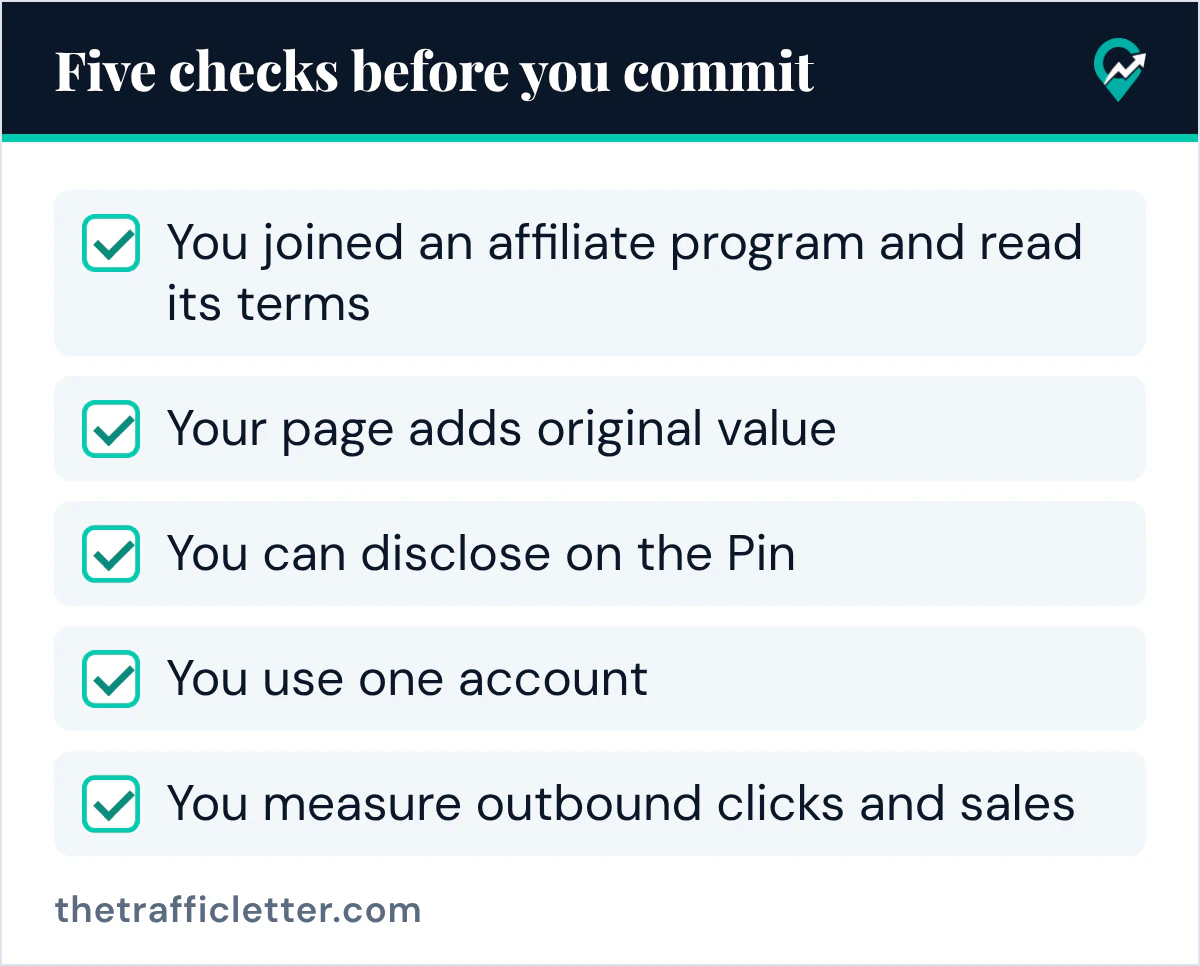
- You joined an affiliate program and read its terms.
- Your page adds original value for the reader.
- You can disclose on the Pin, with a clear disclosure such as #ad.
- You use one account, your authentic presence on Pinterest.
- You measure outbound clicks and sales.
If the niche itself is in doubt, testing a niche before you commit (opens in a new tab) shows how to use Pinterest Trends. Pinterest’s help page says the Trends tool displays a historic view of up to the last two years of top search, save and shopping trends. If you have no website, the checks change, and the no-blog route for affiliate Pins (opens in a new tab) explains what Pinterest allows in that case.
How to tell whether it works on your account
You need a business account to see Pin stats. Pinterest’s help page describes a free business account with access to analytics on your Pins. In Pin stats, Outbound clicks are the total number of clicks to the destination URL associated with your Pin, so they show how many people left Pinterest for your page. Saves, the number of times people saved your Pin to a board, show interest that may turn into clicks later.
The Pinterest pages read for this guide do not describe sales or commission reports for affiliate links, so the second half of the answer lives in your affiliate program’s reports. Compare the two for the same period. Pins with outbound clicks but no sales point to the page or the product. Pins with no outbound clicks point to the Pin itself: its image, its title or the search it targets.
Change one thing at a time and give each Pin a similar amount of time before you compare. A handful of Pins over a few days says little either way.
A prompt to review your affiliate plan
An AI assistant can check a plan against Pinterest’s guidelines before you publish. This prompt works in ChatGPT, Claude, Gemini or any AI assistant. Paste your own plan in place of the brackets.
You review affiliate marketing plans for Pinterest. Here is my plan:
Niche: [your niche]
Affiliate program: [program name and the terms I read]
Destination page: [what the page offers the reader]
Pins planned: [number of Pins and what each one shows]
Disclosure: [how I disclose on the Pin and on the page]

Check the plan against these Pinterest guidelines and answer each point with yes, no or unclear, with one sentence of explanation:
1. Is the affiliate content original, and does it add unique value for Pinners?
2. Is the commercial nature of the content and of the links transparent?
3. Are affiliate links used in moderation, without affiliate Pins created repetitively or in large volumes?
4. Can a Pinner reasonably anticipate where each link will take them?
5. Does the plan use one Pinterest account?
Do not estimate earnings.
Right after
- Read the terms of one program and confirm its rules on links, starting with program terms worth reading first (opens in a new tab).
- Build one destination page and create a small set of Pins for it, following the order of work for a first affiliate Pin (opens in a new tab).
- After the Pins have been live for a while, compare outbound clicks in Pin stats with your program’s sales report, then decide whether to add more.