

If you want to try affiliate links on Pinterest before you build a blog, this guide sets out what Pinterest’s own pages say about that case and what changes when the Pin stands alone between the reader and the merchant. It is one branch of our map of the ways to earn money on Pinterest (opens in a new tab), and the full order of work with a blog is in the beginner’s path to Pinterest affiliate marketing (opens in a new tab).
Can you do Pinterest affiliate marketing without a blog?
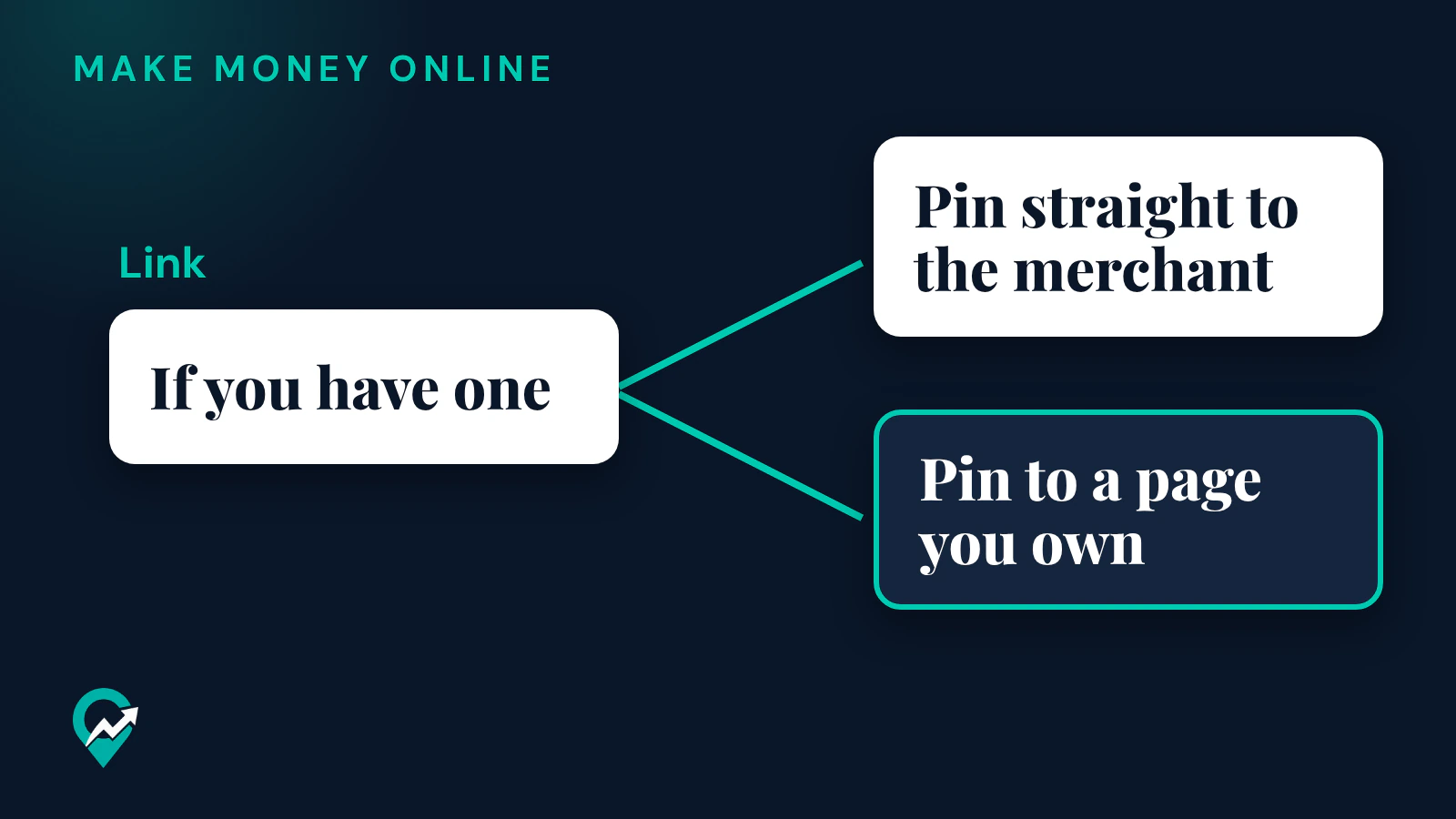
The Pinterest pages read for this guide do not make a blog a condition. Pinterest’s help page on creating a Pin lists the Link field with the words “If you have one, add a link to give people on Pinterest a place to learn more.” The link is optional for the Pin itself.
Pinterest’s creator page says you can tag Pins using affiliate links to earn commission when people click through and shop. It adds three conditions that apply with or without a blog: you first need to join an affiliate program, Pinterest is not part of the affiliate agreements, and your commission depends on the terms you set up with the merchant or program. On payment, the same page says Pinterest does not facilitate payment for affiliate links.
Two other sets of rules decide what you can do in practice:
- Pinterest’s affiliate guidelines, in its Commercial and Branded Content Guidelines.
- Your affiliate program’s terms. Pinterest’s creator page says your commission depends on them, so check what they say about where links may be posted and how they must be disclosed. The program pages could not be read for this guide, so no program rule is quoted here: open the terms of your own program before you publish. For one program read in detail, our guide to Amazon’s Site rules for Pinterest (opens in a new tab) shows why its pages point to a website.
What Pinterest’s guidelines ask of an affiliate Pin
Pinterest’s affiliate guidelines apply to every affiliate Pin, whether it leads to a blog or not. They say to follow the paid partnership guidelines, to operate only one Pinterest account in general, to make affiliate content original and add unique value for Pinners, and to be transparent about the commercial nature of your content and about your links and their behavior.
The Community Guidelines add rules on links. The version last updated in May 2026 says websites should have original content that adds unique value for Pinners, and it asks for a “no surprises” principle: Pinners should be able to reasonably anticipate where your link will take them. It says links with excessive or deceptive redirection, and shortener services that are abused for spam, may be blocked. Pinterest has published updated Community Guidelines that take effect on 12 November 2026, and their section on harmful domains and deceptive linking keeps the same no surprises wording.
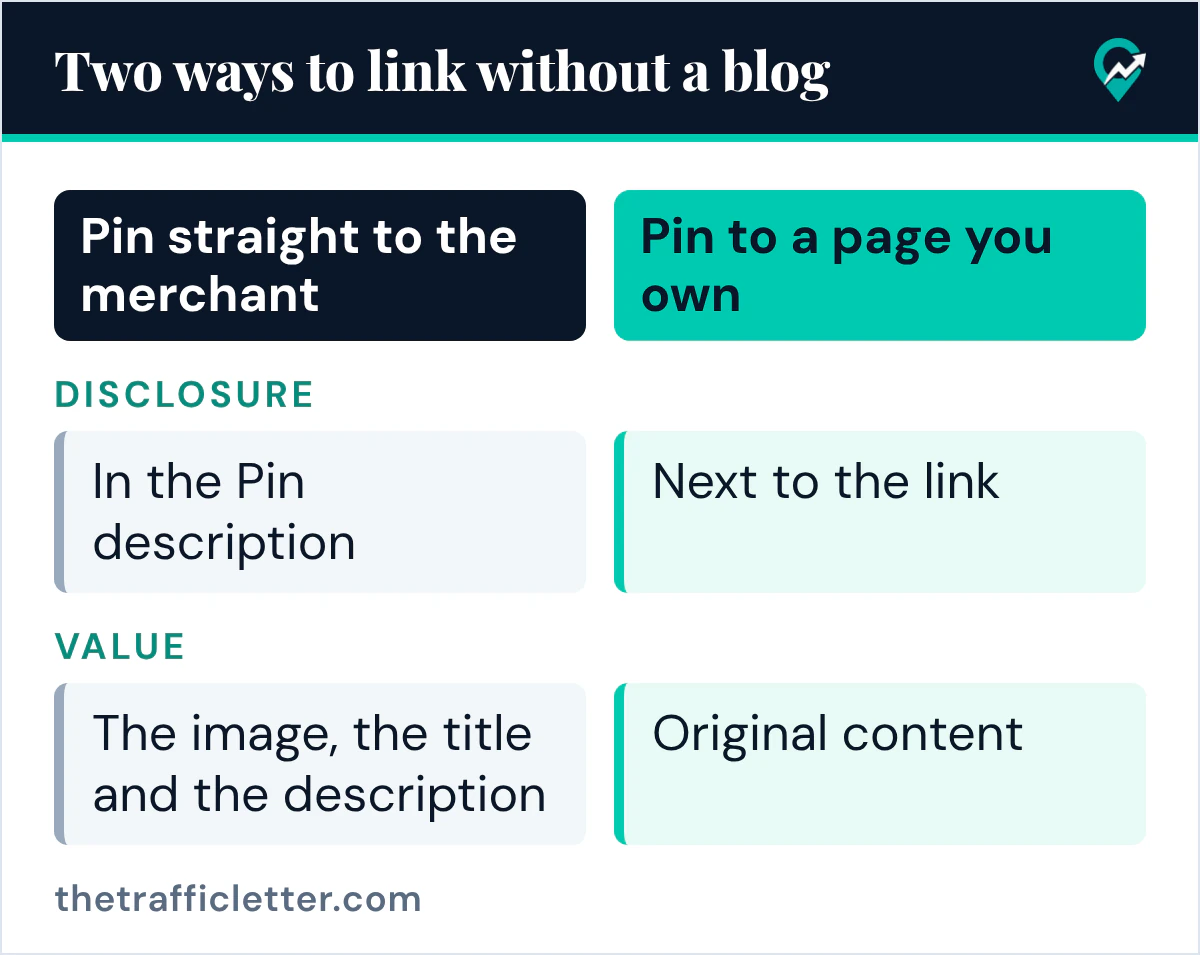
Without a blog, these rules land on the Pin. Without a review page to add the value, the image, the title and the description have to do it.
Three ways to link an affiliate Pin without a blog
| Route | What Pinterest’s pages say | What to check |
|---|---|---|
| Pin straight to the merchant | The Link field takes a URL; links should follow the no surprises principle | Your program’s terms on posting its links on social platforms |
| Tag products in the Pin | The help page describes tagging products by search or with a link to a product page on a retailer site | Whether your account offers it, and whether your program allows it |
| Pin to a page you own | Websites should have original content that adds unique value | The page needs real content, even if it is a single page |
Pin straight to the merchant
You paste your affiliate link into the Link field of the Pin. Pinterest’s affiliate guidelines say some shortener services are not currently supported, and that if your Pin’s link is blocked you can edit it. The edit help page confirms that, depending on the Pin, the link is one of the details you can change after publishing.
The pages read for this guide do not say whether a direct link to a merchant is preferred or discouraged, so no rule is stated here. What they do say is that the reader should be able to anticipate where the link goes. Make the Pin say which shop or product page it leads to, and open the link yourself to see where it lands.
Tag products in the Pin
Pinterest’s creator page says you can tag Pins using affiliate links, and that the product sticker lets you tag a product with a keyword search or a product link. The current help page on tagging products, read for this guide, describes tagging up to 24 of your own or other merchants’ products, by searching Pins or by using a link to a product page on a retailer site. It does not mention affiliate links or list countries. Look for the option in your own account when you create a Pin, and if you do not see it, use the Link field.
Pin to a page you own
This is the middle route: a single page that is not a blog, such as a short guide or a list of the products you recommend with your reasons. The pages read for this guide do not require one. It gives you a place for the disclosure next to the link and for the original content that Pinterest’s guidelines describe. If you later build a full blog, the guide to sending Pinterest traffic to a site (opens in a new tab) picks up from there.
How to make the Pin carry the value
When the Pin leads straight to a product, the reader decides on the Pin alone. These choices follow Pinterest’s creative pages and the affiliate guideline on original content:
- Use your own image or video. Pinterest’s Pin creation page says you can create Pins from your own images and videos, and its ad creative page recommends a 2:3 vertical format.
- Write a title that names the product type and the use. Pinterest’s creative best practices page for ads says a title can have up to 100 characters and the first 40 are most likely to show.
- In the description, say who the product suits and why you picked it. The same page gives up to 800 characters for a description. Our guide to writing Pin descriptions that get found (opens in a new tab) shows how to write it for search.
- Save the Pin to a board with a matching name, so the board adds context.
Research the wording first. The phrases people type into Pinterest search tell you what to put in the title, and our Pinterest keyword research method (opens in a new tab) shows where to find them. Put the main phrase in the title once and in the description once, in normal sentences.
Disclose on the Pin itself
Pinterest’s affiliate guidelines tell you to follow its paid partnership guidelines. Those say all paid partnerships must disclose the commercial nature of their content, with a clear disclosure such as #ad or a label applied with Pinterest’s paid partnership tool, and that you must comply with all applicable advertising laws and regulations. For people in the European Economic Area, the commercial content guidelines say a clear disclosure is required and that you must use any functionality Pinterest makes available, such as a # or a label.
Pinterest’s help page describes the paid partnership tool as a way to tag a brand you have a partnership with, and the brand has to approve the tag before its name shows. The same page says that if your brand partner is not on Pinterest you can still use the label, which then shows without a brand name. Whether an affiliate merchant counts as a brand partner is not covered there, so the part you fully control is the description. Write the disclosure in its first words, so a reader sees it before tapping the link. “I earn a commission if you buy through this link” is plain enough to be understood. This is general information, not legal advice; read the advertising rules of the country you publish from.
How to word the disclosure on a page and on a Pin is covered in more depth in our guide to what Pinterest allows with affiliate links (opens in a new tab).
Your first affiliate Pin without a blog, step by step
- Join an affiliate program and read its terms on social platforms and disclosure.
- Set up a business account. Pinterest says Pin stats need one, and its help page calls the business account free.
- Create a Pin with your own image and a clear title.
- Write the description with the disclosure first.
- Add your affiliate link in the Link field, or tag the product if your account offers it.
- Check your Pin stats after the Pin has had time to collect data.
Pinterest’s Pin stats page says you will always see Impressions, Saves, Pin clicks and Outbound clicks, and Product tag outbound clicks when a Pin has tagged products. Pinterest’s Pin stats page counts Outbound clicks as clicks to the destination URL, so they show how often people left Pinterest for the link. The Pinterest pages read for this guide do not describe sales or commission reporting, so check those in your affiliate program’s reports.
A prompt for the Pin text
The title and description can be drafted with ChatGPT, Claude, Gemini or any AI assistant. Give it the facts you know about the product, then edit the draft: it rests on the facts you give it, so check every line against the product page.
Write a Pinterest Pin title and description for an affiliate Pin that links to [product name] on [merchant or shop name].
Audience: [who the product suits]. Main keyword: [your main keyword].
My honest reason for recommending it: [your reason].
Rules: title up to 100 characters, with the main keyword in the first 40 characters.
Description up to 800 characters, in plain sentences, no hashtags except #ad.
Start the description with this disclosure: "I earn a commission if you buy through this link."
Say where the link goes. Do not invent features, prices, results or reviews.
Mistakes that break Pinterest’s rules
Pinterest’s affiliate guidelines give examples of artificial manipulation: using fake accounts to create or save your affiliate links, asking other users to save your affiliate Pins in a quid pro quo, asking other users to create Pins with links that include your affiliate identifier, and creating affiliate Pins repetitively or in large volumes. They tell marketers to follow the spam policy and use affiliate links in moderation. Pinterest says it may remove, limit or block the distribution of content or accounts that violate these guidelines.
Without a blog, every Pin is the whole offer, so it is tempting to publish many of them. Pinterest’s own example of prohibited behavior is creating affiliate Pins repetitively or in large volumes, so publish fewer Pins, each with its own image and text. If an account is restricted anyway, the steps when a Pinterest account is suspended (opens in a new tab) explain the appeal route.
Right after
- Read your affiliate program’s terms on social platforms before the first Pin.
- Write the first description with the disclosure at the start, then check it against the description guide linked above.
- When you are ready for a site, start the beginner guide linked at the top from its destination page step, then create your Pinterest business account (opens in a new tab) if you have not yet.