

A one-line prompt leaves most choices to the assistant. A prompt for human writing gives the assistant what a new writer on your blog would need. The method below comes from Anthropic’s prompting guide for Claude and Google’s Search Central pages, read on 15 November 2026, and the prompts work in ChatGPT, Claude, Gemini or any AI assistant. For where AI fits in the rest of a blog, see our guide to ChatGPT for bloggers (opens in a new tab), part of our AI guide for Pinterest creators (opens in a new tab).
Why short prompts give generic text
Anthropic’s guide says to think of the model as a brilliant but new employee who lacks context on your norms and workflows, and that the more precisely you explain what you want, the better the result. Its key test: show your prompt to a colleague with minimal context on the task and ask them to follow it. If they’d be confused, the model will be too.
A prompt like “write a blog intro about meal prep” leaves every choice to the assistant: the reader, the tone, the length, the format. Google’s guidance on generative AI content says generative models predict a likely sequence of words, so the assistant fills those gaps on its own.
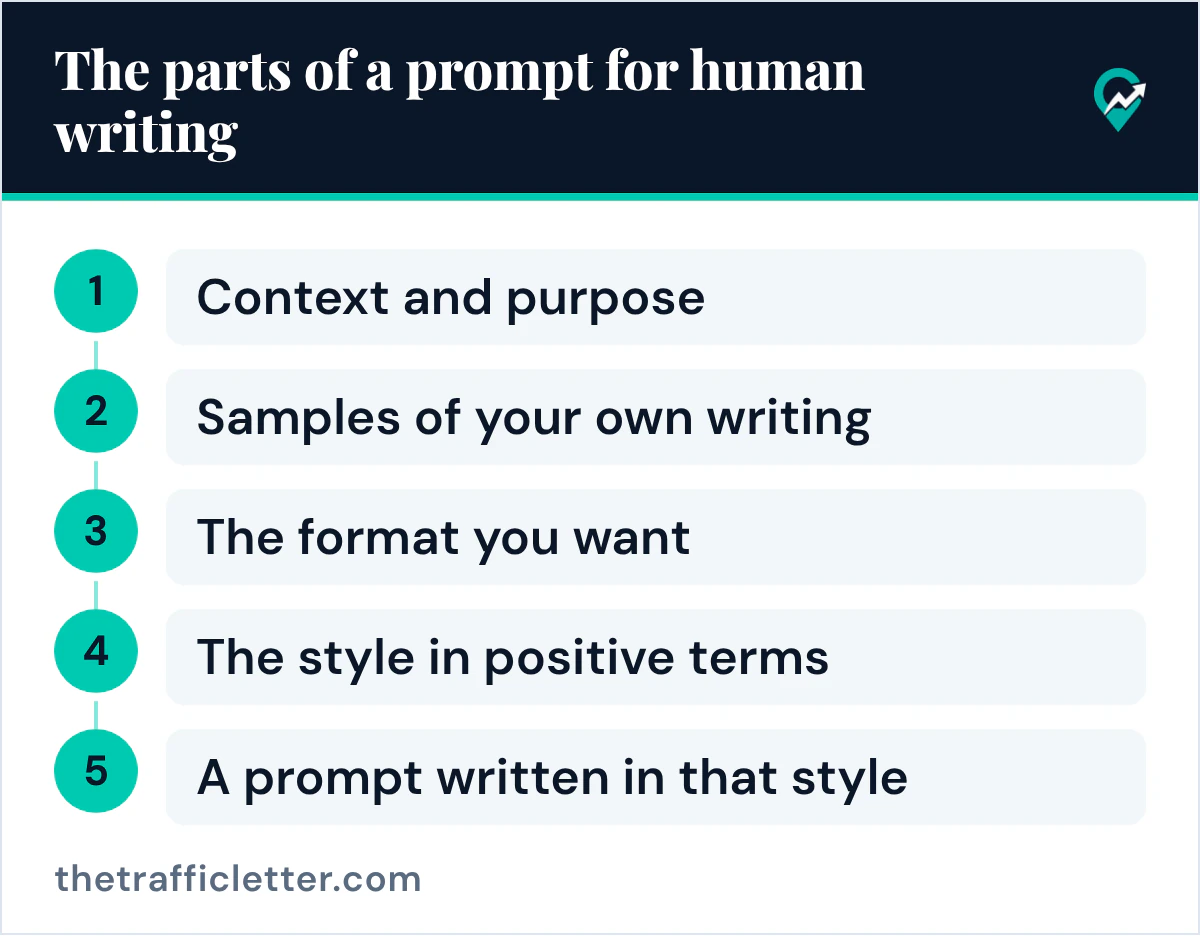
The parts of a prompt for human writing
Each part below restates one piece of advice from Anthropic’s prompting guide.
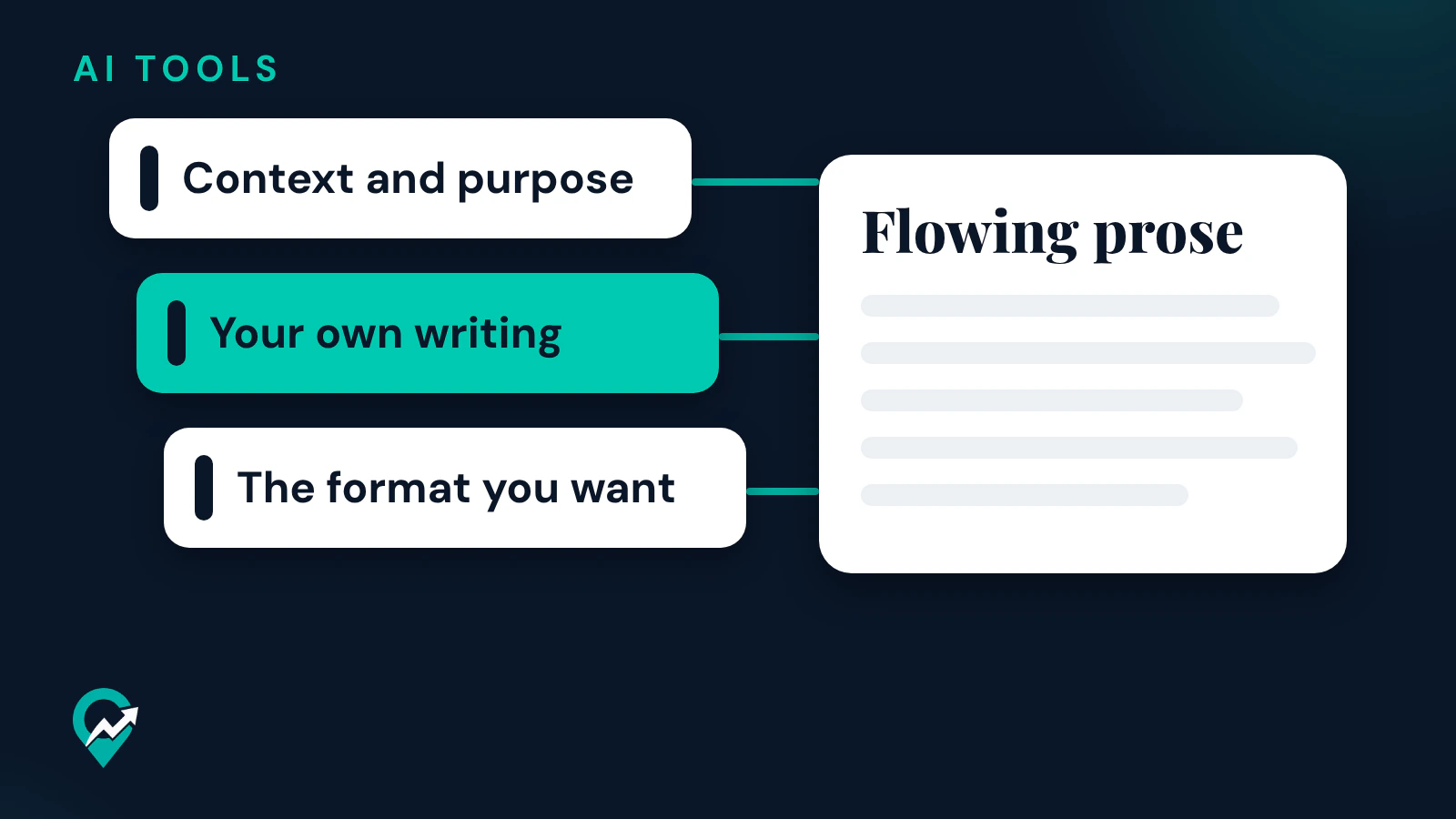
- Context and purpose. The guide says that providing context or motivation behind your instructions can give the model more information about your goals. Say who reads the text and what they should be able to do after reading it.
- Samples of your own writing. The guide calls examples one of the most reliable ways to steer output format, tone and structure, and suggests 3 to 5 examples for best results, wrapped in example tags so the model can tell them apart from instructions.
- The format you want. The guide says to be specific about the output format and constraints you want: the length, the headings, whether lists are allowed.
- The style in positive terms. The guide suggests telling the model what to do instead of what not to do. Its example replaces “Do not use markdown in your response” with “Your response should be composed of smoothly flowing prose paragraphs.”
- A prompt written in that style. The guide notes that the formatting style used in your prompt might influence the response style, and that removing markdown from your prompt can reduce the volume of markdown in the output.
A prompt template for natural blog writing
Copy the template, replace every part in square brackets and keep the samples from your own published posts.
I write a blog about [your niche] for [your reader]. They read this post to [what they want to do].

Write the section "[heading]" of my post in my voice. Here are three paragraphs I wrote, to show my tone and sentence length:

<examples>
<example>[paragraph 1 from your blog]</example>
<example>[paragraph 2 from your blog]</example>
<example>[paragraph 3 from your blog]</example>
</examples>

Write in plain, direct sentences of varied length, in flowing paragraphs. Use a list only for real steps. Use only these facts: [your notes and sources].
The last line matters as much as the samples. An assistant asked to sound natural can still invent a detail, and the facts should come from your notes.
Prompts to rework a draft you already have
When the draft exists, ask for an edit instead of a new text. This prompt asks the assistant to keep your facts and change the form:
Rewrite the text below so it reads like a person explaining it to a friend who asked. Keep every fact, number and step exactly as written, and add no new information. Use plain words, varied sentence length and flowing paragraphs. Text: [paste your draft]This one finds the weak spots without rewriting anything:
Read my draft below and list the sentences that sound generic or repeat the same idea, with one line on why for each. Do not rewrite them. Draft: [paste your draft]The second prompt leaves the rewrite to you, which keeps the voice yours. Our AI prompts for Pinterest Pin text (opens in a new tab) use the same approach for Pins.
Edit and fact-check what comes back
A natural tone and an accurate text are two separate checks. Google’s guidance on generative AI content says generative models don’t retrieve facts but predict a likely sequence of words, so outputs may contain inaccuracies, and calls it critical to manually fact-check and review all AI-generated content before publishing. The Gemini help page gives the same warning: Gemini Apps can make mistakes, so double-check responses.
Read the result aloud, cut any sentence you would not say, and check each fact against a source you read. Google’s helpful content page asks whether your content provides original information, reporting, research or analysis: the samples and notes you put in the prompt are where that comes from, and the edit is where you confirm it.
Right after
- Place this prompt in a full blog workflow with our AI assistant guide for bloggers (opens in a new tab).
- Check the finished post against Google’s guides with our walkthrough of SEO blog writing from Google’s guides (opens in a new tab).