
ChatGPT, Claude and Gemini can help with some of the work of running a blog. This guide sorts the blog jobs an AI assistant can help with from the ones a person keeps, gives prompts to start from, and sums up what Google’s Search Central pages, read on 15 November 2026, ask from a blog that uses AI. For the Pinterest side of the same work, start with our guide to creating Pinterest Pins with AI tools (opens in a new tab).
What Google says about AI content on a blog
Google’s blog post on AI-generated content says appropriate use of AI or automation is not against its guidelines, which means it is not used to generate content primarily to manipulate search rankings. Its FAQ adds that using AI doesn’t give content any special gains: if the content is useful, helpful, original and satisfies aspects of E-E-A-T, it might do well in Search.
Google’s guidance on generative AI content says it can be particularly useful when researching a topic and to add structure to original content. The same page warns that using generative AI tools to generate many pages without adding value for users may violate Google’s spam policy on scaled content abuse. The spam policies page defines that abuse as many pages generated for the primary purpose of manipulating search rankings and not helping users, no matter how it’s created.
For a blogger, that sets the line: AI can help with the research and the structure of a post you would have written anyway, with your sources and your steps, and it should not be used to publish many thin posts. Our guide to writing blog posts Google can understand (opens in a new tab) covers the rest of what Google’s guides ask from a post.
Blog tasks an AI assistant can help with
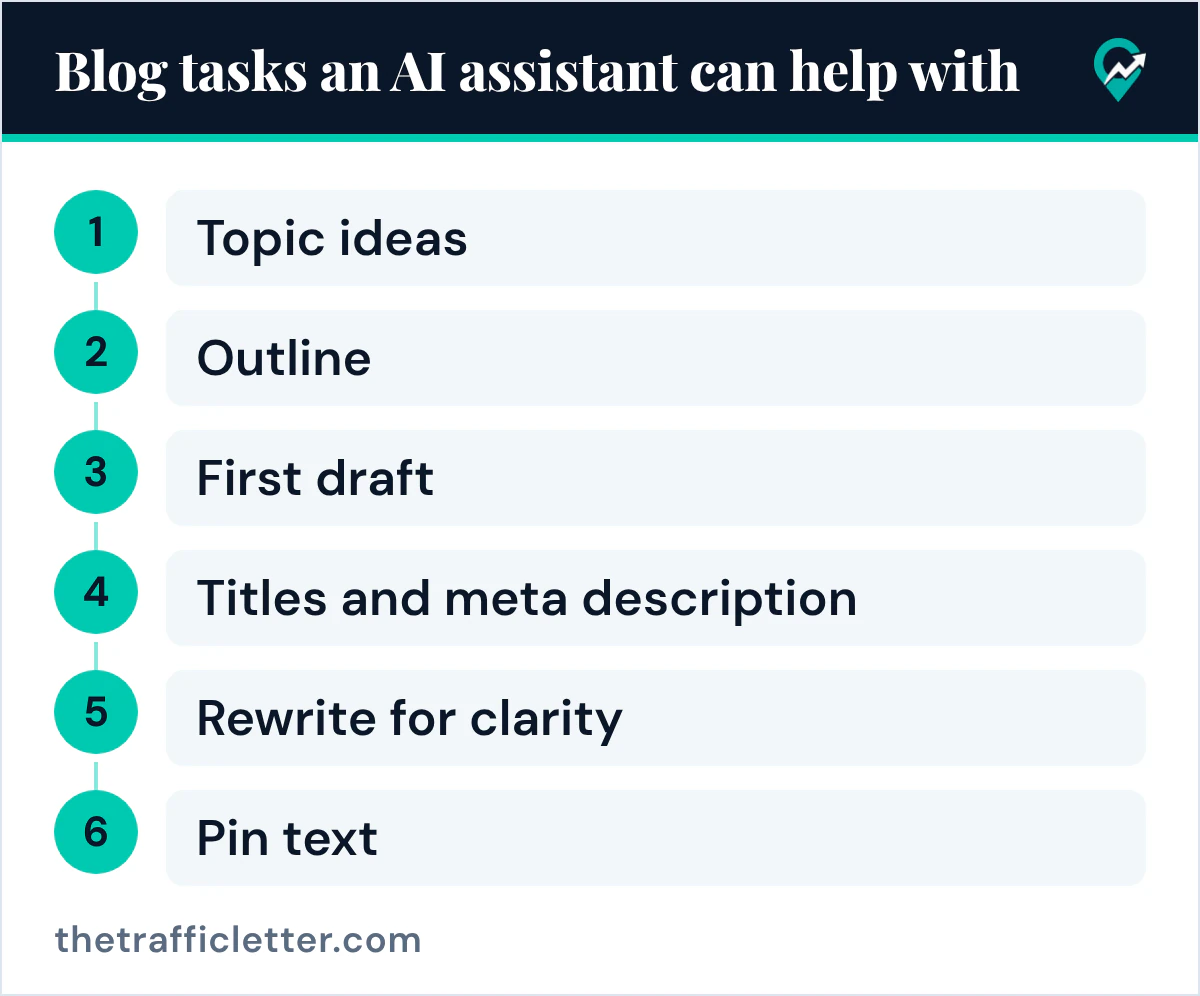
Google’s Gemini help page lists what an assistant like Gemini can help with: brainstorm ideas, develop a plan, get a summary of complex topics, and create first drafts of outlines, emails and blog posts. ChatGPT and Claude are used the same way: you type a prompt and get text back. For a blog, the tasks look like this:
| Blog task | What the assistant does | What you keep |
|---|---|---|
| Topic ideas | Lists angles for one subject | The choice, based on your keyword research |
| Outline | Proposes headings in an order | The structure that matches the search |
| First draft | Writes a version to edit | Every fact, step and example |
| Titles and meta description | Offers several options | The final wording and the facts in it |
| Rewrite for clarity | Shortens long sentences | Your meaning and your voice |
| Pin text | Drafts Pin titles and descriptions | The keyword and the check against the post |
What you keep is the part that makes a post worth reading: the sources you read, the steps you tested or confirmed, and the decision about what the reader needs. Google’s helpful content page asks whether your content provides original information, reporting, research or analysis, and whether it provides substantial value when compared to other pages in search results.
Prompts bloggers can start from
Anthropic’s prompting guide for Claude says to be specific about the output format and constraints you want, and to give context or the motivation behind your instructions. The same advice works in ChatGPT, Claude, Gemini or any AI assistant. Replace the text in square brackets before you send a prompt.
An outline prompt:
I write a blog about [your niche] for [your reader]. Propose an outline for a post that answers the search "[your main keyword]". Give 6 to 8 H2 headings in the order a reader needs them, each with one sentence on what the section must answer. Do not write the post.A title and meta description prompt:
Here is my blog post: [paste the post]. Write 5 title options that start with "[your main keyword]", and 3 meta descriptions of one or two sentences each. Use only facts that are in the post.A clarity rewrite prompt:
Rewrite this paragraph in plain English with shorter sentences. Keep every fact and every number exactly as written, and do not add new information: [paste the paragraph].Our ChatGPT prompts for Pin titles and board names (opens in a new tab) give the same kind of prompts for Pinterest.
Check every AI draft before you publish
Google’s guidance on generative AI content says generative models don’t retrieve facts, but predict a likely sequence of words based on their training data, so outputs may contain inaccuracies (also known as hallucinations). It calls it critical to manually fact-check and review all AI-generated content for accuracy and trustworthiness before publishing. The Gemini help page gives the same warning: Gemini Apps can make mistakes, so double-check responses.
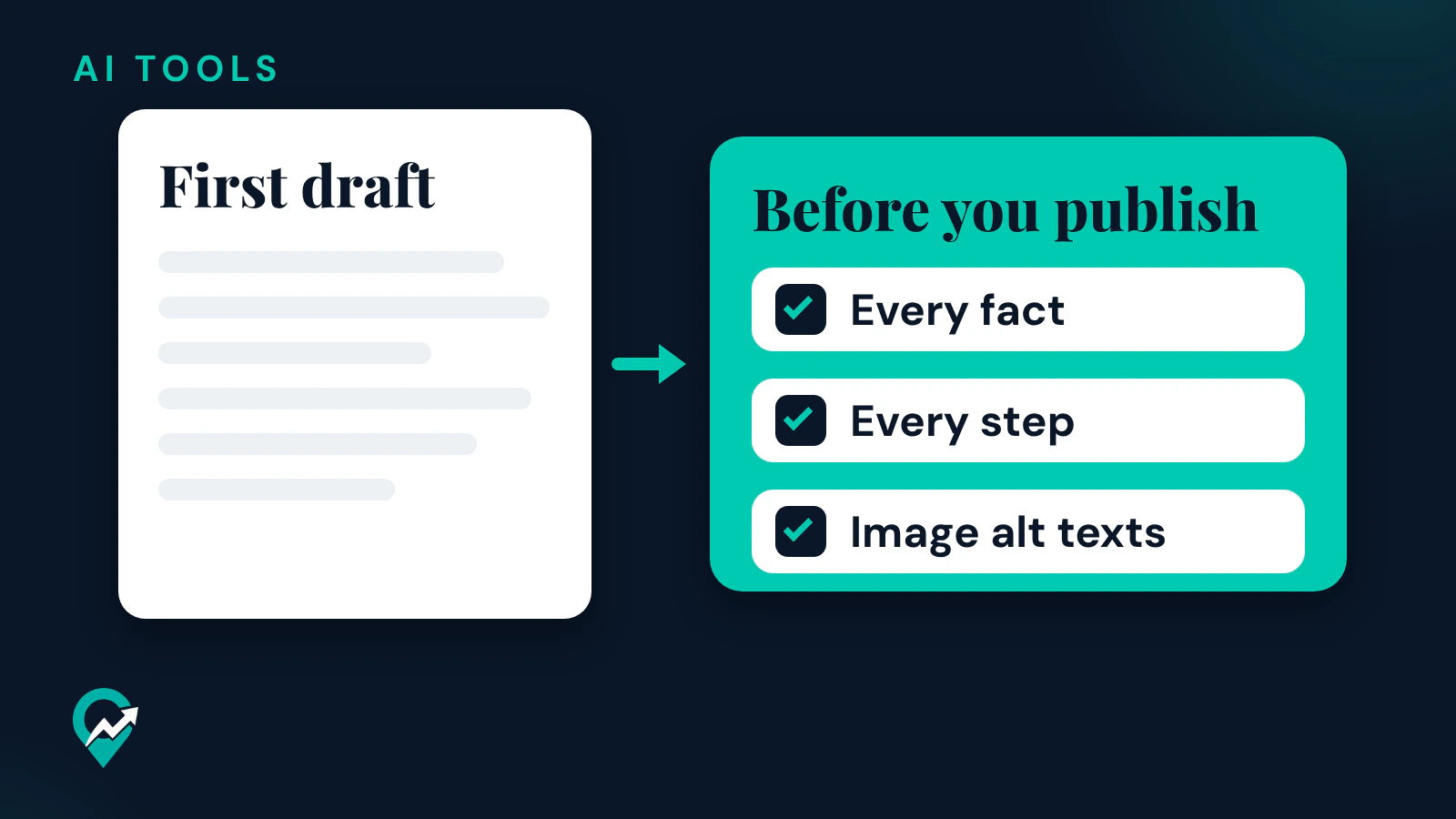
Google adds that this review also applies to metadata like title elements, meta description elements, structured data and alternate texts for images, which can appear in Search results. Before you publish a post an assistant helped with, check:
- Every fact against a source you opened and read.
- Every step against the official page that describes it.
- The title and the meta description.
- The image alt texts.
- That the post adds your own steps, examples or sources.
Disclosure and bylines
Google’s helpful content page suggests asking “Who, How, and Why” about your content. If automation is used to substantially generate content, it asks whether the use of AI is self-evident to visitors through disclosures, and whether you explain how and why it was used. Its FAQ says AI or automation disclosures are useful for content where someone might think “How was this created?”, and to consider adding them when it would be reasonably expected.
On bylines, the same FAQ says to consider accurate author bylines when readers would reasonably expect it, and that giving AI an author byline is probably not the best way to make clear to readers when AI is part of the content creation process.
Right after
- Write the prompts for each kind of post with our guide to AI prompts for human writing (opens in a new tab).
- Plan the length of the post with our guide to blog post length for SEO (opens in a new tab).
- Turn the finished post into Pins with our guide to using AI for Pinterest (opens in a new tab).