

The Google pages read for this guide give no word count for a blog post, and they say why. This guide sets out what Google Search Central says about length, then gives a method to size each post by the question it answers. The rest of the writing work, from the title to the meta description, is in our method for writing posts Google can read (opens in a new tab), and the Pinterest side of search is in our guide to ranking Pins in Pinterest search (opens in a new tab).
How long should a blog post be for SEO? Google’s answer
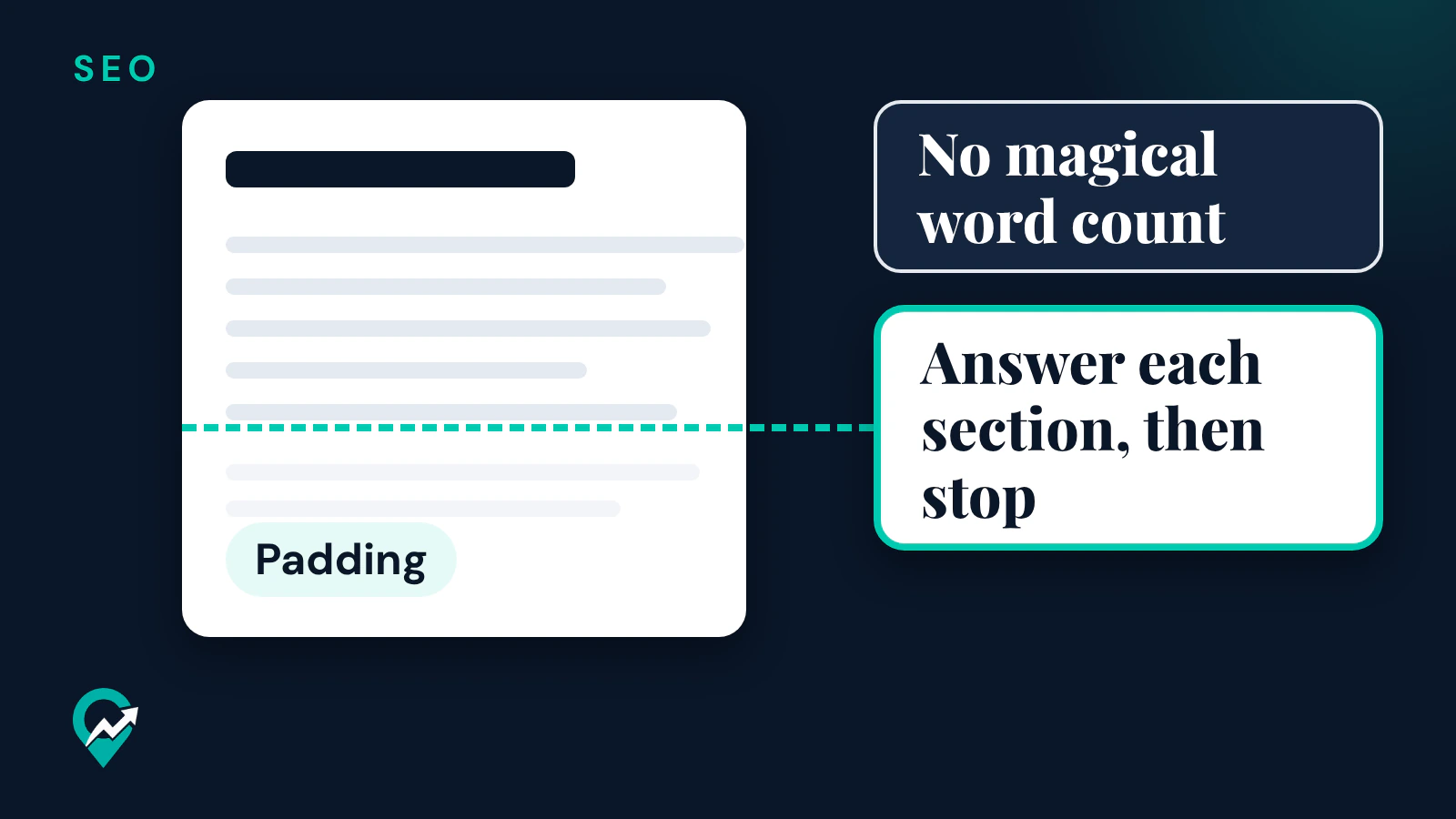
Google’s SEO starter guide has a section called “Things we believe you shouldn’t focus on”. One of its entries is minimum or maximum content length. It says: “The length of the content alone doesn’t matter for ranking purposes (there’s no magical word count target, minimum or maximum, though you probably want to have at least one word).”
Google’s helpful content page says the same thing from another angle. It lists questions that are warning signs of search engine-first content, and one of them is: “Are you writing to a particular word count because you’ve heard or read that Google has a preferred word count? (No, we don’t.)”
So the answer from Google’s pages is that a blog post has no target length for SEO. The length that works is the length that answers the reader’s question completely.
Why length still shows up in SEO advice
Google’s words are that length alone doesn’t matter for ranking, but length is linked to things Google does describe.
More useful words can match more searches
The starter guide says that if you are varying the words, writing naturally to not be repetitive, you have more chances to show up in Search simply because you are using more keywords. A post that covers the follow-up questions a reader has will use the words those readers type. That is a side effect of covering the topic, not of the word count.
Google can rank one section of a long page
Google’s ranking systems guide describes a passage ranking system: an AI system it uses to identify individual sections or “passages” of a web page to better understand how relevant a page is to a search. A long post with clear sections gives each section a chance to answer a specific search. Google’s starter guide also asks for headings to help users navigate your pages.
Depth is a quality question, not a length rule
Google’s helpful content page asks whether the content provides “a substantial, complete, or comprehensive description of the topic” and whether it provides “substantial value when compared to other pages in search results.” A complete answer to a broad question takes more words than a complete answer to a narrow one. That page gives no number for it.
What makes a post too short
A post is too short when the reader has to look elsewhere. Google’s helpful content page lists as a warning sign: “Does your content leave readers feeling like they need to search again to get better information from other sources?” Its people-first questions include: “After reading your content, will someone leave feeling they’ve learned enough about a topic to help achieve their goal?”
Typical signs of a post that stops too early:
- It answers the main question but skips the step the reader needs next.
- It gives a rule without saying where it comes from.
- It names a setting or a tool without saying how to use it.
- It answers a broad search, such as a full guide, with a few paragraphs.
What makes a post too long
A post is too long when words are added for the count. Google’s helpful content page lists writing to a particular word count as a warning sign. Its spam policies define keyword stuffing as filling a web page with keywords or numbers in an attempt to manipulate rankings, including “repeating the same words or phrases so often that it sounds unnatural.”
Typical padding to cut:
- An introduction that restates the title before answering.
- Sections that repeat the same point with other words.
- Definitions the reader of this topic already knows.
- A closing section that summarizes what the post just said.
Google’s starter guide asks you to break up long content into paragraphs and sections, and to provide headings to help users navigate your pages. Length that serves the reader is easier to read when it is organized that way.
How to decide the length of a blog post
This method sizes the post by its question, so the word count is a result, not a goal.
Step 1: Write the one question the post answers
One post, one search. Write the question as the reader would type it. Our guide to finding the phrases people search (opens in a new tab) shows how to collect those words from Pinterest.
Step 2: List the follow-up questions
Write down what a reader asks right after the first answer. For “how long should a blog post be”, the next questions are why Google gives no number, how to tell when a post is too short and how to tell when it is too long. Each follow-up becomes a section with its own heading.
Step 3: Look at what the results already cover
Search the question and read the pages that show up. Google’s helpful content page asks whether your content provides substantial value compared to other pages in search results. Note what those pages leave out or get wrong: that is where your post adds value, and it tells you which sections need the most depth.
Step 4: Answer each section, then stop
Answer the main question in the first paragraphs, then each follow-up under its heading. When a section has answered its question, move on.
Step 5: Cut what does not answer a question
Read the draft and remove every sentence that answers none of the questions on your list. What is left is the right length for that post.
Draft the list of follow-up questions with AI
An AI assistant can draft the list of step 2, which you then check against the search results of step 3. Google’s page on generative AI content says it can be particularly useful when researching a topic and to add structure to original content, and that using it to generate many pages without adding value for users may violate its spam policy on scaled content abuse. Use the list as a starting point and write the answers yourself. This prompt works in ChatGPT, Claude, Gemini or any AI assistant:
I am writing a blog post that answers this search: [the question your post answers].
My readers are [who your readers are, for example new food bloggers].
List the follow-up questions a reader would ask after reading the first answer, in the order they would ask them.
Give 4 to 8 questions, one line each, in plain words a reader would type.
Do not answer them, and do not add an introduction or a summary.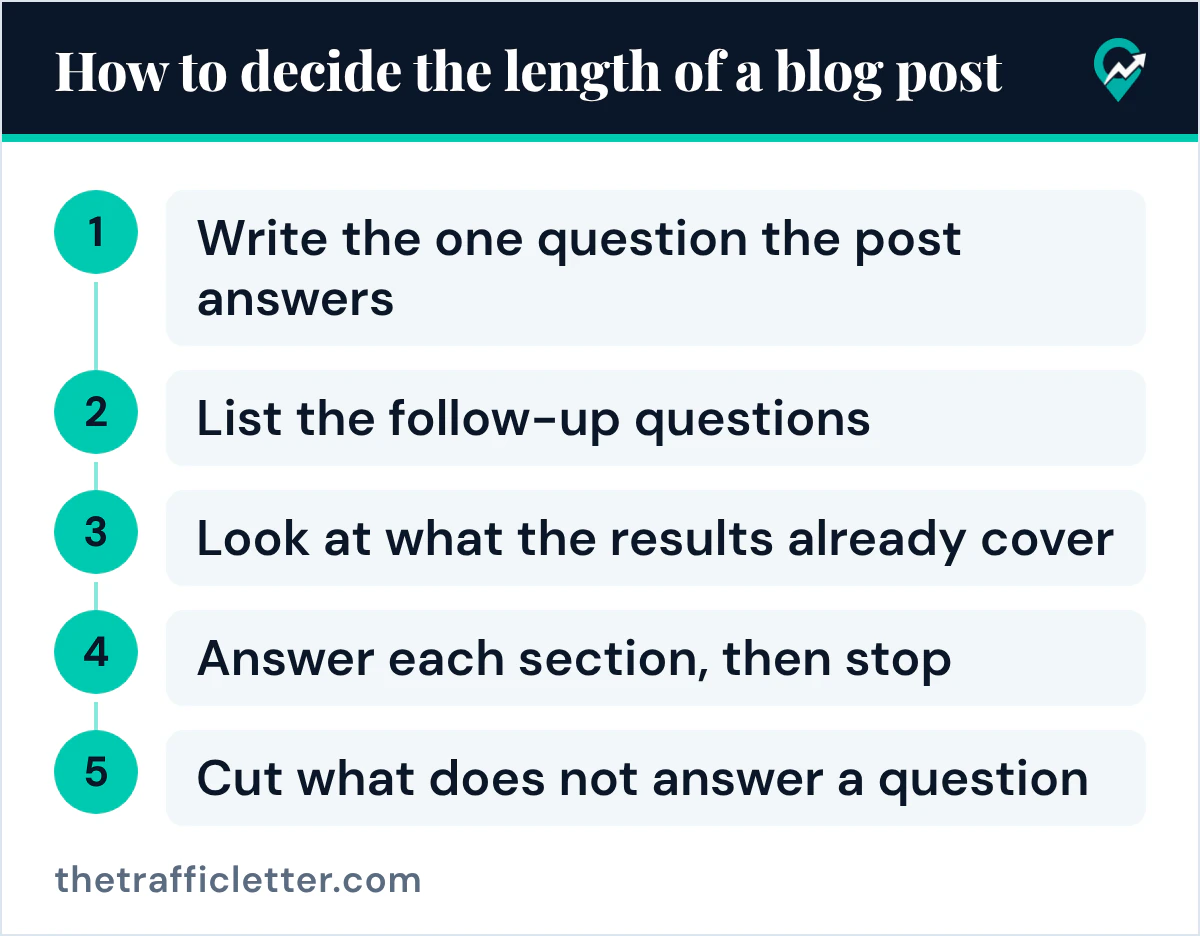
When to split a long post
A post can grow because the topic is broad, or because it tries to answer several searches at once. The first is fine. The second makes the page less clear: Google’s helpful content page asks whether the main heading or page title provides a descriptive, helpful summary of the content, and one title describes one main subject more clearly than several.
Split the post when two sections would each answer a different search on their own. Give each its own post and link them to each other. Google’s starter guide says Google primarily finds pages through links from other pages it already crawled, and a link between the two posts also takes the reader from one answer to the next. Our article on whether a blog helps SEO (opens in a new tab) explains how Google finds posts through those links.
Keep the post together when every section answers the same question for the same reader.
Right after
- Pick one existing post, write the question it answers, and cut every sentence that answers none of its follow-up questions.
- Check that your theme shows clear headings for long posts, with our theme checklist for blog SEO (opens in a new tab).
- Write the next post from its question list, then review the title and meta description with the blog writing method for Google (opens in a new tab).