

Many people who open Pinterest today ask the same thing: why does so much of the feed look AI-made? Pinterest has written about it on its own pages. This guide sets out what those pages say about where AI content comes from, which categories they name, why labels show up more often and what you can change. Our overview of Pinterest’s own AI features (opens in a new tab) is the hub of this topic, and our AI Pin workflow guide (opens in a new tab) covers the creator side.
What Pinterest says about AI content
Pinterest’s newsroom post of 16 October 2025 opens by saying that “Generative AI content is rapidly transforming the internet,” and cites a third-party estimate of its share of all online material. The same post says Pinterest heard from its users that they want “the right mix of human and AI-generated content,” and it launched controls so users can decide whether they want to see more or less GenAI content in their feed.
So Pinterest itself describes AI content as a fast-changing part of the internet. The pages read for this guide give no figure for the share of AI Pins on Pinterest, so any number you see elsewhere does not come from these pages.
The categories Pinterest calls prone to AI
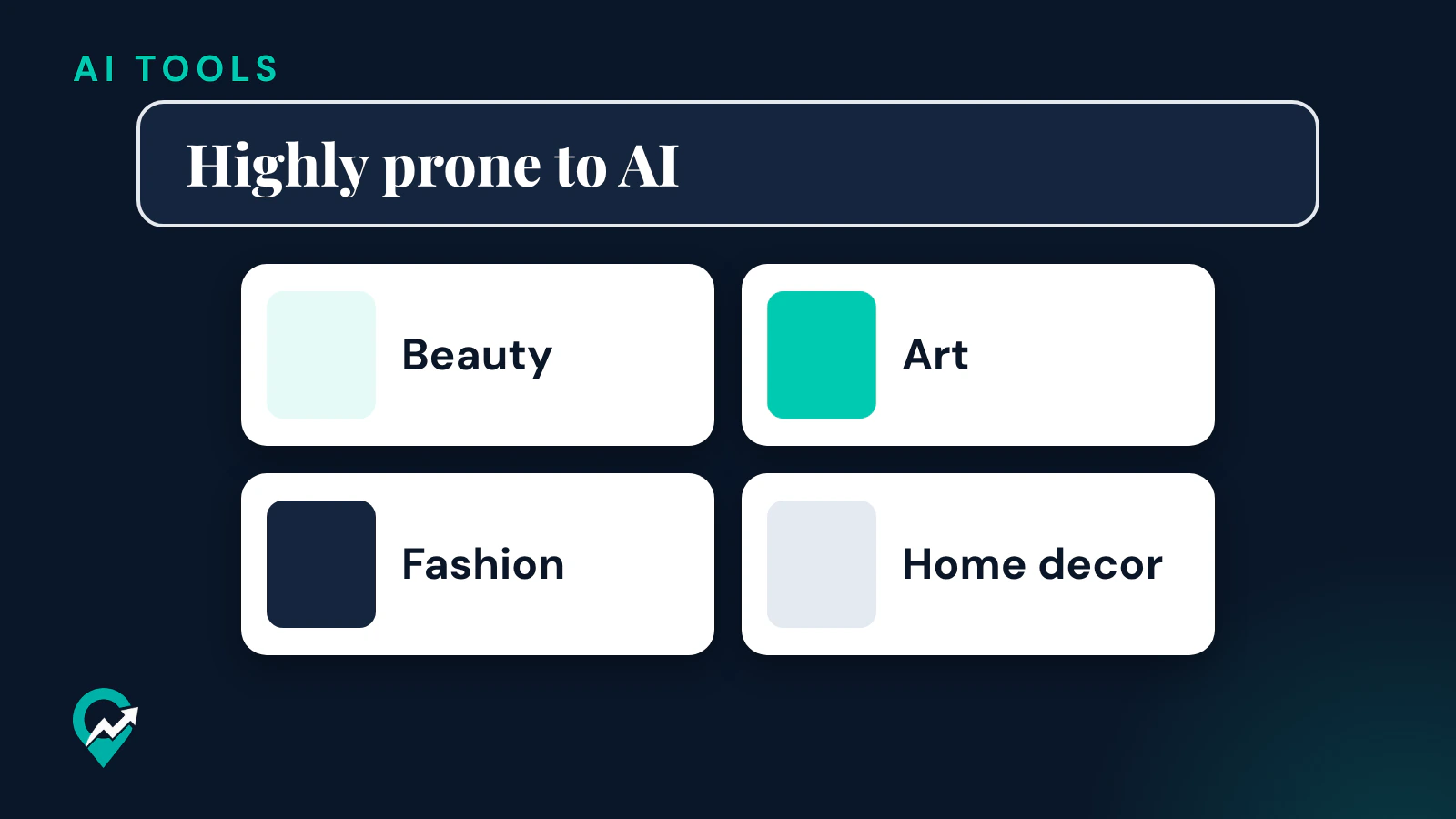
The same newsroom post says Pinterest’s updated tuner lets you see less GenAI content on eligible image Pins “in certain categories that are highly prone to AI modification or generation like beauty, art, fashion and home decor.”
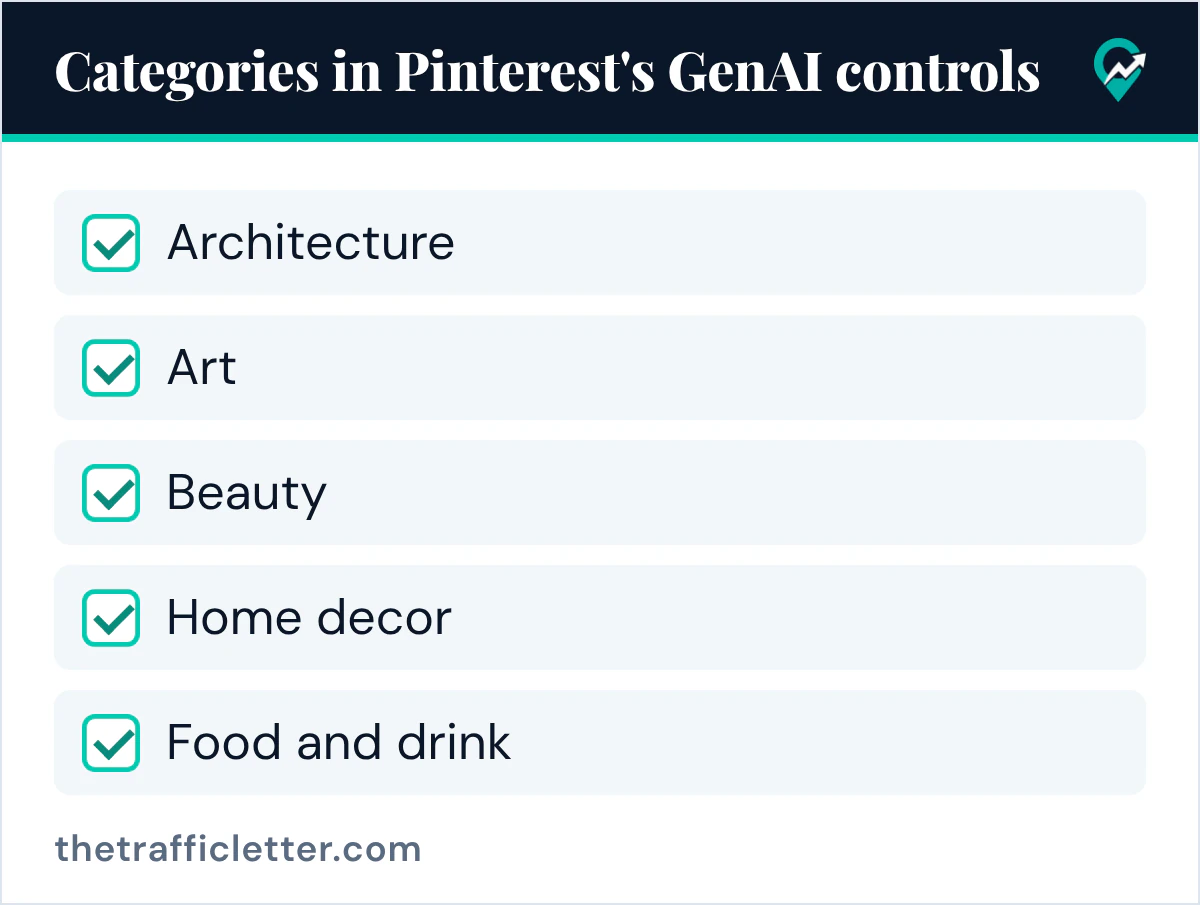
The controls launched with categories including architecture, art, beauty, entertainment, men’s, women’s and children’s fashion, health, home decor, and sport. An update of 12 December 2025 added food and drink, and the post says the controls “will continue to roll out to more categories.”
If your feed leans toward these subjects, these are the categories Pinterest itself names for its AI controls. Bloggers in home decor, fashion, beauty or food work in exactly these categories.
Pinterest uses AI too
Part of the AI you see comes from Pinterest’s own features. Its AI help page says Pinterest uses generative AI “to make ads more engaging and improve campaign performance for advertisers by enabling the creation of backgrounds on product images using Pinterest Canvas, our image generation foundation model.” For ads, Pinterest’s labels page says the AI disclosure sits in the ad details behind the ellipsis icon next to the Pin.
The help page also says Pinterest has always used classical AI, including machine learning, to display recommended and relevant Pins and ads. That system decides what reaches your feed, which is the next point.
Your feed follows what you save and search
Pinterest’s Refine your recommendations page says: “Pinterest recommends Pins to you based on your saves, searches, and browsing activity.” When you save or click AI-made Pins in a category, your activity is part of what the recommendations are built on.
The See fewer AI Pins page describes the opposite signal: when you pick the “see fewer” AI Pins option on a Pin, it “will send a signal to our systems to recommend less of this type of content.”
Why you see more AI labels
Pinterest’s October 2025 newsroom post says it introduced GenAI labels earlier that year. Its labels page says it analyzes a Pin’s metadata following the IPTC Metadata Standard and also developed classifiers that automatically detect Gen AI content, “even if the content doesn’t have obvious markers.” Some Pins also carry the label because the content owner indicated AI use.
The October 2025 newsroom post said these labels “will become more noticeable over the coming weeks, as we ramp up our detection tools.” By Pinterest’s account, then, more labels come with more detection. The details of the label, including how creators mark their own Pins, are in our guide to the AI modified label (opens in a new tab).
Is AI content allowed on Pinterest?
Pinterest’s Community Guidelines say: “Our policies apply to everyone and to all types of content, including synthetically generated content.” Its AI help page says the same rules apply “regardless of how it has been created.” So an AI-made Pin is judged by the same rules as any other Pin, and can be removed or limited under them, for example as fabricated or meaningfully manipulated content that erodes trust or causes harm, or as spam.
When an AI Pin breaks one of those rules, a report is the tool. Our guide on reporting AI Pins on Pinterest (opens in a new tab) has the steps and the guideline sections that mention AI.
How to see less AI on Pinterest
Pinterest’s help pages describe these controls:
- Refine your recommendations, AI content tab: the Show AI content toggle reduces AI content in your feed, and turning it off turns off all AI topics.
- The Manage AI content by topic section, to turn individual topics on or off.
- The “see fewer” AI Pins option behind the ellipsis icon at the bottom right of a Pin in the feed, for Pins in the supported categories.
The click paths for desktop and the app are in our guide to turning off AI content on Pinterest (opens in a new tab). The newsroom post says the categories keep expanding, so check the AI content tab again from time to time.
What it means for bloggers
Pinterest’s newsroom says its users want “the right mix of human and AI-generated content,” and readers in the named categories can now turn AI content down in their feed. If you publish in one of those categories and use AI for an image, indicate it, so the label comes from you. Then write the title and description with the words people search, as our guide to Pinterest search for bloggers (opens in a new tab) explains.
Right after
- Turn off the AI topics you do not want, using our AI settings walkthrough (opens in a new tab).
- Learn when a report fits with our guide to reporting AI on Pinterest (opens in a new tab).
- See what the Pinterest AI assistant guide (opens in a new tab) says about Pinterest Assistant and Business Assistant.