

Pinterest uses AI, and it says so on its own help pages. This guide lists what those pages describe: AI in the feeds and search, generative AI in ads and support tools, what the models are trained on, the AI modified label and the controls viewers have. If you make Pins with AI tools yourself, our step by step workflow for AI-made Pins (opens in a new tab) covers that side.
Does Pinterest use AI? What its help page says
Pinterest’s help page “AI at Pinterest” answers the question directly. It describes two forms of classical AI: traditional classical AI, which uses a set of rules to make decisions without learning from data, and modern classical AI, which uses machine learning and other tools to adapt and learn from data. It says: “At Pinterest, we’ve always used both forms of classical AI.”
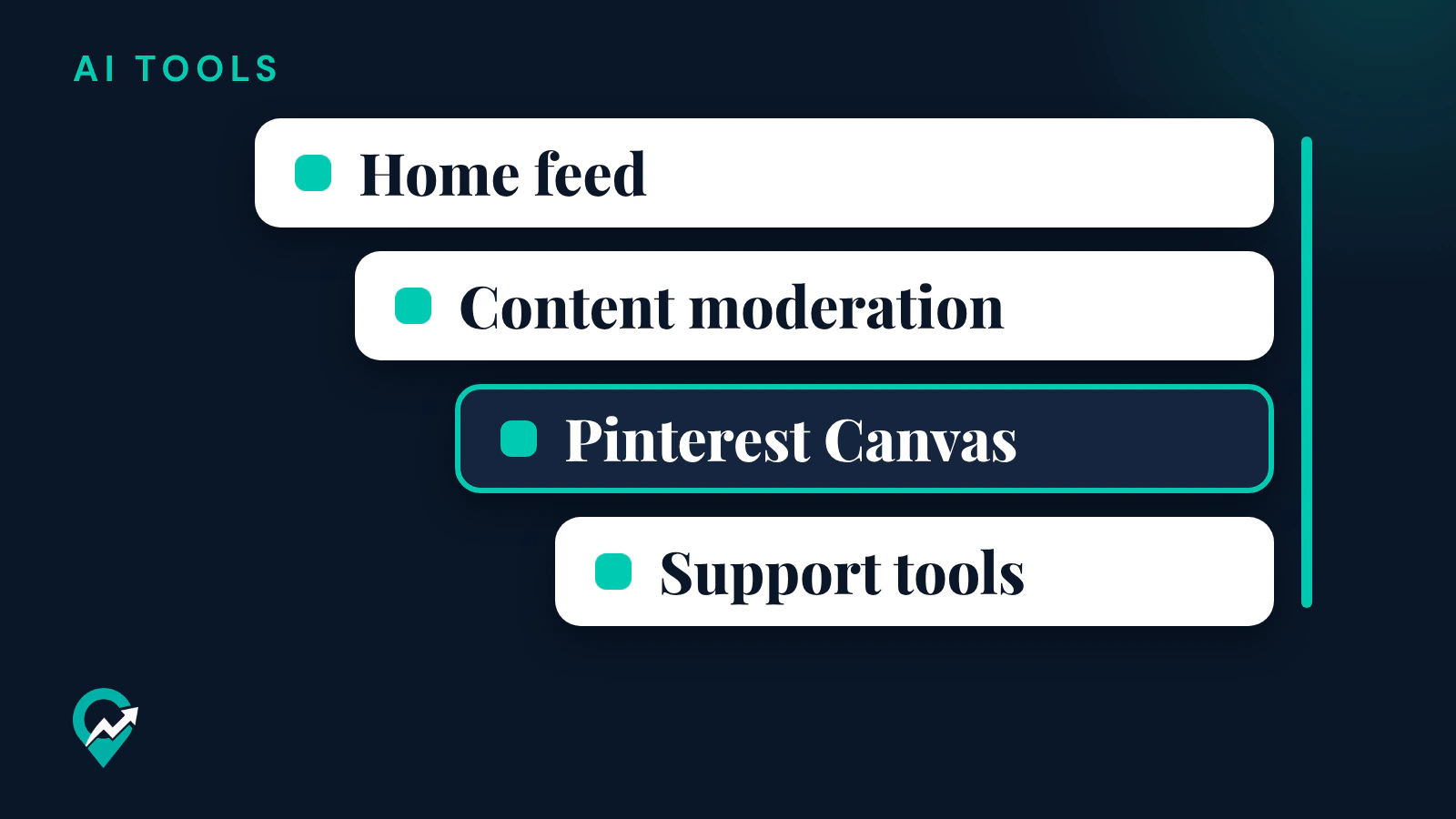
The page names three places where that AI shows up:
- Displaying recommended and relevant Pins and ads.
- Improving content moderation.
- Increasing inclusive representation across Pinterest’s feeds, such as diverse body types.
The same page says Pinterest uses human reviewers and feedback from the public to refine its AI where appropriate.
Machine learning in your feeds and search
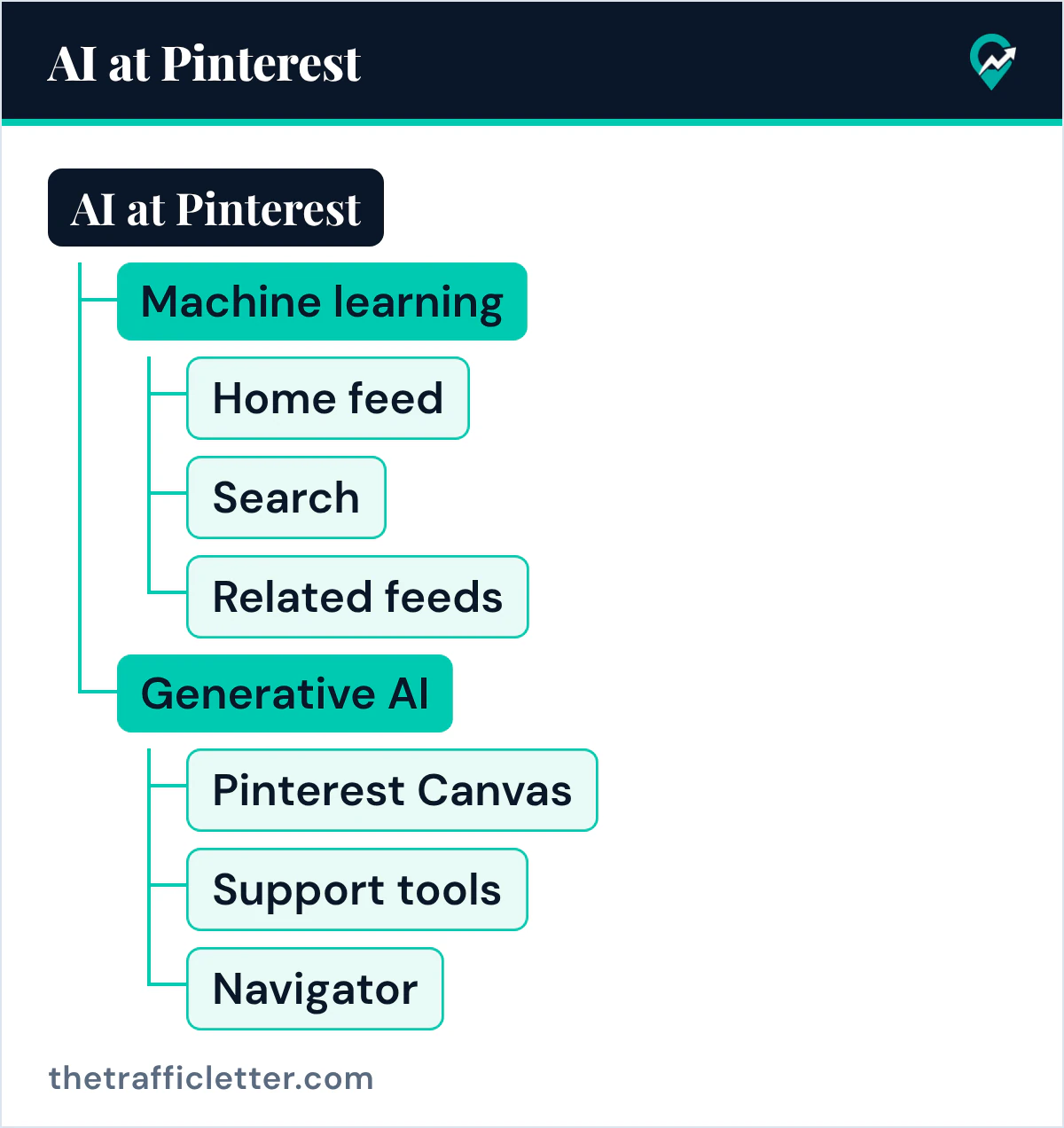
Pinterest’s help page says it uses machine learning “to recommend and show the most relevant ideas across home feed, search and related feeds.” Its Refine your recommendations page says Pinterest recommends Pins based on your saves, searches and browsing activity.
Pinterest’s privacy policy gives one more example: as part of improving search, Pinterest uses machine learning to categorize images in Pins into different body types.
For a blogger, this means your Pins reach people through these feeds and through search. Our guide to how Pinterest search ranks Pins (opens in a new tab) covers what Pinterest says about the title, the description and the link of a Pin.
Generative AI on Pinterest
Pinterest’s help page says it is “thoughtfully exploring” generative AI and names Pinterest Canvas, its support tools and the Navigator models. Other Pinterest pages describe AI-powered tools such as Restyle and Business Assistant.
Pinterest Canvas for ad backgrounds
The help page says Pinterest uses generative AI “to make ads more engaging and improve campaign performance for advertisers by enabling the creation of backgrounds on product images using Pinterest Canvas, our image generation foundation model.” Pinterest’s privacy policy also mentions features supported by generative artificial intelligence that enable advertisers to add limited content to their ads.
Support tools in the help center
Pinterest’s page on generative AI support tools lists a chatbot that provides AI chat support, on help.pinterest.com, create.pinterest.com and developer.pinterest.com, and a search feature that surfaces generated answers from Help Center content above the standard results on help.pinterest.com. The page says human reviewers may read, annotate and process your conversations with the chatbot.
Restyle in Pinterest Lens
Restyle is an AI-powered tool in Pinterest Lens. Its help page says you take or upload a photo of your space and reimagine it: add or remove items, swap objects or edit parts of the photo with prompts. The page says it is available on iPhone devices in the US and Canada, to select eligible accounts, and for home decor only.
Navigator models for text features
The AI help page describes Navigator, “a family of multimodal foundation models” that takes text and image inputs to power text-based outputs for Pinterest features, including conversational experiences.
AI tools for advertisers
Pinterest’s business blog of 29 June 2026 announced Business Assistant, an AI tool for advertisers in Ads Manager and on mobile. The post says it was in closed testing in the US and would roll out to US business accounts later in the year. Pinterest Assistant, the shopping and ideas assistant for users, is covered with Business Assistant in our guide to Pinterest’s two AI assistants (opens in a new tab).
What Pinterest trains its AI on
The AI help page gives details on the data behind two model families.
- Pinterest Canvas has been trained on more than 600,000,000 data points, composed of publicly available Pins, Pin descriptions and Pin metadata that users saved or uploaded to Pinterest, to which the users granted Pinterest a license, and on synthetic data.
- Navigator was built by fine-tuning a publicly available open-source base language model, with synthetic data, public content on the platform and usage data for AI-powered features. The page says usage data for AI features began being collected after October 2026.
Pinterest’s privacy policy says it uses information to train, develop and improve its technology such as its machine learning models, “regardless of when Pins were posted.” In its section on additional rights in the EEA, Switzerland and the UK, the policy says people there can object, through a form, where features supported by generative AI are based on legitimate interests. The policy page also says an updated version takes effect on 12 November 2026, so read it again after that date.
How Pinterest labels AI content
Pinterest’s Gen AI labels page says: “When our system detects via the metadata on a Pin that it’s been generated or modified using AI, we add a Gen AI label to it.” The label reads AI modified and appears at the bottom left of the close-up, after you click on a Pin that is not in a promoted state.
Pinterest uses two kinds of detection, according to that page: it analyzes a Pin’s metadata following the IPTC standard, and it developed classifiers that detect generative AI content “even if the content doesn’t have obvious markers.” Some Pins also carry the label because the content owner indicated that the Pin was generated or modified using AI. For ads, the disclosure sits in the ad details behind the ellipsis icon instead.
If a label on your own Pin looks wrong, the page says to contact Pinterest’s support team to appeal. When someone else’s AI Pin breaks the rules, our guide on when to report an AI Pin (opens in a new tab) has the steps. The full detail, including how to mark your own Pins, is in our guide to the AI modified label on Pinterest (opens in a new tab).
Pinterest also offers a GenAI transparency tool where you upload an image to check whether it was generated or modified with Pinterest’s own GenAI tools. Its help page says the tool may not detect all images generated or modified by third-party GenAI tools.
Can you see less AI on Pinterest?
Yes, in part. Pinterest’s Refine your recommendations page says you can choose to see fewer GenAI Pins in certain categories, use a Show AI content toggle to reduce AI content in your feed, or turn individual topics on or off. Its newsroom post of October 2025, updated in December 2025, lists categories including architecture, art, beauty, entertainment, fashion, health, home decor, sport, and food and drink.
Pinterest’s pages describe these controls as ways to see less AI content in certain categories. Our look at why AI fills Pinterest feeds (opens in a new tab) lists the ones its newsroom calls highly prone to AI. The step by step settings are in our guide on how to turn off AI on Pinterest (opens in a new tab).
What it means for bloggers who use AI
Pinterest’s AI help page says: “Our Community Guidelines apply to all forms of content, including content created using Gen AI tools.” The Community Guidelines say their policies apply to everyone and to all types of content, including synthetically generated content. So a Pin made with an AI image tool follows the same rules as any other Pin.
Three habits fit what these pages say:
- Indicate AI use on your Pins when it applies, so the label comes from you.
- Check every AI-made image and text for errors before you publish.
- Write Pin titles and descriptions with the words people search, as our Pinterest SEO guide explains.
Our article on the strengths and limits of AI for Pinterest (opens in a new tab) covers where AI helps a Pinterest workflow and where a person still decides.
Right after
- Open Refine your recommendations in your own account and look at the AI content tab, using our steps to turn off AI on Pinterest (opens in a new tab).
- Check your recent AI-made Pins and indicate AI use where it applies, as explained in the AI modified label guide (opens in a new tab).
- Build your next Pin with the human checks of the AI Pin workflow (opens in a new tab).