

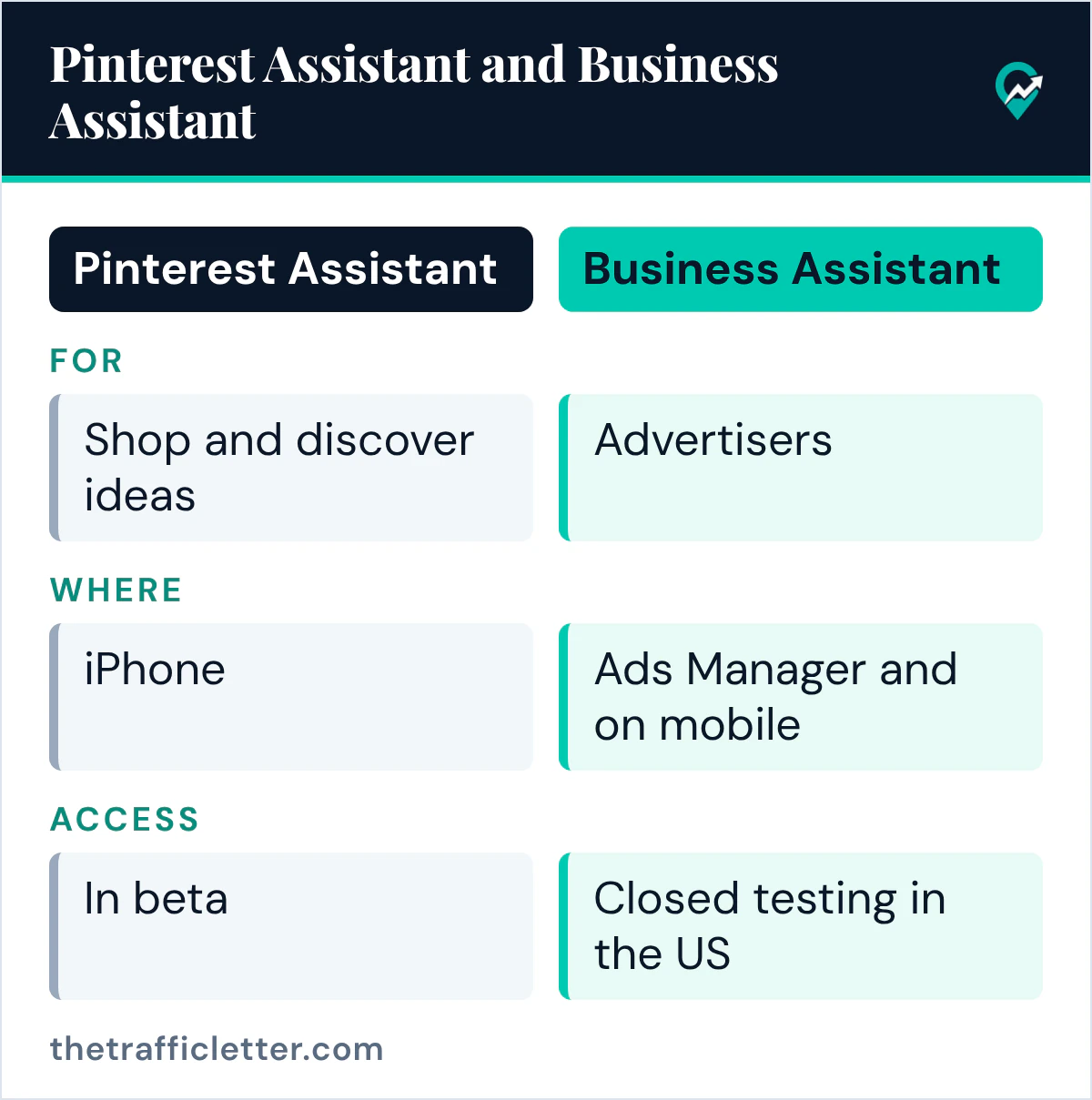
Search for a Pinterest AI assistant and you will find two products with similar names. Pinterest Assistant is for people who shop and look for ideas on Pinterest. Business Assistant is for advertisers. This guide covers what each one does, who can use it today and what it changes for a blogger, from Pinterest’s own pages. For the wider picture of AI across the platform, start with our overview of where Pinterest uses AI (opens in a new tab), and for the content side see the AI Pin workflow with human checks (opens in a new tab).
What Pinterest Assistant is
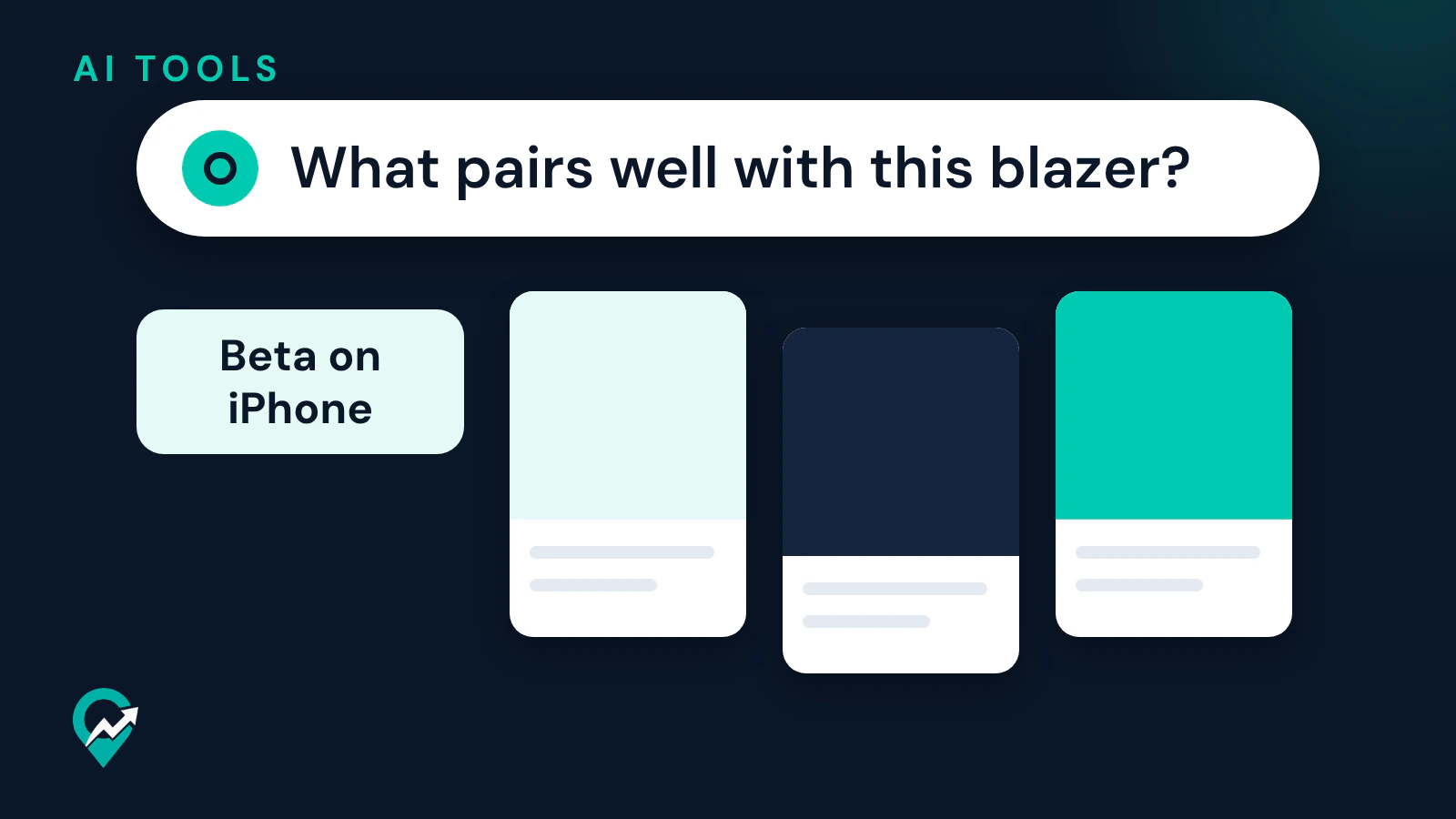
Pinterest’s help page describes Pinterest Assistant as “a conversational AI-powered experience, designed to help you shop and discover ideas on Pinterest.” You ask it for something and it answers with personalized recommendations. The page gives two examples: “Show me easy weeknight dinner ideas that are vegan” as a general request, and, when you are in close-up on a public Pin, a more specific question such as “What pairs well with this blazer?”
You can ask follow-up questions during the conversation. The help page says responses are based on your previous engagement and are shown as a combination of images and text.
Pinterest announced the assistant in its newsroom on 30 October 2025 as “the first AI-powered, visual-first collaborator that transforms online shopping and discovery.” The post says that a request such as matching throw pillows prompts Pinterest Assistant to draw from your saves, boards, collages, and others with similar tastes. It also describes voice-enabled conversation, so you can say what you are looking for instead of typing it.
Who can use Pinterest Assistant today
The help page says Pinterest Assistant is available in beta to U.S. users aged 18 and over on iPhone, and that “It will become more widely available soon.” It adds that the feature is not yet available on iPad devices. When you open that help page from a web browser or an Android device, it says the feature is available on iOS only for now.
The newsroom post of October 2025 said the beta was starting to roll out to U.S. users 18 and over, with a sign-up for people who wanted to try it early, and that advertisers interested in access could reach out to their account representatives.
How to open Pinterest Assistant on iPhone
The help page gives these steps:
- Open the Pinterest app on your iPhone and log in to your account.
- Look for the AI icon (the help page names it the ai-blossom-mark icon). It might appear when viewing a Pin, searching, or on your boards.
- Tap the icon and follow the on-screen prompts to enter your request.
Pinterest Assistant then responds with personalized visual results and suggestions. The newsroom post of 2025 described a different entry point, a mic icon you tap to speak your request. The help page is the one to follow for the current steps. It describes the assistant as a beta, so the icon may not show on every account.
Business Assistant for advertisers
Business Assistant is a separate tool. Pinterest’s business blog of 29 June 2026 says Pinterest introduced it at Cannes Lions 2026, with a Model Context Protocol (MCP) server for partners. The post says Business Assistant combines what it knows about your brand with guidance specific to Pinterest’s Taste Graph, products, policies and trends, and shows graphs, breakout Pinterest Trends and top Pins for a topic instead of walls of text.
At that date, the post said: “Business Assistant in Ads Manager and on mobile is currently in closed testing in the US. It will roll out to US business accounts later this year.” For people who work directly in Ads Manager, its advice is to start using Business Assistant as it becomes available in the account, to diagnose performance, get optimization ideas and explore trends.
The same post names two other AI projects:
- The Pinterest MCP server lets approved partners connect their own AI agents and copilots to Pinterest data and workflows. It started with a small group of alpha partners on 1 June.
- Ask Pinterest is described as an early, limited stand-alone shopping experiment. The post says the best way to prepare is to have your product catalog set up on Pinterest.
The help center chatbot is a third AI tool
If you were looking for AI help with your account, that is a different tool again. Pinterest’s page on generative AI support tools lists a chatbot that “provides AI chat support for everything from accessing your account to using Pinterest’s APIs,” on help.pinterest.com, create.pinterest.com and developer.pinterest.com. The same page says AI-powered tools “may not always deliver perfect results” and that human reviewers may read, annotate and process your conversations.
The rules that apply when you use Pinterest’s AI tools
Pinterest’s GenAI Acceptable Use Guidelines apply to your use, inputs and outputs, of any Pinterest GenAI products, features or capabilities. They say that use is subject to the Terms of Service, the Privacy Policy and the Community Guidelines, and they list what not to do, such as violating anyone’s intellectual property rights or privacy, impersonation, spam and scams. The guidelines also say human agents may review user content, inputs and outputs included, related to GenAI product use. The policy page announces an updated version effective 12 November 2026.
Pinterest’s AI help page adds that its Community Guidelines “apply to all content on Pinterest, regardless of how it has been created.” If an AI result or an AI-made Pin looks wrong to you, our guide on whether you can report AI on Pinterest (opens in a new tab) covers the report options and their limits.
What it means for bloggers
Pinterest Assistant answers with visual results drawn from Pinterest content and from your activity, according to the help page and the newsroom post. The pages read for this guide do not explain how the assistant picks the Pins it shows, and they name no setting for creators. What you control is the Pin itself: a clear image, a title and description written with the words people search, and a link to a page that delivers what the Pin promises. Our guide to the fields Pinterest search reads (opens in a new tab) covers those fields.
If you sell products, the business blog’s advice about Ask Pinterest is the one concrete step it gives: set up your product catalog on Pinterest.
You can draft a short brief for your next Pins with any AI assistant (ChatGPT, Claude, Gemini or another one). Check every line against your article before you use it.
I write a blog about [your niche]. My article is titled "[article title]" and answers "[the question the article answers]".
List 5 ways a person might ask a shopping or ideas assistant for this kind of content, in plain spoken language.
Then suggest one Pin title and one Pin description that use the words of those requests naturally, without stuffing.
Before you publish, compare the result with our Pin description examples (opens in a new tab) and keep only the phrases that match your article.
Right after
- Read our guide to the flood of AI Pins (opens in a new tab) for what Pinterest says about AI content in your feed.
- Use the AI content settings walkthrough (opens in a new tab) if you want to see less of it.
- Mark your own AI-made Pins correctly with the AI modified label explained (opens in a new tab).