


Closing a Pinterest account is quick, but the choice you make on the way matters: Pinterest offers a permanent delete and a temporary deactivation, and they do different things. This guide gives both sets of steps from Pinterest’s help page read on 10 November 2026, then what a blogger should check before pressing the button. It belongs to our Pinterest account help guides (opens in a new tab), within the wider plan to drive Pinterest traffic to your blog (opens in a new tab).
Delete or deactivate: which one you need
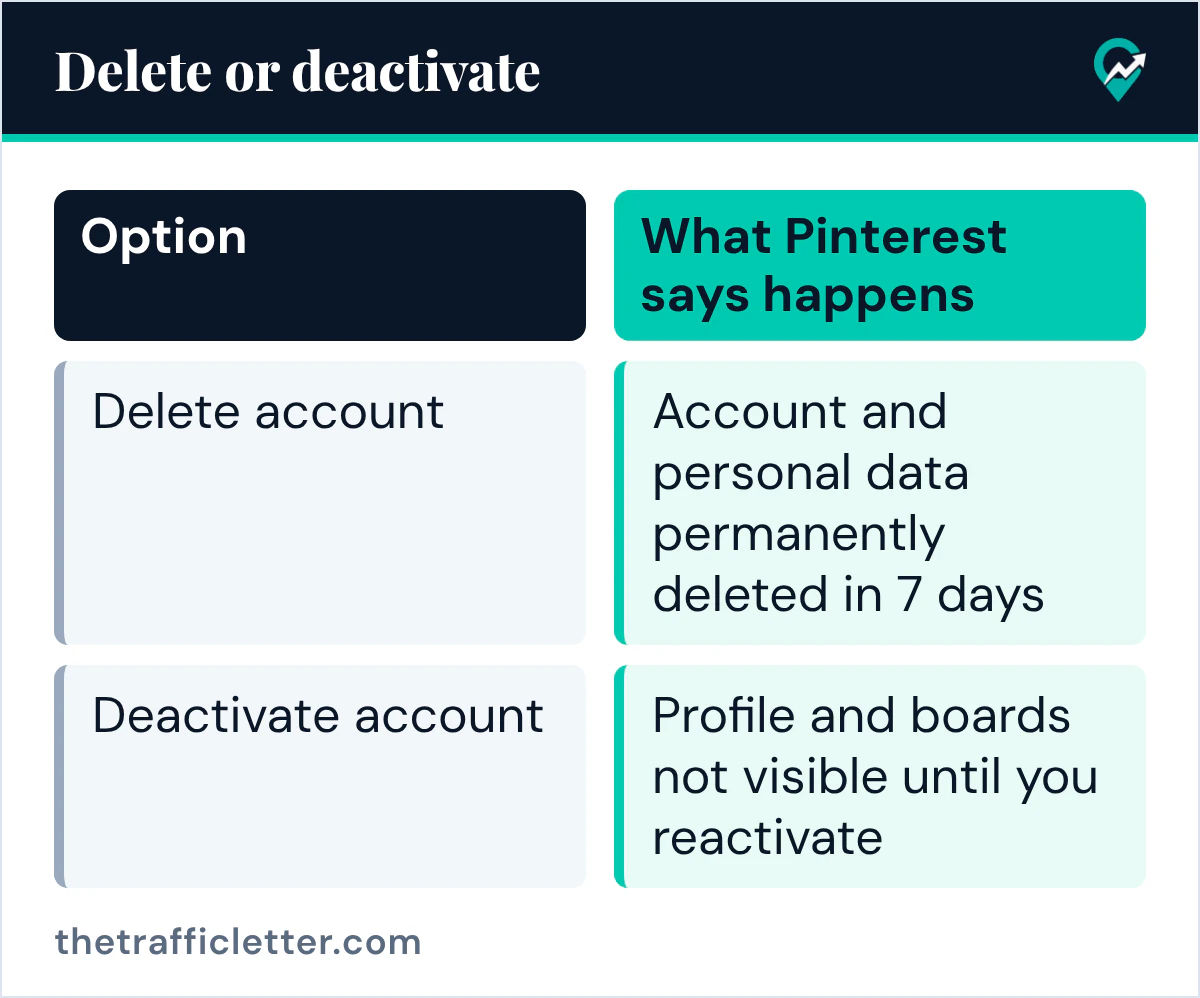
Pinterest’s help page opens with the two options: “You can delete your account to permanently remove your profile and boards from Pinterest. Or, you can deactivate your account to take a pause from Pinterest and reactivate it later.”
| Option | What Pinterest says happens |
|---|---|
| Delete account | Public profile deactivated at once, account and personal data permanently deleted in 7 days |
| Deactivate account | Profile and boards not visible until you reactivate, by logging in |
Deactivating keeps your email address and username tied to the account. Pinterest says that to free up an email address or a username, you can change your email or edit your username in your settings.
How to delete your Pinterest account on desktop
Pinterest’s help page gives these steps:
- Log in to your Pinterest account.
- Click the more-options-refresh icon, then select Settings.
- Click Account management from the left-side navigation.
- Click Delete account.
- Follow the prompts to delete your account.
Then check the email address associated with your Pinterest account: Pinterest says to confirm there that you want to close your account.
How to delete your Pinterest account in the app
The same page gives these steps in the Pinterest app:
- Open the Pinterest app and log in.
- Tap your profile picture at the bottom-right corner.
- With a personal account, tap your profile photo at the top-left corner. With a business account, tap the ellipsis icon at the top-right corner.
- Tap Account management.
- Scroll to the bottom and tap Delete your data and account.
- Follow the prompts, then confirm from the email.
How to deactivate your Pinterest account instead
The steps are the same up to Account management. On desktop, click Deactivate account instead of Delete account. In the app, scroll to the bottom and tap Deactivate account. Follow the prompts.
Pinterest gives one way to check that a deactivation worked: go to www.pinterest.com/ (opens in a new tab) followed by your username. Do not log in to check, because the page says logging in reactivates the account.
The 7 days after you delete
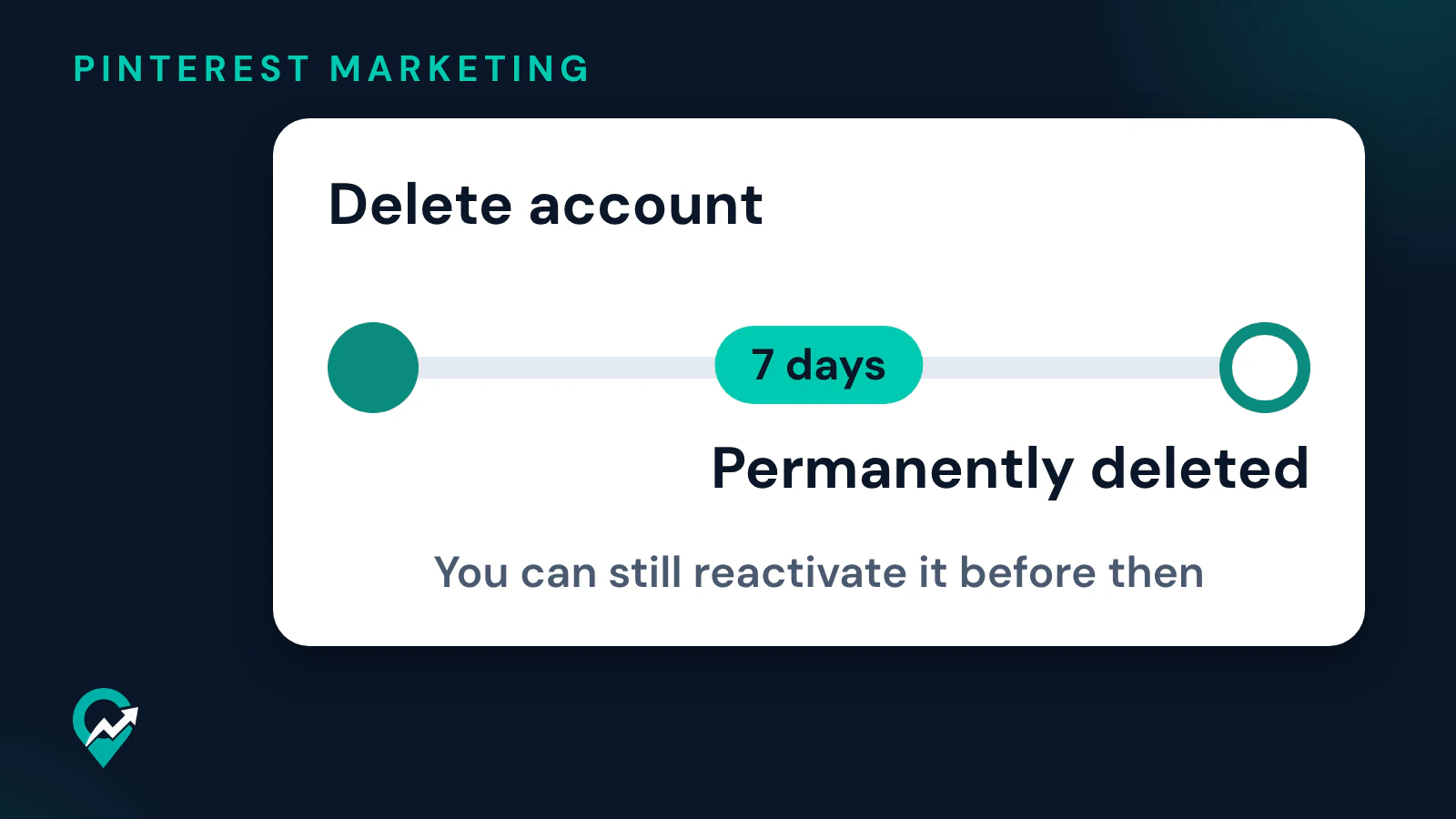
Pinterest’s help page says that when you delete your account, your public profile is immediately deactivated, and your account and personal data are permanently deleted in 7 days. If you change your mind before the 7 days are up, you can reactivate it. Pinterest’s Reactivate your account page adds the conditions:
- You need access to the email on your Pinterest account to reactivate.
- After 7 days, the account and data are deleted and can’t be recovered.
- Users based in California need to contact Pinterest to reactivate a permanently closed account.
For a deactivated account, the same page says logging in to Pinterest is enough, and you can reset your password if you forgot it.
Before a blogger deletes a business account
Pinterest’s pages tie a business account to analytics tools, access to ads and billing. Check three things first.
- Outstanding bills. Pinterest says that if you have outstanding bills on a business account, you’ll need to remove your payment information to clear them before deleting your account. Any balance not settled will be charged to the card on file when the spend occurred.
- Whether you only want to stop using business tools. Pinterest’s Convert a business account page says you can convert to a personal account if you no longer need analytics tools or access to ads, after paying any outstanding bills. Our comparison of business and personal Pinterest accounts (opens in a new tab) lists what each one gives you.
- Whether a second account would do. If you want a fresh start for a new niche, a separate account may suit you better than deleting the old one. See how managing several Pinterest accounts (opens in a new tab) works.
If you are deleting because of a suspension, read the steps in our guide to a suspended Pinterest account (opens in a new tab) first: Pinterest says that after 7 days a deleted account and its data can’t be recovered.
Deleting the account of a person who died
Pinterest’s help page says it can delete a deceased family member’s account if you get in touch and provide verification, like an obituary or death certificate. It also says it cannot give out any personal or login information.
Right after
- Deleted by mistake? Log in within 7 days to reactivate, using the email on the account.
- Paused instead? Check your profile address without logging in, as Pinterest describes.
- Starting over with a new account for your blog? Begin with our guide to setting up a new Pinterest business account (opens in a new tab).