


When the Pinterest search bar stops answering, the cause can sit on your side (connection, app, browser) or in the feature you are using. The Pinterest help pages read for this guide, on 9 November 2026, include no page dedicated to search problems. The closest is Pinterest’s General troubleshooting steps page, and the search help page adds the limits of each search feature. This guide puts both in the order worth trying. How search works when everything is fine is in our step-by-step tour of Pinterest search (opens in a new tab).
Why is Pinterest search not working?
The pages read for this guide point to four kinds of causes:
- Your connection, session, app or browser. Pinterest’s troubleshooting page says a weak or unreliable connection can affect how Pinterest works, and that extensions, VPN or proxy connections can interfere with features.
- An app that is too old. Pinterest’s upgrade page sets a minimum app version (details below).
- A feature that depends on where you are or what you use. Voice search, Search with a Pin and the Explore tab each have their own limit on Pinterest’s pages.
- Content that is not in search results on purpose. A private profile won’t appear in search results on Pinterest, says Pinterest’s privacy page.
Start with the general steps, since they cover the first cause and cost a few minutes.
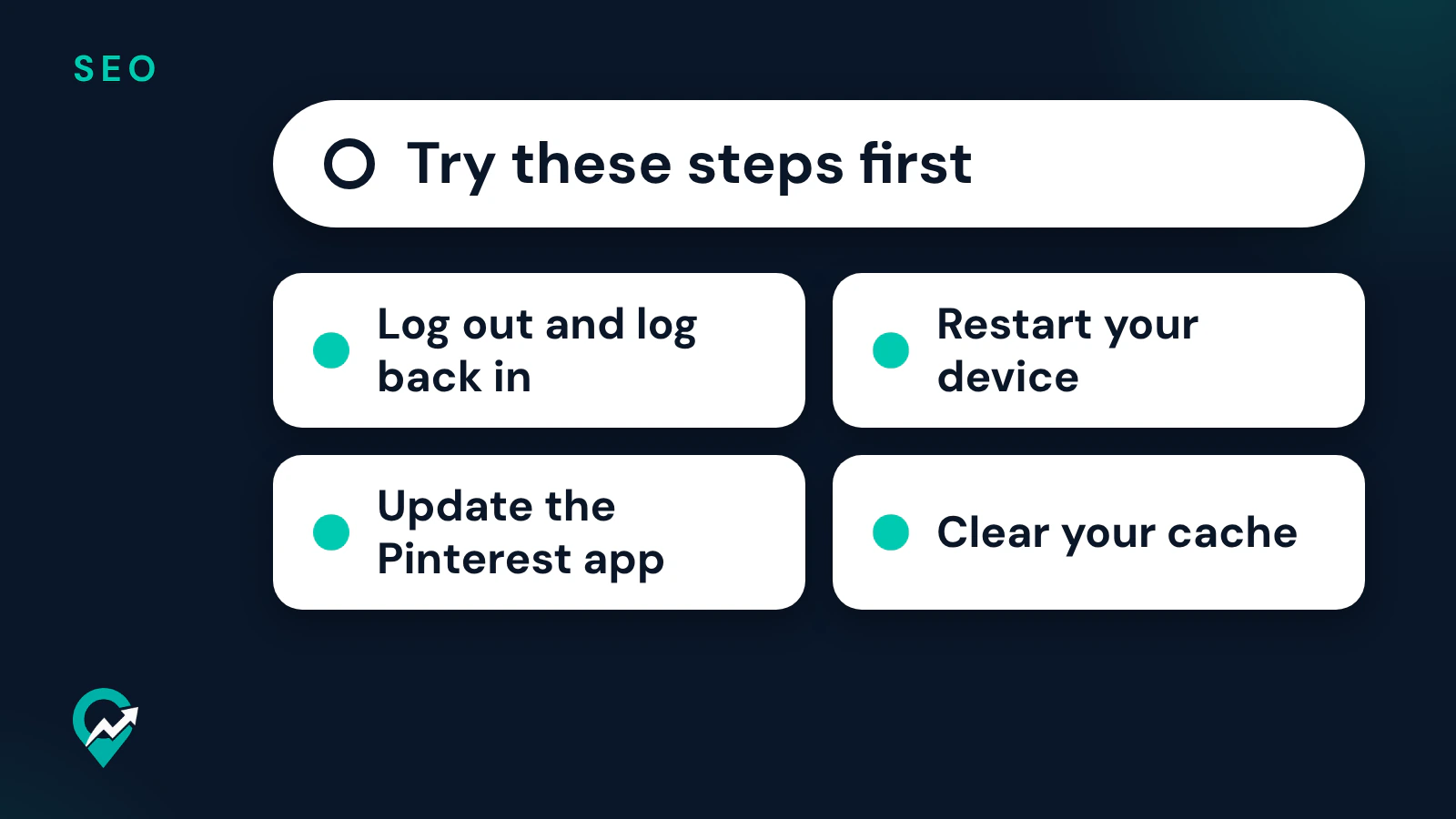
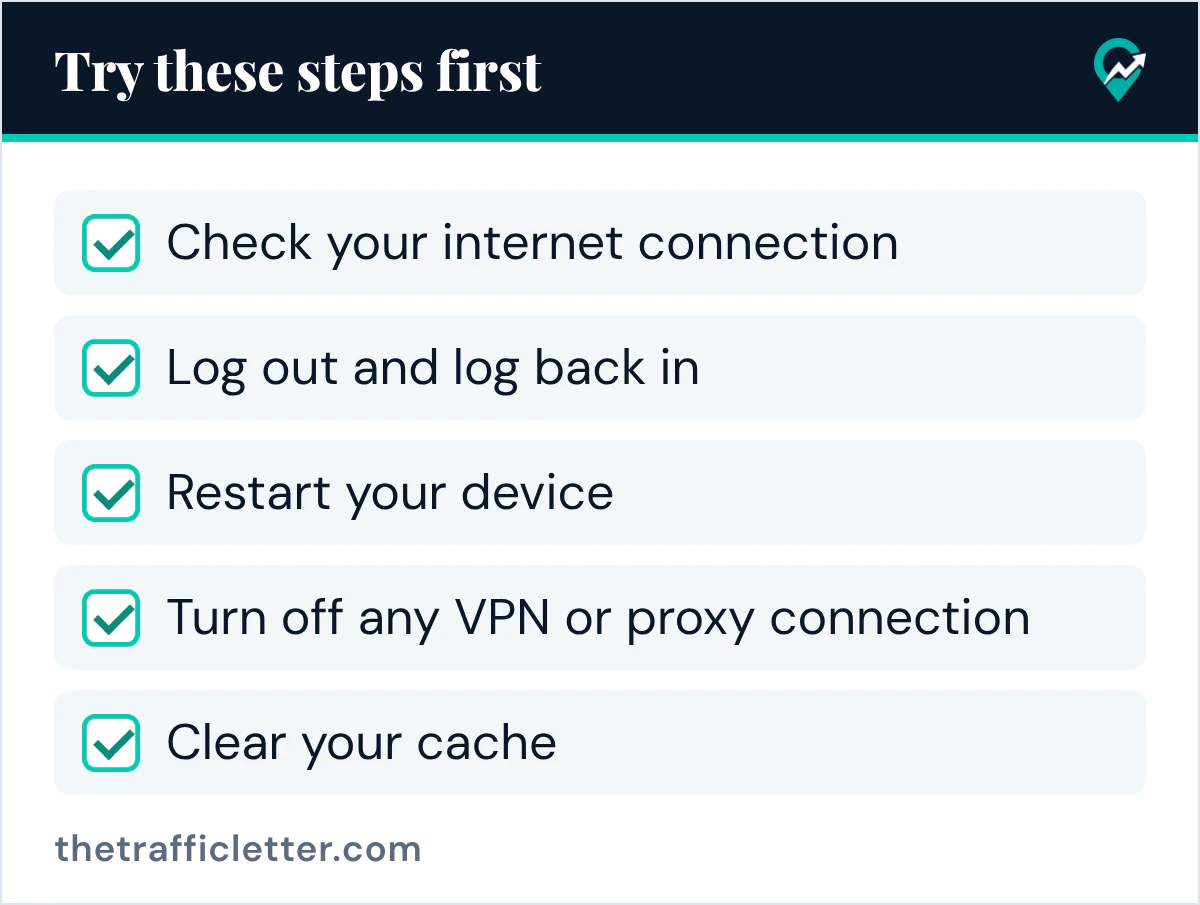
Try these steps first
Pinterest’s “General troubleshooting steps” page says: “If you’re experiencing an issue with Pinterest, try these steps first”. In its order:
- Check your internet connection. Make sure you’re connected to a secure, stable network.
- Log out and log back in. The page says this can help resolve account or session issues.
- Restart your device: your phone, tablet or computer.
- Disable browser extensions or ad blockers temporarily.
- Turn off any VPN or proxy connection.
- Update the Pinterest app or browser, so you use the latest version of the app or an up-to-date browser.
- Clear your cache. The page says clearing cached data can help resolve issues caused by outdated or stored information.
Run a search after each step instead of doing all seven at once: when search comes back, you know which step fixed it, and you can avoid the cause next time.
When the Pinterest app is out of date
Pinterest’s “Upgrade the Pinterest app” page says that if you’re using a version of the iOS app prior to 14.0 or a version of the Android app prior to 7.0, you’ll need to upgrade to the most recent version or use mobile-web to keep using Pinterest. To update, the page says to open the Pinterest app in the Google Play Store or Amazon Appstore on Android, or search for the Pinterest app in the App Store on an iPhone or iPad, then tap Update.
The same page says that an Android device on an OS prior or equal to 7.0, or an iOS device on an OS prior to 14.0, won’t be able to update the Pinterest app. In that case it points to Pinterest on the web, and to adding Pinterest.com to your home screen from Chrome or Safari.
When the mobile browser keeps opening the app store
If you search Pinterest in a mobile browser and keep landing on the App Store or Google Play instead, Pinterest’s help page on that redirect says you should clear the cache and cookies in your mobile browser. It links to Apple’s and Google’s instructions for iOS and Android.
When only one search feature fails
Sometimes typed search works and one feature does not. The search help page gives a limit for several of them:
| Search feature | What Pinterest’s help pages say |
|---|---|
| Voice search | Currently only available in the US, with language settings set to English |
| Search with a Pin | Currently available on desktop and iOS only |
| Less AI button | Shown for some searches |
| Lens camera search | Pinterest needs permission to access your camera |
| Explore tab | The home feed help page can show the notice “It looks like the Explore tab isn’t available in your area.” |
For voice search, the page also says that if it is unable to convert the audio into text, you’ll be notified and can try again. For Lens, the Pinterest Lens page says to tap While using the app or Only this time on one app version, or Continue and then Allow on the other, when the camera permission screen appears. The other ways to search with an image are in our image search walkthrough for Pinterest (opens in a new tab).
The Less AI button lets you see less AI-modified content for some searches, so it is not a fault when it is missing on a given search. The wider AI settings are in our walkthrough for the Pinterest AI settings (opens in a new tab).
When you cannot find a person or a board
Pinterest’s “Make your profile private or public” page says private profiles won’t appear in search results on Pinterest or in search engines, and that the owner can invite people they know to follow them. So a missing profile is not always a search fault. Other ways to reach a profile, such as its web address, are in our guide to looking up a person on Pinterest (opens in a new tab).
When results look stuck on old searches
If search works but keeps showing the same old ideas, look at your recent searches. Pinterest’s search help page says you can click a recent search to search again for a previous idea. Clearing that list is covered in our guide on how to clear Pinterest search history (opens in a new tab). The same help page describes guides (suggested terms near the search bar) and a filter icon to choose a content type, such as Pins, Boards, Profiles, Videos and Products: with a filter on, the page says, results only show in that content type.
When search still does not work
The Pinterest help pages read for this guide end with a “Still need help?” section and a Contact us link. Before you write, note the device, the app version or browser, and which of the seven steps you already tried, so the answer can skip them.
For a blogger, the same search bar is where readers find your Pins. How Pinterest search picks the Pins it shows is explained in our explainer on what makes Pins rank (opens in a new tab).
Right after
- Run the seven checks in order, with a test search after each one.
- If only voice search, Search with a Pin or Lens fails, check its limit in the table above.
- Clean up your recent searches with our guide on clearing your Pinterest search history (opens in a new tab).