
The size of a Pin decides how much room it takes in the feed and whether its text gets cut. Pinterest gives one clear recommendation for images and another for videos, and its ad specs page adds the file limits. This guide gathers those numbers from Pinterest’s own pages, read on 21 November 2026. It belongs to our Pinterest traffic plan for bloggers (opens in a new tab), and the rest of the growth routine is in our guide on growing on Pinterest step by step (opens in a new tab).
The Pinterest Pin size Pinterest recommends
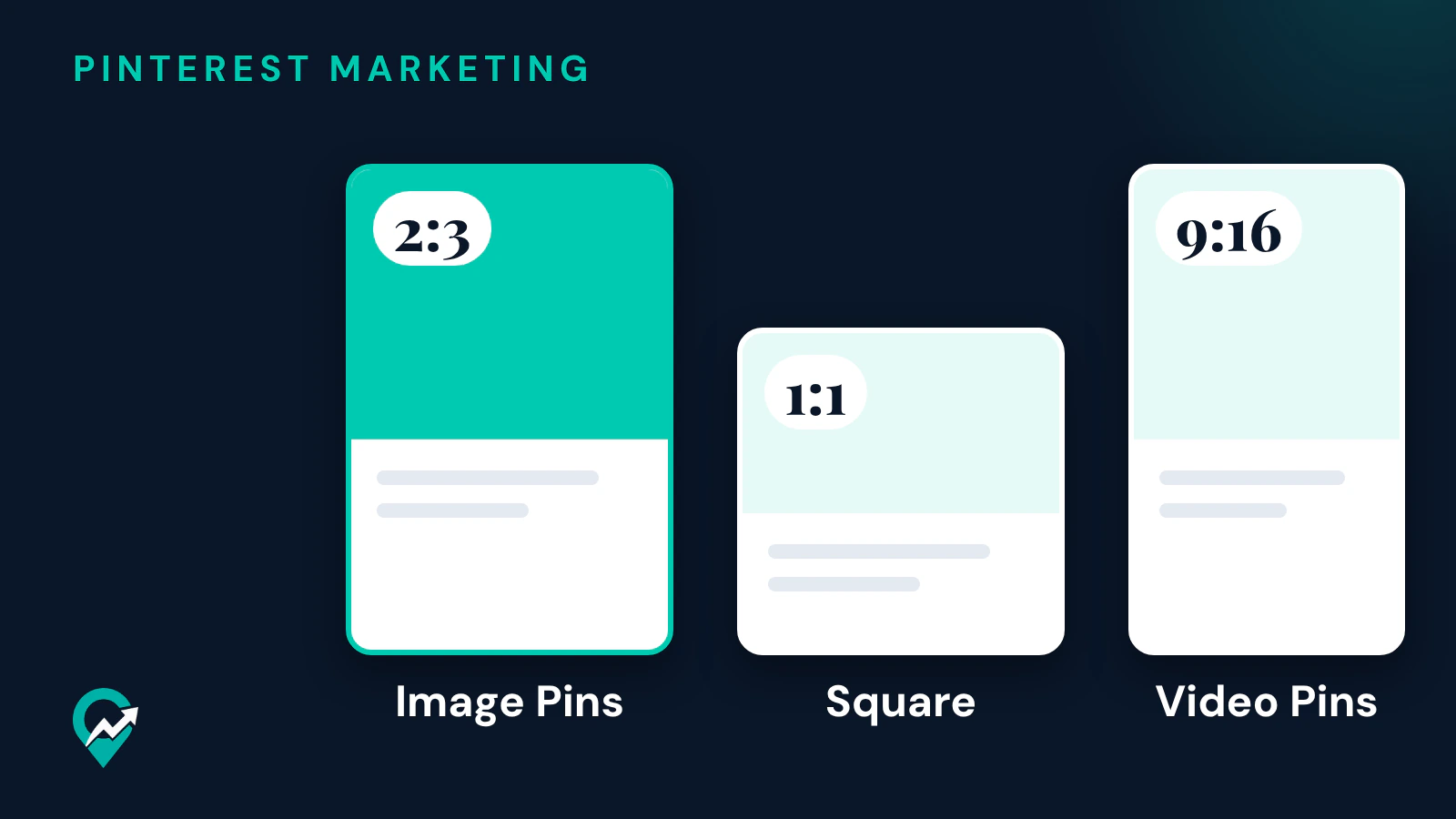
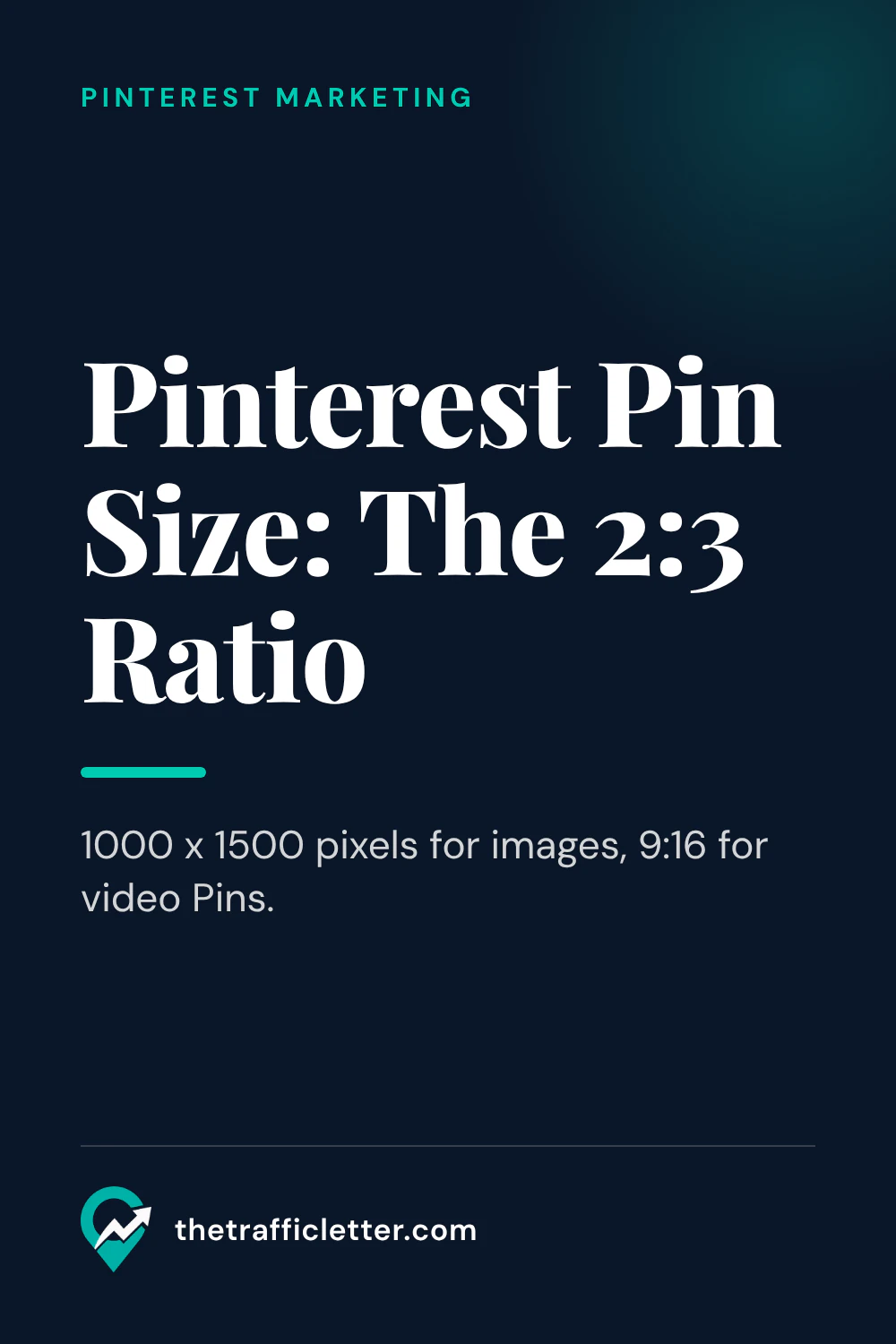
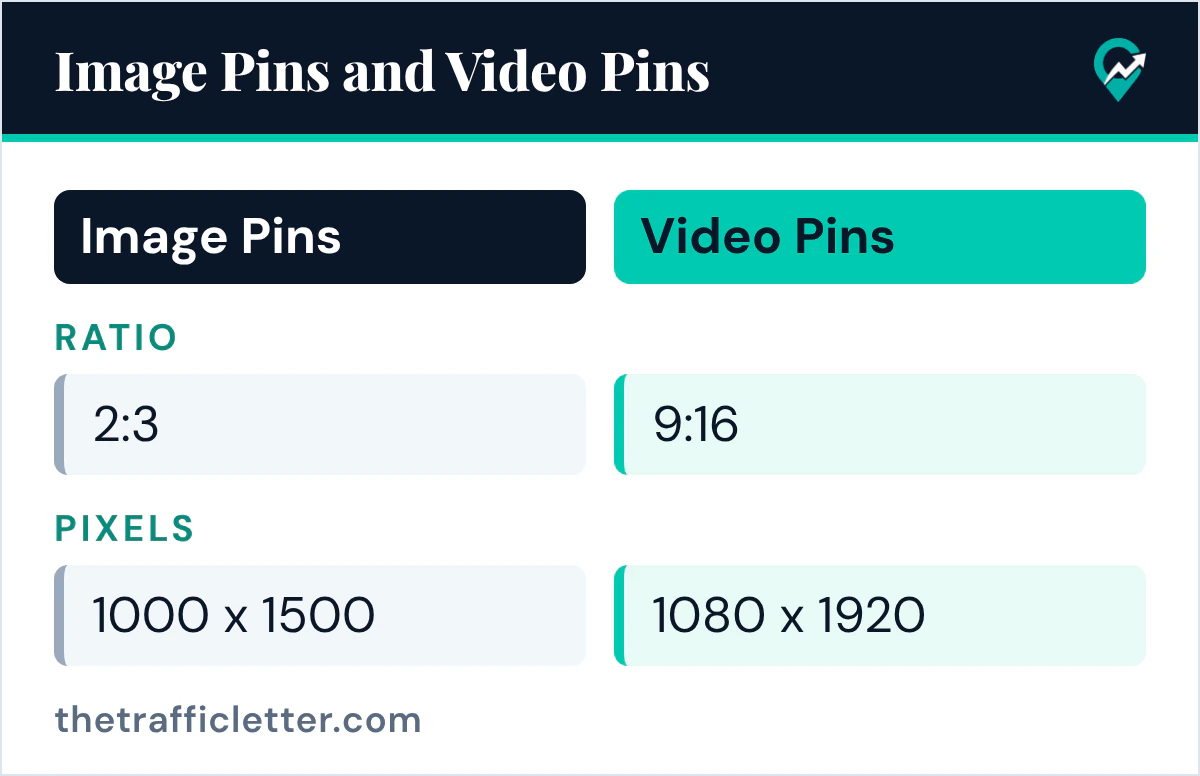
Pinterest’s creator site says: “We recommend a 2:3 aspect ratio (1000 x 1500 pixels) for images and a 9:16 aspect ratio (1080 x 1920 pixels) for videos.” The same page adds that fully vertical images and videos get more engagement, and that most of the Pinterest audience is on a mobile device, so it is best to create with a vertical aspect ratio.
Pinterest’s ad specs page gives the same 2:3 figure for standard image ads, which it says can be used in paid campaigns or to generate organic impressions. It also gives a warning: Pins with an aspect ratio greater than 2:3 might get cut off in people’s feeds.
Other ratios Pinterest accepts
Pinterest accepts other ratios too. The creator site says its flexible sizing tool can crop new or existing content to 9:16, 2:3, 3:4, 4:5 and 1:1, so you can reuse images you already have.
| Format | Ratio Pinterest gives | Page |
|---|---|---|
| Image Pins | 2:3 recommended (1000 x 1500 pixels) | Creator site, ad specs |
| Video Pins | 9:16 recommended (1080 x 1920 pixels) | Creator site |
| Square | 1:1, one of the crop options | Creator site |
| Carousel | 1:1 or 2:3, 2 to 5 images | Ad specs |
| Standard width video | Shorter than 1:2 and taller than 1.91:1 | Ad specs |
For a blog, use 2:3 for image Pins, the ratio Pinterest recommends. A square image from your post still works as a Pin, but it takes less height in the feed than a vertical one.
File type, file size and text limits
The ad specs page lists these limits for standard image ads:
| Spec | What Pinterest says |
|---|---|
| File type | .PNG or .JPEG |
| Max file size | Desktop 20 MB, In-app 32 MB |
| Title | Up to 100 characters; depending on the device, the first 40 may show in feeds |
| Description | Up to 800 characters, used by the algorithm to judge relevance |
The same page says all uploaded images are converted to standard 8-bit RGB JPEGs before they become Pins, and advises uploading PNG with sRGB to avoid any reduction in image quality. It adds that custom color profiles are not supported and may give slightly different colors. Export your Pins in sRGB from your design tool to keep the colors you chose.
On the feed, Pinterest adds a faint color layer to image Pins with a white or black background, to set them apart from the app background. If your Pins use a plain white background, expect them to look a little grey in light mode.
How to set the ratio when you create a Pin
These steps come from Pinterest’s Create a Pin help page, read on 21 November 2026.
- Log in and click Create at the top-left of your screen. With a business account, select the hamburger icon, then Create Pin under Create.
- Click the arrow-circle-up icon to select an image from your computer, or drag and drop it into the upload window.
- Add the title, description, link and board.
- Click the pencil icon at the top-right corner of your image to edit your content. The help page says you can add text and change the aspect ratio there.
- Click Done to finish editing, then click Publish.
It is still easier to design the Pin at 1000 x 1500 pixels from the start than to crop it in Pinterest, because a crop can cut the text you placed near the edges.
Design tips that depend on the size
A vertical canvas changes where text works best. Pinterest’s creative best practices page suggests stacking the story: visuals in the middle, text overlay with the key message at the top and extra details at the bottom. Put the headline near the top of the Pin.
Keep the text large enough to read on a phone, since most people see your Pin on a mobile device. The creator site lists solid lighting, great framing, high-resolution assets and stylized effects or text among what the best-performing content uses. Our list of Pin ideas you can make from your posts (opens in a new tab) shows what to put on the canvas, and our guide to making Pinterest Pins with AI (opens in a new tab) covers the design work with AI tools.
For video, the size rules are different: see our guide to Pinterest video Pins (opens in a new tab) for the 9:16 frame and the space to leave for the player controls.
Ask an AI assistant to check a Pin design
An AI assistant can review a Pin layout against the sizes above. This prompt works in ChatGPT, Claude, Gemini or any AI assistant:
I am designing a Pinterest Pin for my blog post about [topic].
Canvas: [width] x [height] pixels. Headline: "[headline]". Subline: "[subline]".

1. Tell me if the canvas matches the 2:3 ratio (1000 x 1500 pixels) Pinterest recommends for image Pins, and how to resize it if not.
2. Suggest where to place the headline so the key message sits at the top of the Pin.
3. Write a Pin title of 100 characters or fewer, with "[your main keyword]" in the first 40 characters.
Use only the facts I give you.
Right after: your next actions
- Set your Pin template to 1000 x 1500 pixels and export in PNG with sRGB.
- Write the title and description with our Pin description examples (opens in a new tab).
- After a few weeks, compare your Pins in Pinterest Analytics (opens in a new tab) to see which designs get clicks.