
A blog that makes money is first a blog that people read. The steps below set up that blog in the order the income programs expect it: content you own, on a site you control, with readers, then the programs that pay. Every rule quoted comes from the official page of the company behind it, read on 20 November 2026. This guide belongs to our series on making money from a blog with Pinterest (opens in a new tab), and the income routes themselves are compared in our guide to the four ways a blog generates income (opens in a new tab).
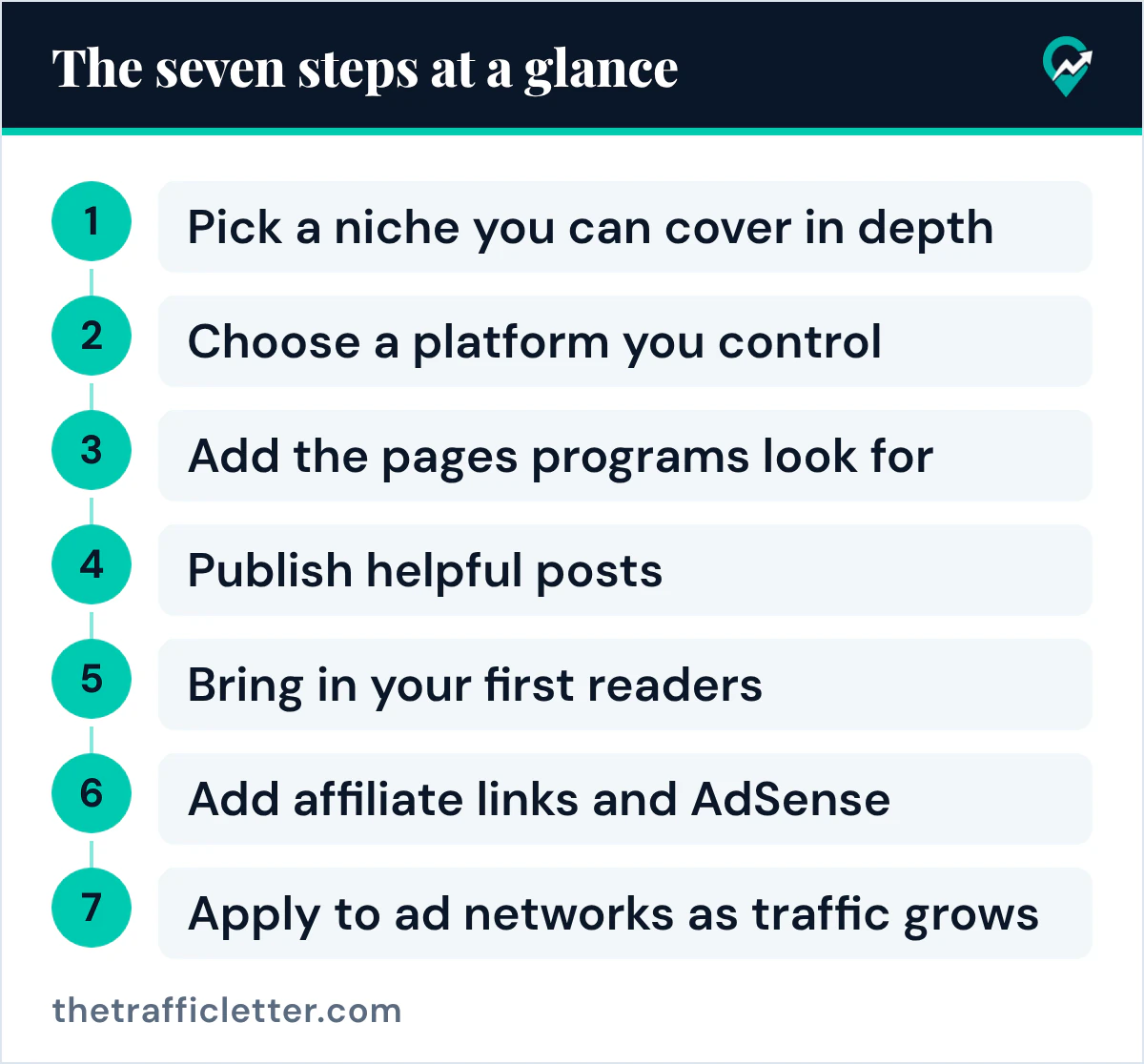
The seven steps at a glance
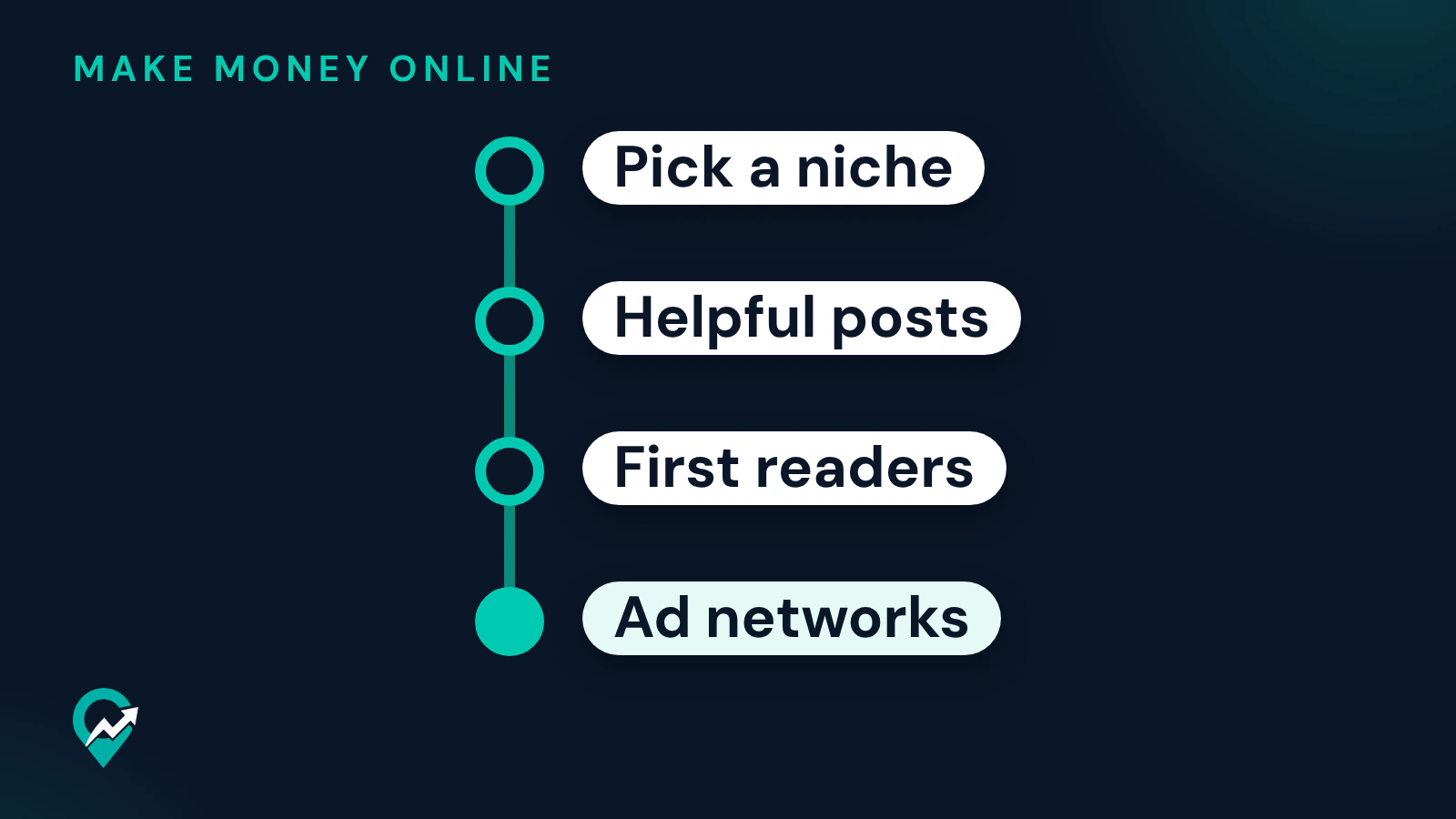
The steps run in this order because each income program checks what the earlier steps build.
- Pick a niche you can cover in depth.
- Choose a platform you control.
- Add the pages programs look for.
- Publish helpful posts.
- Bring in your first readers.
- Add affiliate links and AdSense.
- Apply to ad networks as traffic grows.
Step 1: pick a niche you can cover in depth
Google’s page on helpful, people-first content asks whether your content demonstrates “first-hand expertise and a depth of knowledge”, and lists as a warning sign deciding “to enter some niche topic area without any real expertise”. Choose a subject you know or can learn well enough to write many useful posts on, for readers who search for it.
Narrow it until a reader knows at once whether the blog is for them. “Cooking” is a niche; “weeknight vegetarian dinners for two” is a subject you can plan dozens of posts around. Write down the questions that reader asks: they become your first post titles.
Step 2: choose a platform you control
WordPress.org says WordPress can be used to create a blog, a website or a site that includes both. Its getting started plan asks you to decide where to install it, to list your site categories and the Pages you want, and to develop a content strategy and a list of topics before you start blogging.
Whatever you pick, keep control of the site. Google’s AdSense eligibility page says it is important that you can access the HTML source code of the site you submit. The same page lists Blogger as an AdSense host partner, with its own sign-up through the Blogger account.
Step 3: add the pages programs look for
WordPress.org’s plan lists Pages you may want to add, such as About and Contact. Add them before your first post, so a reader, and a program reviewer, can see who runs the blog and how to reach you.
Add a privacy policy too. Google’s AdSense page on required content says your privacy policy should tell visitors that third party vendors, including Google, use cookies to serve ads based on a user’s prior visits, and that users may opt out of personalized advertising. Google adds that it is unable to suggest specific privacy policy language, because sites and laws vary by country.
Step 4: publish helpful posts
Google says its systems are designed to prioritize helpful, reliable information created to benefit people. In practice, that means each post answers one question fully, for the reader who asked it. Our guide to writing blog posts for SEO (opens in a new tab) covers titles, structure and keywords.
Two details from Google’s SEO Starter Guide help each post get clicked in search: a good title is unique to the page and clear, and a good meta description is short, unique to one page and includes its most relevant points.
Step 5: bring in your first readers
Google’s SEO Starter Guide says some changes take effect in a few hours, others could take several months, and that you likely want to wait a few weeks to assess whether your work had an effect. The same guide suggests promoting new content through social media, community engagement, advertisement and word of mouth.
Pinterest is one of those sources, and Pinterest says a free business account gives access to analytics on your Pins. Our Pinterest traffic system for blogs (opens in a new tab) sets out the steps, and our guide to getting more visitors to your blog (opens in a new tab) covers the other sources.
Step 6: add affiliate links and AdSense
Affiliate links can go into your posts from the start. Amazon says its Associates program helps content creators, publishers and bloggers monetize their traffic, and that associates “Earn up to 10% in associate commissions from qualifying purchases and programs.” Google asks you to mark paid links with rel="sponsored". Tell readers about the link in the post as well. Our guide to affiliate programs and disclosure for bloggers (opens in a new tab) covers the programs and the disclosure.
AdSense is the other early option. Google’s eligibility page says you can sign up if you have your own content that meets its policies and you are 18 or over; the content must be high-quality, original and attract an audience. Its How AdSense works page says participation is free of charge, that the amount you earn will vary because advertisers pay different prices for different ads, and that clicking your own ads for any reason is not permitted.
Step 7: apply to ad networks as traffic grows
Ad management networks set a level before they accept a blog. The pages read on 20 November 2026 give these:
| Network | Entry level on its official page |
|---|---|
| Journey by Mediavine | 5,000 sessions a month from the U.S., the U.K., Canada, Australia, Germany, France or the Netherlands; a domain at least 4 months old |
| Mediavine | $5,000 in annual ad revenue; good standing with Google AdSense and AdExchange |
| Ezoic | Generally 250,000 or more monthly active users; an Incubator Program for growing sites |
Mediavine also asks for original, audience-first content and clean, human, brand-safe traffic. Our overview of the main ad networks for blogs (opens in a new tab) compares them, and our guide to whether blogging makes money (opens in a new tab) explains how each income route pays.
How long before a blog makes money
The pages read for this guide give no typical timeline or income figure for a new blog, and this guide gives none. What they do give is the order: content that meets the programs’ rules, readers, then the programs. Track your sessions each month, and compare them with the levels in the table above.
A prompt to plan your first posts
Planning the first posts can be drafted with ChatGPT, Claude, Gemini or any AI assistant:
I am starting a blog about [your niche] for [your reader].
I know this subject because [your experience or skills].
List 15 questions this reader searches for, grouped into 3 categories for my blog.
For each question, suggest a clear, concise post title and one sentence on what the post must answer.
Mark the questions where an affiliate link to a product could help the reader.
Do not invent statistics, income figures or product claims.
Check each suggested question against real searches before you write the post.
Right after
- Write your About page and your privacy policy before your first post goes live.
- Plan your first ten posts, then read our guide to how blogs earn from ads, links and products (opens in a new tab).
- Set up a Pinterest business account and pin each new post, with our guide to a Pinterest business account for your blog (opens in a new tab).