

Blog commenting SEO covers two different jobs: leaving comments on other blogs, and running the comment section of your own. This guide answers both from Google Search Central’s pages on link spam, link attributes and user-generated spam. It sits in our series on blog SEO, which starts with our blog writing method built on Google’s guides (opens in a new tab); the search side of Pinterest is in our Pinterest SEO guide for bloggers (opens in a new tab).
Do blog comments help SEO?
Not as a way to build links for rankings. Google’s spam policies define link spam as creating links to or from a site primarily for the purpose of manipulating search rankings. One of the examples on that page is forum comments with optimized links in the post or signature. Google’s sample is a short thank-you comment followed by a signature full of keyword phrases for a pizza business.
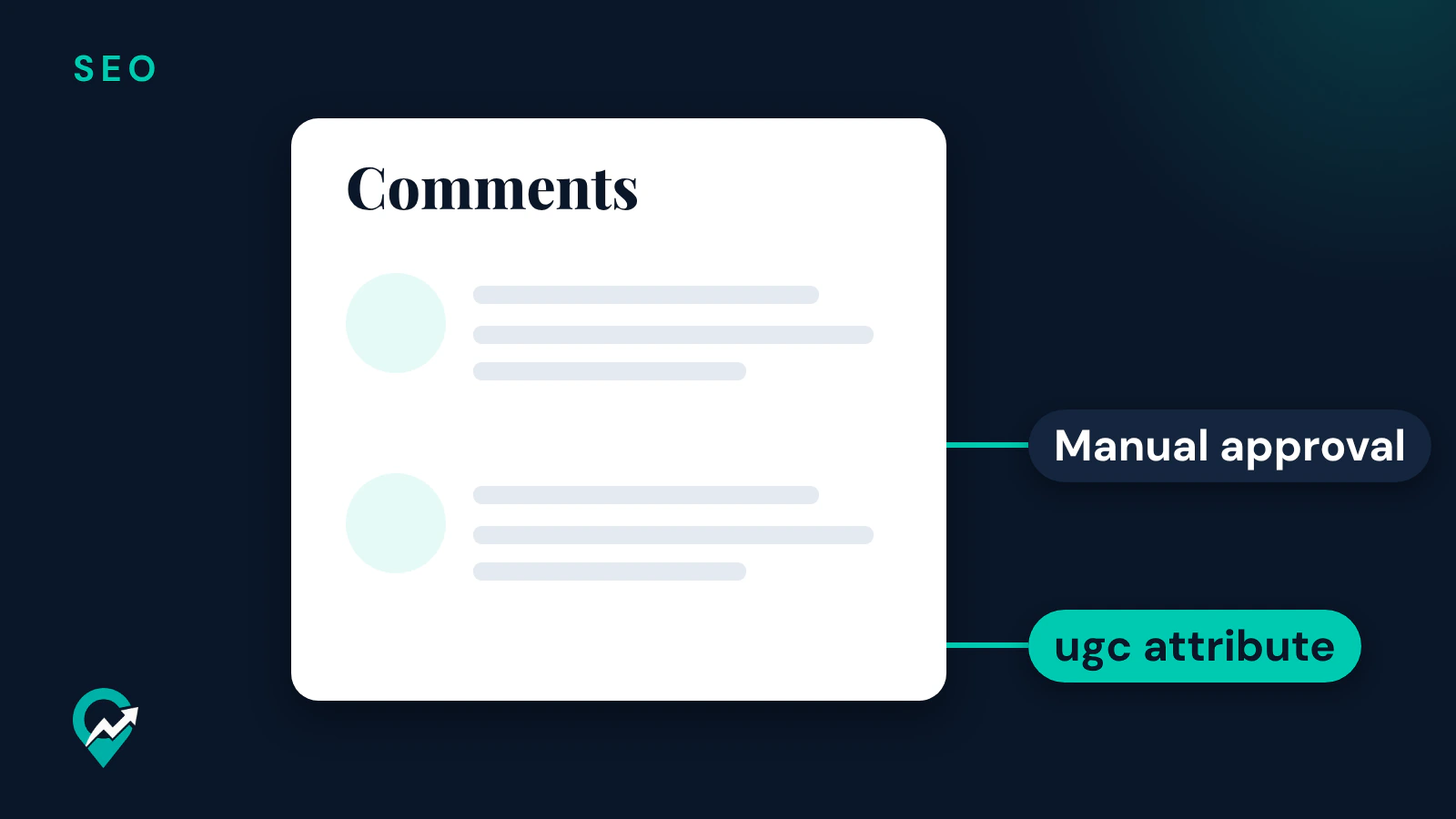
Google’s page on qualifying outbound links also asks site owners to mark user-generated content links, such as comments and forum posts, with the ugc attribute. The same page says links marked with these attributes will generally not be followed. A comment link on a blog that follows this advice is a link Google is asked not to treat as a regular link.
What a comment can do is put your name in front of the readers of another blog. Google’s starter guide lists community engagement among the ways to promote a site, and says word of mouth usually needs time and effort in other practices first, such as community engagement. That is the honest reason to comment: readers, not ranking credit.
What Google calls comment link spam
The spam policies page gives the shape to avoid. A comment that exists to carry a link, with keyword phrases in the name, the text or the signature, fits its example of forum comments with optimized links. The same page also lists using automated programs or services to create links to your site as link spam, which covers posting comments in bulk with software.
Google’s policies on user-generated spam describe the other side: spammy content added to a site by users through a channel intended for user content. Comment spam on blogs is one of its examples, and the page says site owners are often unaware of it.
How to comment on other blogs the useful way
A useful comment reads like a reply from a reader who knows the topic. These habits keep it on the right side of Google’s examples:
- Read the whole post before you write.
- Add one thing the post does not cover: a step you take, a question it raised, a source that supports it.
- Use your real name or your blog’s name in the name field, not a keyword phrase.
- Leave the link to the website field when the form has one, and keep links out of the comment text unless the post asks for them.
- Comment on blogs in your own niche, where the readers are the people you write for.
If the post’s readers like what you add, some will visit your blog. That is the promotion Google’s starter guide describes: readers who visit because of what you wrote.
How to set up comments on your own blog
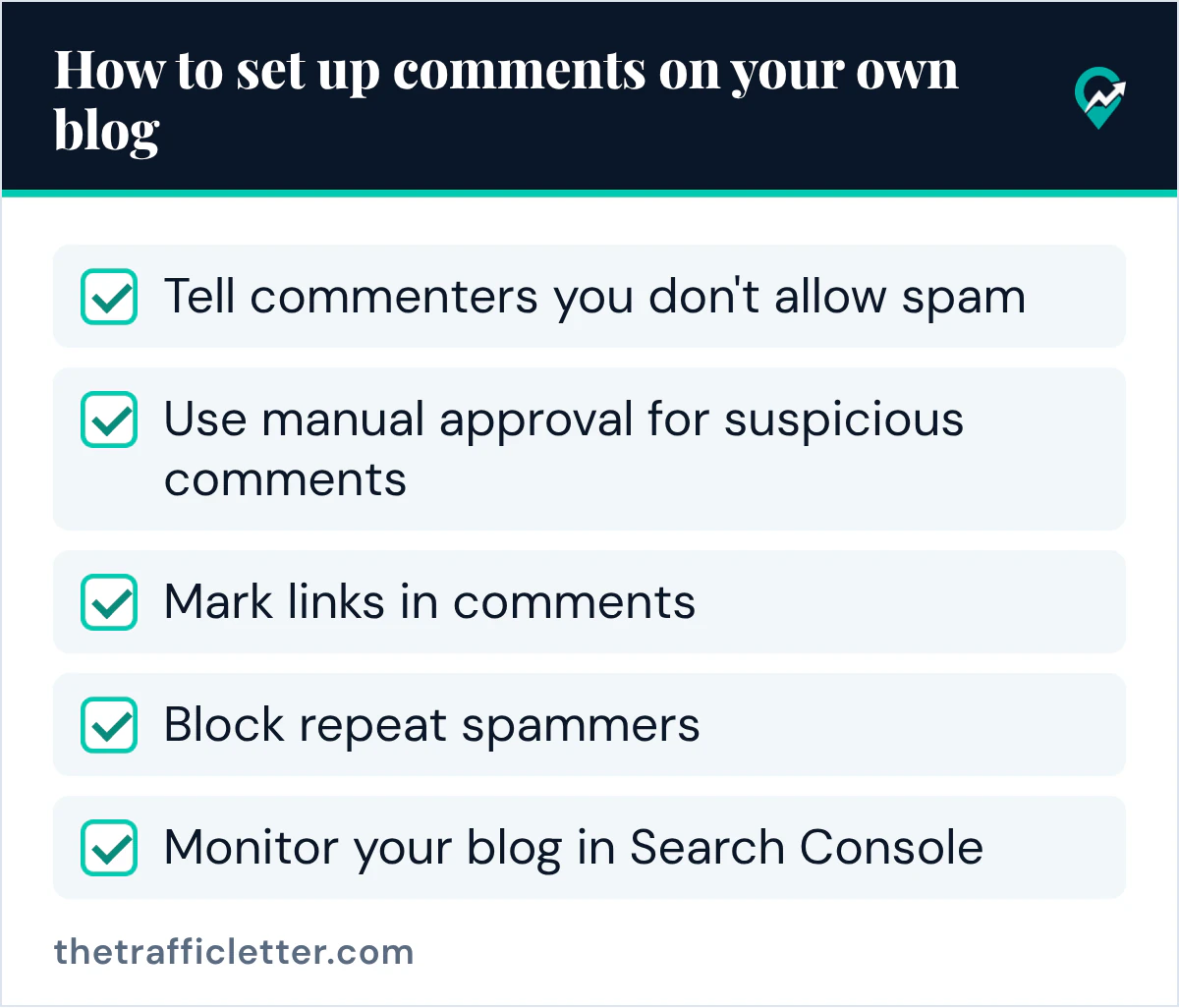
Comments on your own posts can add questions and answers that help other readers. They also invite spam. Google’s page on preventing user-generated spam lists the measures below.
Tell commenters you don’t allow spam
Google suggests publishing a clear abuse policy and communicating it to your users, and letting trusted users report content they consider spammy. On a blog, that can be one short paragraph above the comment form.
Use manual approval for suspicious comments
Google says manual approval, or moderation, for certain user interactions can decrease spam considerably, and notes that comment moderation is a built-in feature in most CMSes. Hold the first comment of a new commenter for approval, then let trusted commenters through.
Mark links in comments
Google suggests adding a nofollow or ugc rel attribute to all links in untrusted content, since spammers are often motivated by leaving a link to their site. Its qualifying links page adds that you might remove the attribute from links posted by users who have consistently made high-quality contributions over time. Check what your comment system adds to links before you change it.
Block repeat spammers
Google suggests a blocklist once you find a spammy profile, for example adding the IP address of repeat spam to a permanent ban list. For WordPress, its page names plugins like Akismet that can help.
Monitor your blog in Search Console
Google suggests verifying your site in Search Console so you receive email alerts if Google issues a manual action against your site or detects security issues. It also suggests checking the Page Indexing report and the Search performance report for unexpected spikes, and using the site: search operator to spot spam on your pages.
A comment policy you can draft with AI
A short comment policy covers the first measure on Google’s list. This prompt works in ChatGPT, Claude, Gemini or any AI assistant; read the output and change anything that does not match how you moderate.
Write a short comment policy for my blog about [your niche]. It will appear above the comment form. In 4 to 6 plain sentences, say that comments are welcome when they add to the post, that the first comment of a new commenter is held for approval, that links in comments are marked so search engines do not treat them as endorsements, that spam and comments made only to leave a link are deleted, and how readers can report a comment: [how to report]. No legal language, no exclamation marks.Comments and your other link work
Comments are one of several ways bloggers try to earn links. Guest posts follow similar rules in Google’s spam policies; our guide to guest blogging and SEO (opens in a new tab) covers them. For the question of whether the blog itself is worth it for search, see our answer to whether a blog helps your SEO (opens in a new tab).
Right after
- Write your comment policy with the prompt above and add it above your comment form.
- Turn on manual approval for first-time commenters, and check what your platform adds to links in comments.
- Put the time you would spend on comment links into one useful post, written with our step by step method for blog SEO (opens in a new tab).