

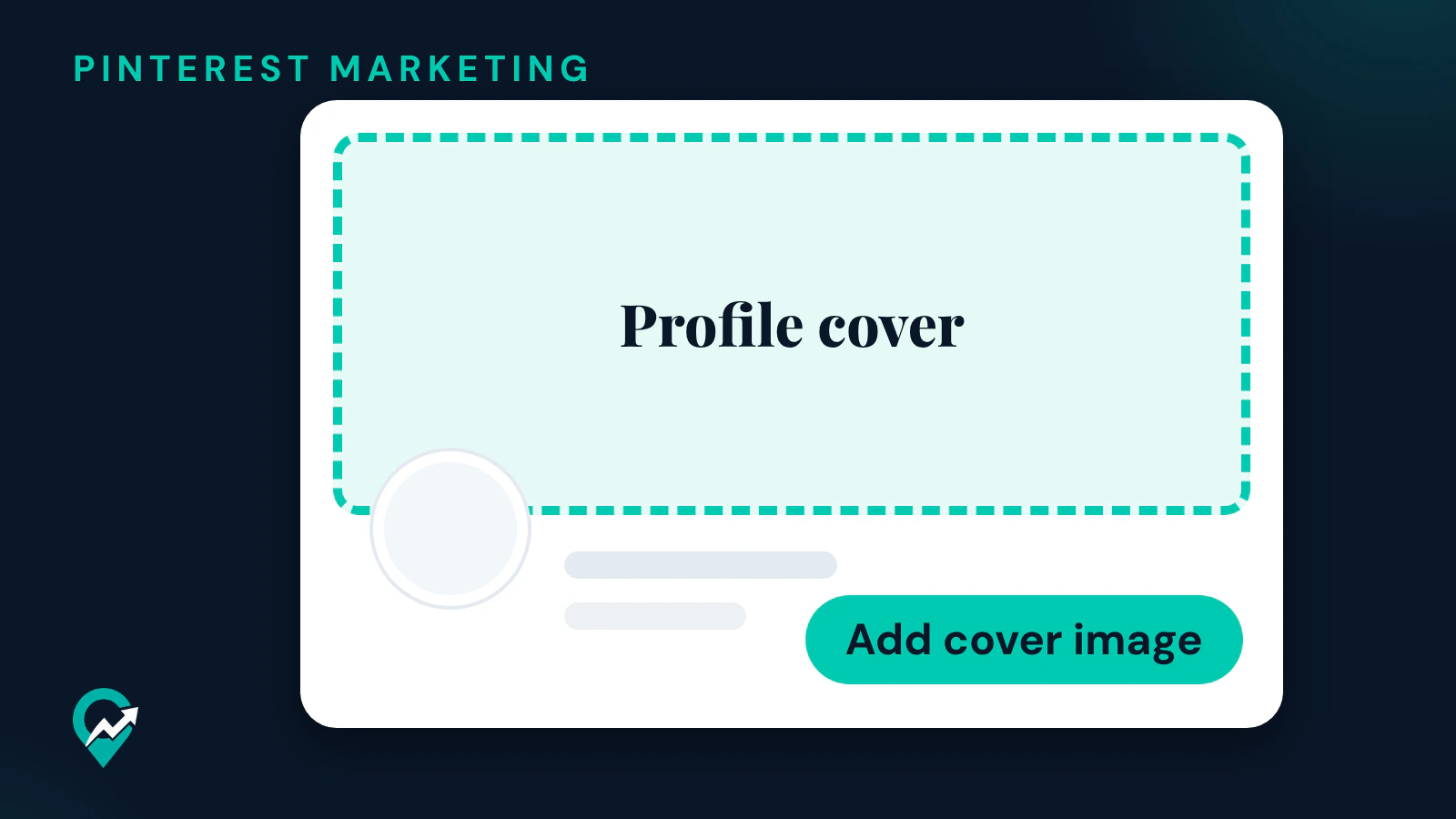
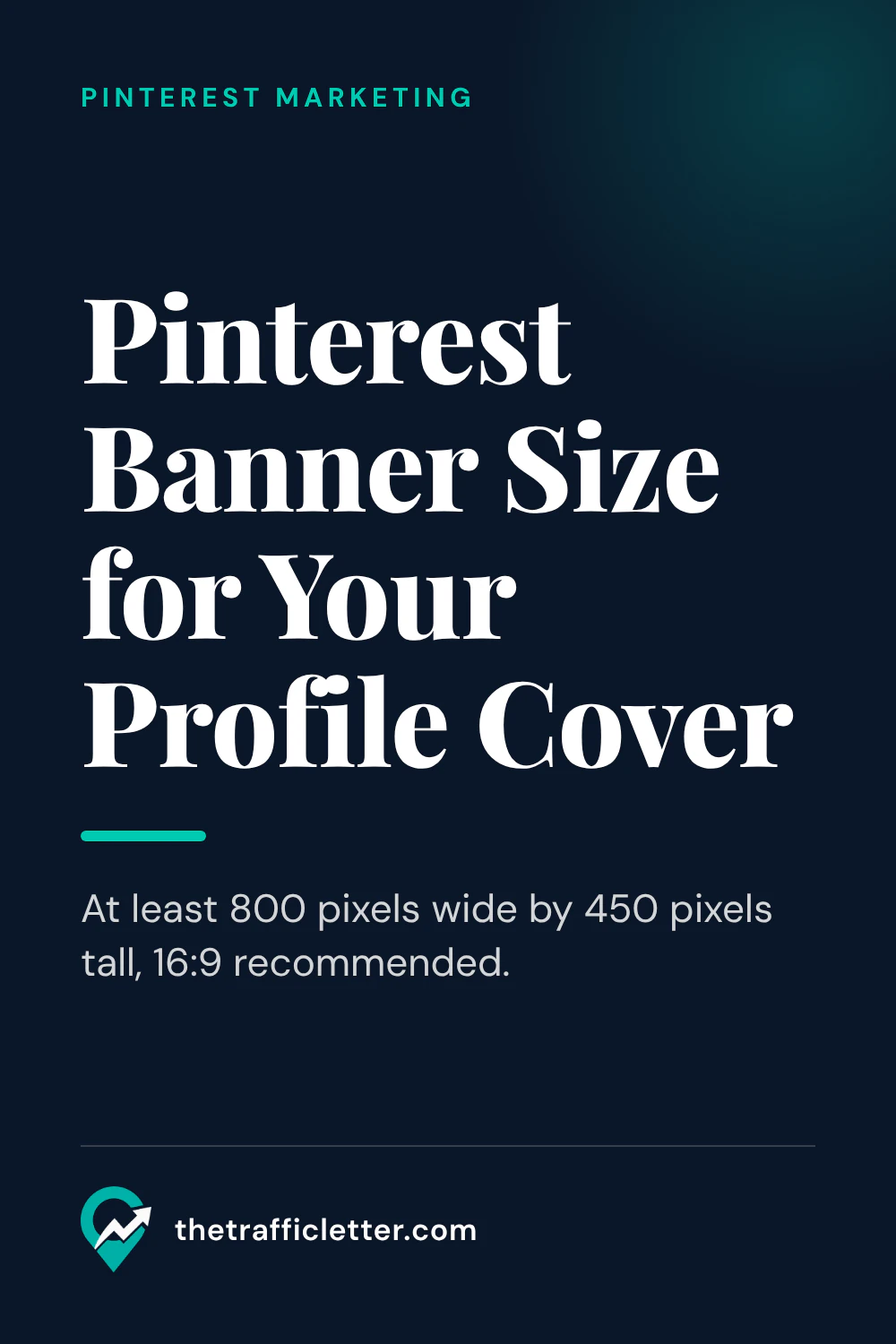
A Pinterest business account can upload one wide image to its profile. Pinterest calls it the profile cover; this guide also calls it the Pinterest banner. This guide gives the size and the steps from Pinterest’s help pages, read on 17 November 2026, and what to show on it as a blogger. It is one part of our field by field Pinterest profile ideas (opens in a new tab), and the profile itself is one step of our plan to get blog traffic from Pinterest (opens in a new tab).
What the Pinterest banner is
Pinterest’s Add a profile cover page says that if you have a Pinterest business account, you can upload an image as your profile cover. The page describes it for business accounts; the section on business accounts below covers the switch.
Pinterest banner size
The Add a profile cover page gives three points to remember when you choose the image:
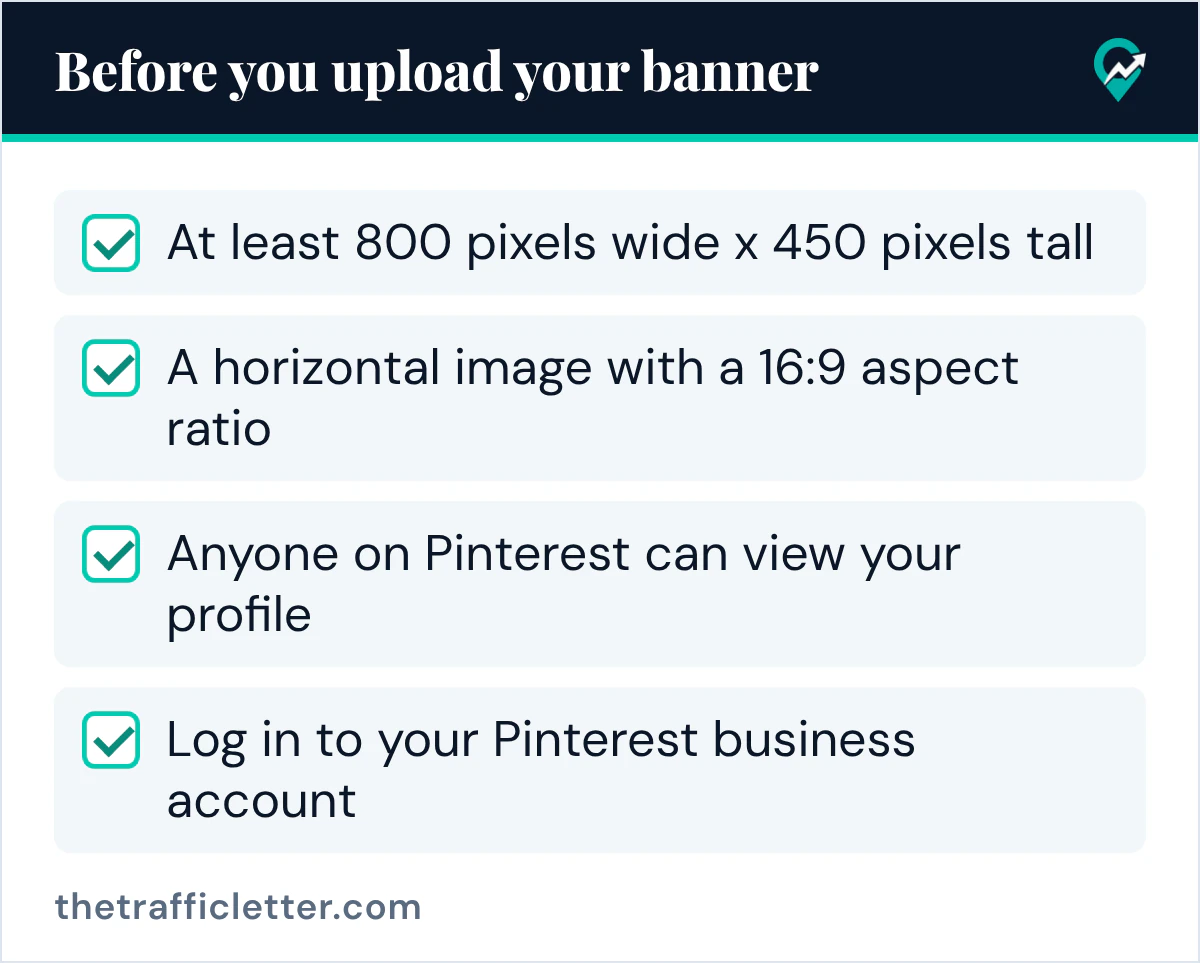
- It must be at least 800 pixels wide x 450 pixels tall.
- Pinterest recommends a horizontal image with a 16:9 aspect ratio.
- Anyone on Pinterest can view your profile.
In the app, the page says you crop or pan your image to fit the 16:9 ratio. If you design the image larger than the minimum, keep the same 16:9 shape, so the crop step has little to cut. The page gives no file format or file size, so use a standard photo format your design tool exports.
Decide what the banner shows
A good banner says in one look what your blog is about.
- A wide photo from one of your posts, cropped so the main subject sits in the middle of the frame.
- A flat-lay of your niche: ingredients for a food blog, tools for a craft blog, plants for a garden blog.
- Your blog name on a plain background, in your blog’s colours, if you want the profile to read like your site.
Keep any text on the image short and large, and away from the edges, so the crop step does not cut it. Put the keywords of your niche in the text fields of your profile instead: your name and your About text. Pinterest’s Edit your profile page says your bio can be up to 500 characters. Our ideas for each Pinterest profile field (opens in a new tab) cover those fields, and our keyword research steps for Pinterest (opens in a new tab) gives the words to use in them.
If you want a short line of text on the banner, an AI assistant can draft options. This prompt works in ChatGPT, Claude, Gemini or any AI assistant:
My blog is about [your niche] for [your readers]. Its name is [your blog name].
Write 5 short lines of text for the banner at the top of my Pinterest profile.
Rules: each line is under 8 words, says plainly what readers find on the blog, and uses no emojis, no hashtags and no promises of results.
How to add a Pinterest banner on desktop
Pinterest’s Add a profile cover page gives these steps:
- Log in to your Pinterest business account.
- Click your profile picture at the top-right of the screen.
- Click the plus icon at the top-right of your profile.
- Drag and drop an image, or click Browse to select one from your device.
- Drag the image to crop it as needed.
- Click Done.
How to add a Pinterest banner in the app
The same page gives the app steps:
- Open the Pinterest app on your device and log in to your Pinterest business account.
- Tap your profile picture at the bottom-right corner of the screen.
- Tap the ellipsis icon at the top-right.
- Tap Add cover image.
- Choose an image from your device.
- Crop or pan your image to fit the 16:9 ratio.
- Tap Done.
Business accounts and the profile cover
Pinterest’s Get a business account page says you can set up a free Pinterest business account to get access to analytics on your Pins and the ability to run ads. There are two ways: create a new business account, or convert a personal account into a business account.
The page notes that business accounts are public on Pinterest, so a private personal account must be switched to public before it can be converted. It says your Pins and followers will remain the same, and that you can switch back to a personal account at any time. Our guide on opening a business account on Pinterest (opens in a new tab) walks through both routes.
Right after
- Update your profile photo so it matches the banner, with our steps to change your Pinterest profile picture (opens in a new tab).
- Rewrite your About text with the main keyword of your niche, using our About text ideas for bloggers (opens in a new tab).
- Send your new profile to readers with our guide to sharing a Pinterest profile (opens in a new tab).