

A travel blog starts from something Google’s helpful content page names: you went to the place. This guide turns Google Search Central’s pages into SEO steps for travel posts, from the first-hand detail Google asks for to photos, reviews, affiliate links and updates. The general method for each post is in our post by post writing method for search (opens in a new tab), and how Pins bring readers to the same posts is in our overview of ranking Pins in Pinterest search (opens in a new tab).
What SEO for a travel blog means
Google’s SEO starter guide describes SEO as helping search engines understand your content and helping users find your site and decide whether to visit it. For a travel blog, the content is the trip: where you went, what you saw, what it cost you in time, and what a reader should know before going.
The starter guide says creating content people find compelling and useful will likely influence your presence in search results more than any of its other suggestions. The rest of this guide applies that to the parts of a travel post: the experience, the photos, the reviews, the links and the updates. To decide which travel posts to write first, use the plan in our SEO content strategy for a blog (opens in a new tab).
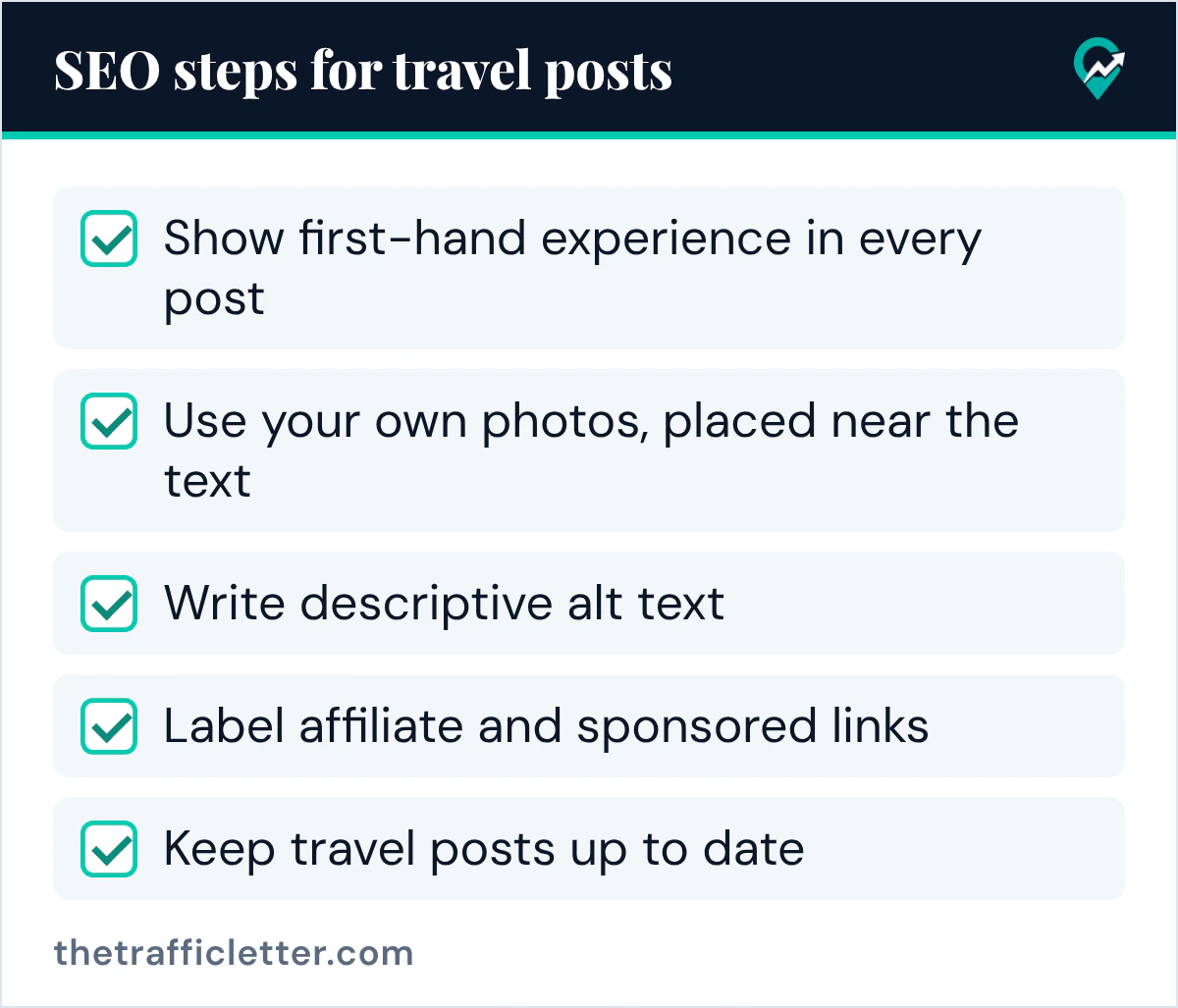
Show first-hand experience in every post
Google’s helpful content page asks: “Does your content clearly demonstrate first-hand expertise and a depth of knowledge (for example, expertise that comes from having actually used a product or service, or visiting a place)?” Visiting a place is Google’s own example, so a travel post should make the visit visible.
In practice, write from the visit: how you got there, what the route looked like, what was closed or crowded when you went, and what you would do differently. Google’s helpful content page also asks whether the content provides original information and insightful analysis beyond the obvious, and whether it avoids simply rewriting other sources. A post that repeats a guidebook adds little; a post that adds your route and your photos adds something.
The same page asks whether it is self-evident who authored the content, and says it strongly encourages accurate authorship information, such as bylines where readers might expect them. Put your name or your blog’s name on each post and link it to an About page that says which places you have visited.
Use your own photos, placed near the text
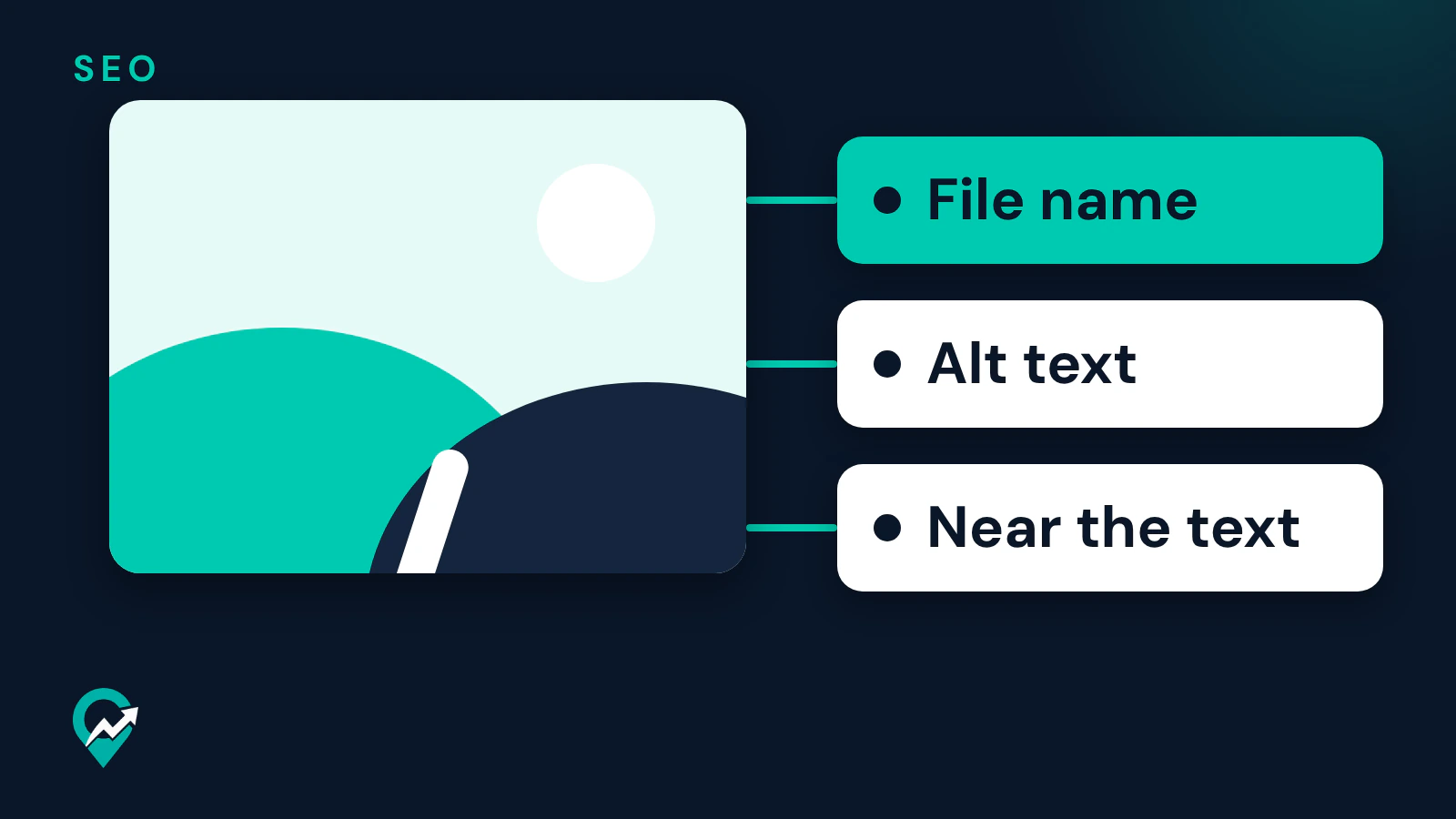
Google’s starter guide says many people search visually, and that images can be how people find your website for the first time. It asks for images that are sharp and clear, placed near text that is relevant to the image, and its example is a page reviewing yarn shops in London that embeds a photo of each shop in the section about that shop. A travel post can do the same: the photo of the viewpoint goes in the section about the viewpoint.
Google’s image guide gives three more steps:
- Embed photos with standard HTML image elements. The guide says Google can find images in the src attribute of an img element and that Google doesn’t index CSS images.
- Use short, descriptive file names. The guide says a name like my-new-black-kitten.jpg is better than IMG00023.JPG, and that the file name gives Google very light clues about the subject.
- Write descriptive alt text. The guide calls alt text the most important attribute when it comes to providing more metadata for an image, and warns that filling it with keywords may cause your site to be seen as spam.
The guide also says high-quality photos appeal to users more than blurry ones, while images are often the largest contributor to page size. Compress your travel photos before upload and check the page speed with PageSpeed Insights, which the guide links.
Write destination reviews Google’s guidance describes
Google’s review guidance says publishing high quality reviews can help people learn about things they are considering, and it names destinations next to products, services, games and movies. It lists “a blogger that provides independent opinions” as one kind of reviewer.
Several of its best practices fit hotels, tours and destinations:
- Provide evidence such as visuals, audio or other links of your own experience with what you are reviewing.
- Discuss the benefits and drawbacks, based on your own original research.
- Cover comparable things to consider, or explain which might be best for certain uses or circumstances.
- When you recommend something as the best overall or the best for a certain purpose, include why, with first-hand supporting evidence.
The same page says to focus on the quality and originality of your reviews, not the length. A short review with your own photos and a clear drawback can follow this guidance better than a long list copied from booking sites.
Label affiliate and sponsored links
A travel post can link to hotels, tours or gear. Google’s page on qualifying outbound links asks you to mark links that are advertisements or paid placements with rel=“sponsored”, and says nofollow is still an acceptable way to flag them, though sponsored is preferred. Google’s review guidance notes that reviews often use affiliate links and points to Google’s position on affiliate programs.
Google’s spam policies describe thin affiliation as publishing content with affiliate links where the descriptions and reviews are copied directly from the original merchant without any original content or added value. A booking link under your own review, with your own photos, is the opposite of that. The link spam section of the same policies lists exchanging goods or services for links among its examples, so treat a free stay that comes with a link request as a paid placement and mark that link rel=“sponsored”. How to set up affiliate links on Pinterest is in our guide to adding affiliate links to Pins (opens in a new tab).
Keep travel posts up to date
Opening hours, prices and routes change. Google’s starter guide asks you to check in on previously published content and update it as needed, or even delete it if it is no longer relevant. Google’s ranking systems guide describes “query deserves freshness” systems that show fresher content for queries where it would be expected.
Update the facts when they change, and say what you changed. Google’s helpful content page lists changing the date of pages to make them seem fresh, when the content has not substantially changed, as a warning sign. Change the date when you really updated the post.
Titles, descriptions and URLs for travel posts
Google’s starter guide says a good title is unique to the page, clear and concise, and accurately describes the contents of the page. For a travel post, that usually means the place and the question: “[Place]: [what the reader wants to know]”. The starter guide says a good meta description is short, unique to one page and includes the most relevant points of the page.
The same guide asks for descriptive URLs with words useful for users, such as www.example.com/pets/cats.html. A travel blog can follow the same pattern with the country and the place in the URL. The guide also says the keywords in a domain name or URL path alone have hardly any effect beyond appearing in breadcrumbs, so pick the blog’s name for your readers.
An AI prompt for photo alt text
This prompt works in ChatGPT, Claude, Gemini or any AI assistant. Google’s AI guidance asks you to review AI output before publishing, alt texts included, so check each line against the photo.
I write a travel blog. Here is a list of my photos for one post, each with what it shows and the section it sits in: [paste your list]. For each photo, write one alt text sentence of 8 to 16 words that describes what is in the photo and where, plus a short descriptive file name in lowercase with hyphens. Do not stuff keywords and do not describe anything that is not in my notes.Right after
- Pick your next travel post and plan it with our guide to SEO content strategy (opens in a new tab).
- Make a Pin for each new post with our guide to making Pins that bring blog traffic (opens in a new tab), and read what Pinterest does for search in our guide to Pinterest and SEO for bloggers (opens in a new tab).
- Check how long your posts need to be with our answer on how long a blog post should be (opens in a new tab).