

“Pinterest for SEO” can mean two things: getting your Pins found inside Pinterest, or using Pinterest to support your blog in Google Search. This guide covers the second, from Google Search Central’s and Pinterest’s own pages. The first is in our Pinterest SEO guide for Pins and boards (opens in a new tab), and the writing of the posts themselves is in our steps for writing posts Google can read (opens in a new tab).
Pinterest for SEO: two searches, one blog post
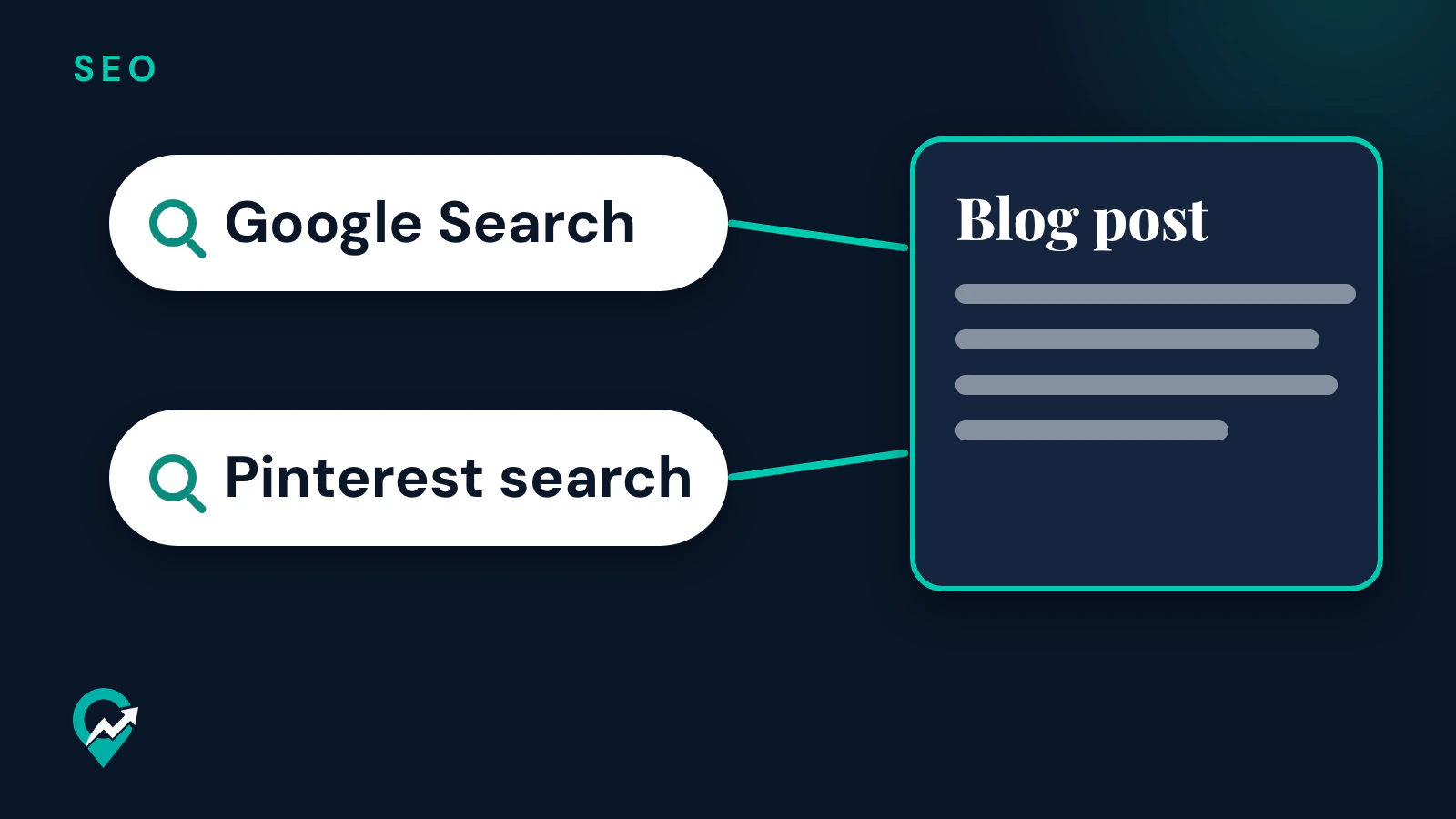
A blogger who uses Pinterest works with two search engines. Pinterest’s beginner content guide says your Pins can appear in the home feed, in people’s search results, and in related Pin sections near specific Pins or boards. Google Search shows your blog posts for the searches they answer.
The same blog post sits at the end of both paths. A Pin leads a reader from Pinterest to the post, and a Google result leads a reader from Google to the same post. So the question for SEO is what work on Pinterest also helps the post on Google, and what does not.
What Google says about promoting your posts
Google’s SEO starter guide has a section on promoting your website. It says that effectively promoting your new content will lead to faster discovery by those who are interested in the same subject, and also by search engines. It lists social media promotion, community engagement, advertisement and word of mouth among the ways to do it.
The same section adds a warning: you can overdo promoting your site and harm it, because people may get fatigued of your promotions and search engines may perceive some practices as manipulation of search results. On Pinterest, that means Pins that lead to useful posts, at a pace your readers welcome. Our plan for Pins that send readers to posts (opens in a new tab) covers the Pins themselves.
Do links from Pinterest help your Google rankings?
Google’s starter guide says Google primarily finds pages through links from other pages it already crawled, and that in many cases these are other websites linking to your pages. It also says PageRank uses links but is just one of many ranking signals.
Google’s page on qualifying outbound links describes the rel values a site can add to a link: sponsored, ugc and nofollow. It says links marked with these values will generally not be followed, and that the linked pages may still be found through other means, such as sitemaps or links from other sites. The Google and Pinterest pages read for this guide do not say which value, if any, a Pin link carries, or how Google weighs it.
So this guide counts a Pin as a way to bring readers to a post, not as a ranking signal. A reader who arrives from a Pin, finds the post useful and shares it or links to it from their own site is the kind of discovery Google’s starter guide describes.
What carries over from Pinterest to Google
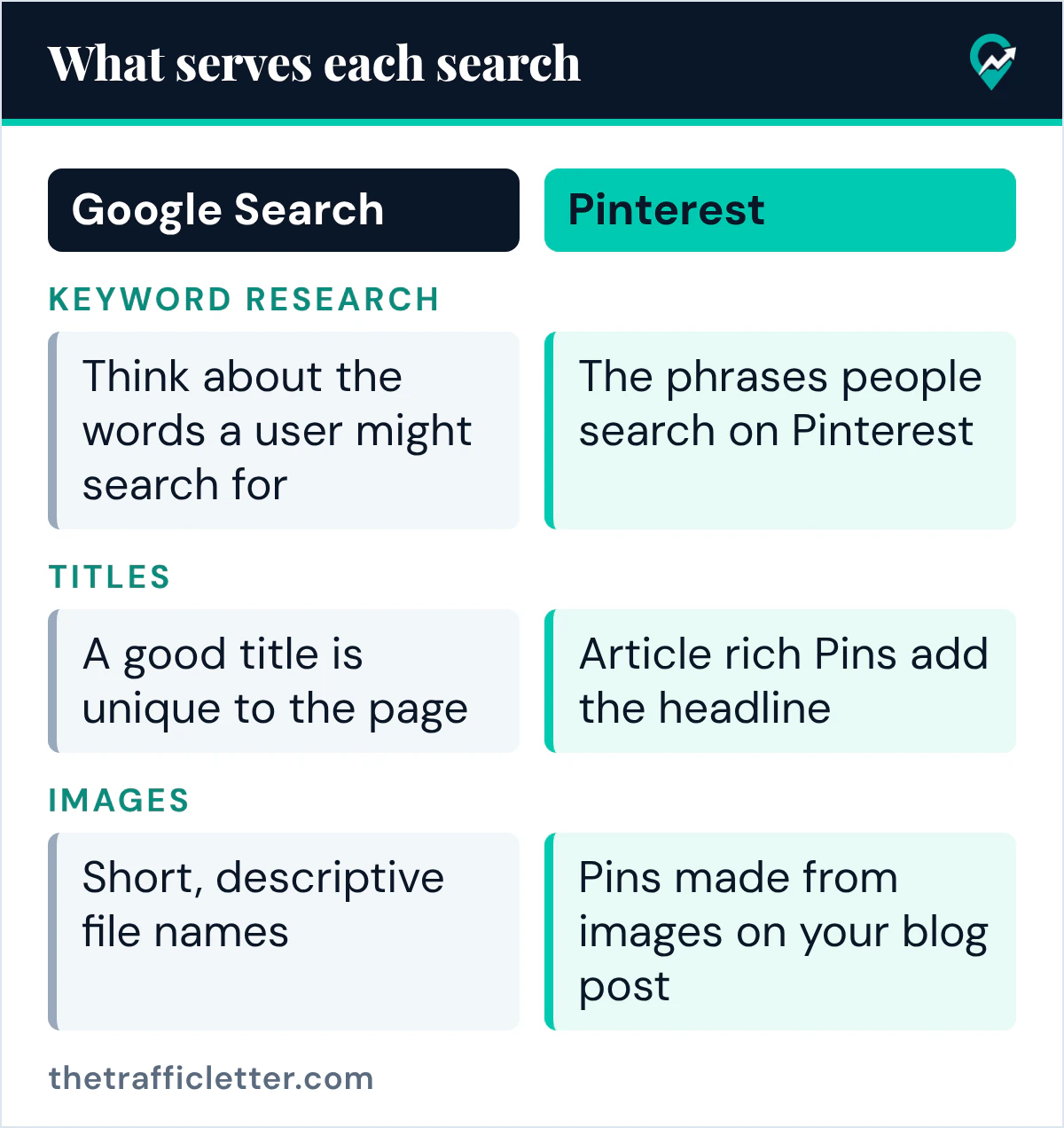
Three parts of the work serve both searches.
Keyword research
Google’s starter guide asks you to think about the words a user might search for to find a piece of your content, and notes that people who know a lot about a topic may search with different words than beginners. Our walkthrough of Pinterest keyword research (opens in a new tab) shows how to collect the phrases people search on Pinterest. The same list of reader phrases can shape the Pin title and the blog post title.
Titles and descriptions
Pinterest’s rich Pins help page says article rich Pins add the headline or title, the description and the author of the article or blog post from your site, and that they update to reflect edits you make on your site. Google’s starter guide says a good title is unique to the page, clear and concise, and accurately describes the contents of the page, and that a good meta description is short, unique to one page and includes its most relevant points. A post with a clear title and description gives both searches the same accurate summary.
Images and alt text
Google’s starter guide says images can be how people find your website for the first time, and Google’s image guide calls alt text the most important attribute for image metadata. It asks for short, descriptive file names and alt text that uses keywords appropriately, without stuffing. Pins made from images on your blog post start from images that already carry that work.
Set up both sides for one blog
Each search has its own setup steps.
- Claim your website on Pinterest. Pinterest’s help page says claiming your website gives you insight into how often your content is shared on Pinterest, and that your profile picture appears alongside Pins saved from your claimed site. The steps are in our guide to website claim steps on Pinterest (opens in a new tab).
- Add rich Pin tags to your posts. Pinterest’s rich Pins page says that if you have article content on your site, you’ll need to add rich meta tags to those pages, and that it may take up to 24 hours for the content to sync.
- Set up Search Console. Google’s Search Console page says verifying site ownership gets you access to all of its information, and that the Search performance report shows your traffic from Google Search by queries, pages and countries.
Measure each search with its own tool
Pinterest’s Pin stats help page says Pin stats show the ways people have interacted with a specific Pin, and that you need a business account to view them. Pinterest’s beginner content guide lists saves, impressions, follows and clicks among the metrics. Our guide to reading Pinterest Analytics (opens in a new tab) covers where to find them. Search Console shows the Google side.
Compare the two for one post: the clicks from its Pins in Pinterest, and the impressions and clicks of the post in Search Console. Google’s starter guide says some changes take effect in a few hours and others could take several months, so give a new post a few weeks before you judge it.
An AI prompt for titles that serve both searches
This prompt works in ChatGPT, Claude, Gemini or any AI assistant. The Pinterest and Google pages read for this guide give no character limit for these fields, so check the length your blog platform and the Pinterest screen show, and check every line against the post before you use it.
Here is my blog post: [paste the post or its outline]. Its main search phrase is [your main keyword]. Write: 1) one title tag that is unique, clear and accurately describes the post; 2) one meta description that is short and includes the most relevant points; 3) three Pin titles and three Pin descriptions that use the same phrase naturally. Do not add facts that are not in the post.Right after
- Plan which posts each search should find with our SEO content strategy for bloggers (opens in a new tab).
- Write the Pin text with our examples of Pin descriptions that get found (opens in a new tab).
- See how the same groundwork applies to one niche in our travel blog SEO guide (opens in a new tab).