

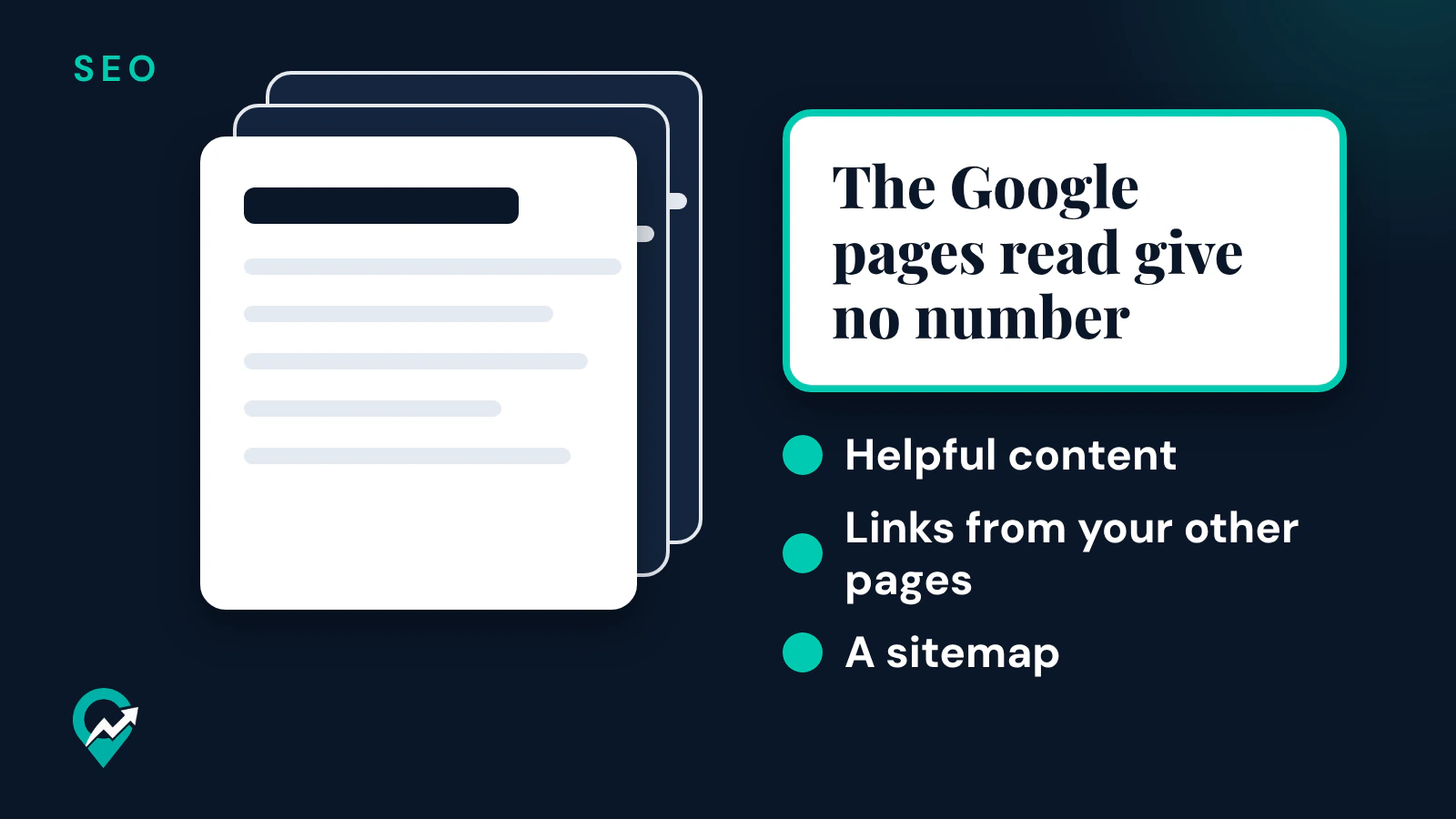
How many posts should a new blog publish before traffic starts? None of the Google pages read for this guide gives a number. They explain what does bring search traffic and how long Google takes to find a new post. This guide sums up those pages, read on 21 November 2026, and turns them into a plan for your first posts. It is part of our Pinterest SEO guide for bloggers (opens in a new tab), and the writing side is in our guide to blog writing for SEO (opens in a new tab).
Why the Google pages read give no set number of posts
Google’s helpful content page says its ranking systems are designed to prioritize helpful, reliable information created to benefit people. It gives questions to assess your content, such as whether a reader leaves feeling they have learned enough to achieve their goal. A count of posts is not one of those questions.
The same page lists warning signs of content made for search engines first. Two of them are about volume:
- “Are you producing lots of content on many different topics in hopes that some of it might perform well in search results?”
- “Are you adding a lot of new content or removing a lot of older content primarily because you believe it will help your search rankings overall by somehow making your site seem ‘fresh?’” Google’s answer in the page: “No, it won’t”.
Google lists that practice as a warning sign, not as a way to get traffic. The useful question is how many searched questions your posts answer well, not how many posts you have.
How long a new post takes to show up
Before a post can bring search traffic, Google has to find, crawl and index it. Google’s guide to how Search works says Google doesn’t guarantee that it will crawl, index or serve a page, and that not every page it processes will be indexed.
On timing, Google’s recrawl page says crawling can take anywhere from a few days to a few weeks. Its SEO starter guide adds that some changes might take effect in a few hours and others could take several months, and that you likely want to wait a few weeks to assess whether your work had beneficial effects.
Three things help Google find each post:
- Links from your other pages. Google’s guide says pages are discovered when Google extracts a link from a known page, for example a hub page, such as a category page, that links to a new blog post.
- A sitemap. The recrawl page calls a sitemap an important way for Google to discover URLs, very helpful for a site that just launched.
- The URL Inspection tool in Search Console, for a few URLs. The recrawl page says there is a quota, and that requesting a recrawl several times for the same URL won’t get it crawled faster.
If your blog runs on a hosted platform such as WordPress, the recrawl page says the platform submits new content to search engines automatically in most cases.
A plan for your first posts
Since no number of posts is the goal, plan by topic instead.
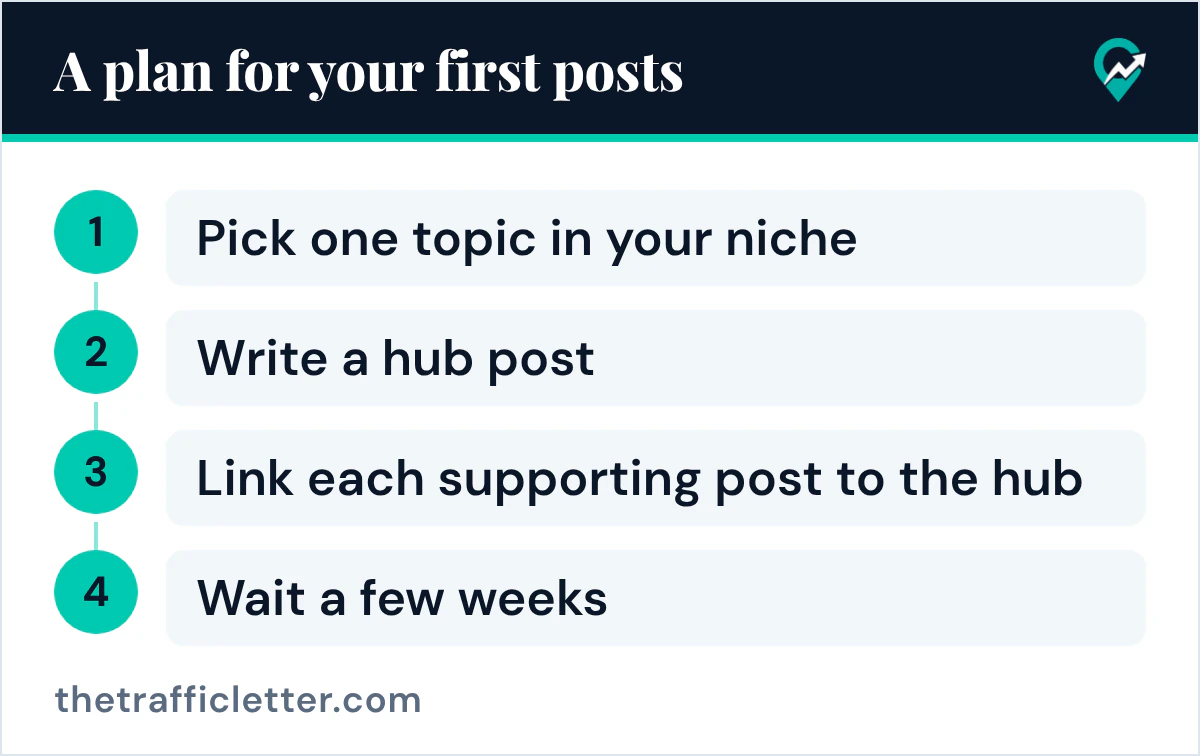
- Pick one topic in your niche and list the questions people search about it. Our guide to blog post ideas from your own data (opens in a new tab) shows where to find them.
- Write a hub post that covers the topic broadly, then supporting posts that each answer one of the questions.
- Link each supporting post to the hub and the hub to each supporting post, so Google discovers the new posts through the hub.
- Size each post by the question it answers. Google’s helpful content page says it has no preferred word count, as our guide on how long a blog post should be for SEO (opens in a new tab) explains.
- Wait a few weeks, then check the Performance report in Search Console before you judge a post.
When a cluster is done, start the next topic. Our guide to an SEO content strategy built on topic hubs (opens in a new tab) shows how the clusters fit together.
Traffic you can get before Google
Search traffic takes time, but a post can also get visits through Pinterest, because each Pin can carry a link to the post. Pinterest’s creator site advises publishing content regularly, ideally on a weekly basis, to get your content in front of people looking for ideas like yours. Our Pinterest traffic plan for bloggers (opens in a new tab) explains how to start.
For the other sources, our guide on how to get traffic to your blog (opens in a new tab) covers Google Search, Google Discover and Pinterest side by side.
Ask an AI assistant to plan your first cluster
An AI assistant can turn a topic into a hub and its supporting posts. This prompt works in ChatGPT, Claude, Gemini or any AI assistant:
My blog is about [your niche], for [your readers].
Main topic for my first cluster: [topic].
Here are questions people search about it: [paste the queries].

1. Pick the broadest question as the hub post and give it a title.
2. Group the other questions into 4 to 7 supporting posts, one question each, with a title that starts with the main query.
3. For each supporting post, write one sentence on what it must answer.
Use only the questions I give you. Do not promise traffic numbers.
Right after: your next actions
- Choose your first topic and list its questions with our guide to finding Pinterest keywords (opens in a new tab).
- Write the hub and two supporting posts, linked together.
- Make a Pin for each post, then check Search Console a few weeks later.