

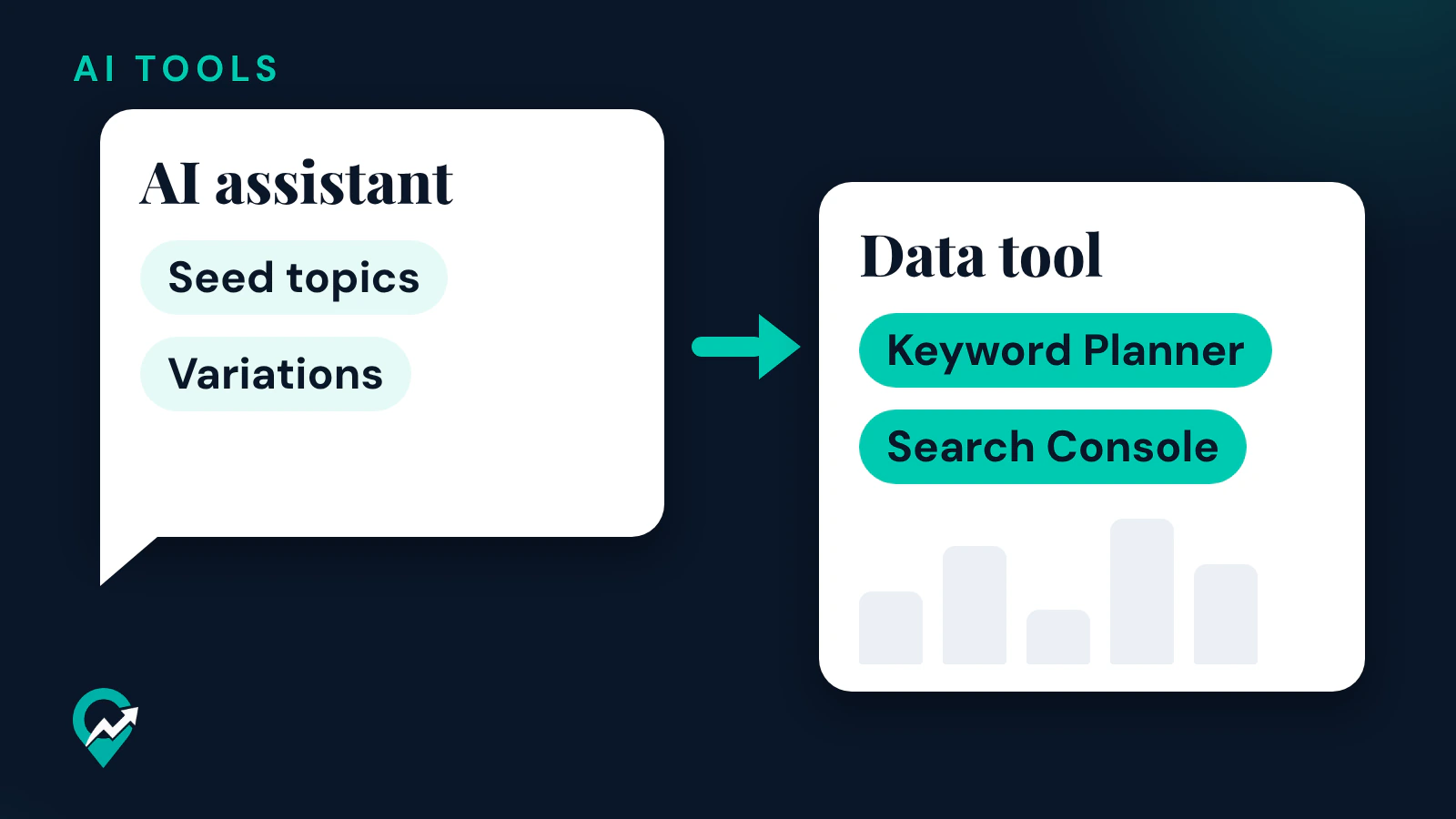

An AI assistant is quick at the word side of keyword research and unreliable on the numbers. This guide splits the work between the two, based on Google’s and Pinterest’s help pages read on 23 November 2026. It belongs to our ChatGPT guide for bloggers (opens in a new tab), part of our AI workflow for Pinterest Pins (opens in a new tab), and the prompts work in ChatGPT, Claude, Gemini or any AI assistant.
What an AI assistant can tell you, and what needs data
Google’s guidance on generative AI content says generative models don’t retrieve facts, but predict a likely sequence of words based on their training data, so their outputs may contain inaccuracies. For keyword research, that draws the line:
| Task | AI assistant | Data tool |
|---|---|---|
| Seed topics for a niche | Lists angles to start from | Shows which ones people search |
| Questions a reader asks | Drafts them in plain words | Confirms the wording people type |
| Search volume | A guess, unverified | Keyword Planner estimates |
| Queries your site already gets | Reads an export you paste | Search Console Performance report |
| Interest over time | A guess, unverified | Google Trends or Pinterest Trends |
| Grouping by search intent | Sorts a list you paste | Your check of the results page |
Google’s starter guide supports the word side: it asks you to think about the words a user might search for to find your content, and notes that people who know a topic well may use different words from people who are new to it. An assistant can list those words; the counts come from the tools below.
Where the search numbers come from
Four tools read for this guide give search data.
Google Keyword Planner
Google’s help page says Keyword Planner helps you discover new keywords related to your business and view estimates of the searches they receive. It has two starting points: Discover new keywords, from words or a website, and Get search volume and forecasts, for a list you already have. The page says you must complete your account setup by entering your billing information to access basic features like Get ideas for new keywords, and that keywords with very low search volumes aren’t discoverable or forecastable.
Search Console
Search Console’s Performance report shows how your site performs in Google Search results. Google says you can use it to learn which queries are bringing traffic to your site, with four metrics: clicks, impressions, CTR and average position. The Queries dimension groups the data by the search query users typed, and the default view covers the past three months. Many reports provide an export button, so you can paste the table into an assistant.
Google Trends
Google Trends shows interest, not a count. Its FAQ says each data point is divided by the total searches of the geography and time range, then scaled on a range of 0 to 100. Searches made by very few people appear as “0”, and Google says Trends data should always be considered as one data point among others.
Pinterest Trends
For a blog that gets traffic from Pinterest, Pinterest’s help page says its Trends tool displays a historic view, up to the last two years, of the top search, save and shopping trends across regions. The page’s steps start from a Pinterest business account. Our routine for Pinterest keyword research (opens in a new tab) covers the Pinterest side in detail.
A keyword research workflow with AI
The order keeps every number tied to a data tool:
- Brainstorm seed topics with AI.
- Check the numbers in Keyword Planner.
- Group keywords by search intent with AI.
- Track queries in Search Console.
For the first step, give the assistant your niche and your reader, and ask for phrases, not numbers:
I write a blog about [your niche] for [your reader]. List 20 phrases this reader might type into Google when they need help with [topic]. Mix short phrases and full questions, and use the words a beginner would use. Do not give search volumes or difficulty scores.Paste the phrases into Keyword Planner’s Get search volume and forecasts, keep the ones with an estimate, then ask the assistant to group them. One page should answer one search intent:
Here is a list of keywords with their monthly search estimates from Google Keyword Planner: [paste the list]. Group them by search intent, so that each group could be answered by one blog post. For each group, name the clearest keyword as the main one and list the others as variations. Keep my numbers exactly as given and add none.Once the post is live, Search Console shows what it really gets. Export the Queries table and ask for the gaps:
Here is a Search Console export of the queries for my post "[post title]": [paste the table with queries, clicks, impressions, CTR and position]. List the queries the post does not answer yet, and for each one suggest a heading or a sentence to add. Use only the data I gave you.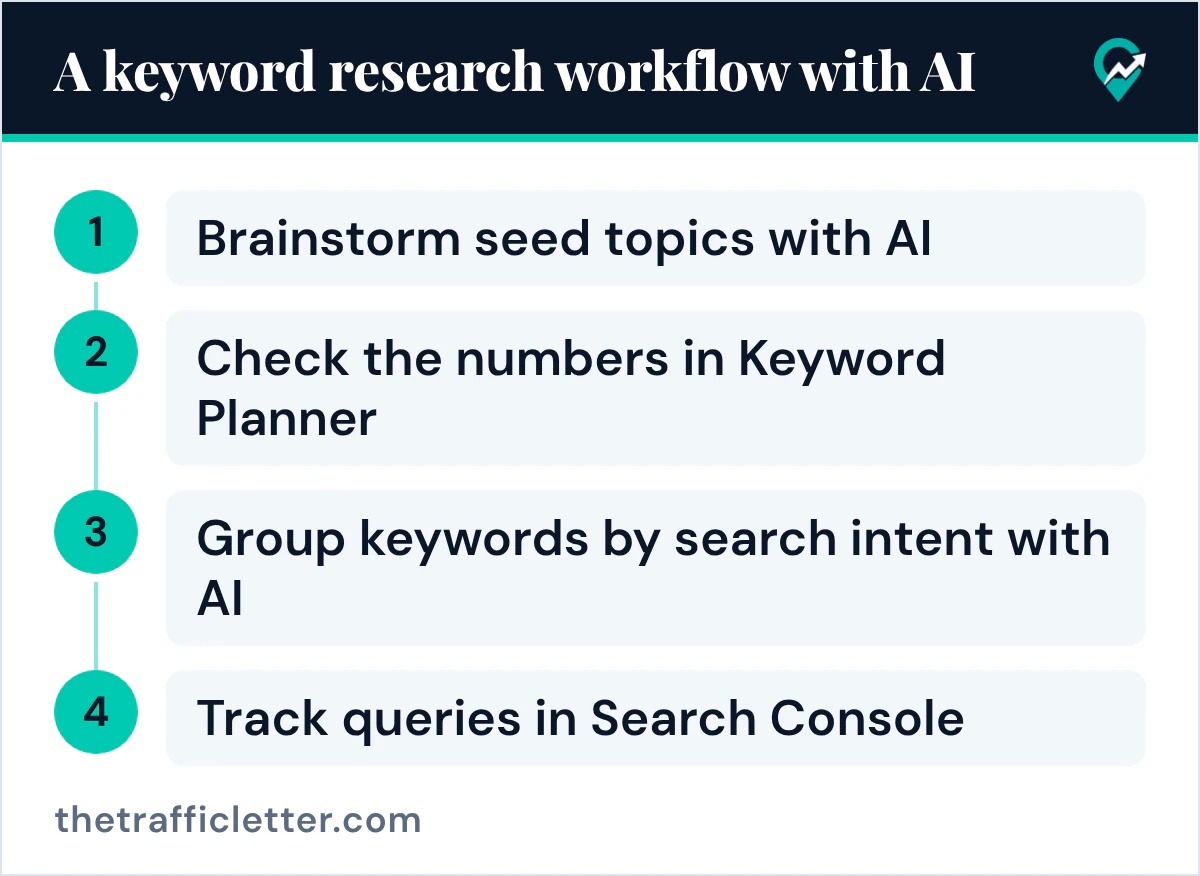
Check the assistant’s output
The same Google guidance calls it critical to fact-check and review all AI-generated content before publishing. For keyword research, the check is simple: every number in your plan comes from Keyword Planner, Search Console or Trends, never from the assistant’s reply, and every main keyword is a phrase you would put in the title. Our guide to writing SEO titles with AI (opens in a new tab) takes the main keyword from here to the title of the post.
Right after
- Write the title from your main keyword with our title prompts built on Google’s rules (opens in a new tab).
- Plan the post around that phrase with our guide to writing a post Google can understand (opens in a new tab).
- Find the matching Pinterest phrases with our guide to phrases people search on Pinterest (opens in a new tab).