

An AI assistant can draft several title options from one finished post. Picking the right one still depends on what Google does with a title, which this guide takes from Google Search Central pages read on 23 November 2026. It belongs to our guide to where ChatGPT fits on a blog (opens in a new tab), part of our pillar guide on Pins made with AI (opens in a new tab), and the prompts work in ChatGPT, Claude, Gemini or any AI assistant.
What Google builds a title link from
Google calls the title of a search result the title link, and its title page says it is often the primary piece of information people use to decide which result to visit. Google says the generation of title links is completely automated and lists the sources it uses, among them:
- content in title elements;
- the main visual title shown on the page;
- heading elements, such as h1 elements;
- content in og:title meta tags;
- anchor text on the page and text within links that point to the page.
So the title you write is a strong suggestion, not a guarantee. Google says that when it detects an issue on the page, such as a half-empty, obsolete or inaccurate title element, it may try to generate an improved title link from anchors, on-page text or other sources. A title that describes the page well avoids those issues.
What a good SEO title looks like, from Google’s guide
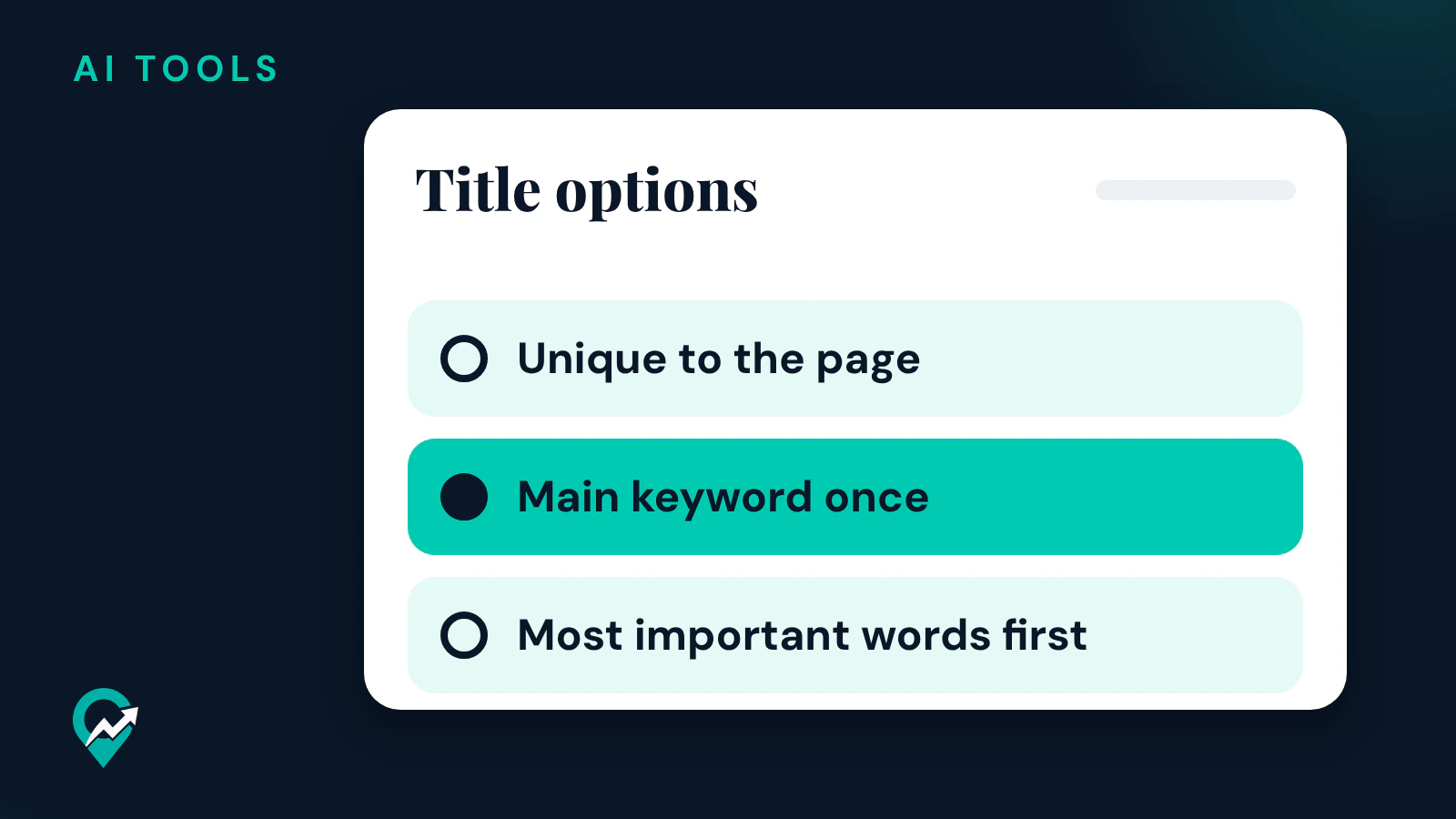
Google’s starter guide says a good title is unique to the page, clear and concise, and accurately describes the contents of the page. Its title link page adds these points, which are the rules to hand to an assistant:
| Google’s advice | What it means for a prompt |
|---|---|
| Write descriptive and concise text | Ask for titles that say what the post answers |
| Avoid keyword stuffing | The main keyword once, no repeated words or phrases |
| Avoid repeated or boilerplate text | A title unique to this post, not a template |
| Brand your titles concisely | The blog name, if any, at the start or end after a delimiter |
| Use the language of the page | A title in the same language as the post |
On length, Google says there’s no limit on how long a title element can be, but the title link is truncated in Google Search results as needed, typically to fit the device width. Put the keyword and the promise of the post in the first words, so a cut title still reads.
Decide the keyword before you prompt
A title generator needs the search the post answers. Pick that phrase first: our guide to brainstorming keywords with AI (opens in a new tab) shows how to brainstorm with an assistant and check the phrases in Google’s own tools. Google’s starter guide asks you to think about the words a user might search for to find your content, and notes that people who know a topic well may use different words from people who are new to it.
Then write the post. Writing the title from the finished post keeps its promise close to what the post delivers, which is what Google’s advice on accurate titles asks for.
Prompts for an AI SEO title generator
Anthropic’s prompting guide for Claude says to be specific about the output format and constraints you want, and to give context or the motivation behind your instructions. These prompts do both. Replace the text in square brackets before you send one.
The title prompt:
Here is my blog post: [paste the post]. Its main keyword is "[your main keyword]" and its reader is [your reader].

Write 8 title options for the post's title element. Rules: each title describes what the post answers, uses the main keyword once near the start, repeats no word or phrase, and promises nothing the post does not deliver. Put the most important words first, because Google truncates long title links. Give the list only, one title per line.
A second prompt checks the options against the rules, which is useful when you wrote some yourself:
Here are title options for a post about "[your main keyword]": [paste the titles]. For each one, say in one line whether it describes the post, whether it repeats words, and whether its main promise fits in the first words. Then name the clearest one. Do not invent new facts about the post.The meta description comes next. Google’s snippet page says a meta description is like a pitch that convinces the user the page is what they’re looking for, and that identical or similar descriptions on every page aren’t helpful:
Write 3 meta descriptions for the blog post below, each one or two sentences, specific to this post and written for a reader, not a list of keywords. Use only facts that are in the post. Post: [paste the post]Check the title before you publish
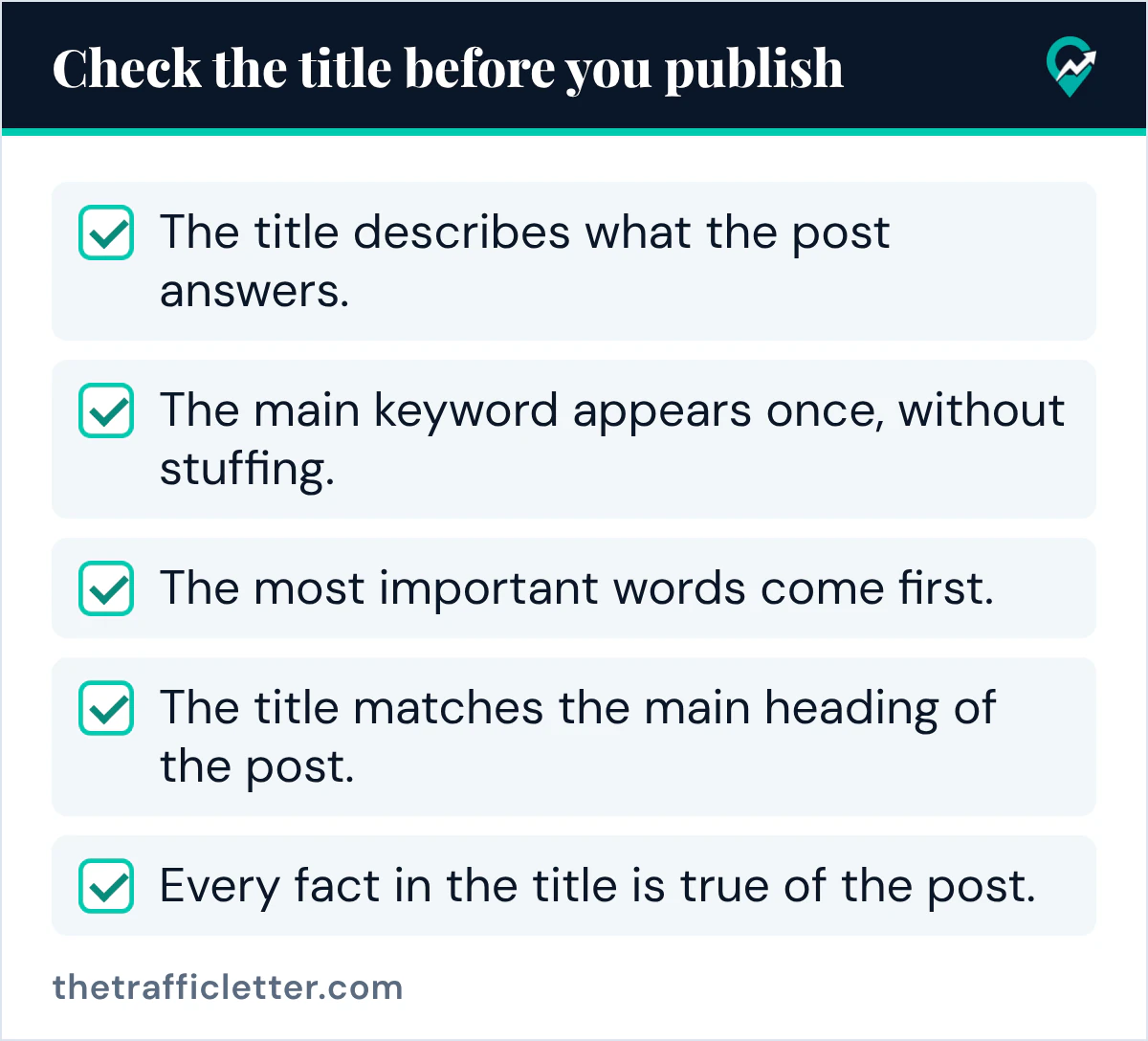
Google’s guidance on generative AI content says generative models don’t retrieve facts but predict a likely sequence of words, so outputs may contain inaccuracies. It calls it critical to fact-check and review all AI-generated content before publishing, and says this review also applies to metadata like title elements and meta description elements. Before the title goes live, check:
- The title describes what the post answers.
- The main keyword appears once, without stuffing.
- The most important words come first.
- The title matches the main heading of the post.
- Every fact in the title is true of the post.
For the fourth check, Google suggests making it clear which text is the main title, for example by putting the title text in the first visible h1 element on the page. Our post-writing method from Google’s guides (opens in a new tab) covers the headings, links and alt text around it.
Right after
- Pick the phrase the title is built on with our guide to keyword research with an AI assistant (opens in a new tab).
- Write the rest of the post with our prompts for natural blog writing (opens in a new tab).
- Turn the same title into Pin text with our Pin text prompts for ChatGPT (opens in a new tab).